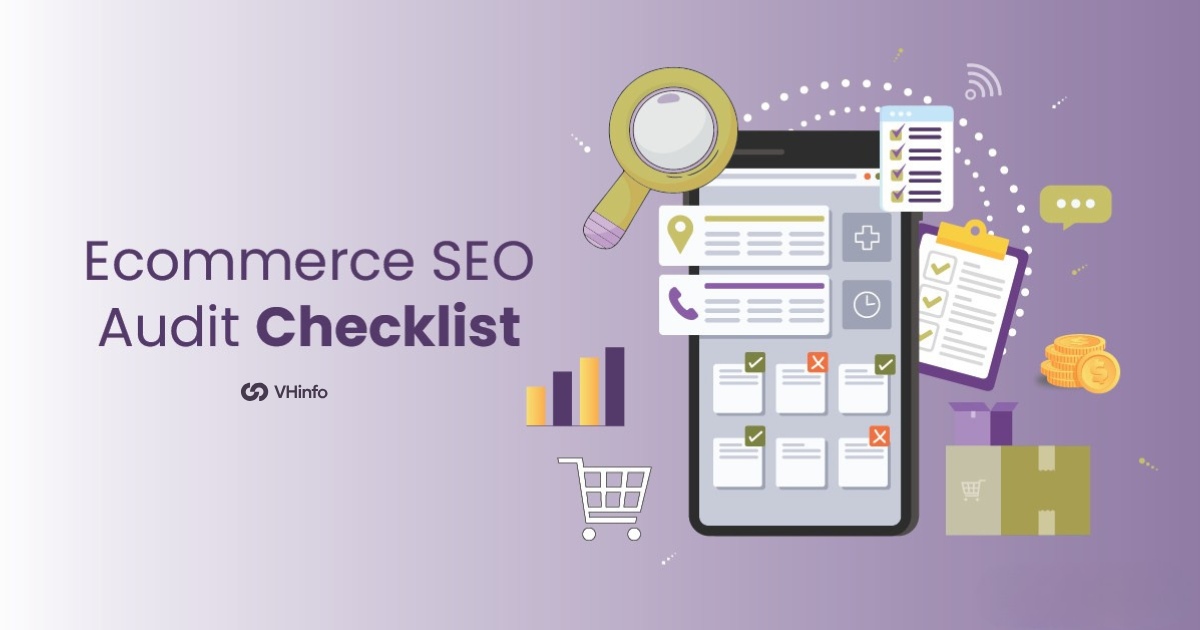
Ecommerce SEO Audit Checklist : Steps & Checklist to Do it Right

When you run an online store, it is hard to stand out. The digital market is very crowded. Each day, millions of people search for products on Google. If your ecommerce site does not show up in those results, you lose out on traffic. This traffic is important for sales.

An ecommerce SEO audit is like a health check for your site. It shows what is working and what needs help. You can think of it as a full exam. It finds technical issues, broken links, and chances you missed. These problems may stop customers from finding your products.

Since over 90% of online visits start with a search engine, the right SEO audit matters a lot. It can make a big difference for your business. A good audit helps you speed up your site and improve product descriptions.

It also fixes user experience issues and brings in more organic traffic to raise conversion rates.

What is Ecommerce SEO?
What is Ecommerce SEO?

Ecommerce SEO is the practice of optimizing your online store to rank higher in search engine results when people search for products you sell. Unlike regular website SEO, ecommerce SEO focuses specifically on product pages, category pages, and the unique challenges that come with running an online store.

It involves making your site more visible to search engines like Google so potential customers can find your products organically.

The goal is simple: drive more qualified organic traffic to your online store, which leads to more sales and revenue. This means optimizing everything from your product descriptions to your site speed, ensuring search engines can crawl and understand your content.

What is an Ecommerce SEO Audit?
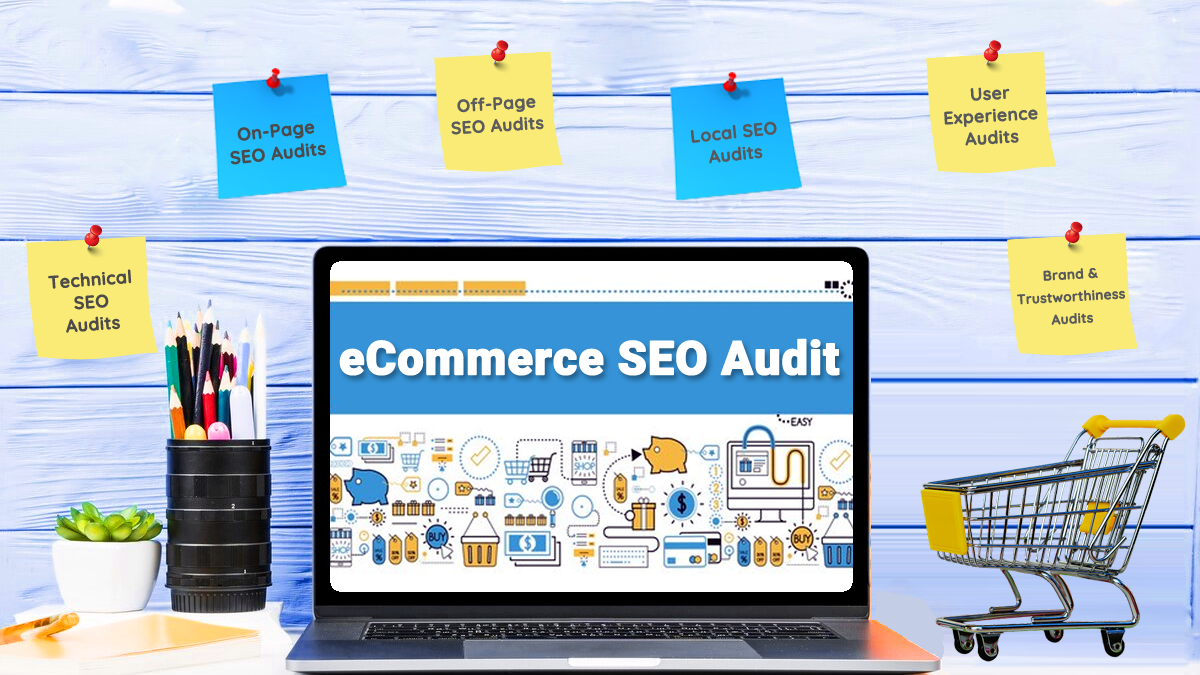
What is an Ecommerce SEO Audit?

An ecommerce SEO audit is a comprehensive analysis of your online store’s search engine optimization performance. It evaluates various factors including technical issues, content quality, site architecture, and backlink profile to identify areas that need improvement.

During an audit, you’ll analyze important pages like your homepage, product page content, category pages, and even your checkout process. The audit process involves using tools like Google Analytics, Google Search Console, and specialized SEO software to gather data about your website’s performance.

The audit typically covers technical SEO elements like site speed, mobile version optimization, XML sitemap configuration, and how well search engine crawlers can access your web pages.

It also examines on-page factors such as meta tags, title tag optimization, and internal linking structure.

Benefits of Conducting an Ecommerce SEO Audit
Benefits of Conducting an Ecommerce SEO Audit

Improved Search Engine Rankings

One of the most significant benefits is better visibility in Google search results.

When you fix technical issues and optimize your content, search engines can better understand and rank your pages. This leads to higher search engine rankings for relevant keywords, bringing more organic search traffic to your online store.

A well-executed audit can identify problems that are holding back your seo performance. By addressing these issues, you create a stronger foundation for your digital marketing efforts and improve your chances of appearing on the first page of search results.

Optimized Marketing Efforts

An ecommerce seo audit helps you allocate your marketing budget more effectively.

Instead of spending money on paid advertising that provides temporary results, you can invest in long-term organic growth strategies. The audit reveals which pages are performing well and which need attention, allowing you to prioritize your content marketing efforts.

You’ll also discover opportunities to improve conversion rates by fixing user experience issues and optimizing your checkout process. This means better return on investment for all your digital marketing activities.

More Informative Content

The audit process reveals gaps in your product descriptions and content strategy.

You’ll identify pages with thin content, duplicate content issues, and opportunities to create more valuable information for potential customers. This leads to better engagement and more informed purchasing decisions from your target audience.

Content audits also help you understand which blog posts and product pages drive the most organic traffic, allowing you to create similar high-performing content.

A Customer-Focused Website

By examining user experience factors like page speed, mobile devices compatibility, and site search functionality, you create a more customer-friendly online store.

The audit identifies technical issues that might be causing visitors to leave your site, such as slow loading times or broken links.

A customer-focused approach reduces bounce rate and encourages visitors to spend more time on your site, which are positive signals for search engines. This creates a virtuous cycle where better user experience leads to better search engine rankings.

What Does an SEO Audit Include?
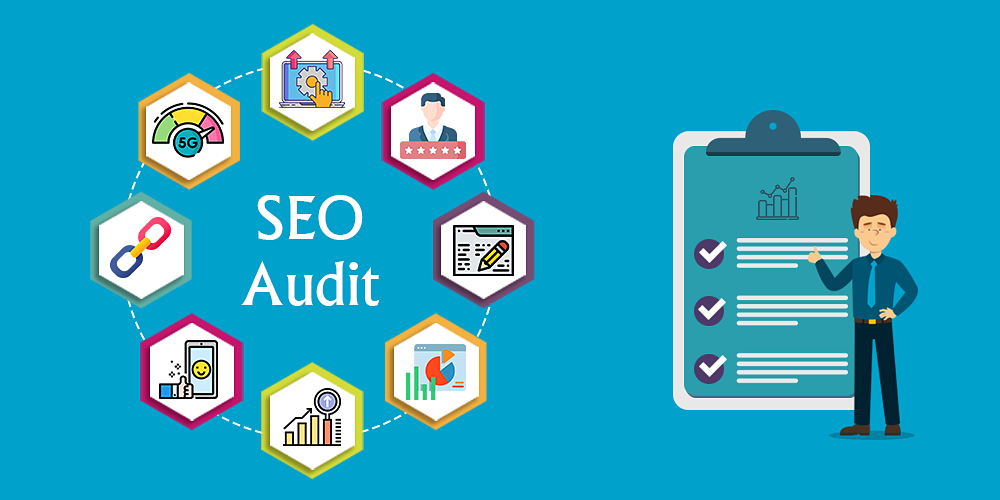
What Does an SEO Audit Include?

An SEO audit looks at many parts of your website.

Keyword Research

A comprehensive ecommerce SEO audit starts with analyzing your current keyword strategy.

This involves reviewing which relevant keywords your product pages and category pages are targeting, and identifying new opportunities for organic search visibility.

The audit examines whether you’re targeting the right keywords for your ecommerce business and if there are gaps in your keyword coverage.

Use tools like Google Analytics and Google Search Console to understand which keywords are driving organic traffic to your site. The analysis also includes checking for keyword cannibalization, where multiple pages compete for the same search terms.

Competition Audit

Understanding what your competitors are doing helps you identify opportunities and threats in your market. A competitor analysis examines their backlink profile, content strategy, and technical SEO implementation to see where you can gain an advantage.

This includes analyzing competitor websites to understand their site architecture, internal linking strategies, and how they optimize their product page content. You’ll also review their social media presence and external links to identify potential link-building opportunities.

Content Audit and Keyword Mapping

The content audit evaluates the quality and relevance of your existing content across all important pages. This includes reviewing product descriptions, blog posts, and category pages to ensure they align with user intent and provide value to potential customers.

Keyword mapping ensures each page targets specific, relevant keywords without overlapping with other pages. The audit identifies pages with duplicate content, thin content, or missing meta descriptions that need improvement.

Technical SEO Audit For eCommerce

Technical SEO forms the foundation of your ecommerce site’s search performance.

This includes evaluating site speed, mobile-friendliness, XML sitemap configuration, and robots.txt file setup. The audit also examines how well search engine crawlers can access and index your web pages.

Other technical aspects include checking for broken links, 404 errors, canonical tags implementation, and structured data markup. These elements ensure search engines can properly understand and rank your content.

What Is Not Included In An Ecommerce SEO Audit?

What Is Not Included In An Ecommerce SEO Audit?

While an ecommerce SEO audit is comprehensive, it typically focuses on your website itself rather than broader marketing activities. It doesn’t usually include detailed analysis of your social media strategy, email marketing campaigns, or paid advertising performance.

The audit also doesn’t provide ongoing content creation or long-term SEO strategy development. Instead, it offers a snapshot of your current performance and actionable recommendations for improvement.

Additionally, competitive intelligence beyond basic competitor analysis is often handled separately from the core audit process.

How to Perform an E-Commerce SEO Audit Checklist?
How to Perform an E-Commerce SEO Audit Checklist?

To perform an E-Commerce Seo Audit Checklist follow these steps:

Step 1: Technical SEO Audit

Site Speed Assessment

Page speed is a critical ranking factor that directly impacts user experience and conversion rates.

Use Google PageSpeed Insights to analyze your site’s load time on both mobile devices and desktop. Slow loading times can increase bounce rate and negatively affect your search engine rankings.

Check your website’s performance across different pages, paying special attention to product pages and category pages where customers make purchasing decisions. Identify opportunities to optimize images, reduce server response times, and improve overall site performance.

Mobile-Friendliness Evaluation

With mobile-first indexing, Google primarily uses the mobile version of your site for ranking and indexing.

Test your site’s mobile responsiveness using Google’s Mobile-Friendly Test tool. Ensure that your ecommerce site provides a seamless experience across all mobile devices.

Check that buttons are easily clickable, text is readable without zooming, and the checkout process works smoothly on smartphones and tablets. Mobile optimization is essential since many potential customers browse and shop on mobile devices.

HTTPS Implementation

Security is paramount for e-commerce sites that handle customer payment information. Verify that your entire site uses HTTPS encryption, not just the checkout process. Google considers HTTPS a ranking signal, and customers trust secure sites more when making purchases.

Check that all internal links point to HTTPS versions of pages and that there are no mixed content warnings that could scare away potential customers.

XML Sitemap Audit

Your XML sitemap helps search engines discover and index important pages on your ecommerce site.

Review your sitemap to ensure it includes all relevant product pages, category pages, and other important content. Remove any URLs that shouldn’t be indexed, such as duplicate content or low-value pages.

Submit your sitemap to Google Search Console and monitor for any crawl errors or indexing issues. Regular sitemap maintenance helps search engines stay updated with your latest products and content.

Robots.txt Configuration

The robots.txt file tells search engine crawlers which pages they can and cannot access.

Review your configuration to ensure you’re not accidentally blocking important pages from being crawled. Common mistakes include blocking CSS and JavaScript files that search engines need to properly render your pages.

Make sure your robots.txt file allows access to product pages, category pages, and other content you want to rank in search results.

404 Error Identification

Broken links create poor user experience and waste crawl budget. Use tools like Screaming Frog to identify all 404 errors on your site. Pay particular attention to broken links from external sources, as these represent lost link equity.

Set up proper 301 redirects for discontinued products or changed URLs to preserve SEO value and guide users to relevant alternatives. Regular monitoring helps you catch and fix broken links before they impact your SEO performance.

Step 2: On-Page SEO Audit

Meta Titles and Descriptions

Review meta tags across your product pages and category pages to ensure they’re optimized for relevant keywords. Each page should have unique, compelling meta descriptions that encourage clicks from search results.

Meta titles should include primary keywords while staying within recommended character limits.

Check for missing meta descriptions or duplicate meta tags that could confuse search engines. Well-written meta descriptions can improve click-through rates and drive more organic traffic to your online store.

Header Tags (H1, H2, H3)

Proper header tag structure helps search engines understand your content hierarchy.

Each page should have a single H1 tag containing the primary keyword, followed by logically structured H2 and H3 tags. This is especially important for product pages where clear information hierarchy improves user experience.

Review your header tags to ensure they accurately describe page content and include relevant keywords naturally. A good header structure also improves accessibility for users with screen readers.

URL Structure

Clean, descriptive URLs help both users and search engines understand page content.

Review your URL structure to ensure it follows a logical hierarchy like /category/subcategory/product-name. Avoid using dynamic parameters when possible, and implement proper canonical tags for similar products.

Short, keyword-rich URLs perform better in search results and are easier for customers to remember and share. Consistent URL structure across your e-commerce site also helps with internal linking and site architecture.

Image Optimization and Alt Text

Product images are very important for e-commerce success. However, they need to be optimized for SEO.

Make sure all images have clear alt text. The alt text should include important keywords and describe the image well. This helps search engines understand your images better. It also makes your site more accessible to users.

Optimize image file sizes to boost page speed. This should be done without losing quality. Use clear file names instead of basic ones like “image1.jpg.” Descriptive file names can add more keyword relevance.

Keyword Usage

Analyze how effectively you’re using relevant keywords throughout your content. Ensure primary keywords appear in title tags, headers, and naturally throughout product descriptions. Avoid keyword stuffing, which can harm your search engine rankings.

Focus on long-tail keywords that match specific customer search intent, especially for product pages. These often have higher conversion rates because they indicate stronger purchase intent.

Duplicate Content

Ecommerce sites often struggle with duplicate content due to similar products or manufacturer descriptions.

Identify pages with identical or very similar content that could be confusing search engines. This includes checking for duplicate product descriptions across different product variations.

Implement canonical tags to indicate the preferred version of similar pages, or rewrite content to make each page unique. Duplicate content can dilute your search engine rankings and confuse potential customers.

Broken Links

Internal and external broken links create a poor user experience and waste link equity.

Regularly audit your site for broken links, especially those pointing to discontinued products or changed category pages. Use tools to automatically detect broken links and set up monitoring for ongoing maintenance.

Fix broken links by implementing proper redirects or updating URLs to point to relevant alternatives. This maintains link value and keeps users engaged with your site.

Step 3: Content Quality and Relevance

Product Descriptions

Product descriptions are often the weakest point for ecommerce sites.

Many stores use manufacturer descriptions that appear on multiple sites, creating duplicate content issues. Review your product descriptions to ensure they’re unique, informative, and optimized for relevant keywords.

Focus on benefits rather than just features, and include information that helps customers make purchasing decisions. Well-written product descriptions can significantly improve both search engine rankings and conversion rates.

User-Generated Content

Customer reviews and user-generated content provide fresh, unique content that search engines value.

Encourage customers to leave detailed reviews and allow questions and answers on product pages. This content often includes long-tail keywords that customers actually use when searching.

Monitor and moderate user-generated content to maintain quality while using its SEO benefits. Reviews also provide social proof that can improve conversion rates.

Step 4: Site Architecture and Internal Linking

Good site architecture helps search engines understand your content relationships and distribute page authority effectively.

Review your navigation structure to ensure it’s logical and scalable as your product catalog grows. Important pages should be easily accessible from your homepage and through category pages.

Implement strategic internal linking to connect related products and guide customers through your sales funnel. Use descriptive anchor text that includes relevant keywords to provide additional SEO value.

Proper site architecture also improves user experience by making products easier to find.

Step 5: Structured Data and Schema Markup

Structured data helps search engines understand your product information and can lead to rich snippets in search results.

Implement product schema markup that includes pricing, availability, reviews, and other relevant product details. This can improve click-through rates and visibility in search results.

Step 6: Off-Page SEO Audit

Backlink Analysis

Analyze your backlink profile to understand your site’s authority and identify opportunities for improvement. Quality backlinks from relevant sites can significantly boost your search engine rankings. Review both the quantity and quality of sites linking to your ecommerce site.

Identify your most valuable backlinks and work to earn similar links from authoritative sources in your industry. Link building should focus on earning links naturally through high-quality content and products.

Competitor Analysis

Study your competitors’ backlink profiles, content strategies, and technical implementations to identify opportunities.

Understand which keywords they’re ranking for and how their site architecture compares to yours. This intelligence helps you identify gaps in your own strategy.

Look for link opportunities where competitors have earned backlinks that you could potentially earn as well. Competitor analysis also reveals content gaps where you could create better or more comprehensive resources.

Negative SEO

Monitor your backlink profile for potentially harmful links that could negatively impact your search engine rankings.

While rare, negative SEO attacks can happen where competitors try to harm your rankings with spammy links. Regular monitoring helps you identify and disavow harmful links quickly.

Use Google Search Console to monitor for manual penalties or algorithm impacts that might indicate negative SEO issues. Quick response to potential problems helps protect your organic search visibility.

If It Ain’t Broke, Don’t Fix It—If It Is, An Audit Will Tell You Why

If It Ain’t Broke, Don’t Fix It—If It Is, An Audit Will Tell You Why

How Often Should You Audit Your Online Store?

For most ecommerce businesses, conducting a comprehensive audit at least twice per year provides the right balance of thoroughness and resource allocation.

If you operate in a highly competitive market or make frequent changes to your site, quarterly audits may be more appropriate.

Larger ecommerce sites with thousands of products might benefit from monthly mini-audits focusing on specific areas like new product additions or technical issues.

The key is establishing a regular schedule that allows you to catch problems before they significantly impact your SEO performance.

How Can An Ecommerce Website Audit Help In Optimizing Conversion Rates?

Website audits identify user experience issues that prevent customers from completing purchases. By fixing technical issues like slow load times, broken links, and checkout process problems, you remove barriers that cause potential customers to abandon their shopping carts.

The audit process also reveals opportunities to improve product page content, add customer reviews, and optimize your site search functionality. These improvements help customers find what they need and feel confident about making purchases.

What Are Common SEO Issues Found In Ecommerce Website Audits, And How Can They Impact Sales?

The most common issues include duplicate content from manufacturer descriptions, poor site architecture, and missing or inadequate product descriptions. These problems prevent search engines from properly understanding and ranking your content, resulting in lower organic traffic.

Technical issues like slow page speed, mobile compatibility problems, and broken links create poor user experience that drives customers away. Even small improvements in these areas can lead to significant increases in both search engine rankings and conversion rates.

How Can A Website Audit Identify Opportunities To Enhance User Experience On An Ecommerce Platform?

Audits reveal navigation problems, confusing checkout processes, and mobile usability issues that frustrate customers. By analyzing user behavior data and technical performance metrics, you can identify specific pain points in the customer journey.

The audit also evaluates site search functionality, internal linking, and content organization to ensure customers can easily find products they’re looking for. Better user experience leads to longer site visits, lower bounce rates, and higher conversion rates.

Common E-commerce SEO Audit Issues and How to Fix Them?

Common E-commerce SEO Audit Issues and How to Fix Them?

The most frequent problems found in ecommerce audits include inadequate product descriptions that rely on manufacturer content. Fix this by creating unique, detailed descriptions that focus on customer benefits and include relevant keywords naturally.

Poor URL structure and inconsistent internal linking are also common issues. Implement a logical URL hierarchy and create strategic internal links between related products and categories.

Technical problems like slow site speed and mobile compatibility issues require attention to server performance and responsive design.

Another major issue is missing or poorly implemented structured data. Add proper schema markup to product pages to help search engines understand your content and potentially earn rich snippets in search results.

Essential Tools For Your E-commerce SEO Audit
Essential Tools For Your E-commerce SEO Audit

Google Search Console
Google Search Console

Google Search Console is your direct line of communication with Google about your site’s performance. It shows you which queries bring visitors to your site, identifies crawl errors, and provides insights into how Google sees your content.

Monitor the Coverage report to ensure all important pages are being indexed properly.

Use the Performance report to track your organic search traffic and identify opportunities for improvement. The tool also alerts you to manual penalties or significant issues that need immediate attention.

Google Analytics

Google Analytics

Google Analytics provides detailed insights into how visitors interact with your e-commerce site.

Track organic search traffic, conversion rates, and user behavior to understand which pages are performing well. The e-commerce tracking features help you understand the revenue impact of your SEO efforts.

Set up goals to track important actions like newsletter signups, product page views, and completed purchases. This data helps you connect SEO improvements to actual business results.

Google PageSpeed Insights

Google PageSpeed Insights

Site speed directly impacts both user experience and search engine rankings. Google PageSpeed Insights analyzes your pages and provides specific recommendations for improvement. Focus on Core Web Vitals metrics that Google uses as ranking factors.

Pay special attention to mobile page speed, as many customers browse and shop on mobile devices. Even small improvements in load time can lead to significant increases in conversion rates.

Ahrefs

Ahrefs

Ahrefs provides comprehensive backlink analysis and competitive intelligence for your e-commerce site. Use it to identify link-building opportunities, track your competitors’ strategies, and monitor your own backlink profile.

The Site Explorer tool shows you which pages on your site earn the most links and why.

The keyword research features help you identify new opportunities and track your search engine rankings over time. Content Explorer can reveal what types of content perform best in your industry.

Semrush

Semrush

Semrush offers powerful site audit capabilities that identify technical issues and optimization opportunities.

The Position Tracking feature monitors your search engine rankings for important keywords. Use the Backlink Audit tool to identify potentially harmful links that need to be disavowed.

The Content Audit feature helps you identify your best and worst performing content, allowing you to focus your optimization efforts where they’ll have the most impact.

Ubersuggest

Ubersuggest

Ubersuggest provides affordable keyword research and basic site audit functionality. It’s particularly useful for smaller e-commerce businesses that need essential SEO insights without a large budget.

The tool helps identify keyword opportunities and tracks basic performance metrics.

Use it to analyze competitor keywords and identify content gaps in your market. The site audit features can catch basic technical issues that might be harming your performance.

SE Ranking
SE Ranking

SE Ranking gives full website check-up tools. These tools are made for tracking many client sites. The tool also gives detailed reports.

These reports cover technical problems, ways to improve content, and link profiles. This is great for agencies with many e-commerce clients. The features for checking competitors help you see where you stand in the market.

They also show chances to improve your site. Regular automated reports keep you updated on changes in how your site works.

KWFinder
KWFinder

KWFinder specializes in helping you discover long-tail keywords that are easier to rank for. This is particularly valuable for e-commerce sites competing in crowded markets. The tool shows keyword difficulty scores to help you prioritize your optimization efforts.

Use it to find product-specific keywords that your competitors might be missing. The SERP analysis features show you what types of content are ranking for your target keywords.

Screaming Frog
Screaming Frog

Screaming Frog is very important for SEO checks of big ecommerce sites. It crawls your whole site. This helps find broken links and duplicate content. It also spots missing meta tags and other tech problems. The tool works well for sites with many product pages.

Use it to look at your internal linking setup. This helps find pages that search engines may not see easily. The custom extraction features let you check specific parts like schema markup and canonical tags.

AnswerThePublic

AnswerThePublic

AnswerThePublic helps you understand the questions your customers are asking about your products.

This insight is valuable for creating content that matches user intent and improving your product descriptions. The tool reveals long-tail keyword opportunities that you might otherwise miss.

Use the insights to create FAQ sections, blog posts, and improved product descriptions that address customer concerns. This type of content often ranks well and provides value throughout the customer journey.

FAQ’s:

Are SEO Audits Worth It?

Yes, SEO audits give a good return on your money. They find problems that hurt your search rankings and sales. Even small fixes can lead to big boosts in traffic and sales. The cost of an audit is usually much less than the money you can earn from better visibility.

Regular audits keep you strong against your rivals. They help you adjust to changes in search engine rules. Audits also stop small issues from turning into big ones that could harm your business.

How Often Should You Conduct an E-commerce SEO Audit?

Most ecommerce businesses should check their sites at least two times a year.

Sites in busy markets or those changing often may need checks every three months. Big sites with many products might require small checks each month. The main goal is to set a regular plan. This helps you find and fix problems early.

By doing this, you can avoid issues that hurt your business. The number of audits you do should fit your goals and the help you have available.

Can SEO Audits Improve Website Loading Speed?

Yes, a technical SEO audit finds things that slow down your site. It shows ways to improve images and speed up server response times. Also, it helps remove extra code that affects load time.

By improving page speed, you can enhance user experience and boost search engine rankings. The audit process lets you focus on which speed changes will help your business the most. Even small changes in load time can lead to higher conversion rates.

How Do SEO Audits Impact Conversion Rates?

SEO audits help boost sales by fixing problems in user experience and improving content for customers. When you improve site speed, mobile use, and easy navigation, you remove things that stop customers from buying.

Good product details and clear site layout help customers find what they want. The audit also finds chances to add trust signals. These include customer reviews and safety badges that make shoppers feel secure. These fixes can often lead to quick rises in sales rates.

Is an E-Commerce SEO Audit Required For Small Online Stores?

Yes, small online stores gain more from SEO audits than big sites. They have fewer resources to spend on bad plans. An audit helps you use your time and money wisely. It shows the things that will help you the most.

Small changes can make a big impact for smaller sites. These sites often try to compete with bigger rivals. Even simple audits can find quick wins. These wins can boost your search engine visibility a lot. The insights you get will help you compete better in your market.

When to Conduct an SEO Audit?

You should do an audit before starting a new site. You also need it after big changes. If you see large drops in traffic or rankings, do an audit. Regular audits help find problems early. This way, they won’t get worse. If you plan to redesign your site, audit before and after the change.

It is very important to do this. You should also audit when entering new markets. Launching new products calls for an audit, too. If competitors look like they are winning, check your site as well. When to audit depends on your business needs and marketing goals.

What Issues Typically Emerge During an eCommerce SEO Audit?

Common issues include duplicate content from manufacturer descriptions, poor site architecture, slow page speed, and missing structured data. Technical problems like broken links, incorrect canonical tags, and mobile compatibility issues are also frequent.

Content-related problems include thin product descriptions, missing meta tags, and poor internal linking between related products. Many sites also have issues with their XML sitemap configuration and robots.txt file setup.

Conclusion

An ecommerce SEO audit checklist serves as your roadmap to better search engine rankings and increased online sales. The audit process reveals exactly what’s preventing your online store from reaching its full potential in organic search results.

From technical issues like site speed and mobile compatibility to content problems like duplicate product descriptions, a comprehensive audit uncovers the specific areas that need attention. The benefits extend far beyond just search engine rankings.

Regular audits help you stay competitive in the constantly evolving e-commerce landscape while ensuring your SEO strategy remains effective. Remember that SEO is a long-term investment, and the insights from your audit provide the foundation for sustained organic growth.

Whether you’re just starting or looking to optimize an established online store, this checklist gives you the tools to identify opportunities and fix issues that impact your bottom line.

At VH Info, we understand that successful link building requires a solid SEO foundation. Our comprehensive approach to SaaS link-building services includes helping clients optimize their technical SEO and content strategy to support their overall digital marketing goals. When your e-commerce site is properly optimized, it becomes much easier to earn the high-quality backlinks that drive long-term organic growth.

SaaS Launch Checklist: Your Roadmap To Product Success

Launching a new SaaS product? The process can feel overwhelming, but a clear roadmap turns chaos into confidence.

In today’s crowded SaaS landscape, a well-structured launch checklist isn’t just helpful; it’s essential. Without one, even the most innovative tools risk getting lost in the noise.

At VH-info, we’ve seen firsthand how a meticulous planning strategy helps SaaS businesses nail their product launch phase, connect with their target audience, and build momentum that lasts.

This guide breaks down the SaaS product launch into three actionable stages: pre-launch preparation, the launch day execution, and post-launch optimization.

You’ll learn how to validate your minimum viable product, create a unique selling proposition, and use user feedback to refine your offering.

Whether you’re fine-tuning marketing strategies or setting key performance indicators, this checklist ensures no critical step gets overlooked. Let’s turn your new SaaS product into a market-ready solution that solves real pain points and drives growth.

What Is A SaaS Product Launch?

What Is A SaaS Product Launch?

A SaaS product launch is more than simply making your software available to users—it’s a strategic, coordinated process that begins long before your launch day and extends well beyond it.

It encompasses every activity required to introduce your software product to the market successfully.

A proper SaaS product launch involves preparing your infrastructure, marketing, legal compliance, and customer support. Success depends on aligning every aspect of your business to create an exceptional customer experience that drives adoption and retention.

Unlike traditional product launches, SaaS products don’t have a definitive endpoint.

After launch, your software must continuously evolve to meet changing user needs and market conditions. Think of your launch as the beginning of an ongoing relationship with your users rather than a one-time event.

Benefits Of Having A Launch Checklist

Benefits Of Having A Launch Checklist

A well-structured SaaS product launch checklist provides numerous advantages that directly impact your success:

  1. Reduced Risk Of Critical Oversights: A comprehensive checklist ensures you don’t miss vital steps in your launch process.
  2. Improved Team Coordination: With clear responsibilities and timelines, your team can work cohesively toward launch objectives.
  3. Enhanced Market Positioning: Proper planning helps you create messaging that resonates with your target audience and differentiates your product.
  4. Maximized Return On Investment: By focusing resources on high-impact activities, you get better results from your launch budget.
  5. Faster Time To Market: A structured approach prevents delays and keeps your launch on schedule.
  6. Better User Experience: Planning for onboarding and support creates a positive first impression with new users.
  7. Clearer Performance Measurement: Predefined KPIs allow you to gauge success and make data-driven adjustments.

Key Challenges Without A Proper Launch Plan

Key Challenges Without A Proper Launch Plan

Failing to implement a thorough launch plan creates significant obstacles to your SaaS product’s success:

  1. Poor Product-Market Fit: Without proper market research, your product may miss addressing real user needs.
  2. Weak Value Proposition: An unclear, unique selling proposition makes it difficult to convince potential customers to choose your solution.
  3. Technical Issues At Launch: Inadequate testing can lead to bugs and performance problems that damage user trust.
  4. Ineffective Marketing: Without a targeted strategy, your marketing efforts may fail to reach the right audience.
  5. Inadequate Onboarding: Poor user onboarding leads to confusion, frustration, and high churn rates.
  6. Pricing Problems: Incorrect pricing models can limit adoption or leave money on the table.
  7. Support Bottlenecks: Being unprepared for support requests creates negative customer experiences.
  8. Missed Growth Opportunities: Without proper planning, you may overlook key channels for user acquisition.

What Are The Stages Of A SaaS Product Launch?

What Are The Stages Of A SaaS Product Launch?

A SaaS product launch has three key stages:

  1. Pre-Launch Phase: The pre-launch phase typically spans 3-6 months and focuses on research, preparation, and building your minimum viable product. During this critical period, you’ll conduct market research, define your unique selling proposition, develop your product, and create your go-to-market strategy. This phase lays the foundation for everything that follows.
  2. Product Launch Phase: The product launch phase usually lasts 1-2 months and centers on executing your launch plan. This includes announcing your product, engaging early adopters, ensuring smooth onboarding, and monitoring technical performance. The quality of your execution during this phase significantly impacts initial adoption and market perception.
  3. Post-Launch Phase: The post-launch phase extends 6-12 months beyond your initial release and focuses on refinement and growth. You’ll collect user feedback, iterate on your product, expand marketing efforts, and monitor key performance indicators. This phase transitions your focus from launching to scaling and sustaining your SaaS business.

SaaS Launch Checklist

SaaS Launch Checklist

Following a comprehensive checklist ensures your SaaS product launch addresses all critical elements for success. The following sections break down essential steps across each launch phase, providing a roadmap for your team to follow.

Pre-Launch Phase

  • Step 1: Conduct Market Research – Start by digging into market trends and competitor strategies. Talk to potential users to uncover pain points your SaaS product can solve. Size up your market’s potential—this ensures you’re building something people need and will pay for.
  • Step 2: Define Your Unique Selling Proposition (USP) – Ask: “Why should customers pick us?” Your USP should highlight what makes your product stand out—whether it’s faster workflows, smarter pricing, or features competitors lack. Test it with your target audience to ensure it sticks.
  • Step 3: Build A Minimum Viable Product (MVP) – Focus on core features that solve the biggest problems. Skip the bells and whistles—your MVP just needs to work well enough for early adopters to test. Use their user feedback to improve before the full launch.
  • Step 4: Validate Through Beta Testing – Recruit beta users who match your ideal customer profile. Watch how they interact with your product—where do they struggle? What do they love? Use these insights to tweak user experience and fix bugs early.
  • Step 5: Create User Personas – Build detailed profiles of your ideal customers. Include their goals, challenges, and habits. These user personas will guide your marketing messages and ensure your product aligns with user needs.
  • Step 6: Set Pricing and Launch Strategy – Research competitor pricing models and test options with your audience. Balance affordability with profit, and map out a go-to-market strategy—will you use social media, email campaigns, or partnerships? Set clear launch goals to track success.
  • Step 7: Prepare Your Website, Marketing, and Sales Materials – Create a landing page that screams your USP. Develop a strong SaaS content strategy, and create blog posts, videos, and email templates that speak to your audience’s pain points. Consider creating a SaaS infographic to visually communicate your value. You may even work with a SaaS design agency to ensure your materials are professional. Don’t forget sales enablement tools like product demos and case studies.
  • Step 8: Set Key Performance Indicators (KPIs) and Milestones – Choose 3-5 key performance indicators (like sign-ups or conversion rates) to measure progress. Understanding B2B SaaS funnel conversion benchmarks can help you set realistic targets. Break your launch timeline into smaller milestones—this keeps your team on track and highlights what’s working (or not).

Product Launch Phase

  • Step 9: Execute Your Go-To-Market Strategy – Time to put your plan into motion! Roll out marketing campaigns across social media, email marketing, and content marketing, using SaaS newsletter examples for inspiration. Activate partnerships and hit “go” on paid ads if they’re part of your strategy, whether it’s PPC for SaaS in general, SaaS Facebook AdsSaaS Instagram Ads, or LinkedIn Ads for SaaS. Engage niche communities—forums, Slack groups, LinkedIn—to spark early buzz. Consistency across channels amplifies your launch impact.
  • Step 10: Announce Your Product Launch – Make some noise! Share your launch on Product Hunt, send press releases to industry blogs, and blast your email list with tailored announcements. Time your messaging for maximum visibility—think “big reveal” energy. This shapes how your target audience perceives your new SaaS product right out of the gate.
  • Step 11: Engage Early Adopters – These first users are gold. Set up Slack channels or surveys to gather user feedback on features and customer experience. Fix issues fast, and reward them for referrals—discounts, swag, or shoutouts. Their success stories become your first case studies.
  • Step 12: Provide User Onboarding – First impressions matter. Design a frictionless B2B SaaS onboarding process—think short tutorial videos or in-app pop-ups that highlight key features. Track where users get stuck, and tweak flows to reduce drop-offs. A smooth start boosts retention.
  • Step 13: Watch Technical Performance – Don’t let bugs crash the party. Use tools like New Relic to monitor uptime and spot slowdowns during peak traffic. Have a “war room” ready to tackle emergencies. Quick fixes keep user trust high and complaints low.
  • Step 14: Make Customer Support A Priority – Prep your team for incoming questions. Build a knowledge base with FAQs and how-to guides. Train support staff to resolve issues fast—slow responses frustrate new users. Turn support chats into customer feedback for future updates.

Post-Launch Phase

  • Step 15: Gather User Feedback – Don’t stop listening post-launch. Use surveys, in-app prompts, and interviews to collect user feedback. Look for patterns—are users raving about specific product features or hitting the same roadblocks? Share insights with your team to align on fixes and updates. Close the loop by telling users how their input shaped changes.
  • Step 16: Iterate Based On Insights – Turn feedback into action. Roll out regular updates that address pain points and add new features users want. Balance bug squashing with innovation—maybe that dashboard tweak matters more than a flashy AI tool.
  • Step 17: Scale Marketing Efforts – Double down on what’s working. Convert happy customers into case studies or video testimonials. Experiment with new channels—maybe LinkedIn Ads or TikTok tutorials. Refine your messaging using real user behavior data.
  • Step 18: Monitor Metrics and KPIs – Is your activation rate dropping? Are customer acquisition costs ballooning? Dig into your key performance indicators weekly. Use tools like Mixpanel to spot trends—maybe free trial users need better onboarding. Metrics like the Rule of 40 for SaaS can help you balance growth and profitability. Let data guide where to invest time and budget next.
  • Step 19: Fuel Sustainable Growth – Explore untapped markets or niche segments. Partner with complementary tools to cross-promote by using effective SaaS partnership models. Add integrations that users keep requesting, like Slack or Zapier. Revisit your pricing model annually—does a tiered plan make sense now? Stay agile to keep growing without losing your core user base.

Essential Tools For SaaS Launches

Essential Tools For SaaS Launches

The right tools streamline your launch process and improve outcomes across all phases.

Product Management Tools

Product management tools help coordinate development and launch activities:

  • Project management platforms (Jira, Asana, Trello)
  • Roadmapping tools (ProductPlan, Aha!)
  • Documentation systems (Confluence, Notion)
  • Wireframing and prototyping tools (Figma, InVision)
  • Feature flagging systems (LaunchDarkly, Split)

These tools improve coordination and execution throughout your launch process.

Marketing Automation Tools

Marketing automation platforms enhance efficiency and effectiveness:

  • Email marketing systems (Mailchimp, HubSpot)
  • Social media management tools (Buffer, Hootsuite)
  • Landing page builders (Unbounce, Instapage)
  • Content management systems (WordPress, Webflow)
  • CRM platforms (Salesforce, HubSpot CRM)

Automation tools help scale your marketing efforts without proportional resource increases.

Analytics and Tracking Platforms

Analytics tools provide important insights into performance:

  • Web analytics (Google Analytics, Mixpanel)
  • Product analytics (Amplitude, Pendo)
  • Conversion optimization tools (Optimizely, VWO)
  • Heat Mapping tools (Hotjar, Crazy Egg)

  • Attribution platforms (AppsFlyer, Branch)
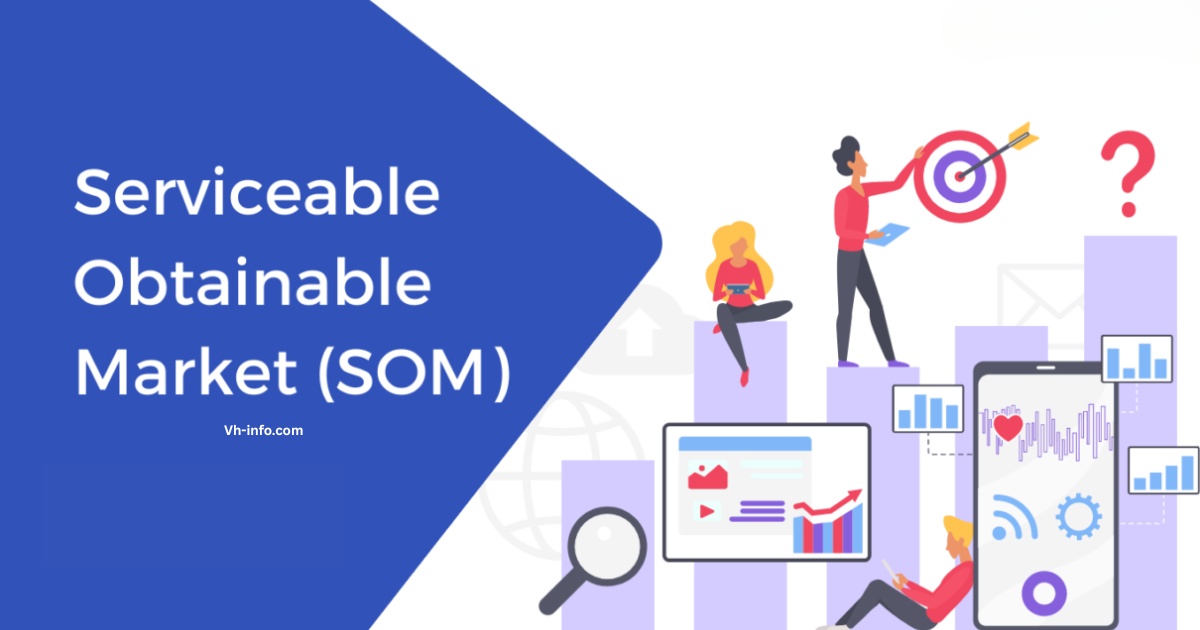
These platforms help you understand user behavior and marketing effectiveness.

Customer Feedback Systems

Feedback systems capture valuable user insights:

  • Survey tools (SurveyMonkey, Typeform)

  • In-app feedback widgets (Intercom, UserVoice)
  • User testing platforms (UserTesting, Maze)
  • Session recording tools (FullStory, LogRocket)
  • NPS and CSAT measurement systems (Delighted, AskNicely)

Systematic feedback collection informs product development and marketing strategies.

FAQ’s:

How Long Does A Typical SaaS Product Launch Take?

A typical SaaS product launch takes 4-9 months from initial planning to post-launch stabilization. The pre-launch phase usually requires 3-6 months, the actual launch phase spans 1-2 months, and initial post-launch activities continue for 6-12 months.

Factors affecting the timeline include product complexity, team size, and market conditions.

What Are The Most Common SaaS Launch Mistakes?

Skipping market research tops the list—it leads to building something nobody needs.

An unclear value proposition leaves customers confused about why they should care.

Rushing through beta testing means launching with bugs that frustrate early adopters. Poor onboarding processes cause users to abandon ship quickly, while flawed pricing strategies either scare people off or leave money on the table.

Underestimating customer support needs and ignoring user feedback? Recipe for churn.

How Do I Know If My Product Is Ready To Launch?

Your MVP should solve core user pain points without major hiccups. If beta testing feedback is mostly positive and critical bugs are squashed, you’re close. Test your onboarding process—can users grasp the key features quickly?

Ensure customer support channels (help docs, live chat) are live and your team knows the launch goals.

Lastly, ask: “Does our messaging scream a unique selling proposition?” If yes, green light!

What Metrics Should I Prioritize During My SaaS Launch?

Track user acquisition (sign-ups, conversions) and activation rate—are people using core features? Measure time to value (how fast users see benefits) and retention rates (do they stick around?).

Net Promoter Score (NPS) reveals loyalty, while customer acquisition cost (CAC) keeps budgets in check. Watch feature adoption to see what’s resonating and monitor support ticket response times to spot UX gaps.

When Should I Start Preparing For My SaaS Launch?

Start preparing for your SaaS launch at least 3-6 months before your target launch date.

Early preparation allows sufficient time for market research, product development, beta testing, and marketing preparation. Begin with market validation even earlier to ensure you’re building something users actually want.

How Much Should I Budget For A SaaS Product Launch?

Your SaaS marketing budget should be carefully planned. Allocate 20-30% to product development (polishing features), 30-40% to marketing (ads, content), and 15-20% to sales enablement (demos, tools). Reserve 10-15% for customer support and 10% for surprises.

Startups might launch lean ($10k for basics), while established teams could spend $50k-$250k+ on full-scale launches. Always tie spending to KPIs like user acquisition or activation rate.

Conclusion

A successful SaaS product launch requires careful planning, strategic execution, and ongoing refinement.

The post-launch phase is equally important for gathering feedback, making improvements, and scaling your user base. Stay focused on providing value to your users, and continue to refine your product based on real-world usage and feedback.

At VH-info, we help SaaS companies build effective link building strategies that complement their product launches and drive sustainable growth. Understanding why is SEO important is the first step.

Our expertise in SaaS SEO, with services from a SaaS SEO consultant, and content marketing can help amplify your launch efforts and establish your product as a leader in your market segment. Our guide on Link Building For SEO can provide more details.

Ready to launch your SaaS product with confidence?

Start implementing this checklist today, and set yourself up for a successful product launch that leads to long-term growth and success.

Content Scheduling Tools to Plan & Schedule Your Posts [FREE]

Effective social media management hinges on using content scheduling tools that automate tasks like planning your social media posts, scheduling posts, and optimizing your posting schedule across multiple social media platforms.

With the right social media management tool, small teams and small business owners can save time, maintain a consistent content calendar, and improve social media performance—all while focusing on content creation and customer service.

VH Info, your go-to SaaS link-building agency, recommends exploring these tools to elevate your social media strategy and drive targeted traffic for your brand.

Understanding Content Scheduling Tools

Understanding Content Scheduling Tools

What Are Content Scheduling Tools?

Content scheduling tools are social media schedulers or social media scheduler platforms that let you draft posts, set up a content calendar, and schedule content to auto-publish on your social accounts.

These tools often include:

  • A content calendar or visual content calendar
  • Draft posts management and approval workflows
  • Multi-platform integration with major social networks
  • Analytics and optimization features

The Evolution of Content Management

Early content management relied on manual posting to individual networks.

Modern tools now offer:

  • AI assistant–powered caption generation
  • Social listening and social listening tools to track brand mentions
  • Mobile app support for on-the-go scheduling
  • Google Business Profile and Google Business publishing

Key Features of Content Scheduling Tools

Key Features of Content Scheduling Tools

  1. Visual Content Calendars: A visual content calendar shows your planned social media posts and content calendar in a clear layout. You can drag and drop items to change dates, making it simple to schedule posts and see your posting schedule at a glance. A strong SaaS Content Strategy is the foundation, and a visual calendar helps in its execution by highlighting any potential Content Gap in your schedule.
  2. Collaboration and Approval Workflows: With approval workflows, team members can create draft posts and leave comments before anything goes live. This social media management tool feature keeps everyone on the same page and ensures each post matches your brand voice. Whether you use in-house teams or SaaS Content Writing Services, these workflows are important. They help ensure you consistently build authoritative content that resonates with your audience.
  3. Multi-Platform Integration: Multi-platform integration lets you connect all your social media accounts—like Instagram, Facebook, LinkedIn, and more—in one place. You can schedule posts across different social channels at once, saving time and keeping your social media strategy consistent. This feature is essential for effective Content Promotion and can be amplified by using dedicated Content Promotion Platforms. These integrated Content Marketing Tools also play a significant role in your overall Search Content Marketing efforts.
  4. Analytics and Optimization: Analytics and optimization give you numbers on how your social media performance is doing—likes, shares, comments, and best times to post. These analytical tools help you adjust your content creation and posting schedule to get the most engagement. Specialized SaaS Analytics Tools provide the insights needed to create Data-Driven Content. This data is also vital when performing a Content Audit For SaaS and planning a Content Refresh to improve performance.

Benefits of Using Content Scheduling Tools

Benefits of Using Content Scheduling Tools

  1. Time Management and Efficiency: Content scheduling tools let you schedule posts in advance, so you spend less time logging into each social media account every day. With features like auto-publishing, you can batch-create social media posts and set them to go live automatically, freeing you up for content creation and real-time customer support.
  2. Consistency and Brand Presence: A clear content calendar keeps your social media content flowing steadily, so your social channels always look active and professional. Consistent posting builds trust with your target audience and strengthens your social media strategy across all social media platforms.
  3. Strategic Planning and Coordination: By using analytics from your social media management tool, you can plan themes and campaigns weeks ahead, ensuring your posting schedule aligns with big events or sales. Collaboration features and approval workflows help small teams coordinate ideas, assign tasks, and keep everyone on track for smoother social media management.

Top Content Scheduling Tools in 2025

Top Content Scheduling Tools in 2025

In 2025, the best social media scheduling tools will help marketers all over the world work smarter and faster.

Hootsuite


Hootsuite helps you manage social media accounts from one unified social media management platform.

You can schedule posts across Facebook, Instagram, LinkedIn, Twitter, TikTok, and Pinterest all in one place. The tool includes powerful social media analytics to track your social media performance and identify what content works best for your target audience.

Hootsuite offers collaboration features like team assignments and approval workflows, making it perfect for small teams and agencies. Its unified inbox lets you manage all social media posts and engage with your community in real-time.

Buffer


Buffer is one of the simplest tools for scheduling content. It is great for beginners who want to plan posts easily. You can link your social media accounts and schedule posts on different platforms. The user interface is clean and easy to understand.

Buffer also has basic analytics to check how well your posts are doing. There is a mobile app that makes scheduling on the go simple. This tool has features for small teams to work together. It works well with Google Business profiles for local businesses.

Sprout Social


Sprout Social is an all-in-one tool for social media. It helps with scheduling, listening to fans, and checking your posts’ success. You can choose the best times to post.

The tool also has a single inbox for customer service and social media tasks. It gives you smart tools to see how well your posts do. You will learn more about your audience too. Sprout Social has strong features for teamwork.

It allows managers to approve posts and helps teams work together better in bigger companies.

Later


Later helps you create visual content. It works best for Instagram and other sites that use images.

The tool has a visual calendar that lets you drag and drop items easily. It also shows a grid preview so you can plan your Instagram feed well. You can schedule posts, Stories, and Reels. It allows automatic posting on several social channels at once.

Later gives tips on the best times to post. It also suggests hashtags to boost your social media results.

MyContentBridge

MyContentBridge is a content scheduling platform built for large organizations with frontline workers. It lets employees across multiple departments and locations capture and share social media content directly from their mobile devices.

The tool includes multi-level approval workflows so managers can review every post before it goes live. You can publish to Facebook, Instagram, LinkedIn, X, and TikTok from one place. It also has an AI assistant that helps teams write captions and generate hashtags faster.

MyContentBridge offers role-based access controls and department isolation to keep content organized across your entire organization. Built-in team chat and full audit trails help regulated industries like healthcare, government, and public safety stay compliant while scaling their social media presence.

CoSchedule


CoSchedule offers a full content calendar. It helps not just with social media but also with blog posts, emails, and ads.

You can set up posts for all your social media accounts. It also helps you work with other marketing tasks. The tool has AI features to aid in making content and getting approvals. These features help teams work together smoothly.

CoSchedule’s easy drag-and-drop calendar lets you change your plans easily. You can see your whole content plan quickly too.

Zoho Social


Zoho Social has SmartQ scheduling. This feature looks at your past posts. It then suggests the best times to post on social media.

You can handle all your social accounts from one place. There is a single inbox for customer help and interaction. The tool also has an AI helper named Zia. Zia helps with making content and working with your team. It helps you manage approvals too.

Zoho Social works well with other Zoho apps. It gives you detailed data to track how your posts are doing.

Agorapulse


Agorapulse is great for managing social media. It has a strong inbox that gathers all your social media messages.

You can schedule posts easily and manage your content. The tool helps you track how well your social media is doing. It also has tools to listen for brand mentions. You can use it to work with your team too.

Agorapulse allows you to schedule many posts at once. It also gives detailed reports for agencies with several client accounts.

Sendible


Sendible is made for agencies and small business owners. It helps them manage many social media accounts.

This is useful for different clients. You can plan posts on all major social media sites. The tool has features for team work and getting approvals. It also includes reports that show how well posts are doing. These reports are great for customer service and client talks.

Sendible has a mobile app too. It works with popular tools like Canva for making content.

Planable


Planable is made for team work and approval steps. It is great for groups and agencies.

You can make, check, and approve social media posts before they are live. This is done using their easy content calendar. The tool helps you plan posts on many social channels. It also lets you manage notes and feedback for better team work.

Planable has tools for checking social media data. It works with both social accounts and general content like blogs and newsletters.

Tailwind


Tailwind is a tool that helps with social media scheduling. It works well for Pinterest and Instagram. This makes it great for creating visual content. You can use it to schedule posts, Reels, and Stories easily. The tool has a drag-and-drop calendar and a visual grid preview.

It also includes AI features to help write captions. You can get hashtag ideas to boost your social media posts. Tailwind has SmartSchedule to find the best times for your posts. It also offers tools to track how well your posts are doing on different social media sites.

Pallyy


Pallyy gives you unlimited time to plan posts on social media for a low cost. This makes it great for small business owners and agencies.

You can plan posts for Instagram, Facebook, Twitter, LinkedIn, and more. Their easy-to-use visual calendar helps with this. The tool has features for teamwork, like shared calendars and approval tracks. You can also leave comments on posts with your team.

Pallyy shows you social media stats and tells you the best times to post. It even has a mobile app so you can manage your accounts anywhere.

ContentStudio


ContentStudio is a tool that helps with social media. It uses AI to assist in making and planning posts. You can plan posts for many social media sites at once. The AI can help create captions, images, and ideas for your content.

This tool also allows teamwork with features for approval and checks. It provides detailed reports to track how well your posts do. ContentStudio has tools to listen to what people say online and check what competitors are doing.

These features can help make your social media work better.

Post Planner


Post Planner helps you find and plan content that gets a lot of likes and shares on social media. You can find popular social media posts.

You can also make new posts using their tool. It lets you schedule posts to many social sites at the same time. The tool has features to check which content does best. It also helps you recycle your best posts.

Post Planner works with sites like Facebook, Instagram, Twitter, LinkedIn, Pinterest, and TikTok.

Metricool


Metricool is a tool for social media. It helps with both tracking and planning posts. You can schedule posts on all big social sites.

It also helps you see how well your posts are doing. You can look at details like how your rivals are performing. The tool gives tips on the best times to post. It also suggests hashtags to help get more likes and shares.

Metricool has a free trial for users to try it out. It works with Google Business profiles and regular social media accounts too.

Viraly


Viraly is an app that uses AI to help make popular posts for TikTok and Instagram Reels.

You can make captions, hashtags, and ideas in less than 30 seconds with their tools. The app helps create social media content by looking at trending topics. It also suggests posts that can go viral.

Viraly is great for small teams and agencies that manage social media. They need fast help with making content.

Loomly


Loomly is a full tool for managing social media. It has great features for making and sharing content. You can plan posts on many social media sites. They have a visual calendar that helps you see your plans. The tool also gives tips to make your posts better.

Loomly includes ways for teams to work together on posts. It has a library to keep your media in order. Loomly suggests post ideas and hashtags to use. It also offers tools to check how well your content does. This can help you improve your content strategy.

SocialBee


SocialBee has a special way to plan your posts. This system helps you keep a good mix of content for your social media accounts.

You can sort your posts into groups like ads, lessons, and shared content. Then, you can set up posts from these groups to go out on their own. The tool also has features for teamwork and getting approvals. It provides clear data to check how well your posts perform.

SocialBee allows you to recycle old posts and has an AI helper for making new content.

Statusbrew


Statusbrew is a complete tool for social media management. It has great features for team work and approval steps.

You can plan posts for many social media sites. You can also control your team’s access with clear user roles. The tool has a unified inbox for customer help and social listening tools. It also provides detailed reports on social media.

Statusbrew helps agencies manage accounts for many clients and teamwork needs.

Iconosquare


Iconosquare is great for social media analytics. It also helps you schedule posts for Instagram, Facebook, and more. You can track over 100 metrics with it. This means you can see how well your posts are doing. It also gives you the best times to post based on your audience’s habits.

The tool has features for content scheduling and approval workflows. You can also analyze your competitors with this tool. Iconosquare provides automated reports and deep analytics. This makes it ideal for agencies and brands that want a smart social media plan.

MeetEdgar


MeetEdgar helps with recycling and automation of your posts. It makes your old social media content work better. You can build libraries based on categories. These posts will recycle and reshare automatically. This keeps your content calendar full.

The tool has features for teamwork and managing groups. It also lets you schedule posts on Facebook, Twitter, LinkedIn, and Instagram. MeetEdgar provides helpful analytics for social media, too.

It is great for small business owners. They can use it to improve their content creation efforts.

How to Choose the Right Content Scheduling Tool?

How to Choose the Right Content Scheduling Tool?

When picking a content scheduling tool, look at these simple factors to make sure it fits your needs:

  1. Multi-Platform Integration: Make sure the tool connects to all your social media accounts—Instagram, Facebook, LinkedIn, X, Pinterest, TikTok, and Google Business Profile—so you can schedule posts across every social channel from one dashboard.
  2. Visual Content Calendar: A clear visual content calendar helps you see your posting schedule at a glance. Drag-and-drop scheduling and a monthly or weekly view make it easy to plan social media content and avoid gaps.
  3. Collaboration Features & Approval Workflows: If you have a team, look for a social media management tool with built-in approval workflows, task assignments, and comment threads. This keeps everyone on the same page when creating draft posts and reviewing content.
  4. Analytics and Optimization: Choose a tool that offers social media analytics—likes, shares, comments, best times to post, and social listening insights. Good analytical tools help you refine your content creation and improve social media performance.
  5. Ease of Use & User Interface: A simple, intuitive user interface and a reliable mobile app mean you can schedule and adjust posts on the go. Avoid tools with steep learning curves or cluttered dashboards.
  6. Budget & Free Trial: Compare pricing plans to your budget. Many tools offer a free trial or a free plan (often without requiring a credit card). Test features before committing to a paid subscription.
  7. AI Assistance & Advanced Features: If you want help with captions or content ideas, look for an AI assistant feature. Other advanced options include bulk scheduling, auto-refill queues, and social listening tools for real-time feedback.
  8. Customer Support & Resources: Reliable customer service and helpful resources (tutorials, knowledge base, webinars) can save time when you run into issues. Ensure there’s quick support if you need help with social media management tasks.

By checking these factors—multi-platform integration, a visual content calendar, team collaboration features, strong analytics, ease of use, budget considerations, AI-powered add-ons, and solid customer support—you’ll find the right content scheduling tool to streamline your social media strategy and boost engagement.

Comparison Table

Criteria Essential For Small Biz Enterprise-Scale Needs AI Features Free Trial
Multi-Platform Support
Approval Workflows
Bulk Scheduling
Advanced Analytics Basic In-depth dashboards Partial
AI Assistant Add-on Built-in Varies
Pricing (per month) $0–$30 $30–$100+ 7–30 days

Best Practices For Content Scheduling

Best Practices For Content Scheduling

Tips For Effective Scheduling

  1. Batch-create your social media posts in one go and add them as draft posts in your content calendar.
  2. Use a visual content calendar to see all scheduled items at a glance and easily drag and drop to adjust dates.
  3. Identify peak times to schedule posts by checking your social media performance metrics and analytics, and optimization reports.
  4. Apply social listening insights to plan timely content around trending topics and audience conversations.
  5. Use multi-platform integration so you can schedule content across Instagram, Facebook, LinkedIn, TikTok, and more from one social media management tool.
  6. Set up approval workflows for any draft posts to ensure brand consistency before publishing.
  7. Reserve regular slots in your posting schedule for different types of content—educational, promotional, and engaging—to maintain variety.
  8. Review analytics and optimization weekly and refine your social media strategy based on real data.

Common Mistakes To Avoid

  1. Overloading your content calendar with too many posts can overwhelm your target audience and hurt engagement.
  2. Ignoring social media analytics and continuing a posting schedule that isn’t delivering results.
  3. Skipping the collaboration features—without team feedback, you risk off-brand or inaccurate social media content.
  4. Posting identical content on all social media platforms instead of tailoring messages and formats.
  5. Failing to adjust for platform-specific best practices (e.g., image sizes, hashtags) when you schedule posts.
  6. Relying solely on automation without real-time monitoring, missed comments and messages can frustrate followers and harm customer support.
  7. Not taking advantage of a free trial to explore key features like social listening tools, bulk scheduling, and approval workflows.
  8. Overlooking mobile access—without a reliable mobile app, you can’t update your social media accounts on the go when timely changes are needed.

Conclusion

Choosing the right content scheduling tool helps your team plan posts. It also keeps a strong social media plan. This lets you focus on important tasks like making content and helping customers.

VH Info knows a lot about SaaS link building. They suggest these tools to improve your social media work. This can help you get steady engagement and boost your brand online.

Try a free trial today with no credit card needed. It will change how you handle your social media sites.

12 Best SaaS Affiliate Programs In 2025 Which You Should Join!

SaaS affiliate programs are a simple way for anyone-bloggers, content creators, or small businesses earn money online. 

If you talk about software, digital marketing, or tools for small businesses, joining a SaaS affiliate program can help you make passive income.

At VH Info, we help you understand the best ways to use affiliate marketing in the SaaS industry, so you can pick the right program and start earning with confidence.

What Is A SaaS Affiliate Program?

What Is A SaaS Affiliate Program?

A SaaS affiliate program lets you earn money by promoting software companies and their products online. You get a special referral link (called an affiliate link). When someone clicks your link and signs up for a free trial or paid plan, you get a commission. 

SaaS affiliate programs are a part of affiliate marketing, where you help software companies reach more active users and get paid for your effort. Many wonder, Is Affiliate Marketing Legit, and the answer is a resounding yes, especially in the SaaS space.

It’s a valid business model, and it’s important to understand if Is Affiliate Marketing a Pyramid Scheme (it’s not).

How SaaS Affiliate Programs Work?

How SaaS Affiliate Programs Work?

Here’s how a typical SaaS affiliate program works:

  1. Sign Up: You join the affiliate program for a software company.
  2. Get Affiliate Links: The company gives you unique affiliate links.
  3. Promote: Share these links on your blog posts, social media, or email marketing campaigns.
  4. Earn Commission: When someone signs up or buys using your link, you earn a commission. This can be a one-time payment or a recurring commission (monthly, as long as the user stays subscribed).

You can track your affiliate sales and performance in your affiliate dashboard. Many programs have a dedicated affiliate manager or support team to help you.

Different Types of SaaS Partnerships

Different Types of SaaS Partnerships

SaaS companies offer different ways to partner. Understanding the different SaaS partnership models is key, as each type has its own rules, commission structure, and marketing tools.

  1. Affiliate Program: You promote the product and earn a commission for sales.
  2. Partner Program: This can include affiliates, resellers, and agencies who help sell the software.
  3. Referral Program: You refer friends or businesses and get rewards or cash.
  4. Affiliate Network: A platform where you can find and join many affiliate programs.

Benefits of SaaS Affiliate Programs

Benefits of SaaS Affiliate Programs

Benefits For SaaS Companies

  • Brand Recognition: More people learn about their software.
  • Qualified Leads: Affiliates bring in users who are interested in their product.
  • Cost-Effective: They only pay for real results (like a sale or free trial signup).
  • Wide Range of Partners: They can work with many affiliate marketers and content creators.

Benefits For Affiliates

  • Passive Income: Earn money for every sale or sign up.
  • Recurring Commission: Many SaaS brands pay you every month as long as the customer stays.
  • Flexible Work: Promote products anywhere- blog posts, social media, YouTube, or email marketing.
  • Free Marketing Materials: Get banners, landing pages, and content from the software company.

Why SaaS Products Are Ideal For Affiliate Marketing?

  • High Demand: Small businesses and digital marketers always need new tools.
  • Free Trials: Easy to promote, as users can try before they buy.
  • Various Products: There are SaaS tools for every niche – from email marketing and website builders to complex solutions like a SaaS ERP. This variety makes it easy to find products that align with your audience.
  • Long Cookie Duration: Many programs have a long cookie period, so you get credit even if the user buys later.

Top 12 SaaS Affiliate Programs in 2025

Top SaaS Affiliate Programs

Here are the best SaaS affiliate programs for 2025. Each offers good commission rates, helpful marketing materials, and a strong brand.

HubSpot

HubSpot

HubSpot is a powerful marketing platform that helps small businesses and big companies with digital marketing, email marketing, and social media management.

Their affiliate program is very popular because you can earn up to $1,000 for every sale you make using your affiliate links. The cookie duration is 90 days, so if someone clicks your referral link and buys within three months, you get the commission.

HubSpot gives you a wide range of marketing materials, a dedicated affiliate manager, and access to an affiliate dashboard, making it easy to track your affiliate sales and performance. 

The brand recognition is strong, so people trust the product, which helps your conversion rate. HubSpot also supports affiliates with a support team and lots of resources, making it one of the best SaaS affiliate programs for both new and experienced affiliate marketers.

Shopify

Shopify

Shopify is a well-known website builder and eCommerce platform used by many small businesses and content creators.

Their affiliate program pays up to $150 for each paid plan referred through your affiliate links. The cookie period is 30 days, so you have a month for your referrals to turn into sales.

Shopify makes affiliate marketing easy by giving you lots of marketing materials, a helpful support team, and a dedicated account manager. The affiliate dashboard helps you track your earnings and see which marketing strategies work best.

Shopify’s brand recognition and wide range of products make it easy to promote, and their customer service is always ready to help affiliates grow their passive income.

Semrush

Semrush

Semrush is a top SEO and keyword research tool used by digital marketing experts and small businesses.

Their affiliate program is famous for its high payouts: $200 for every sale and $10 for every free trial signup. The cookie duration is 120 days, so you have plenty of time to earn from your referral link.

Semrush offers a recurring commission, so you keep earning as long as your referrals stay on a paid plan. They provide lots of marketing tools, an affiliate dashboard, and a dedicated affiliate manager to help you run successful marketing campaigns.

Semrush is trusted in the SaaS industry, and their marketing platform is always in demand, making it a great choice for affiliate partners who want steady, long-term income.

Ahrefs

Ahrefs

Ahrefs is a popular SEO tool for content creation, keyword research, and digital marketing.

Their affiliate program gives you a 20% recurring commission, which means you earn every month as long as your referral stays a customer. The cookie duration is 60 days, so you have two months to get credit for your affiliate sales.

Ahrefs is respected by industry experts, and their marketing materials are easy to use for blog posts, social media, and email marketing. The affiliate dashboard is simple, and you get support from a dedicated affiliate manager.

Ahrefs is a trusted software company, making it a smart pick for affiliate marketers who want lifetime commission and reliable payouts.

BigCommerce

BigCommerce

BigCommerce is a website builder for online stores and eCommerce businesses.

Their affiliate program stands out because they pay 200% commission per sale, which is much higher than most other SaaS brands. The cookie period is 90 days, so you have a long window to earn from your affiliate links.

BigCommerce gives you lots of marketing materials, a dedicated account manager, and a strong support team. Their brand recognition is strong, and they cater to a wide range of small businesses and content creators.

The affiliate dashboard helps you track your performance, and the high commission rate makes it a great way to earn passive income.

ConvertKit

ConvertKit

ConvertKit is an email marketing platform made for bloggers, creators, and small businesses.

Their affiliate program pays a 30% recurring commission, so you earn every month as long as your referrals stay on a paid plan. The cookie duration is 60 days, giving you a good chance to earn from your marketing campaigns.

ConvertKit provides lots of marketing materials, a dedicated account manager, and an easy-to-use affiliate dashboard. The brand is popular in the SaaS niche, and their customer support team is always ready to help.

ConvertKit is perfect for affiliate marketers who want steady income and strong support from the software company.

Pipedrive

Pipedrive

Pipedrive is a CRM tool for sales teams and small businesses. Their affiliate program pays a 33% recurring commission, so you get paid every month for as long as your referral stays a customer. The cookie period is 30 days.

Pipedrive offers a wide range of marketing materials, a helpful affiliate manager, and excellent customer support.

The affiliate dashboard is simple, and you can track your affiliate sales and monthly payouts easily. Pipedrive is trusted in the SaaS industry and is a good choice for affiliate marketers who want to promote a high-quality product with a strong support team.

Canva

Canva

Canva is a graphic design and social media management tool used by millions of active users. Their affiliate program pays up to $36 per paid plan, and the cookie duration is 30 days.

Canva gives you lots of marketing materials, a dedicated affiliate manager, and a friendly support team. The affiliate dashboard helps you track your performance and see which content marketing strategies work best.

Canva’s brand recognition is high, making it easy to promote to your target audience. Canva is great for content creators, bloggers, and anyone who wants to earn passive income through affiliate marketing.

FreshBooks

FreshBooks

FreshBooks is accounting software for small businesses, freelancers, and agencies.

Their affiliate program pays $10 for every free trial signup and $200 for every paid plan referral. The cookie duration is 120 days, so you have a long time to earn from your affiliate links.

FreshBooks provides lots of marketing materials, a dedicated account manager, and an easy-to-use affiliate dashboard. Their customer service is strong, and the software company is trusted in the SaaS industry.

FreshBooks is perfect for affiliate marketers who want a high commission rate and a long cookie period.

ClickFunnels

ClickFunnels

ClickFunnels is a drop builder for creating sales funnels and landing pages. Their affiliate program pays up to 40% recurring commission, so you earn every month as long as your referral stays on a paid plan.

The cookie duration is 45 days. ClickFunnels gives you lots of marketing materials, a dedicated affiliate manager, and a strong support team. The affiliate dashboard is simple, and you can track your affiliate sales and monthly payouts easily.

ClickFunnels is popular among digital marketers and content creators who want to earn passive income with a trusted software company.

Teachable

Teachable

Teachable is a platform for online courses, helping creators and small businesses sell their knowledge. Their affiliate program pays a 30% recurring commission, with a cookie duration of 90 days.

Teachable provides lots of marketing materials, a dedicated account manager, and an easy affiliate dashboard.

The brand is trusted in the SaaS niche, and their support team is always ready to help. Teachable is great for content creators and bloggers who want to earn steady passive income by promoting online courses and digital products.

Frase

Frase

Frase is a content creation and SEO tool that helps with keyword research and writing blog posts. Their affiliate program pays a 30% recurring commission, and the cookie duration is 60 days.

Frase gives you helpful marketing materials, an affiliate dashboard, and a support team to answer your questions. The product is easy to promote to bloggers, content creators, and digital marketers.

Frase is a good choice for affiliate marketers who want to help their target audience with content marketing and SEO, while earning steady income from a trusted SaaS brand.

These SaaS affiliate programs are some of the best affiliate programs in 2025. They offer strong commission structures, helpful marketing materials, dedicated affiliate managers, and reliable support teams.

Whether you are a content creator, blogger, or digital marketing expert, these programs make it easy to earn passive income and help your audience find the best SaaS tools for their needs.

How To Choose The Right SaaS Affiliate Programs?

How To Choose The Right SaaS Affiliate Programs?

When looking at SaaS affiliate programs, think about a few important things.

  1. Evaluating Commission Structures: Check if the program offers a one-time payment or recurring commission. Recurring commission means you earn every month, which is great for passive income. Look for a fair commission rate that matches your effort.
  2. Analyzing Cookie Duration: Cookie duration is the time you get credit for a sale after someone clicks your affiliate link. Longer cookie periods (like 60 or 90 days) are better because users often take time to decide.
  3. Assessing Product Quality and Demand: Promote SaaS brands that have good reviews and strong customer service. Look for companies with excellent B2B SaaS Onboarding processes, as this often indicates a customer-focused product. Additionally, understanding metrics like the Rule of 40 SaaS can help you gauge a company’s financial health.
  4. Checking Promotional Resources and Support: Choose programs that give you marketing materials, a landing page, and access to a dedicated affiliate manager or support team. This makes it easier to run marketing campaigns and answer questions from your target audience.

Setting Up Your Own SaaS Affiliate Program

Setting Up Your Own SaaS Affiliate Program

If you run a software company, starting your affiliate marketing program can help you get more customers.

  1. Determining The Right Incentive Structure: Decide if you want to pay a one-time commission, recurring commission, or offer a free trial bonus. When planning your program, it’s also wise to consider your overall SaaS Marketing Budget to ensure your incentive structure is sustainable.
  2. Creating An Affiliate Landing Page: Build a clear landing page that explains your affiliate program, commission rate, and how to join. Make it easy for affiliate marketers to sign up.
  3. Recruiting Quality Affiliates: Look for content creators, bloggers, and digital marketing experts who reach your target audience. Attend industry events and join affiliate networks, and utilize an Affiliate Recruitment Database to find the best partners.
  4. Tracking and Managing Affiliates: Use an affiliate dashboard to track affiliate sales, payouts, and performance. Assign a dedicated account manager or affiliate manager to help with questions and support.
  5. Providing Resources For Affiliates: Give your affiliates marketing materials like banners and email templates. A comprehensive SaaS launch checklist can also be a valuable asset for new affiliates.

Promoting SaaS Products As An Affiliate

Promoting SaaS Products As An Affiliate

Following a proven SaaS marketing Playbook can provide a solid foundation for your promotional activities. Content marketing, in particular, is one of the best ways to promote SaaS products.

Content Marketing Strategies

Content marketing is one of the best ways to promote SaaS products as an affiliate. You can write blog posts, product reviews, tutorials, or comparisons to show how the software helps solve real problems for your target audience.

Videos and infographics are also great for explaining features in simple words. Using real-life examples and customer stories in your content builds trust and helps increase your conversion rate.

Good content brings organic traffic to your website and helps you earn more affiliate sales with your affiliate links and referral links.

Social Media Promotion

Social media is a powerful tool for SaaS affiliate marketing. You can share tips, product demos, and quick reviews on platforms like Instagram, Twitter, YouTube, and TikTok to reach more active users.

Use eye-catching images and videos to grab attention, and always include your affiliate links or a landing page for easy sign-ups.

Social media management helps you connect with your target audience, grow your brand recognition, and drive more traffic to your marketing campaigns. Short, helpful posts work best, and you can answer questions quickly through comments or messages.

Email Marketing Techniques

Email marketing is a smart way to promote SaaS products to people who already trust you.

You can send newsletters, educational emails, or share success stories showing how the SaaS product helps small businesses or content creators. Make sure your referral link or affiliate link is easy to find in every email.

For inspiration, check out these SaaS Newsletter Examples.

Using an email marketing platform helps you organize your campaigns and track which emails get the most clicks. Email marketing is great for building long-term relationships and increasing your affiliate sales and passive income.

SEO Optimization For SaaS Affiliates

SEO optimization means making your blog posts and website easy for search engines to find. Understanding Why is SEO Important is the first step. Use the right keywords, write helpful content, and add internal links to your other articles.

This brings more organic traffic to your site, which means more people see your affiliate links and landing pages. 

Good SEO helps you reach people looking for SaaS products, improves your conversion rate, and helps you stand out in the SaaS niche.

For specialized help, you might even look for a SaaS SEO Consultant or a dedicated affiliate seo program.

Common Challenges and Solutions

Dealing With Competition

There are many affiliate marketers promoting the same SaaS brands, so competition is high.

To stand out, share honest reviews, real-life experiences, and unique tips that help your target audience. Focus on building trust and showing why your advice is helpful. Using your own voice and style makes your content different from others and helps you get more affiliate sales.

Maintaining Conversion Rates

Getting clicks is good, but turning those clicks into sales is even better. Keep your conversion rate high by making your content clear and easy to understand, using strong calls to action, and targeting the right audience.

Show how the SaaS product solves real problems and use testimonials or case studies to prove it works. Always test different marketing strategies to see what works best for your audience. Understanding b2b saas funnel conversion benchmarks can help you set realistic goals.

Keeping Up With Industry Changes

The SaaS industry changes quickly, with new products and updates coming out all the time. Stay updated by reading blogs, joining webinars, and following industry experts. This helps you share the latest information with your audience and keeps your marketing materials fresh.

Being up-to-date also helps you stay ahead of other affiliate partners and keeps your content relevant.

Managing Affiliate Relationships

A good relationship with your affiliate manager or support team is important for success. Communicate often, ask for new marketing materials, and share feedback about what your audience likes. 

Use your affiliate dashboard to track performance and solve any problems quickly. Building strong affiliate partnerships helps you get better support, more resources, and higher payouts from your SaaS brands.

FAQ’s:

What Commission Rates Are Typical For SaaS Affiliate Programs?

Most SaaS affiliate programs offer a commission rate between 20% to 30% for each sale or subscription you bring in.

Some top programs even pay higher, especially for high-ticket products or recurring subscriptions, making it a great way to earn passive income with affiliate marketing. These rates are better than many regular affiliate programs, which usually offer lower percentages.

How Are Affiliate Commissions Paid In SaaS Programs?

Affiliate commissions in SaaS programs are usually paid out every month through methods like PayPal, bank transfer, or sometimes through an affiliate network. The affiliate dashboard lets you see your earnings and payout schedule. You get paid after your referral signs up for a paid plan or completes a free trial, depending on the program’s rules.

What’s The Difference Between One-Time and Recurring Commissions?

A one-time commission means you get paid once for each sale or signup you bring to the software company. A recurring commission means you keep earning money every month as long as your referral stays on a paid plan. Recurring commissions are common in the SaaS industry because most products use a subscription model, which helps affiliate marketers earn steady passive income.

How Long Do Cookies Typically Last In SaaS Affiliate Programs?

The cookie duration in SaaS affiliate programs usually lasts from 30 days up to 120 days, depending on the program.

This means if someone clicks your affiliate link and signs up within that time, you get the commission. Longer cookie periods give you a better chance to earn from your marketing campaigns.

Can I Join Multiple SaaS Affiliate Programs Simultaneously?

Yes, you can join and promote multiple SaaS affiliate programs at the same time.

Many affiliate marketers do this to earn more income and offer a wide range of products to their target audience. Just make sure to follow each program’s rules and use your unique affiliate links for tracking.

How Do I Track My Affiliate Performance?

You can track your affiliate performance using the affiliate dashboard provided by the SaaS company.

The dashboard shows you important details like clicks, conversions, affiliate sales, and monthly payouts. This helps you see which marketing strategies and campaigns are working best for your audience.

What Promotional Materials Do SaaS Companies Typically Provide?

SaaS companies usually give you helpful marketing materials like banners, landing pages, email templates, blog post ideas, and social media posts. These tools make it easier for you to promote their products and increase your conversion rate.

Some programs also offer a dedicated affiliate manager or support team to help you succeed.

Are There Any Costs To Join A SaaS Affiliate Program?

No, joining a SaaS affiliate program is usually free. You don’t have to pay any fees to become an affiliate partner. All you need to do is sign up, get your affiliate links, and start promoting the software company’s products to your audience.

Conclusion

SaaS affiliate programs are a smart way for anyone-bloggers, small businesses, or content creators earn passive income online. With a wide range of SaaS brands and marketing tools, you can find the best affiliate programs that match your audience.

Remember to check the commission structure, cookie duration, and the support team before joining. At VH Info, we help you pick the top SaaS affiliate programs and give you the best tips for success in the SaaS industry. Start today and turn your content into real earnings!

Need expert help with SaaS affiliate marketing or link building? Reach out to VH Info for trusted advice and proven strategies.

Is Dropshipping Illegal? Best Guide For Aspiring Entrepreneurs

Running a dropshipping business lets you launch an online store with lower upfront costs and no warehouse space. As a business model, dropshipping handles order fulfillment through reputable suppliers who ship products directly to customers.

But what about legal compliance? This guide breaks down complex legal issues around dropshipping, so you can build a legitimate business, meet tax obligations, and offer exceptional customer service.

What Is Dropshipping?

What Is Dropshipping?

Dropshipping is an ecommerce model where the seller of record lists products on their dropshipping store but never holds inventory. When a customer places an order, the store forwards order processing to reliable suppliers, who handle product quality control, packing, and shipping times. This supply chain approach reduces upfront costs and lets entrepreneurs focus on marketing, social media, and customer experience.

How Dropshipping Works?

How Dropshipping Works?

  1. You set up an online store on e-commerce platforms like Shopify, Amazon, eBay, Etsy, or Walmart.
  2. You select products from verified dropshipping suppliers or marketplaces such as AliExpress.
  3. You create product descriptions highlighting product safety standards, intellectual property rights, and shipping costs.
  4. A customer places an order and pays sales tax if required.
  5. You forward the customer orders to your supplier, pay the wholesale price, and handle income tax through tax professionals.
  6. The supplier ships the product directly to your customer. You provide ongoing customer support and manage returns or disputes according to your terms of service.

Is Dropshipping Legal?

Is Dropshipping Legal?

Dropshipping is a legitimate business when you follow consumer protection laws, intellectual property requirements, and data protection regulations. You are the seller of record, so you hold legal liability for product liability insurance, accurate product descriptions, and compliance with Federal Trade Commission rules and local tax laws. Failure to register your business or collect sales tax can lead to legal risks and penalties.

Legal Requirements For Dropshipping

Legal Requirements For Dropshipping

Dropshipping businesses must follow some legal requirements, which are as follows:

Copyright Laws

Dropshippers must avoid using copyrighted images, text, or trademarks without permission. Always get a license or written agreement from the original creator before you use product descriptions or photos.

If you sell counterfeit goods or copy another brand’s intellectual property, you risk fines, account suspension, and legal liability for infringing on intellectual property rights.

Protect your dropshipping store by working with reputable suppliers and creating original product descriptions.

Consumer Protection and Product Safety Laws

You are responsible for offering safe products that meet consumer protection laws.

In the United States, the Consumer Product Safety Commission (CPSC) enforces safety standards and can require recalls of defective products. You must display clear return policies, refund terms, and consumer protection clauses in your privacy and returns policies.

Failing to meet product safety standards or misleading customers about product quality can lead to penalties, lawsuits, and damage to your dropshipping venture.

Truth in Advertising Laws

Advertising must be truthful and not misleading under the Federal Trade Commission (FTC) Act. Claims like “fast shipping” or “premium quality” must match your actual service and product performance. You need evidence to back up every claim. Omitting key details—such as longer shipping times—can be deemed deceptive marketing and expose you to fines and FTC enforcement actions.

Tax and Licensing Laws

Before you launch your dropshipping business, register it with local and state authorities and obtain any required business license.

You must collect and remit sales tax in all regions where you have nexus—this could be where you live, where your suppliers are, or where your customers are located.

Income from your dropshipping store is subject to income tax, and you should consult tax professionals to handle tax obligations, GST (in India), VAT (in the EU), and other tax requirements.

Platform-Specific Requirements

Each ecommerce platform—Amazon, eBay, Etsy, Walmart, Shopify—has its own rules for dropshipping sellers.

For example, Amazon requires you to be the seller of record and manage customer service, while Etsy only allows handmade, custom, or vintage items. Violating platform terms of service can lead to account suspension or permanent bans, so review and comply with each platform’s dropshipping policies and seller guidelines.

Data Protection Laws

Dropshipping stores collect personal data such as names, addresses, and payment details. You must comply with data protection regulations like GDPR (EU), CCPA (California), CPRA, and other state and federal privacy laws.

Implement strong security measures, clear privacy policies, and allow customers to access, delete, or opt out of data collection. Non-compliance can result in significant fines and loss of customer trust.

Food, Drugs, and Alcohol Regulations

If you sell consumables, cosmetics, or supplements, comply with Food and Drug Administration (FDA) rules and local health regulations.

Products like cosmetics must meet FDA good manufacturing practice (cGMP) requirements, proper labeling, and ingredient safety substantiation under MoCRA. For food or alcohol, follow the Federal Food, Drug, and Cosmetic Act and display any necessary certifications, warnings, or age restrictions. Violations can lead to recalls, penalties, and criminal charges.

Anti-Money Laundering Regulations

Your dropshipping business should use anti-money laundering steps. These steps help check customer identities and watch for strange deals.

In the U.S., FinCEN asks for ownership info from some businesses. Worldwide, you need to follow AML rules and check for sanctions in deals and suppliers. Good AML practices lower legal risks. They also help reduce crime related to money.

Sanctions Compliance

Always check suppliers and customers against international sanctions lists. Do not get products from or send to countries with trade bans. Breaking these rules can result in large fines. It can also lead to shipping limits and harm your business image.

Use trusted tools for sanctions compliance. Talk to legal experts to keep up with banned areas and groups.

Anti-Slave Labor Regulations

Vet your suppliers to ensure they adhere to labor laws and ethical practices.

Avoid goods produced with forced labor, human trafficking, or unfair wages. International laws like the U.S. Trade Facilitation and Trade Enforcement Act prohibit importing products made with slave labor.

Including ethical practices in your supply chain not only ensures legal compliance but also builds customer trust and strengthens your dropshipping business model.

Is Dropshipping Legal Under 18?

Is Dropshipping Legal Under 18?

Minors can run a dropshipping business, but you must address legal compliance and contract capacity.

In most places you need to be 18 to sign a binding contract, so under-18 entrepreneurs must have a parent or guardian co-sign as the seller of record and hold the business license and payment processors account. You can still manage product descriptions, marketing, order fulfillment, and customer service, but reliable suppliers and platforms often require adult approval for tax obligations and sales tax collection.

A guardian-backed business structure lets you focus on inventory management, dropshipping store growth, and customer support while staying within legal requirements.

Always vet reputable suppliers, set up clear terms of service, and consult legal professionals to ensure full legal compliance.

Platform-Specific Dropshipping Requirements

Platform-Specific Dropshipping Requirements

Following the rules of each platform is very important for a dropshipping business.

  1. Amazon: On Amazon, you must act as the seller of record, meaning your dropshipping store appears on all packing slips and invoices. You handle order fulfillment, customer service, and returns under Amazon’s terms of service. Always use reliable suppliers to meet shipping times and product quality standards, and ensure you have the necessary business license, tax obligations, and sales tax requirements in place to stay compliant.
  2. eBay: eBay requires accurate listings with clear product descriptions, shipping costs, and delivery estimates. You’re responsible for order processing, customer support, and handling returns within eBay’s seller performance rules. Maintain legal compliance by following consumer protection laws, respecting intellectual property rights, and collecting any sales tax owed in your region.
  3. Etsy: Etsy limits dropshipping to items that meet their handmade, vintage, or craft supply rules—generic mass-produced products aren’t allowed. You must create original product descriptions and images, or work with reputable suppliers who comply with Etsy’s intellectual property and consumer protection policies. Ensure your privacy policy and returns terms are clear, and track order fulfillment and shipping times closely.
  4. Walmart: Walmart Marketplace sellers need pre-approval and must submit to a rigorous supplier vetting process. You must display accurate product quality information, honor their low-price guarantee, and meet strict order fulfillment timelines. Register your dropshipping business, handle sales tax requirements, and comply with data protection laws when collecting customer details on Walmart’s platform.
  5. AliExpress: AliExpress is primarily a sourcing hub—dropshippers use it to find verified suppliers offering low upfront costs and a wide supply chain. You manage your own online store, set clear shipping costs and shipping times, and create compliant product descriptions to meet consumer protection laws. Always monitor product safety standards, vet suppliers for ethical practices, and handle any customer order issues directly.

Countries Where Dropshipping Is Legal Or Restricted

Countries Where Dropshipping Is Legal Or Restricted

Legality for dropshipping is different in each country.

United States

Dropshipping is fully legal in the United States, but you must set up a proper business structure (LLC or sole proprietorship) and obtain any required business license. You’re responsible for collecting and remitting sales tax in states where you have nexus, and you must comply with federal and state consumer protection laws, including accurate product descriptions and safe product standards.

As the seller of record, you handle order fulfillment, customer support, and payment processors, and you remain liable for product liability insurance and intellectual property rights compliance

United Kingdom

In the UK, dropshipping is legal but subject to VAT and consumer rights regulations. You must register for VAT if your taxable turnover exceeds £90,000 or if you’re an overseas seller, and you need to charge 20% VAT on eligible sales.

UK consumer protection laws grant customers a 14-day right of return, and you must display clear terms & conditions, privacy policies, and refund policies on your online store. Complying with HMRC rules, data protection (UK GDPR), and platform-specific requirements (e.g., Amazon’s seller of record) is essential for legal compliance.

India

Dropshipping is legal in India, provided you register under the GST regime once your turnover exceeds ₹20 lakhs (or ₹10 lakhs in special category states).

You need a GST number to collect and remit CGST, SGST, or IGST on each sale, and you must issue proper GST invoices to customers.

Register your business (sole proprietor, partnership, or company), maintain accurate records for input tax credits, and ensure your suppliers comply with product safety and consumer protection laws.

Failure to register or collect GST can result in penalties and disrupt your supply chain.

European Union

Across the EU, dropshipping requires compliance with the Consumer Rights Directive, which gives buyers a 14-day right of withdrawal and mandates clear disclosures of delivery costs and seller identity.

You must register for VAT in each member state where you hold stock or use the One-Stop Shop (OSS) for cross-border VAT reporting. GDPR data protection rules apply to all personal data you collect, and you must adhere to product safety standards under EU regulations.

Each country may add specific consumer protection or labeling requirements, so verify local rules before selling in that market.

Other Regions

In regions like Canada, Australia, and Southeast Asia, dropshipping is generally legal but governed by local tax obligations (GST/HST, GST, VAT), import duties, and consumer protection laws.

You must register your business, collect applicable sales taxes or duties, and comply with platform-specific policies. Data protection laws (e.g., PIPEDA in Canada, Privacy Act in Australia) require clear privacy policies and secure handling of customer data.

Always vet reliable suppliers to meet product safety standards and maintain a reputable dropshipping store in each jurisdiction.

Why Start A Dropshipping Business?

Why Start A Dropshipping Business?

Starting a dropshipping business lets you launch an ecommerce store with lower upfront costs and no need for warehouse space or large inventory. You partner with reliable suppliers who handle order fulfillment, freeing you to focus on marketing, social media, and improving customer experience.

This business model reduces shipping costs and financial risk, since you only pay for products after a customer places an order.

Managing a dropshipping store also means you can test new products quickly, fine-tune your product descriptions, and optimize your fulfillment process without tying up capital in stock.

With the right legal compliance, tax obligations, and clear terms of service, you build a legitimate business that scales easily and delivers strong customer satisfaction. Plus, you can run your dropshipping venture from anywhere, making it an online store solution perfect for flexible, growth-oriented entrepreneurs.

Legal Risks and Common Pitfalls in Dropshipping

Legal Risks and Common Pitfalls in Dropshipping

Selling Counterfeit Or Restricted Products

Selling counterfeit goods or items that are restricted by law can lead to serious legal liability.

If your dropshipping store lists fake branded products, you violate intellectual property rights and open yourself to lawsuits and fines. Restricted products—like certain electronics, cosmetics, or items requiring special permits—may need approvals or certifications before sale.

Always work with reputable suppliers who provide proof of authenticity and ensure your product descriptions correctly reflect product quality and safety standards.

Failing to vet suppliers can damage your brand’s reputation and result in platform policy violations or account suspension.

Copyright and Trademark Infringement

Using images, text, or logos without permission risks infringing on copyright and trademark laws. When you copy another brand’s product photos or use unlicensed music or video in social media ads, you expose your dropshipping business to legal claims.

Intellectual property rights protect creators, so always create or license original product descriptions, images, and marketing materials.

Including clear terms of service and respecting copyright laws in your online store helps maintain legal compliance and avoids takedown notices or hefty fines from rights holders.

Platform Policy Violations

Each ecommerce platform enforces specific rules and terms of service that dropshippers must follow.

For example, Amazon requires you to be the “seller of record” and manage customer service, while Etsy bans mass-produced goods. Violations—such as inaccurate shipping times, misleading product descriptions, or failure to process returns—can lead to account suspension or permanent bans.

To stay compliant, regularly review platform-specific requirements, maintain clear privacy and returns policies, and ensure your order fulfillment process meets promised shipping costs and timelines.

Tax Compliance Issues

Neglecting sales tax and income tax can harm your dropshipping business. It is important to register your business. You also need to get a business license. Be sure to collect sales tax in places where you operate.

Income from your online store is subject to income tax. Laws vary in different areas, like the U.S., the EU, and India. Each region has its own rules about sales tax, VAT, or GST. Talk to tax experts to make sure you follow the laws. They can help you file returns on time and keep good records. Not following the rules can result in fines or back taxes. It can also damage your business’s good name.

How to Keep Your Dropshipping Business Legal?

How to Keep Your Dropshipping Business Legal?

To keep your dropshipping business legal,

Registering Your Dropshipping Business

Before you start selling, set up a formal business structure—such as a sole proprietorship or LLC—to meet legal requirements.

Obtain any necessary business license or seller’s permit in your jurisdiction, and register for tax purposes (for example, a VAT number in the EU or a GST number in India).

Having a registered dropshipping business ensures you can collect and remit sales tax correctly and file income tax returns. This clear business structure also helps when opening payment processors accounts and building trust with customers and suppliers.

Choosing Verified Suppliers

Work only with reputable suppliers who provide proof of authenticity, quality control measures, and transparent shipping times.

Reliable suppliers reduce the risk of counterfeit goods, product liability issues, or shipment delays that violate consumer protection laws. Ask for supplier references, certifications, and sample orders to verify product quality.

Maintaining a solid supply chain with ethical practices helps you comply with anti-slave labor regulations, food or drug rules if applicable, and keeps your dropshipping model legitimate.

Setting Up Legal Policies (Privacy, Returns, Terms & Conditions)

Draft clear, easy-to-read policies for privacy, returns, and terms & conditions and display them prominently on your dropshipping store.

Your privacy policy must explain how you collect and protect customer data under laws like GDPR or CCPA. Your returns policy should outline refund procedures, timelines, and any restocking fees to comply with consumer protection and truth in advertising laws.

Terms & conditions clarify order fulfillment processes, payment processors accepted, and dispute resolution steps—helping you avoid platform policy violations and build customer satisfaction.

Ensuring Product Safety and Liability Coverage

Make sure every product you sell meets applicable safety standards—such as CPSC rules in the United States or CE marking in the EU—and include accurate product descriptions reflecting those standards.

Carry product liability insurance to protect your dropshipping store against claims for defective or dangerous items. This insurance covers legal fees and damages if a product causes harm.

Combining safety checks with liability coverage helps you comply with consumer protection laws, manage legal risks, and demonstrate your commitment to customer safety.

FAQ’s:

Is It Necessary To Have A Business License For Dropshipping?

Most places see a dropshipping store as a retail shop. You usually need a business license or seller’s permit first. This is important before you collect payments and run an online store.

If you register your dropshipping model as an LLC or sole proprietorship, it helps with taxes. It also lets you open payment accounts and follow consumer laws. If you skip this step, you may face fines. You could also have problems with your business setup.

Additionally, there may be legal issues about product safety and your rights to ideas.

Can You Dropship Internationally Legally?

Yes, you can sell to customers worldwide, but international dropshipping brings customs regulations, import duties, and cross-border VAT or GST requirements into play. You must research each destination’s consumer protection and product safety standards, register for the EU’s One-Stop Shop (OSS) if shipping to the EU, and collect sales tax or GST where you have nexus or cross-border obligations. Failing to comply with customs or tax laws can result in held shipments, returned goods, and penalties that harm your dropshipping business model.

What Are The Penalties For Non-Compliance With Dropshipping Laws?

Penalties vary by region but can include hefty fines, forced business shutdowns, and account suspension by ecommerce platforms.

In the EU, a Dutch retailer faced a €90,000 fine for failing to disclose dropshipping arrangements and return requirements under consumer protection laws.

Tax non-compliance—like not collecting or remitting sales tax—can trigger interest charges and state audits, while violating intellectual property rights or truth in advertising laws can lead to takedown notices, lawsuits, or FTC enforcement actions.

Can Dropshipping Be Considered A Pyramid Scheme?

No. Dropshipping is a legitimate ecommerce business model where you sell physical products sourced from third-party suppliers without holding inventory. You earn a margin on each sale rather than recruiting members or charging fees for recruitment.

Unlike pyramid schemes—which rely on recruitment and promise commissions for enrolling others—dropshipping’s revenue comes solely from order fulfillment, making it a legitimate, low-risk business venture when you follow legal compliance and consumer protection laws.

Do I Have To Collect Sales Tax On Dropshipped Items?

Yes, if you have nexus—such as a business license, office, or significant sales—in a region, you must collect and remit sales tax on orders shipped there.

In the United States, over 10,000 tax jurisdictions vary by state and locality, so you need to register for sales tax permits in each state where you meet nexus thresholds.

Internationally, VAT in the EU and GST in India apply when your turnover exceeds specified limits, requiring regular filings and accurate record-keeping with tax professionals’ help.

Is Dropshipping Profitable?

Dropshipping can be profitable due to its low upfront costs, no warehouse space, and minimized inventory risk. You invest in marketing, customer support, and building your online store’s brand rather than stocking products.

Profitability hinges on choosing reliable suppliers, optimizing product descriptions, maintaining competitive pricing, and managing legal compliance and tax obligations effectively.

When executed well, this dropshipping venture allows you to scale quickly and focus on customer satisfaction and growth.

Conclusion

Dropshipping offers aspiring entrepreneurs a low-risk dropshipping business model with lower costs and no warehouse space.

Understanding legal requirements, such as consumer protection laws, tax obligations, intellectual property rights, and platform-specific regulations, helps you protect your dropshipping business while providing an excellent customer experience.

For expert SaaS link building and further actionable insights on building authority, visit VH Info and start growing your online presence today.

Serviceable Obtainable Market (A to Z): Step-by-Step Guide to SOM

In planning, it is important to look at the total market. You also need to find the serviceable obtainable market (SOM).

This helps you target the right customers. Knowing your obtainable market size helps you use your resources well. It also helps you improve sales plans and focus on marketing.

For SaaS link-building agencies, calculating SOM is key. This way, your team can focus on a realistic part of the market. This maximizes how much money you can make. It also guides how you invest in your business.

What Is Serviceable Obtainable Market?

What Is Serviceable Obtainable Market?

Serviceable obtainable market, or SOM, is the part of the serviceable addressable market (SAM) that your business can reach.

It looks at how well you can distribute your product. It also considers where you can sell, how much you can make, and what makes you better than others. This helps to find possible customers in your target area.

Unlike total available market, SOM shows the share you can get in a specific segment or new areas.

Why Serviceable Obtainable Market Matters For Businesses?

Why Serviceable Obtainable Market Matters For Businesses?

Estimating the Serviceable Obtainable Market (SOM) helps align marketing and sales plans with real market needs. It stops companies from thinking the market demand is too high. This also sets practical goals for how much money they can make.

By using SOM for decisions, businesses do not waste money on the wrong market areas.

For link-building services, SOM reports show your agency’s share of total revenue in SaaS link-building. This information tells clients what to expect in yearly revenue and how their brand can grow.

How to Calculate the Serviceable Obtainable Market?

How to Calculate the Serviceable Obtainable Market?

A straightforward serviceable obtainable market formula:

SOM = Total Addressable Market × Serviceable Available Market Percentage × Market

  1. Total Addressable Market (TAM): total market demand or total number of potential customers for your particular product or service.
  2. Serviceable Available Market (SAM): portion of TAM reachable given geographic location, distribution capabilities, and marketing efforts.
  3. Realistic Market Share: expected percentage of SAM you can capture based on the competitive landscape and historical performance.

For example, if TAM is 10,000 potential customers, your SAM is 4,000 (40%), and you estimate a 10% market share, then SOM equals 400 customers.

Factors That Affect SOM

Factors That Affect SOM

Market Size and Reach

Market size means the total number of potential customers in your total addressable market, while reach is how many of those you can contact or serve. A larger total market and wider geographic reach increase your serviceable available market, giving you more room to grow your serviceable obtainable market.

But you must consider your distribution capabilities and marketing efforts—if you can’t deliver or promote to certain regions, those potential customers stay out of reach.

Realistic market data and market reports help you map where you can compete effectively and set achievable goals for market share.

Product

Your particular product’s features, quality, and pricing shape how customers choose you over similar products. A strong product that fits customer needs boosts brand awareness and customer base, helping you win a bigger slice of your serviceable obtainable market.

Conversely, if your product lacks key features or clear value, your average annual revenue and total revenue opportunity shrink because customers turn elsewhere.

Always align product improvements with market demand and use external research on similar products to guide enhancements.

Competition

The competitive landscape determines how much serviceable addressable market you can capture.

If many companies offer similar solutions, your realistic market share percentage shrinks, limiting your SOM. Assess competitors’ strengths—like distribution networks, marketing strategy, and pricing—and identify your competitive advantage to stand out.

Detailed market analysis and competitive reports help you see where rivals are weaker so you can focus sales strategies and distribution capabilities on underserved segments.

Historical Performance and External Research

Your historical performance—past sales data, customer acquisition cost, and churn rate—reveals how well you’ve converted SAM into SOM.

Strong past growth suggests you can maintain or expand your serviceable obtainable market; poor performance signals a need for strategy shifts. Complement this with external research and market data from credible market reports to validate assumptions about market potential and average revenue per customer.

Together, these insights help you set realistic goals and refine your business strategy for better market share.

Distinguishing Between TAM, SAM, and SOM

Distinguishing Between TAM, SAM, and SOM

Comparison of TAM, SAM, and SOM

Metric Definition Purpose Scope Key Inputs
Total Addressable Market (TAM) Total market demand for an entire market or all potential customers Identifies total revenue opportunity Entire market, global market Market size data, total demand reports
Serviceable Available Market (SAM) Portion of TAM reachable by your distribution and geographical reach Focuses marketing strategy on attainable market segments Specific market or region Distribution capabilities, marketing efforts
Serviceable Obtainable Market (SOM) Share of SAM your business can capture (market share) Guides realistic sales forecasts and investment decisions Target market segment Competitive advantages, historical performance

Real-World Examples of Each Market Type

  • TAM: All SaaS companies worldwide needing link-building services—potential revenue over $10 billion.
  • SAM: SaaS startups in North America and Europe with annual revenue above $1 million—market size of $1 billion.
  • SOM: VH Info aims to capture 5% of SAM, equal to $50 million in revenue potential.

Serviceable Obtainable Market Across Industries

Serviceable Obtainable Market Across Industries

The idea of SOM is useful in many industries which are as follows:

Retail

In retail, serviceable obtainable market (SOM) is the slice of the serviceable available market (SAM) you can reach through your stores or online channels. It starts with the total addressable market (TAM) for a product category—say, all shoppers interested in organic snacks—and narrows to regions where your distribution capabilities and geographical reach let you sell.

Then you factor in your competitive advantage—such as exclusive flavors or loyalty programs—to estimate the share you can realistically capture. Clear market research and historical performance data help set a realistic market share target.

This guides your marketing strategy and highlights how many potential customers you can convert into buyers.

SaaS

For SaaS companies, SOM measures the portion of the serviceable addressable market they can win based on their product’s fit, pricing, and competitive landscape. You begin with the TAM of all businesses needing your type of software, trim to those within your target market—for example, small firms with budgets matching your pricing—and then apply your expected market share percentage.

Factors like your software’s unique features, customer base, and ability to support users in various geographical locations shape your SOM. Using external research on similar products and past subscription growth lets you project how many customers you’ll likely sign up and what revenue potential that represents.

Healthcare

In healthcare, SOM identifies the number of hospitals, clinics, or patients you can serve with your medical device or service.

Start with the TAM of all organizations needing that device, refine to those in regions where you have regulatory approvals and a distribution network—your SAM—and then estimate the realistic share you’ll capture based on production capacity and competitive advantage.

Clinical trial results, market reports, and your historical performance inform this share.

A clear understanding of market demand, reimbursement rates, and partnerships with healthcare providers further clarifies how many potential customers you can reach and the total revenue opportunity you can obtain.

Strategic Considerations For Optimizing Your SOM

Strategic Considerations For Optimizing Your SOM

Expanding Company Capabilities

Boosting your company’s production capacity and improving distribution capabilities widens your serviceable available market, which in turn grows your serviceable obtainable market.

By investing in new technology or hiring skilled teams, you increase your total revenue opportunity and serve more potential customers. Expanding geographic reach through additional warehouses or remote support helps tap into untapped market segments.

Strong internal processes and scalable operations create a reliable foundation for capturing a larger share of the market. This approach aligns with your business strategy and marketing efforts to maximize market share.

Competitive Advantages

Identifying and strengthening your unique strengths—such as superior product features, branded tools, or exclusive partnerships—lets you stand out in a crowded market.

A clear competitive advantage improves brand awareness and convinces more of your target market to choose you over similar products.

By emphasizing what makes your offering distinct, you can boost your market potential and raise your realistic market share percentage. Regular market analysis and external research help reveal where rivals are weak and where you can gain ground.

This focus on differentiation directly increases your potential revenue and attainable portion of the TAM.

Market Development

Entering new markets or launching new products expands your total addressable market and grows your serviceable addressable market.

Whether it’s introducing your SaaS link-building service to a different industry or targeting a new geographic location, market development diversifies your revenue streams.

Conduct thorough market research and use market reports to assess demand, customer base size, and average annual revenue potential in each segment. Align production capacity and marketing strategy with the specific market segment to ensure you can serve those customers.

Gradual expansion with clear goals keeps your SOM growth realistic and sustainable.

Collaborative Partnerships

Forming alliances with complementary businesses or industry influencers extends your distribution capabilities and broadens your geographic reach.

Partnerships let you tap into an existing customer base and share market data, reducing customer acquisition cost and accelerating growth. Joint marketing efforts, co-branded campaigns, or integrated services can boost your brand awareness and serviceable available market.

By aligning with trusted partners, you strengthen your competitive advantage and increase the number of potential customers you can realistically capture. Collaborative partnerships support strategic decisions and investment decisions to drive higher market share.

Remaining Nimble In A Changing Market

Staying flexible and responsive to shifts in market demand keeps your SOM aligned with real opportunities.

Regularly revisit your SOM calculation, updating market size estimates, production capacity, and competitive landscape insights based on fresh external research.

Adjust your marketing efforts, pricing, or distribution strategy when new competitors emerge or customer preferences change.

A nimble approach ensures you don’t miss out on emerging trends or new business segments. This adaptability secures your place in the evolving market landscape and maintains growth in your serviceable obtainable market.

Using SOM With Other KPIs

Using SOM With Other KPIs

Using SOM alongside other KPIs gives you a clear view of your market potential and business health.

First, compare your serviceable obtainable market to your actual customer base to see how much of your available market you’ve captured. Then track customer acquisition cost and average annual revenue per customer to understand if you’re spending wisely to grow your SOM.

Monitor churn rate and market share percentage to spot when you’re losing ground in your target market. Combine SOM with production capacity and marketing efforts metrics to ensure you can fulfill demand as you win more of the TAM.

Finally, use these insights for smart strategic planning, refining your sales strategies and investment decisions to boost your total revenue opportunity.

FAQ’s:

Why is SOM an Important Metric For E-Commerce?

SOM shows the part of the total market that your online store can reach. This depends on your ability to distribute and your marketing work. It helps online brands make clear sales plans. It also helps them avoid wasting money on unfit parts of the market.

This way, they can get a better return on their investment. It also helps them grow their share in the market.

What is the Relationship Between SOM, TAM, and SAM?

Total addressable market (TAM) is the entire potential customer base for a product.

Serviceable available market (SAM) narrows TAM to the segment your business can reach given its geographic reach and distribution capabilities. SOM then refines SAM further by estimating the share you can realistically capture as market share.

How Often Should SOM Be Re-Evaluated?

Check your SOM numbers at least every three months. Do this whenever you enter new markets, launch new products, or see changes in competition. Regular updates with new market data are important. They help keep your serviceable obtainable market in line with actual needs.

What Are Some Limitations Of Using SOM As A Metric?

SOM depends on a strong market study. It also needs clear ideas about market share. If the input is too hopeful, it can cause issues. Old data can also lead to mistakes. This may mislead plans for strategy. It can result in wrong guesses for income. It may also waste resources.

How Can You Improve Your SOM?

Boost your serviceable obtainable market. You can do this by improving how you distribute your products. It is also important to reach more places. You should work on making your business stand out. When you invest in better products, it helps too.

Focus on targeted marketing efforts as well. This will grow your serviceable available market. It will help you gain a bigger share of the market.

Is Certification Necessary to Calculate SOM?

You do not need a certificate to find out your SOM.

Still, having good skills in market research is helpful. You should also know how to analyze data well. Being familiar with market reports can make a big difference. Using outside research helps too. These skills will help you get accurate and useful SOM estimates.,

How Does SOM Affect Sales Forecasts?

SOM helps sales forecasts by using real numbers. It shows the part of the market you can reach. This guides how to spend money on marketing and plan for production. It also helps set goals for sales. This improves how much money you can make overall.

Can Improving the Quality of a Product Or Service Increase SOM?

Yes. Improving product features helps attract more customers. Better customer service also makes clients happy. When you are reliable, people trust your brand more. All these factors raise your market share in the serviceable addressable market.

This, in turn, boosts your serviceable obtainable market.

Can Partnerships Help In Optimizing SOM?

Collaborative partnerships help you reach more places and more people. They improve your ability to share products.

By working with trusted partners, you can share market data. This helps lower the cost of getting new customers. You also increase the number of potential customers you can attract.

Conclusion

Getting the serviceable obtainable market right is key to smart business planning and long-term success.

By figuring out the realistic portion of your serviceable addressable market that you can capture, you set achievable goals and use your resources wisely.

SOM calculation helps you make better strategic decisions by showing what’s actually possible instead of just hoping for the best. This approach guides your marketing strategy and sales strategies to focus on the most promising potential customers within your target market.

When you regularly check your market share and adjust your SOM based on fresh market data and competitive landscape changes, you stay ahead of the game. Whether you’re a startup or an established business, using SOM alongside other important metrics like customer acquisition cost and average annual revenue gives you a complete picture of your market potential.

With the right distribution capabilities and a clear competitive advantage, you can grow your serviceable obtainable market and increase your total revenue opportunity. Remember, successful businesses use SOM to make smart investment decisions and build strategies that match their real abilities in the given market.

SaaS Partnership Models: Meaning, Types, Benefits & Examples

In today’s crowded SaaS market, partner programs have become a game-changer for companies aiming to scale smarter. 

Think of partnerships as growth hacks—they let you tap into others’ expertise, customer bases, and marketing efforts without reinventing the wheel.

Whether it’s affiliate partners driving quick wins or reseller programs unlocking new markets, the right partnership model creates revenue streams while solving real customer needs.

At VH Info, we’ve seen how strategic alliances boost market reach and credibility, especially when aligned with business goals.

For SaaS teams, it’s not just about selling a product—it’s about building ecosystems where shared resources and joint marketing efforts deliver better results for everyone. 

Ready to see how partnerships can transform your SaaS business?

Let’s break down the models that drive success.

What Are SaaS Partnership Models?

What Are SaaS Partnership Models?

SaaS partnership models define the collaborative relationships between SaaS vendors and their channel partners, outlining how they work together to drive revenue and expand market reach. 

These structured frameworks establish the terms of engagement, including responsibilities, revenue sharing arrangements, support systems, and mutual goals.

Unlike traditional business relationships, SaaS partnerships focus on creating long-term alliances that deliver ongoing value to all parties involved. 

They formalize how partners will promote, sell, implement, or integrate with the SaaS product, creating clarity that enables both sides to invest confidently in the relationship.

The best SaaS partner programs typically provide partners with various resources and tools, including training materials, marketing collateral, and other resources that help them promote and sell the business’s SaaS products. 

The Importance of Partnerships in SaaS Growth

The Importance of Partnerships in SaaS Growth

Partnerships have become fundamental to SaaS growth strategies, with 85% of marketing leaders believing partnerships are essential for business growth.

These strategic alliances help overcome common growth challenges by distributing the effort and investment required to enter new markets and acquire customers.

For SaaS businesses facing the inevitable plateau after initial growth, partnerships offer a fresh approach to revitalize expansion.

One day, after your business begins to mature, you will likely encounter a slowdown in your business development initiatives. All of the quick wins have already been accomplished, and easily accessible markets have been won.

At this inflection point, a partner program provides access to established networks and customer bases without the high costs of building these connections independently.

Partnerships also help SaaS companies adapt more quickly to market demands. 

Through strategic alliances with complimentary service providers, businesses can rapidly enhance their offerings to meet evolving customer needs without extensive product development cycles.

Types of SaaS Partnership Models

Types of SaaS Partnership Models

SaaS partnership models help businesses achieve different goals. These can range from direct sales to improving products.

Here are the main types:

Affiliate Partnership Programs

Affiliate Partnership Programs

Affiliate partnerships represent one of the most accessible models for SaaS companies to implement.

In this arrangement, affiliate partners promote your SaaS product through their marketing channels and earn commissions for successful referrals or sales. These programs typically operate on a performance-based model, where partners receive compensation only when their marketing efforts generate results. This makes affiliate partnerships a low-risk, high-reward option for SaaS businesses looking to expand their marketing reach without significant upfront investment.

Effective affiliate partnerships use the partner’s established audience and credibility to introduce your SaaS solution to qualified prospects.

By providing partners with marketing materials and sales enablement resources, you enable them to promote your product effectively while maintaining consistent messaging.

Reseller Partnership Programs

Reseller Partnership Programs

Reseller partnerships allow third parties to sell your SaaS product directly to their customers, often bundling it with their services or solutions. Unlike affiliate programs that focus primarily on marketing, reseller partners take a more active role in the sales process and customer relationship.

In a reseller program, partners typically purchase your SaaS product at a discount and then resell it at a markup, creating a revenue stream while providing additional services that complement your solution.

This model works particularly well for SaaS companies looking to reach new customer segments or geographic markets where they lack a direct presence. 

Successful reseller partnerships require comprehensive partner training and support to ensure reseller partners can effectively position and sell your product.

Referral Partnership Programs

Referral Partnership Programs

Referral partnerships focus on using existing business relationships to generate qualified leads. In this model, referral partners introduce your SaaS product to their network and receive compensation when these introductions convert to customers.

Unlike affiliate programs that often rely on digital marketing tactics, referral partnerships typically involve direct, personal recommendations from trusted advisors or service providers. 

This personal touch can significantly increase conversion rates, as prospects receive recommendations from sources they already trust.

Effective referral partnership programs make it easy for partners to identify appropriate opportunities and facilitate warm introductions.

Integration Partnership Programs

Integration Partnership Programs

Integration partnerships connect complementary SaaS solutions, allowing them to work together seamlessly for mutual customers. These technical partnerships create added value by enabling data sharing and workflow optimization across platforms.

For SaaS companies, integration partnerships represent an opportunity to enhance product functionality without extensive internal development. 

Successful integration partnerships require clear technical documentation, robust APIs, and ongoing support to ensure integrations remain functional as both platforms evolve.

Technology Partnership Programs

Technology Partnership Programs

Technology partnerships focus on collaborating with other software companies to develop joint solutions or enhance existing products.

These partnerships often involve deeper technical collaboration than integration partnerships, with both parties contributing resources to product development efforts.

These strategic alliances enable SaaS companies to accelerate innovation by sharing technical expertise and development resources.

Effective technology partnerships require an aligned vision and clear communication channels to coordinate development efforts.

Solution Partner Programs

Solution Partner Programs

Solution partner programs bring together service providers who help implement, customize, and optimize your SaaS platform for specific use cases or industries.

These partners combine your technology with their expertise to deliver tailored solutions that address specialized customer needs.

Solution partners often develop deep knowledge of specific industries or business processes, allowing them to translate your SaaS product’s capabilities into concrete business outcomes for clients.

This sector-specific expertise helps overcome adoption barriers and accelerates implementation.

Successful solution partner programs provide comprehensive training and certification opportunities that enable partners to develop specialized expertise.

Benefits Of SaaS Partnership Models

Benefits Of SaaS Partnership Models

Enhancing the customer experience and reaching new markets are key benefits of SaaS partnerships.

Market Expansion and Reach

Partnerships significantly broaden your market reach by utilizing established networks. Strategic alliances with complementary businesses grant access to new customer segments and geographic areas without the heavy costs of direct expansion.

For SaaS companies with limited marketing budgets, partnerships offer an efficient growth strategy. Partners already serving your target audience can introduce your solution to qualified prospects, speeding up customer acquisition and improving conversion rates.

This expanded reach is especially beneficial in unfamiliar territories. As MP Eisen from Glean observed at Asana, instead of hiring a full-time team in Brazil due to high demand for Portuguese usage, they opted for a channel partnership.

Revenue Growth Opportunities

Partnerships create diverse revenue streams that significantly boost business growth. Industry data shows that partnerships can account for over one-third of a company’s revenue, making them a strategic priority for growth-oriented SaaS firms.

Beyond direct sales, partnerships enhance customer lifetime value through improved retention and expansion opportunities. Partners offering implementation, training, and ongoing support facilitate successful solution adoption, reducing churn and increasing long-term revenue.

Moreover, partnerships enhance sales efficiency by allowing external resources to manage qualified leads, enabling your internal team to concentrate on high-priority opportunities and maximize productivity.

Enhanced Brand Credibility

Strategic partnerships with established companies boost your brand’s credibility through association. When respected organizations endorse your SaaS business, they build trust with potential customers unfamiliar with your brand.

This is especially valuable for newer SaaS companies competing against established providers, as recognized partners lend legitimacy to your solution. Additionally, partnerships enhance market presence through joint marketing efforts, increasing visibility to their audience and expanding brand awareness without extra marketing costs.

Access To New Customer Segments

Partnerships efficiently access hard-to-reach customer segments. Partners with established industry relationships can introduce your solution to qualified prospects, bypassing typical barriers. This targeted approach often outperforms broad marketing campaigns.

By partnering with those who understand specific customer needs, you can position your solution precisely and address key pain points.

For SaaS companies aiming to expand, specialized partners provide insights into segment-specific requirements, helping tailor your product and messaging to new customer types, thereby boosting conversion rates and accelerating growth.

Shared Resources and Expertise

Partnerships enable SaaS companies to access specialized expertise without the need for internal development.

By collaborating with partners who offer complementary skills, you can provide comprehensive solutions without expanding your team or capabilities from scratch. This resource sharing includes marketing, sales, and customer support, allowing for more efficient scaling and enhanced customer experiences.

For smaller SaaS businesses with limited resources, partnerships offer access to capabilities that would otherwise be unattainable, enabling them to compete effectively against larger providers by using their partners’ resources and expertise.

Building A Successful SaaS Partnership Program

Building A Successful SaaS Partnership Program

Defining Partnership Goals and Metrics

Creating a successful SaaS partner program starts with establishing clear goals aligned with your broader business objectives.

These goals should articulate what you want to achieve through partnerships, whether that’s entering new markets, increasing revenue, enhancing your product offering, or improving customer satisfaction.

Once you’ve established clear objectives, define specific metrics to track progress and measure success. According to partnership experts, it’s important to “Set quantifiable ROI-driven metrics” that demonstrate the concrete business impact of your partnership activities.

Effective partnership metrics might include:

  • Partner-influenced revenue growth
  • Number of active partners by partner type
  • Partner-sourced customer acquisition costs
  • Customer retention rates for partner-acquired customers
  • Partner satisfaction scores

By establishing these metrics from the outset, you create accountability and provide clear targets that keep both your team and partners focused on delivering measurable results.

Creating Attractive Partner Incentives

Effective partner incentives go beyond simple commission structures to address partners’ broader business goals.

As noted by partnership experts, “Effective partner programs offer more than just money. They open up new markets, improve customer satisfaction, and drive innovation“.

When designing your incentive structure, consider offering:

  • Competitive financial rewards aligned with partner effort
  • Tiered partnership levels with increasing benefits
  • Marketing development funds for joint campaigns
  • Sales enablement resources and training
  • Recognition programs for top performers

The most effective incentive structures align partner success with your business objectives while addressing each partner type’s specific motivations. By creating this alignment, you ensure partners are motivated to invest in activities that drive mutual growth.

Partner Onboarding and Training

A structured onboarding process helps new partners quickly become productive members of your ecosystem. This process should introduce them to your product, provide sales and marketing resources, and establish clear communication channels for ongoing support.

Comprehensive training is essential for partner success, particularly for complex SaaS products. As partnership growth accelerates, “Getting partners set up and trained is key to a growing program. Create detailed resources to help them succeed. This could include product training, sales tools, and marketing materials”.

Effective training programs should include:

  • Product knowledge and positioning
  • Sales methodology and objection handling
  • Implementation and customer success practices
  • Marketing strategies and resource utilization
  • Technical support processes

By investing in thorough onboarding and training, you enable partners to effectively represent your solution and deliver value to mutual customers from the very beginning of the relationship.

Providing Marketing and Sales Support

Partners need robust marketing and sales resources to effectively promote your SaaS solution. Providing these resources reduces the friction partners experience when introducing your product to their networks and increases the likelihood they’ll actively promote your offering.

Effective marketing support includes:

  • Co-branded marketing materials
  • Campaign templates and guides
  • Content for email marketing campaigns
  • Social media assets and guidelines
  • Case studies and success stories

On the sales side, partners benefit from:

  • Detailed product comparisons
  • Pricing and packaging guidelines
  • Proposal templates
  • Demo environments and scripts
  • ROI calculators and value propositions

By providing these resources, you make it easier for partners to generate interest in your solution and convert that interest into sales, driving mutual growth and strengthening the partnership relationship.

Implementing Effective Communication Channels

Consistent communication is fundamental to successful partnerships. Establishing clear channels for sharing information, addressing issues, and celebrating successes helps maintain alignment and strengthen relationships with your partner network.

Effective communication frameworks include:

  • Regular partner newsletters or updates
  • Dedicated partner portals or knowledge bases
  • Scheduled check-in calls or meetings
  • Clear escalation paths for issues or questions
  • Feedback mechanisms for continuous improvement

These communication channels should facilitate both one-to-many updates and individual partner interactions.

By creating multiple touchpoints, you ensure critical information reaches your partners while maintaining the personal connections that strengthen partnership commitments.

Managing and Scaling Your Partnership Program

Managing and Scaling Your Partnership Program

Partner Relationship Management

Effective partner relationship management (PRM) requires a systematic approach to nurturing partner connections. As partnerships mature, the focus shifts from acquisition to development, with emphasis on deepening relationships and maximizing mutual value.

PRM tools have become essential infrastructure for growing partnership programs. “PRM tools are essential for a successful partner network. They help manage how partners interact, track their performance, and automate important tasks“. These platforms centralize partner information, automate routine processes, and provide visibility into partnership health and performance.

Beyond technology, successful PRM requires dedicated human resources focused on partner success. By assigning specific team members to manage key partnerships, you create accountability and ensure partners receive the attention and support they need to succeed.

Performance Tracking and Analytics

Data-driven management is essential for optimizing partnership programs. Tracking key performance metrics helps you gain visibility into what’s working, what needs improvement, and where to focus resources for maximum impact.

Effective partnership analytics should track:

  • Revenue attribution by partner and partnership type
  • Partner activity levels and engagement
  • Lead conversion rates through the sales funnel
  • Customer satisfaction with partner-led implementations
  • ROI on partner program investments

These insights enable informed decisions about program adjustments, resource allocation, and partner development priorities.

As partnership experts note, “It’s important to track how well your program is doing. Set clear KPIs and check them often. Use data to improve your program and keep growing“.

Optimizing Partner Experience

The partner experience significantly impacts program success. Partners who encounter friction or complexity in working with your company are less likely to actively promote your solution, regardless of the potential financial benefits.

To optimize the partner experience:

  • Streamline administrative processes
  • Provide self-service access to resources and information
  • Offer timely technical support for partner issues
  • Recognize and reward partner contributions
  • Solicit and act on partner feedback

Scaling Your Program For Growth

As your partnership program matures, thoughtful scaling becomes a priority. 

The strategies that work for a small network of partners may not be sustainable as your ecosystem grows, requiring evolution in your approach and infrastructure.

Effective scaling strategies include:

  • Implementing tiered partnership levels with appropriate benefits
  • Automating routine processes and communications
  • Developing specialized resources for different partner types
  • Building dedicated partner success teams
  • Investing in robust PRM technology

When scaling a partner program, it’s important to “Start small and scale gradually. This lets you adapt and learn what works for your partners and your business“.

This measured approach allows you to refine your program model before significant expansion, avoiding the challenges that come with rapid, unstructured growth.

Successful SaaS Partnership Examples

Successful SaaS Partnership Examples

Many organizations have found great success with their SaaS partnership programs.

Case Study 1: Shipmonk’s Solution Partnership Success

Shipmonk, a third-party logistics provider, has developed a particularly successful partner program in the distribution industry. Their approach focuses on solution and marketplace partnerships that address gaps in their product through strategic alliances.

Key to Shipmonk’s success has been their careful assessment of potential partners’ ideal customer profiles (ICPs) to ensure alignment with their target market and goals. 

This selective approach ensures partnerships deliver mutual value and address concrete customer needs.

The company’s partner program was recently recognized with a “Partner of the Year” award by one of their top OMS partners, validating their strategic approach to partnership development.

Their success demonstrates how thoughtfully structured partnerships can drive significant business results when aligned with clear objectives and customer needs.

Case Study 2: Asana’s Geographic Expansion Through Partnerships

Asana, the popular project management platform, successfully used partnerships to expand into new geographic markets without significant direct investment. Their approach demonstrates how partnerships can provide access to regions that might otherwise be inaccessible due to resource constraints.

As MP Eisen, a former Asana team member, explains: “We were seeing a lot of usage in the Portuguese language, Brazil specifically. 

But when we asked if it made sense to hire anyone full time in Brazil, the answer was ‘no.’ Rather than create a Brazilian team, we decided to build out a channel partnership instead”.

This strategic approach allowed Asana to capitalize on emerging opportunities in the Brazilian market without establishing a local team or office. 

Lessons From Market Leaders

Market-leading SaaS companies consistently demonstrate several best practices in their partnership approaches:

  1. They develop clear partner value propositions that go beyond financial incentives to address partners’ broader business goals. This comprehensive approach creates stronger alignment and motivation.
  2. They provide partners with extensive resources and support, making it easy to promote and sell their solutions. As noted by partnership experts, “Providing comprehensive support is important for ecosystem monetization“.
  3. They establish tiered partnership structures that encourage progression and deeper engagement. These structures create clear paths for partners to increase their involvement and access enhanced benefits as the relationship matures.
  4. They use technology to streamline partner experiences and track performance. Robust PRM systems enable them to manage complex partner ecosystems efficiently while gathering data to drive continuous improvement.
  5. They maintain consistent communication through multiple channels, ensuring partners stay informed and engaged with program developments and opportunities.

FAQ’s:

Can Small Businesses Benefit From SaaS Partnerships?

Absolutely! Even small SaaS companies can use partner programs to access new markets and revenue streams without heavy investment. Start with simple models like referral partnerships or affiliate programs that need minimal setup.

These let you tap into partners’ existing networks, boosting your market reach while sharing resources. Focus on strategic alliances that align with your business goals for the best results.

How Do I Choose The Right Type Of SaaS Partnership Model?

Match the partner type to your goals. If you want quick sales, try affiliate partners. For deeper customer relationships, reseller programs or solution partnerships work better.

Assess your product’s complexity: simple tools suit referral programs, while niche solutions need integration partnerships. Always prioritize mutual goals and ensure partners complement your SaaS product’s strengths.

What Compensation Structures Work Best For SaaS Partnerships?

Mix revenue sharing with performance bonuses. For referral partners, offer commissions per lead.

Reseller partners thrive on margin-based pricing, while solution partners may prefer hybrid payouts tied to customer satisfaction. Non-financial perks like marketing support or training resources also boost engagement. Keep it flexible to attract potential partners.

How Long Does It Take To Establish A Successful Partnership Program?

Expect 12–18 months for real traction. The first year focuses on setting up partner onboarding, training, and sales enablement.

Start small—launch with a few strategic partners to refine processes. Quick wins are possible (like earning $1M+ in a year), but scaling requires patience. Track KPIs like partner-influenced revenue to stay on course.

What Resources Do I Need To Manage A SaaS Partnership Program?

Start with a dedicated partner manager, a PRM tool for tracking, and marketing materials like case studies. Provide technical support and sales training to empower partners.

As you grow, invest in partner portals and tiered incentives. Even small teams can succeed by focusing on partner experience and clear communication.

How Do I Measure The ROI Of My Partnership Program?

Compare revenue growth from partners against costs like commissions and tools.

Track customer acquisition via partners, retention rates, and market expansion. Use analytics to spot top-performing partner types and optimize accordingly. Successful programs often deliver 10–25x ROI by combining shared expertise and joint marketing efforts.

Conclusion

SaaS partnership models have become essential components of successful growth strategies for software companies in today’s competitive landscape. By using strategic alliances with complementary businesses, SaaS companies can accelerate market expansion, create new revenue streams, and deliver enhanced value to customers.

The most effective partnership programs align with specific business goals, provide compelling value to partners, and evolve systematically as they mature. Whether through affiliate relationships, reseller networks, referral programs, or more complex collaboration models, partnerships offer efficient paths to growth when structured thoughtfully.

As you develop your own SaaS partner program, focus on creating mutual value, providing comprehensive support, and establishing clear metrics to track success.

At VH Info, we help SaaS companies develop effective marketing strategies that complement their partnership efforts.

Our link building services can enhance your online visibility and authority, making your SaaS platform more attractive to potential partners and customers alike. Contact us today to learn how our specialized SaaS marketing expertise can support your growth objectives.

How To Choose The Best SaaS Design Agency For Your SaaS Products?

Finding the right SaaS design agency can be the difference between a software product that merely functions and one that truly resonates with users. 

In today’s competitive SaaS landscape, exceptional design isn’t optional—it’s essential for business growth and user satisfaction.

The ideal SaaS design agency brings specialized expertise in creating intuitive interfaces that align with your business goals while enhancing user engagement.

At VH Info, we know that selecting the perfect design partner requires careful consideration of their technical capabilities, communication style, portfolio quality, and understanding of SaaS-specific challenges.

This guide will walk you through everything you need to know about evaluating, selecting, and working with the best SaaS design agency for your unique needs.

What To Look For In A SaaS Design Agency?

What To Look For In A SaaS Design Agency?

When evaluating potential design partners for your SaaS business, several key factors should influence your decision. 

The right agency doesn’t just create visually appealing interfaces—they develop comprehensive design solutions that support your larger business objectives.

Background In SaaS Design

An effective SaaS design agency brings specialized experience in creating digital products specifically for the software-as-a-service model and understands the unique challenges involved in end-to-end SaaS development.

Look for agencies that demonstrate a deep understanding of subscription-based business models and have worked with various SaaS products across different industries.

Their portfolio should showcase successful projects where design directly contributed to improved user engagement, reduced churn, and enhanced user experience.

A strong background in SaaS design also means familiarity with common challenges like onboarding flows, feature adoption, and subscription management interfaces. The design team should understand how these elements affect your business goals and revenue metrics.

Agencies with genuine SaaS expertise will discuss these topics naturally during initial consultations, showing how their design process addresses these specific needs.

Strong Communication and Collaboration Skills

Project management capabilities and clear communication are non-negotiable qualities in a SaaS design agency. The development process for digital products requires seamless collaboration between designers, developers, product managers, and stakeholders.

A quality agency establishes transparent communication channels from the outset, keeping you informed throughout the design process.

Look for agencies that present a structured approach to collaboration, including regular check-ins, clear milestone definitions, and established feedback loops.

Their project management style should complement your team’s working methods while bringing professional structure to the design development process.

This collaborative approach ensures your specific needs are addressed and the final design solutions align perfectly with your vision.

Stellar Reputation and Top-Notch Portfolio

Case studies and positive feedback from previous clients provide valuable insights into an agency’s capabilities.

A reputable SaaS design agency proudly showcases their work with detailed case studies that demonstrate their impact on real business metrics like user engagement, conversion rates, and customer satisfaction.

When reviewing portfolios, look beyond aesthetics to understand their problem-solving approach.

Quality case studies should explain the challenges faced, the research conducted, the design thinking applied, and the measurable outcomes achieved. Pay special attention to examples relevant to your industry or similar to your product needs.

This helps assess whether they can deliver design solutions that address your specific target audience requirements.

Cost-Effective Scaling

The best SaaS design agency offers flexible engagement models that align with your current stage and growth trajectory.

Whether you need a complete website redesign, ongoing UI design support, or help developing new features, their service structure should accommodate your evolving requirements without prohibitive costs.

Evaluate how agencies price their design services and whether they can scale with your business growth. Some agencies offer modular approaches where you can start with core design elements and expand the scope as needed.

Others might provide dedicated design teams that can adjust capacity based on project demands. The most valuable partnerships allow for sustainable scaling that aligns with your financial resources and business development timeline.

SaaS Design Services

SaaS Design Services

Understanding the full spectrum of services offered by SaaS design agencies helps you identify which capabilities are most critical for your specific needs.

UI/UX Design

UI/UX Design

The cornerstone of any SaaS design agency’s offerings, UI/UX design focuses on creating interfaces that balance visual appeal with functional excellence.

This service combines user research, information architecture, wireframing, and visual design to create intuitive, efficient user journeys that drive engagement and satisfaction.

Effective UI/UX design for SaaS products requires special attention to workflow optimization, feature discoverability, and cognitive load reduction.

A strong design agency conducts thorough user research to identify pain points and opportunities for improvement, then translates these insights into interfaces that feel natural and effortless.

Their process should include extensive testing and iteration based on user feedback to continuously refine the experience.

Website Development

Website Development

Beyond product interfaces, many SaaS design agencies offer web design and development services tailored to the unique needs of software companies. Your SaaS website serves as both a marketing tool and product showcase, requiring thoughtful integration with your overall brand identity and user experience strategy.

Quality website development for SaaS companies emphasizes conversion optimization, feature demonstration, and seamless transitions between marketing content and product interfaces.

The design team should consider your entire customer journey, from first impression to sign up, ensuring consistent messaging and experience throughout.

This integration between the marketing site and product creates a cohesive brand experience that builds trust and drives conversions.

Product Design

Product Design

Comprehensive product design services encompasses the entire lifecycle of your SaaS offering, from conceptualization through implementation and refinement. This service includes defining the product strategy, mapping user flows, creating interaction patterns, and establishing design systems that ensure consistency as your product evolves.

The product design process should begin with thorough research to validate ideas and identify user needs.

As concepts take shape, the design team creates increasingly detailed prototypes to test assumptions and gather feedback.

The final deliverables typically include detailed specifications for development teams, ensuring the designed experience translates faithfully into the finished product.

This systematic approach minimizes development rework and ensures the final product meets both user and business requirements.

SaaS Branding

SaaS Branding

Your SaaS business needs more than just functional interfaces—it requires a distinctive brand identity that resonates with your target audience and differentiates you from competitors. Many design agencies offer specialized branding services that help establish your unique value proposition through visual and verbal identity systems.

SaaS branding considers how your identity manifests across all touchpoints, from your website and product interfaces to marketing materials and customer communications.

A strong branding strategy establishes recognition and builds trust, particularly important in competitive SaaS markets.

Look for agencies that approach branding strategically, conducting market analysis and audience research before developing visual elements like logos, color palettes, and typography systems.

Mobile App Design

Mobile App Design

With users increasingly accessing SaaS products across multiple devices, mobile app design has become essential for many software companies. Specialized mobile design services address the unique constraints and opportunities of smaller screens, touch interactions, and varied contexts of use.

Effective mobile app design for SaaS products requires careful prioritization of features and content, creating interfaces that maintain core functionality while adapting to mobile contexts. The design team should understand platform-specific guidelines for iOS and Android while maintaining your brand identity and user experience standards.

The best agencies create cohesive experiences across all platforms while optimizing each for its unique characteristics.

Top SaaS Design Agencies

Top SaaS Design Agencies

The following agencies represent some of the leading specialists in SaaS design, each with unique strengths and specializations.

Eleken

Eleken

Eleken specializes in SaaS UI/UX design, helping startups create interfaces that drive user engagement and align with business goals. Their team handles wireframing, prototyping, and final designs, ensuring solutions scale with your product’s growth.

They emphasize user research to create intuitive workflows tailored to SaaS models like freemium or enterprise.

With a focus on collaboration, they integrate seamlessly with in-house teams during the development process. Case studies highlight their ability to transform outdated UI into modern, user-friendly experiences.

Their design systems maintain consistency across web and mobile platforms.

Huemor

Huemor

Huemor blends visual appeal with deep user research to build SaaS products that convert visitors into loyal users. They map customer journeys to identify pain points, then design interfaces that streamline onboarding and feature adoption.

Their web design expertise ensures branding aligns with your value proposition across all touchpoints. They use A/B testing to validate designs, improving metrics like retention and conversion rates.

Clients praise their ability to balance aesthetics with functional UX for both B2B and B2C markets. Their agile process adapts to evolving project needs seamlessly.

Cleveroad

Cleveroad

Cleveroad offers end-to-end design and development, ideal for SaaS companies needing technical execution alongside UI/UX work. They simplify complex workflows into clean interfaces, focusing on mobile app design and responsive web experiences.

Their collaborative approach bridges designers and developers, reducing friction in the development process. They’ve delivered solutions for niche industries, from healthcare SaaS to financial services tools.

Case studies showcase their skill in turning vague ideas into polished digital products. Their project management ensures timelines and budgets stay on track.

Andersenlab

Andersenlab

Andersenlab excels in enterprise SaaS, particularly for financial services and regulated industries.

They design secure, scalable interfaces that handle sensitive data without sacrificing user satisfaction. Their process includes rigorous user testing and stakeholder interviews to align designs with business goals.

They’ve modernized legacy systems, improving user engagement through intuitive navigation and accessibility.

Their team emphasizes documentation, creating design systems that ease future updates. Clients value their ability to balance compliance requirements with sleek, modern aesthetics.

UX Studio

UX Studio

UX studio roots every project in user research, conducting interviews and surveys to shape data-driven designs.

They prototype extensively, using A/B testing to refine features like pricing pages or dashboard layouts. Their work spans startups to established SaaS brands, often focusing on improving outdated UI.

They’ve boosted user satisfaction for products in competitive markets like project management tools. Their agile workflow allows for rapid iterations based on real user feedback. Case studies highlight increases in trial conversions and reduced churn rates post-redesign.

Merge Rocks

Merge Rocks

Merge Rocks transforms technical SaaS tools into user-friendly experiences through smart data visualization and workflow optimization.

They specialize in industries like DevOps and analytics, where complex features demand clarity. Their designs prioritize reducing cognitive load, helping users achieve goals faster.

They collaborate closely with engineering teams to ensure feasibility during the development process. Clients note improved user retention after overhauling cluttered interfaces. Their case studies often highlight integrations with third-party APIs and custom design systems.

Lazarev

Lazarev

Lazarev merges strategic branding with SaaS product design, ensuring cohesive experiences from marketing sites to app interfaces.

They build design systems that maintain consistency as products scale across platforms. Their team stays involved through development, troubleshooting UI issues during implementation.

They’ve helped startups establish strong visual identities while optimizing conversion-focused elements like CTAs. Clients appreciate their transparent project management and post-launch support. Recent work includes SaaS websites with interactive demos that drive sign-ups.

Eleks

Eleks

Eleks tackles large-scale SaaS projects, offering global resources for enterprise-grade design and development. They handle everything from user research for new features to redesigning legacy systems for modern audiences.

Their work often targets multi-regional users, including localization into UI/UX strategies. They’ve streamlined workflows for CRM and ERP tools, improving efficiency for enterprise clients.

Their iterative process includes usability testing at every stage to catch issues early. Case studies showcase reduced support tickets and faster onboarding after their redesigns.

Akveo

Akveo

Akveo focuses on data-heavy SaaS dashboards, designing interfaces that make analytics actionable and easy to interpret. They create customizable layouts for users in fields like marketing analytics and financial services.

Their design systems ensure visual consistency across complex product ecosystems. They conduct user interviews to prioritize features, often simplifying advanced tools for SMB audiences.

Clients report improved user engagement after adopting their clear hierarchy and intuitive filtering. They also offer training materials to ease transitions during major UI updates.

Qream

Qream

Qream creates bold, memorable SaaS interfaces that differentiate brands in crowded markets. They balance creativity with usability, using color psychology and typography to highlight key features.

Their redesigns often target outdated UI, injecting modern interactions without disrupting user habits. They’ve boosted conversions for SaaS websites through strategic CTAs and value-focused layouts.

Clients praise their ability to translate abstract brand values into tangible design elements. Their process includes competitor analysis to ensure designs stand out while meeting user expectations.

How To Choose The Right SaaS Web Design Agency For You?

How To Choose The Right SaaS Web Design Agency For You?

Selecting the ideal partner requires careful evaluation beyond just reviewing portfolios and case studies.

Question Their SaaS-Specific UX/UI Expertise

  1. Determine Their Experience: Ask pointed questions about their work with similar SaaS products and how long they’ve specialized in this sector. Experienced agencies should readily share specific examples of SaaS challenges they’ve addressed and the methodologies they employed.
  2. Browse Case Studies: When reviewing case studies, look beyond visual samples to understand their problem-solving process. Quality case studies should explain initial challenges, research methodologies, design decisions, and quantifiable results.
  3. Check Research Capabilities: SaaS success depends heavily on understanding user behaviors and needs. Evaluate each agency’s approach to user research, including their methodologies for gathering insights and translating them into design decisions.

Test Their Understanding Of SaaS Business Models

To choose the right design agency, it’s important to understand different SaaS business models.

  1. Freemium: If your business employs a freemium model, ask how the agency approaches designing experiences that convert free users to paying customers. They should demonstrate understanding of conversion funnels, feature gating, and value demonstration techniques specific to freemium products.
  2. Self-Serve SaaS UX (B2C & SMB Focus): For self-service products targeting consumers or small businesses, evaluate the agency’s expertise in creating frictionless onboarding flows and intuitive interfaces that minimize support requirements. Look for experience designing educational elements that help users quickly recognize value without extensive training.
  3. Enterprise SaaS UX (B2B Focus): Enterprise-focused products require different design approaches, often prioritizing comprehensive functionality and collaboration features over simplicity. Agencies with B2B SaaS experience should demonstrate understanding of complex user roles, permissioning systems, and enterprise procurement processes. Effective design can significantly influence b2b saas funnel conversion benchmarks and improve the B2B SaaS Onboarding experience.

Prioritize Agencies With Agile, Scalable Design Process

The most effective partnerships feature flexible, iterative workflows that adapt to changing requirements. Look for agencies that employ agile methodologies with regular delivery of testable components rather than lengthy design phases with limited visibility.

Their design process should accommodate your feedback cycles and decision-making structure while maintaining momentum toward project goals. The investment in quality design pays dividends through improved user engagement, reduced support costs, higher conversion rates, and stronger brand loyalty. For more insights into optimizing your SaaS business, consider exploring topics like SaaS Content Strategy and understanding PPC For SaaS.

Additionally, staying updated on SaaS Trends and utilizing SaaS Analytics Tools can further enhance your product’s market performance.

FAQ’s:

What Industries Does Your SaaS Design Agency Cover?

At VH Info, we work with SaaS companies across various industries, including financial services, healthcare, productivity tools, marketing technologies, and educational platforms.

Our design approach adapts to specific industry requirements while applying proven SaaS design principles that work across sectors.

We’ve developed specialized knowledge in regulatory considerations, industry-specific user expectations, and competitive differentiation strategies for multiple verticals.

Can You Redesign An Existing SaaS Product?

Yes, we frequently help companies transform existing products with outdated UI or usability issues. Our redesign process begins with thorough analysis of the current product, including user research to identify pain points and opportunities.

We develop migration strategies that minimize disruption for existing users while introducing improvements that enhance satisfaction and engagement. Our approach preserves what works while systematically addressing problematic areas.

Do You Collaborate With In-House Teams During The SaaS Product Design Process?

Absolutely. We view collaboration with your internal teams as essential to successful outcomes. Our design team integrates with your product managers, developers, and stakeholders, establishing clear communication channels and shared tools.

This collaborative approach ensures we use your team’s domain expertise while contributing our specialized design knowledge, resulting in solutions that are both innovative and implementable.

Can Small SaaS Companies Benefit From Hiring A specialized UX Agency?

Small SaaS companies often benefit tremendously from professional design support. While budgets may be more constrained, focused design improvements can dramatically impact user engagement and business growth, providing a substantial return on investment.

We offer scalable services tailored to smaller companies, focusing on high-impact improvements that drive immediate business value while establishing foundations for future development.

How Can I Access Your SaaS Product Design Services?

The first step is scheduling a consultation to discuss your specific needs and project goals. During this initial conversation, we’ll assess whether our expertise aligns with your requirements and outline potential approaches.

Based on this discussion, we’ll develop a tailored proposal detailing scope, timeline, deliverables, and investment. Our flexible engagement models accommodate various project sizes and types, from comprehensive redesigns to targeted improvements.

Why Should I Hire A SaaS Design Company For My Software Product?

Specialized SaaS design expertise significantly impacts your product’s market performance. General design skills aren’t sufficient for the unique challenges of subscription-based software, where user retention directly affects revenue.

A dedicated SaaS design company brings pattern recognition from multiple projects, established methodologies for common challenges, and deep understanding of how design influences key metrics like activation, engagement, and churn.

This specialized knowledge typically delivers better outcomes more efficiently than generalist designers or in-house teams with limited SaaS experience.

Conclusion

Selecting the right SaaS design agency represents a critical decision that impacts your product’s success, user satisfaction, and business growth. 

The ideal partner brings specialized expertise in SaaS-specific challenges while aligning with your communication style, business goals, and budget constraints.

Through careful evaluation of their portfolio, processes, and understanding of your specific needs, you can identify an agency that becomes a true extension of your team.

At VH Info, we’ve seen firsthand how strategic design transforms SaaS products from functional tools to delightful experiences that users recommend and renew. The investment in quality design pays dividends through improved user engagement, reduced support costs, higher conversion rates, and stronger brand loyalty.

Take time with the selection process, ask challenging questions, and look beyond surface-level portfolio pieces to understand how each agency approaches the unique design challenges of SaaS products.

Your future users will thank you for the careful consideration you put into creating their experience.

Top 12 CMS eCommerce Platforms For 2025

The rise in online shopping has made it key to pick the right tools for businesses.

A CMS, or Content Management System, for ecommerce is like a control center. It helps you manage your store’s products, content, and customer service all in one spot.

Whether you run a small shop or a big company, a good CMS platform is easy to use. It also has strong features like SEO tools, inventory control, and payment methods to keep things running well.

At VH-info, we have seen how the right CMS can change store management. It offers growth for many products and options to customize your brand. You can also connect with social media and sales channels easily. Our work with SaaS businesses shows that having tech support with easy-to-use designs is key. This helps boost traffic and sales naturally.

Let’s look at how modern CMS options make running an e-commerce site easier while keeping customers satisfied and coming back.

What Is A CMS Ecommerce?

What Is A CMS Ecommerce?

A CMS e-commerce system combines content management with e-commerce tools.

This creates a single place to manage website content and online store tasks. These systems help businesses create, edit, and share content easily. They also handle product management, payments, and customer help all in one spot.

E-commerce CMSs have special features for online shopping.

These include a shopping cart, payment gateways, inventory tracking, and order processing. This setup ensures smooth experiences for customers. They take care of everything from product listings to sales processing and customer data.

Modern e-commerce CMS platforms come in two types: traditional and headless. Traditional systems are all-in-one solutions with built-in tools. Headless platforms give more freedom for businesses that need custom options.

Benefits Of Using A CMS For Ecommerce

Benefits Of Using A CMS For Ecommerce

Implementing a CMS ecommerce solution has many perks for online shops.

It helps to make work easier and improve customer service. A content management system saves time on making content and managing the store. This allows owners to focus on ways to grow their business instead of worrying about tech details.

Security is another key benefit of professional CMS platforms. These systems come with built-in protection against common threats. They also manage access for different user roles.

This security keeps sensitive customer data and payment info safe during shopping and transactions.

Cost-effectiveness is a big advantage, especially for small business owners. They can get strong features without spending too much money on development. Many ecommerce CMS open-source solutions offer advanced functions at low costs.

Meanwhile, SaaS ecommerce platforms provide set prices each month that cover hosting, support, and updates.

The scalability of modern CMS ecommerce platforms lets businesses grow easily.

They can start with a few products and later manage many items across various sales channels. This flexible platform means your online store can change as your business needs change without needing major upgrades or rebuilds.

Key Features to Look For in an E-commerce CMS

Key Features to Look For in an E-commerce CMS

User-Friendly Interface

A simple design is key for good CMS eCommerce management. It helps your team work better and faster.

A good content management system lets users with little tech skill do tasks easily. They can create content, manage products, and process orders without much training. Today’s eCommerce platforms aim to be easy to use.

They have clear dashboards that show important info clearly. These designs should allow quick access to stock control, customer help, and marketing tools. They must also provide easy navigation for smooth workflows.

SEO-Friendly Tools

Built-in SEO tools are very important for getting free traffic to your e-commerce site.

They help customers find your products through search engines. The best e-commerce CMS platforms have features for improving product pages. They also help manage metadata and create easy-to-read URLs. Plus, these platforms have content marketing tools.

These tools let you make blog posts, landing pages, and ads that improve your SEO plan. These tools must work well with your product management system. This helps create strong content that increases traffic and sales.

Content Organization

Effective content organization helps to manage product lists, blogs, and marketing tools easily. It does this by using clear categories. Your eCommerce CMS must have flexible tags and data options.

This will help customers find what they need and manage things inside the site. Smart features like automatic sorting, bulk changes, and setting up content in advance make marketing easier. These tools are very important as your online store grows.

Scalability

A good eCommerce solution needs to grow with your business.

It should support more products, customers, and sales without slowing down. The CMS platform must manage unlimited products efficiently. It should also provide fast loading times and safe transactions.

Cloud hosting helps by adjusting server resources as needed. This means it can handle more traffic during busy times. It also keeps costs low when there are fewer visitors. This way, customers always have a good experience.

12 Best CMS Ecommerce Platforms For 2025

Best CMS Ecommerce Platforms

Shopify

Shopify

Shopify leads the SaaS ecommerce market with its comprehensive platform that combines ease of use with powerful features for businesses of all sizes. The platform handles everything from website development to payment processing, offering a complete ecommerce solution that requires minimal technical expertise to implement and maintain.

With over $1 trillion in cumulative sales processed through the platform, Shopify demonstrates proven scalability and reliability for online businesses. The platform’s extensive app ecosystem provides access to specialized marketing tools, inventory management solutions, and advanced features that can be added as business needs evolve.

Adobe Commerce (Formerly Magento)

Adobe Commerce (Formerly Magento)

Adobe Commerce represents the enterprise-level evolution of the popular Magento platform, offering extensive customization options for large-scale ecommerce operations. The platform provides both cloud-hosted and on-premises deployment options, giving businesses full control over their hosting environment and technical implementation.

The Magento open source version remains available for businesses requiring open source ecommerce solutions with complete customization freedom. This dual approach allows companies to choose between managed services and self-hosted implementations based on their technical skills and business requirements.

BigCommerce

BigCommerce

BigCommerce specializes in headless CMS capabilities that enable advanced website development scenarios while maintaining user-friendly management interfaces. The platform’s API-first architecture supports integration with various content management systems and custom frontend implementations.

The platform’s built-in features include comprehensive payment gateways integration, social media selling tools, and multi-channel selling capabilities that expand your online presence across various sales channels.

These features eliminate the need for numerous third-party integrations while maintaining professional functionality.

WordPress

WordPress

WordPress combined with WooCommerce creates a powerful open-source ecommerce platform that uses the world’s most popular content management system. This combination provides exceptional content marketing capabilities alongside robust e-commerce functionality, making it ideal for businesses prioritizing content-driven marketing strategies.

The extensive WordPress ecosystem offers thousands of plugins and themes that extend ecommerce features and customization options. The active community provides ongoing technical support and development resources, though successful implementation may require some technical knowledge for optimal results.

Wix eCommerce

Wix provides an accessible website builder approach to CMS ecommerce that enables small business owners to create professional online stores without technical expertise.

The platform’s drag-and-drop interface simplifies website development while including essential ecommerce features like shopping cart functionality and payment processing.

The CMS capabilities within Wix allow dynamic product displays across different pages, enabling creative presentation of your product catalog. This flexibility supports unique branding approaches while maintaining the ease of use that makes Wix popular among non-technical users.

HubSpot

HubSpot

HubSpot’s ecommerce CMS integration combines content management with comprehensive customer relationship management tools.

The platform’s Commerce Hub provides lightweight e-commerce functionality that integrates seamlessly with HubSpot’s marketing and sales automation tools. This integration enables sophisticated customer behavior tracking and personalized marketing campaigns based on shopping cart activity and purchase history.

The platform particularly benefits B2B businesses requiring complex sales processes and detailed customer analytics.

PrestaShop

PrestaShop offers a dedicated open-source e-commerce solution designed specifically for online store creation and management.

The platform provides comprehensive e-commerce functionality out of the box, including advanced inventory management, multiple payment providers integration, and multi-language support for international operations.

The modular architecture enables extensive customization through thousands of available modules and themes.

PrestaShop’s focus on ecommerce-specific features makes it an excellent choice for businesses requiring specialized store management capabilities without the complexity of general-purpose CMS platforms.

OpenCart

OpenCart

OpenCart delivers a complete ecommerce CMS package that includes professional installation and premium extensions for comprehensive store functionality.

The platform’s marketplace approach provides access to specialized features like multi-vendor capabilities, bulk product management, and advanced shipping options.

The solution includes 18 premium extensions covering essential ecommerce features from SMS notifications to abandoned cart recovery. This comprehensive package approach reduces the complexity of building a fully functional online store while providing professional technical support.

Volusion

Volusion

Volusion provides an established ecommerce platform with powerful marketing tools and analytics capabilities for comprehensive store management. The platform combines website builder functionality with advanced ecommerce features, though the interface requires some learning curve for optimal utilization.

The platform’s strength lies in its comprehensive analytics and marketing automation features that help businesses understand customer behavior and optimize their online presence.

However, the technical complexity may require additional technical expertise compared to more user-friendly alternatives.

Drupal Commerce

Drupal Commerce

Drupal Commerce represents a sophisticated open-source e-commerce solution built on the Drupal content management system.

This platform excels in scenarios requiring complex content relationships and advanced customization capabilities that exceed typical e-commerce platform limitations. With over 42,000 active installations, Drupal Commerce serves major brands requiring enterprise-level functionality with complete customization freedom.

The platform’s modular architecture supports extensive feature additions through its large community of developers and contributors.

Joomla

Joomla

Joomla’s CMS ecommerce integration provides a flexible foundation for businesses requiring custom ecommerce implementations. The platform’s nine levels of administrative privileges enable detailed workflow customization, while version controls ensure content safety during updates and modifications.

The Joomla ecosystem supports various ecommerce extensions that add shopping cart functionality, payment gateways integration, and inventory management capabilities.

This modular approach allows businesses to build customized solutions that match their specific operational requirements.

Sitecore

Sitecore

Sitecore represents an enterprise-class CMS platform that integrates seamlessly with specialized ecommerce solutions like Ucommerce.

This combination provides sophisticated content management capabilities alongside robust ecommerce functionality for large-scale operations. The platform’s strength lies in its comprehensive customer experience management tools that enable personalized content delivery and advanced analytics.

This enterprise focus makes Sitecore ideal for large organizations requiring sophisticated content and commerce integration.

How To Use An eCommerce CMS?

How To Use An eCommerce CMS?

Starting a cms ecommerce system needs careful planning. First, think about your content and how to organize products. Set up your store basics next. This includes payment methods, shipping choices, and tax settings that fit your business and customers.

Next, create content. This should cover product details, category pages, and other helpful content to improve customer experience. Modern CMS platforms offer templates and step-by-step guides to make this easier.

They also help keep your site looking the same throughout. You also need to do regular tasks for your online store. This includes updating inventory, improving content for search engines, and checking customer behavior with built-in tools.

These tasks help your online store work well as it changes with the market and customer needs.

How To Choose The Right CMS For Your Ecommerce Business?

How To Choose The Right CMS For Your Ecommerce Business?

Selecting the right CMS ecommerce platform needs careful thought. You must look at your business needs and your tech skills.

Also, think about your future growth plans. Decide if you want open source flexibility or the easy use of SaaS ecommerce options. SaaS solutions come with technical help and hosting services. Keep in mind your budget.

This should cover not just the first costs but also ongoing expenses. These include transaction fees, extra apps, and tech support needs. Some platforms have many features but cost more money. Others are basic and charge extra for advanced features.

The tech skills available in your team also affect which platform you choose. Easy-to-use platforms may cost more but need less tech know-how. Open source options allow for more custom changes but can be harder to manage. It is good to check how platforms support content marketing, too. Strong content management helps with SEO success and keeps customers engaged over time.

The best CMS for your e-commerce site should fit well with your content plans and link-building goals.

Best Practices For Optimizing Your Ecommerce CMS

Best Practices For Optimizing Your Ecommerce CMS

Optimize Header Tags

Optimizing header tags in your CMS helps improve user experience. It also boosts search engine visibility. Use clear heading orders to guide customers. This approach supports your SEO goals too.

Your e-commerce CMS should have easy tools for managing header tags. These tools allow quick changes without needing tech skills. They ensure your headers are applied the same way on all pages and product lists.

User-Friendly Interface For Easy Content Creation

A simple content creation tool helps your team manage marketing needs well. Regular training on CMS tools makes them more useful.

This also improves how much work gets done. Having quality checks helps keep things the same on your e-commerce site. This is important as your team grows and more people help with content management.

Content Organization and Categorization With Tags and Metadata

Organizing content with tags and information helps customers find what they want. It also makes things run better inside the site.

Your CMS should allow easy grouping to match your products and sales plan. You should check and improve this system often. This way, it will meet customer needs as your product list grows.

Keeping it updated ensures a good user experience. It also allows for features like special suggestions and improved search tools.

FAQ’s:

What is the Fastest CMS For e-commerce?

Platform speed relies on many factors. These include the quality of hosting, how content is set up, and the tech used. SaaS ecommerce platforms usually offer faster speeds right away. This is because they have better hosting setups.

On the other hand, open source solutions need careful work to reach good speeds.

How Do I Choose an e-commerce CMS?

You should pick a platform based on your skills with tech and your budget. Think about how much you can grow in the future.

Also, think about what your business needs. Look at how easy it is to use each option. Check the features that come with each one. Make sure there is good support for issues you may face. Lastly, see how well they can work with your current tools.

Which CMS Is Widely Used For E-Commerce Websites?

Shopify is the top player in the SaaS ecommerce market. WordPress with WooCommerce is best in the open-source area. Adobe Commerce is for large businesses. Other platforms like BigCommerce and PrestaShop help special markets.

Do I Need A CMS For an E-Commerce Website?

A CMS ecommerce system makes store management much easier. It helps with content creation and ongoing tasks. You can build a store without one, but it is hard. CMS platforms give you key tools to save time. They also make things less complicated.

What Criteria Should I Consider When Choosing an E-Commerce Platform For My Business?

When choosing a CMS eCommerce platform, think about ease of use. Look at how well it can grow with your needs. Check the costs and what features are offered. It is also important to look at the help you can get. Think about how much you can change or customize the site.

Lastly, see how well it works with other tools. Keep your future plans in mind. Make sure the platform can grow with your business needs.

Conclusion

Selecting the right CMS ecommerce platform is an important choice. It can affect your online store’s success and customer experience. This choice also impacts how well you run your business. The best CMS for your business depends on many things.

These include your tech skills, budget, and growth needs. You should also think about what your business specifically requires.

You can choose open source options or SaaS platforms. Make sure your chosen system helps with current tasks and future plans.

VH-info helps SaaS businesses improve their online presence. They provide help with content management and link-building strategies. The right CMS is key for successful marketing efforts. It can boost organic traffic and help your business grow steadily. Take time to look at all your options closely. Think about both current needs and long-term goals to make the best choice for ecommerce success.

Top Growth Hacking Agencies For 2025 (Latest UPDATE)

In today’s fast digital world, old marketing often fails to give quick results. This is where growth hacking agencies come in. They are experts who use data, creative ideas, and fast testing to help businesses grow fast.

Unlike usual agencies that focus on long-term plans, these teams aim for quick strategies that work right away. Think of them as your fast-growth team. They drop the “slow and steady” way.

Instead, digital marketers use tools like marketing automation, A/B testing, and social media to get new customers and keep them happy.

Their complete methods link all tactics together. This includes everything from product making to influencer marketing for steady growth.

For small firms and startups, this gives access to great marketing skills without high costs. For bigger brands, it helps them stay ahead with smart marketing and natural growth tricks.

By focusing on choices based on data and quick tests, growth hacking agencies help companies reach their best level. They show that in today’s race for success, speed and clever ideas beat old methods every time.

What Is A Growth Hacking Agency?

What Is A Growth Hacking Agency?

A growth hacking agency helps companies grow fast using data and fresh ideas. They use unique ways to market.

Unlike usual marketing firms, they focus on quick tests and clear results. These agencies have a team made up of growth experts, data helpers, and marketers. They work together to test new ideas, measure what works, and spread successful plans across different platforms.

The main goal of growth hacking is to find quick ways to grow a business. This is done through smart problem-solving and careful testing methods. They rely on data analysis rather than guesses or old ways.

How Does It Differ From Traditional Marketing Agencies?

How Does It Differ From Growth Marketing Agencies to Traditional Marketing Agencies?

Growth marketing agencies are very different from regular marketing. They vary in their goals, focus, and methods.

Regular digital marketing works in separate parts. There are different teams for social media, content, SEO, and paid ads. In contrast, growth agencies work together across all channels. They focus on actions that match their overall growth plans.

While regular agencies aim for long-term brand building, growth hacking agencies try quick tests for fast wins. These wins can be checked and expanded in just days or weeks. This quickness helps businesses change with the market quickly.

Moreover, growth agencies team up with product development groups. They work with heads of growth and product managers. Their goal is to improve user experience and add viral features to products.

This approach links marketing work with what the product can do and what users want. It builds a strong base for lasting growth.

Benefits Of Hiring A Growth Hacking Agency

Benefits Of Hiring A Growth Hacking Agency

Accelerated Business Growth

Partnering with a growth hacking agency helps you grow quickly. They use tested methods and careful checking.

These agencies have special plans to find good growth ideas for different fields. This means you skip the slow trial-and-error part of in-house marketing. They bring together skilled marketers who know tech, creative plans, and data studies.

This gives businesses access to smart strategies and tools that are too costly to build alone. Their careful method makes sure your marketing campaigns can grow big. They focus on making repeatable steps, which helps ensure lasting growth over time.

Cost-Effective Marketing Solutions

Growth hacking agencies save money compared to regular marketing. They use smart, low-cost methods to get the best returns. These agencies focus on creative ideas and use tools instead of big ad budgets.

This helps them use their resources wisely and target the right audience. Their test-and-learn style helps them find out what works fast. They stop using methods that do not work, which saves time and money.

This way, marketing funds go to strategies that show good results. This is perfect for small firms and new businesses with tight budgets. Many growth agencies also charge based on their performance. This means they win only when their clients do well.

Businesses pay for results, not just hours spent on work. This creates more trust and less risk than standard agency deals.

Key Services Offered By Growth Hacking Agencies

Key Services Offered By Growth Hacking Agencies

Data Analysis and Insights

Data Analysis and Insights

Modern growth hacking agencies are good at turning raw data into useful ideas. These ideas help shape marketing plans. They use smart tools to follow user actions and how campaigns perform.

This tracking happens across different points, giving a full view of the customer path. It also helps find ways to improve. Good growth hacking needs more than just basic reports. It needs detailed tracking methods and models to see what works.

Automated data collection is also important for clear marketing checks. This helps find growth chances quickly. Data experts in these agencies see patterns and trends. These insights help create new ideas and plans for testing.

This way, growth methods are based on facts, leading to steady and large results.

Viral Marketing Campaigns

Viral Marketing Campaigns

Viral marketing is a strong tool for growth hackers. It creates loops that help gain more users quickly. Growth agencies set up campaigns that push sharing and referrals. This turns customers into promoters of the brand.

To succeed, campaigns need nice rewards and easy user experiences. These make sharing simple and fun for everyone. Growth agencies also know about referral programs, social sharing, and building communities.

They help boost marketing reach through network effects. The key to good viral marketing is giving real value. It is also important to make sharing easy and smooth. This helps keep the brand genuine while growing fast for lasting value.

Conversion Rate Optimization

Conversion Rate Optimization

Conversion rate optimization is key for any growth plan. It focuses on getting more value from current visitors instead of just adding more. Growth agencies use the A/B testing methodically. This helps find the best website designs, messages, and user experiences.

They test things like headlines, buttons, layouts, and how content is shown. This helps them find combinations that get the highest conversion rates. This ongoing process makes websites and marketing work better.

Also, agencies improve the whole conversion funnel. This starts from when people first learn about a product to when they buy it and keep coming back. They make sure that changes in one part do not hurt another part, helping a balanced growth plan.

How to Choose the Right Growth Hacking Agency?

How to Choose the Right Growth Hacking Agency?

Choosing the right best growth hacking agency takes some planning. The best agency should fit with the scalable strategies and the business strategy you follow, as well as the growth goals you have. It should also show that it can deliver real and strong exponential growth.

Factors to Consider

When looking for a growth hacking agency, businesses should choose partners that have a complete view.

They need to have a strong record of showing real results in the same fields or business types. The best growth agencies can show their success through clear case studies and client reviews. These details highlight real outcomes and methods they used.

Knowing the industry is very important in choosing an agency. Growth plans that work well in one area might not work in another. Agencies that understand your target customers, the market, and industry challenges can make better growth plans from the start.

It is also key to check their skills. Good growth hacking needs smart ways to put ideas into action and know-how with advanced marketing tools. The top growth agencies mix smart planning with strong technical skills.

This helps them to carry out new ideas well and track their progress.

Questions to Ask Before Hiring

Before working with a growth hacking agency, businesses should ask key questions.

They need to know about the agency’s methods and how they measure success. It is important to understand how the agency sets up tests. Businesses should also find out what results they focus on. They must learn how strategies change based on data.

Clients should ask about how the agency works together with their teams. This includes how they fit in with current marketing groups and tasks. Successful growth hacking needs good teamwork between agency experts and business staff.

It is also vital to know the agency’s pricing and what they expect for results. Businesses should ask about typical times to see results. They need to know expected returns on investment and how success will be measured over time. This helps set clear goals and budgets.

Growth Hacking Strategies For Businesses

Growth Hacking Strategies For Businesses

Using Social Media Platforms

Social media sites offer strong chances for using growth hacking methods.

These methods include sharing content, building communities, and working with influencers. Growth agencies take advantage of special features on each platform. They use these features to increase reach and interaction without depending only on paid ads.

The secret to successful social media growth hacking is making content that invites sharing. It also encourages people to engage while forming real connections with the audience. This method needs a good understanding of how each platform works and how users behave. Agencies create content plans that fit both business goals and platform rules.

Growth agencies are also good at finding and using popular topics, hashtags, and trends. They do this to boost brand visibility and reach new viewers for free. This smart approach to social media can lead to big exposure with little cost when done well.

Email Marketing Automation

Email marketing automation is a smart and cost-effective way for businesses to grow. It allows for personal messages to many people at once. This helps in guiding leads through the sales process.

Growth agencies create complex automation systems that act based on how users behave. They send useful content at the right time.

To be effective, email marketing needs careful planning and personal touches.

This makes sure each message gives real value to those who receive it. Growth agencies use data to watch how often emails are opened and clicked. They look at conversion trends too. This helps them improve content and timing for better results.

Good email automation also means joining email campaigns with other marketing efforts. This creates smooth experiences for customers across all channels. This approach helps email marketing work well with other growth strategies instead of being separate.

A/B Testing and Experimentation

A/B testing is very important for good growth hacking. It helps compare different methods to find the best ones. This is done for specific groups and situations. Growth agencies use strict testing rules. These rules help ensure that results are accurate and trustworthy.

The testing does not just focus on websites. It includes all parts of marketing campaigns. This can be email subject lines, social media posts, ads, and pricing plans. This thorough method makes sure every part of the marketing plan works well.

Growth agencies are also great at creating multivariate tests. These tests look at how different factors work together. They offer better insights into which combinations give the best results. This smart way of testing helps improve strategies that normal A/B testing might miss.

Here Is Our List Of The Top 29 Growth Marketing Agencies For Startups In 2025:

Growth Marketing Agencies

Navigating the world of growth marketing can be tough for startups. Our list of the top 29 growth marketing agencies for 2025 shows the best in this field.

NoGood

NoGood stands out as a leading growth marketing agency founded and operated by marketing technologists and growth hackers who have worked with major brands including IBM, P&G, American Express, and Heineken. Their approach emphasizes eliminating marketing waste and focusing on measurable results through data-driven strategies and technical implementation.

The agency, based in New York City, specializes in performance marketing and has built a reputation as a collective of premium marketing talent for delivering rapid, sustainable growth for both established enterprises and emerging startups. Their team combines deep technical expertise with creative marketing strategies to identify and capitalize on growth opportunities across multiple channels.

Growth Media

Growth Media operates as a progressive marketing agency helping both large enterprises and SMEs maximize business revenue and brand awareness through proven marketing strategies. Their focus areas include construction, pharmaceuticals, and automobile industries, demonstrating specialized expertise in B2B growth challenges.

The agency offers comprehensive services spanning branding, digital marketing, SEO optimization, and e-commerce development, providing clients with integrated solutions that address multiple aspects of business growth simultaneously.

AAA Digital

AAA Digital represents a specialized growth hacking agency from India that provides growth primarily through SEO-focused content marketing strategies. Their comprehensive approach encompasses content strategy development, content creation and execution, and content promotion across multiple channels.

The agency’s team consists of content editors, content writers, content marketing specialists, and SEO experts who work collaboratively to build and maintain strong digital presences for their clients.

They also specialize in digital public relations to help clients secure links from popular websites and publications.

Growth Division

Growth Division focuses on delivering scalable growth solutions through systematic experimentation and data-driven optimization strategies. Their methodology emphasizes rapid testing and iteration to identify the most effective growth tactics for each client’s specific market and business model.

The agency combines technical implementation capabilities with strategic growth planning to ensure that successful experiments can be quickly scaled and integrated into ongoing marketing operations.

Omniscient Digital

Omniscient Digital specializes in content-driven growth strategies that combine SEO optimization with comprehensive content marketing campaigns. Their approach focuses on creating valuable, audience-focused content that drives organic traffic and establishes thought leadership in competitive markets.

The agency’s expertise spans technical SEO implementation, content strategy development, and content distribution optimization, making them particularly effective for businesses seeking to build sustainable organic growth channels.

Growthcurve

Growthcurve operates as a specialized growth marketing agency that focuses on identifying and optimizing key growth metrics for technology companies and SaaS businesses. Their approach emphasizes finding and scaling the most effective customer acquisition channels while optimizing retention and expansion strategies.

The agency’s team includes growth marketers, data analysts, and technical specialists who work together to implement comprehensive growth strategies that address both acquisition and retention challenges.

GrowthRocks

GrowthRocks has established itself as a leading growth hacking agency renowned for its data-driven and experimental approach to achieving rapid, sustainable growth.

The agency excels at helping both startups and established companies through organic growth tactics and inbound marketing strategies designed to create self-sustaining growth mechanisms.

Their services include growth hacking, product-led growth, and SEO strategy, with each offering tailored to specific client needs and market conditions. GrowthRocks prioritizes experimentation and systematic testing to identify the most effective growth levers for each business.

P3 Media

P3 Media combines performance marketing expertise with creative campaign development to deliver comprehensive growth solutions for technology companies and digital businesses.

Their approach integrates paid advertising optimization with organic growth strategies to maximize overall marketing effectiveness. The agency specializes in multi-channel growth strategies that leverage both paid and organic tactics to create sustainable competitive advantages for their clients.

BAMF

BAMF operates as a growth-focused marketing agency that specializes in rapid experimentation and systematic optimization across multiple marketing channels.

Their methodology emphasizes quick testing cycles and data-driven decision making to identify scalable growth opportunities.

The agency’s approach combines creative campaign development with rigorous performance measurement to ensure that all marketing investments deliver measurable returns and sustainable growth outcomes.

Bammboo

Bammboo focuses on delivering innovative growth solutions through creative campaign design and systematic optimization strategies.

Their team combines marketing expertise with technical implementation capabilities to ensure that growth strategies can be effectively executed and scaled. The agency specializes in developing integrated marketing campaigns that use multiple channels and touchpoints to create comprehensive customer acquisition and customer retention strategies.

Papertoaster

Papertoaster operates as a specialized growth marketing agency that focuses on helping startups and technology companies achieve rapid user acquisition and revenue growth through systematic experimentation and optimization.

Their approach emphasizes technical implementation and data analysis to identify the most effective growth tactics for each client’s specific market position and business objectives.

DotControl

DotControl specializes in growth marketing strategies that combine technical expertise with creative campaign development to deliver measurable results for technology companies and digital businesses.

The agency’s methodology emphasizes systematic testing and optimization across multiple marketing channels to identify and scale the most effective growth tactics for each client.

Deviate Labs

Deviate Labs was founded by a rocket scientist and Silicon Valley investment banker, bringing unique analytical and strategic perspectives to growth marketing challenges.

The agency works with companies ranging from bootstrapped startups to billion-dollar enterprises across various industries.

Their approach combines advanced analytical capabilities with innovative growth strategies to help businesses achieve rapid scaling while maintaining sustainable unit economics and operational efficiency.

Demand Curve

Demand Curve specializes in growth marketing education and implementation, providing both training and execution services for businesses seeking to build internal growth capabilities while achieving immediate results through expert implementation. The agency’s dual approach enables clients to achieve short-term growth objectives while building long-term internal capabilities for sustained growth management.

Cro Metrics

Cro Metrics represents one of the most established growth hacking agencies, having worked with major technology companies including Facebook.

The agency promises to help businesses develop comprehensive growth strategies that provide sustainable competitive advantages.

Their methodology begins with developing deep knowledge of client businesses, KPIs, and customer behavior patterns, then creates hypotheses for systematic testing and optimization.

Voxturr

Voxturr operates as a specialized growth hacking agency that employs innovative strategies and unconventional methods to accelerate company growth rapidly. Their approach focuses on finding the most efficient pathways to sustainable business expansion through creative problem-solving and systematic experimentation.

The agency distinguishes itself through agility, unconventional thinking, and emphasis on rapid experimentation that prioritizes tangible, quick wins leading to sustainable growth outcomes.

ACE Growth

ACE Growth specializes in developing comprehensive growth strategies that integrate multiple marketing channels and optimization tactics to deliver sustainable competitive advantages for technology companies and digital businesses.

Their approach emphasizes systematic experimentation and data-driven optimization to identify and scale the most effective growth levers for each client’s specific market position.

Right Side Up

Right Side Up focuses on delivering performance-driven growth marketing solutions that combine creative strategy development with rigorous testing and optimization methodologies.

The agency’s approach emphasizes measurable outcomes and systematic scaling of successful tactics to ensure sustainable growth trajectories for its clients.

Woodridge Growth

Woodridge Growth specializes in helping businesses identify and optimize their most effective growth channels through systematic experimentation and data-driven strategy development.

Their methodology combines technical implementation capabilities with strategic growth planning to ensure that successful experiments can be effectively scaled and integrated into ongoing operations.

Ladder

Ladder operates as a growth marketing agency that specializes in helping businesses achieve rapid scaling through systematic optimization of customer acquisition and retention strategies.

Their approach emphasizes technical implementation and data analysis to identify the most effective growth tactics for each client’s specific business model and market conditions.

Massive Media

Massive Media specializes in growth marketing strategies that use content creation and distribution optimization to build sustainable organic growth channels for technology companies and digital businesses.

Their methodology emphasizes systematic testing and optimization of content strategies to maximize reach, engagement, and conversion outcomes across multiple platforms.

Growth Masters

Growth Masters operates as a specialized growth marketing agency that focuses on helping businesses achieve rapid user acquisition and revenue growth through systematic experimentation and optimization strategies.

Their approach combines technical expertise with creative campaign development to ensure that growth strategies can be effectively implemented and scaled for maximum impact.

Solid Digital

Solid Digital focuses on delivering comprehensive growth solutions that integrate multiple marketing channels and optimization strategies to create sustainable competitive advantages for their clients.

Their approach emphasizes technical implementation and systematic testing to ensure that growth strategies deliver measurable results and can be effectively scaled over time.

Cleverativity

Cleverativity operates as a creative growth marketing agency that specializes in developing innovative campaigns and optimization strategies that deliver rapid, sustainable growth for technology companies.

Their methodology combines creative campaign design with rigorous testing and optimization to identify the most effective growth levers for each client’s specific market position.

Avaus

Avaus specializes in growth marketing strategies that use advanced analytics and systematic optimization to help businesses achieve rapid scaling while maintaining sustainable unit economics.

Their approach emphasizes data-driven decision making and technical implementation to ensure that growth strategies can be effectively executed and scaled for maximum impact.

Klint Marketing

Klint Marketing specializes in growth marketing strategies that integrate multiple channels and optimization tactics to create comprehensive customer acquisition and retention strategies for digital businesses.

Their approach combines technical expertise with creative campaign development to ensure sustainable growth trajectories and competitive advantages for their clients.

Superbolt

Superbolt operates as a growth marketing agency that focuses on helping businesses achieve rapid user acquisition through systematic experimentation and optimization of marketing campaigns across multiple channels.

Their methodology emphasizes technical implementation and data analysis to identify the most effective growth strategies for each client’s specific market conditions and business model.

GrowthLedge

GrowthLedge specializes in delivering growth marketing solutions that combine advanced analytics with systematic optimization strategies to help businesses achieve sustainable competitive advantages.

Their approach emphasizes data-driven decision making and technical implementation to ensure that growth strategies deliver measurable results and can be effectively scaled over time.

GrowthHit

GrowthHit focuses on growth marketing strategies that use systematic experimentation and creative campaign development to deliver rapid, measurable growth outcomes for technology companies and digital businesses.

Their methodology combines technical expertise with innovative growth tactics to identify and scale the most effective customer acquisition and retention strategies for each client.

Case Studies: Successful Growth Hacking Campaigns

Case Studies: Successful Growth Hacking Campaigns

Examples From Startups

Airbnb’s growth hacking success is a well-known example of smart problem-solving in the startup world. The company used Craigslist’s large user base by allowing Airbnb users to post their ads on Craigslist, too.

This move let them reach many users without spending a lot on ads. They had to figure out how Craigslist’s posting system worked to make this happen smoothly for Airbnb users.

Furthermore, Airbnb used a bold email strategy. This strategy targeted Craigslist users who were renting out properties and urged them to list on Airbnb for more views.

Dollar Shave Club shows how fun video content and a new business idea can lead to quick growth. Their first marketing video cost around $4,500 to make. It got millions of views and many new subscribers just days after it launched.

This shows how strong content can help gain new users quickly.

Lessons Learned From Industry Leaders

Pinterest used a special launch plan that was only for some users. This made the platform seem exclusive and desirable.

By asking current users to invite others, Pinterest got quick growth through easy sharing.

The plan worked well because Pinterest gave real value to users. They made it easy and fun to invite new members. This shows that growth hacking needs strong products and real user experiences for lasting success.

Slack took a different approach to growth hacking. They focused on making the user experience better.

They built features into the product that helped teams grow naturally. Instead of relying on outside ads, Slack created tools that encouraged team use and spread easily. This led to organic growth as more people started using it.

FAQ’s:

Can Small Businesses Benefit From Hiring A Growth Hacking Agency?

Small businesses and business owners can significantly benefit from growth hacking agencies because these specialized firms focus on cost-effective growth services marketing solutions that maximize ROI with limited resources.

Growth agencies excel at identifying high-impact, low-cost tactics that deliver measurable results quickly, making them particularly valuable for businesses with constrained marketing budgets.

If you’re ready to take your business to the next level, consider partnering with a growth hacking agency.

The systematic approach used by growth agencies ensures that small businesses avoid costly mistakes and focus their limited resources on proven strategies. Many growth agencies also offer flexible pricing models that align with small business needs and growth trajectories.

What Industries Benefit The Most From Growth Hacking?

Technology firms, SaaS companies, and online stores often gain the most from growth hacking. This is because they use digital methods and can improve their tech, giving them a competitive edge. However, many other fields can also benefit.

These include healthcare, finance, and services for professionals. The key is how ready a company is to try new things. They should be open to experiments and make decisions based on data. Quick changes also help in this process.

Companies with online points of contact usually see results faster from growth hacking efforts.

How Much Does It Cost To Hire A Growth Hacking Agency?

Growth hacking agency costs can change. This depends on the work needed, skills, and goals.

Many agencies use a pricing model based on results. This makes it easier for businesses to see clear returns. Monthly fees usually range from $5,000 to $50,000. This range often depends on the agency’s name and what they offer.

Some agencies also have project-based prices for certain tasks. This gives more choices for various budgets and needs.

How Long Does It Take To See Results From Growth Hacking?

Growth hacking often shows results in 30 to 90 days. This time can change based on market trends, business type, and how hard the tests are. Growth agencies use fast tests to find good methods for quick improvements and scaling up.

But lasting growth usually takes more time to build. Successful growth hacking often shows clear gains in the first few months. It also sets the stage for big growth over the next 6 to 12 months.

What Is The Expected ROI When Working With A Growth Hacking Agency?

Expected returns from growth hacking agencies differ based on the type of business and market.

The quality of how strategies are used also plays a role. Usually, successful efforts give back 3 to 10 times what is spent on marketing in the first year. Using data helps to optimize efforts and test them properly. This way, marketing funds are used well.

Growth hacking strategies can lead to better returns over time as good tests are expanded. Companies can expect steady gains in important numbers. There is also the chance for rapid growth when good strategies are found and used more widely.

What Makes A Growth Hacking Agency Stand Out?

Top growth hacking agencies are great at mixing tech skills, creative thinking, and ongoing tests. They excel in lead generation and show their success with real case studies. Their teams include growth marketers, data analyzers, and data analytics tech experts.

These agencies work well with client teams. They change plans based on performance data. They focus on clear reporting and teamwork for constant improvement and sharing of knowledge.

Conclusion

Growth hacking agencies change how we think about marketing. They help companies grow fast by using tests and data to improve results.

These agencies mix technical skills with creative ideas. This mix gives businesses an edge in busy markets. Success stories like Airbnb, Pinterest, and Dollar Shave Club show how skilled growth hackers can make a big difference. They use smart digital marketing plans well.

If businesses want to work with growth hacking agencies, they should pick those with good records. It is also important to choose agencies that know the industry and share similar goals.

Working with these experts often helps gain more users, increase sales, and keep a strong market position.

As digital marketing keeps changing, growth hacking agencies will guide businesses through tricky customer paths. They help companies make the most of their marketing efforts. With tools for analysis, automation, and creative thinking, they are key partners for growth.

At VH-info, we know how important growth plans are for SaaS businesses to succeed.

Our main focus is on link building services for SaaS companies. We work closely with growth marketing agencies so our clients’ content and link-building fit well with larger growth goals for ongoing success.