10 Best CMS Software to Use in 2024

1. WordPress

[caption id=”attachment_12322″ align=”aligncenter” width=”1872″Wordpress - CMS Tool WordPress – CMS Tool[/caption

WordPress is a widely used open-source content management system (CMS) known for its flexibility and ease of use. It powers over 40% of websites on the internet, ranging from simple blogs to complex e-commerce sites.

Pros:

  • Highly customizable with thousands of themes and plugins.
  • Strong community support and extensive documentation.
  • SEO-friendly with numerous SEO plugins available.
  • Easy to use, even for beginners.

Cons:

  • Can be vulnerable to security issues if not properly maintained.
  • Requires frequent updates for plugins, themes, and the core software.
  • Can become slow if not optimized properly.

Best For:

  • Bloggers
  • Small to medium-sized businesses
  • E-commerce websites
  • Anyone looking for a highly customizable CMS

2. Shopify

[caption id=”attachment_12323″ align=”aligncenter” width=”1841″Shopify - CMS Tool For Ecommerce Shopify – CMS Tool For Ecommerce[/caption

Shopify is a leading e-commerce platform designed to help businesses create and manage online stores. It offers a range of features tailored specifically for online retail, including payment processing, inventory management, and marketing tools.

Pros:

  • Easy to set up and use, with no technical skills required.
  • Secure and reliable, with built-in SSL and payment gateways.
  • Extensive app store for additional functionality.
  • Excellent customer support.

Cons:

  • Can be expensive, especially with add-ons and transaction fees.
  • Limited customization compared to open-source platforms.
  • Dependent on Shopify’s infrastructure and policies.

Best For:

  • E-commerce businesses
  • Entrepreneurs looking to start an online store quickly
  • Businesses of all sizes

3. Drupal

[caption id=”attachment_12324″ align=”aligncenter” width=”1746″Drupal - CMS Software Drupal – CMS Software[/caption
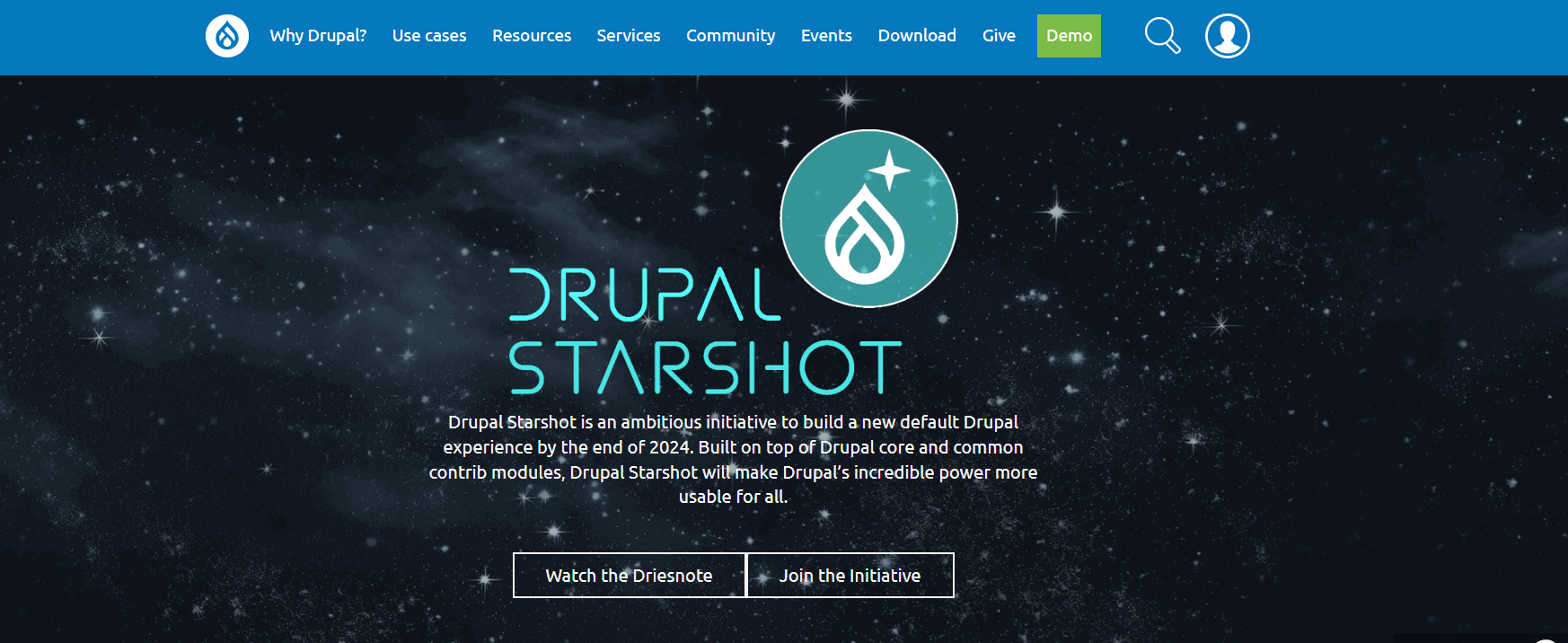
Drupal is an open-source CMS known for its robustness and scalability. It is ideal for complex websites that require extensive customization and advanced features.

Pros:

  • Highly flexible and scalable.
  • Strong security features.
  • Supports multilingual sites out of the box.
  • Large community and extensive documentation.

Cons:

  • Steeper learning curve compared to other CMS platforms.
  • Requires technical expertise for setup and maintenance.
  • Fewer themes and plugins compared to WordPress.

Best For:

  • Large enterprises
  • Government websites
  • Complex and high-traffic websites

4. Joomla

[caption id=”attachment_12325″ align=”aligncenter” width=”1670″Joomla - CMS Software Joomla – CMS Software[/caption
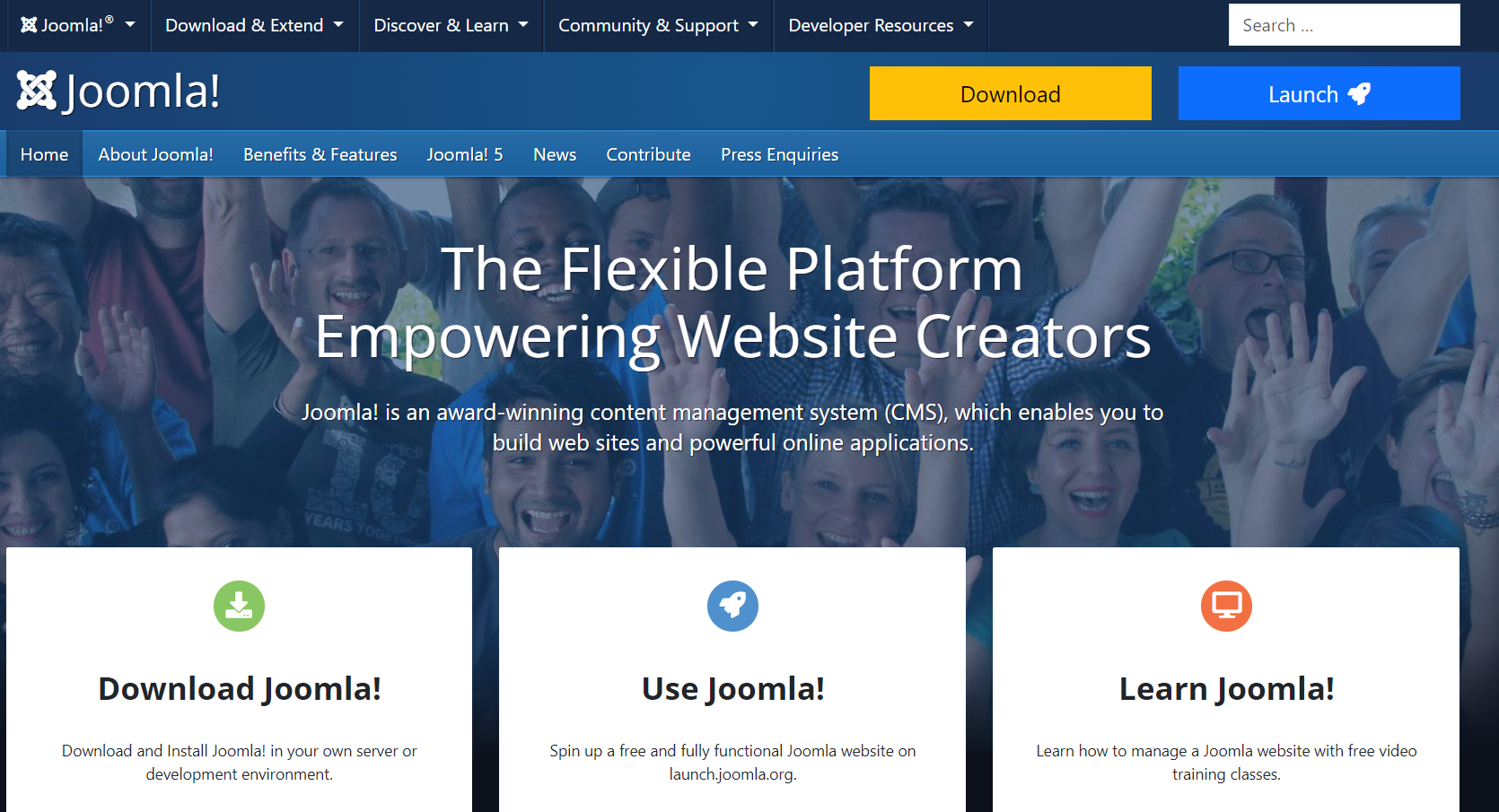
Joomla is an open-source CMS that offers a balance between user-friendliness and flexibility. It is suitable for a wide range of website types, from simple blogs to complex corporate sites.

Pros:

  • Flexible and highly customizable.
  • Strong community support and documentation.
  • Built-in multilingual support.
  • Good for SEO.

Cons:

  • More complex than WordPress, requiring a steeper learning curve.
  • Fewer themes and extensions compared to WordPress.
  • Requires more frequent updates and maintenance.

Best For:

  • Medium to large-sized websites
  • E-commerce websites
  • Social networking sites

5. Wix

[caption id=”attachment_12326″ align=”aligncenter” width=”1883″Wix - CMS Website Builder Wix – CMS Website Builder[/caption
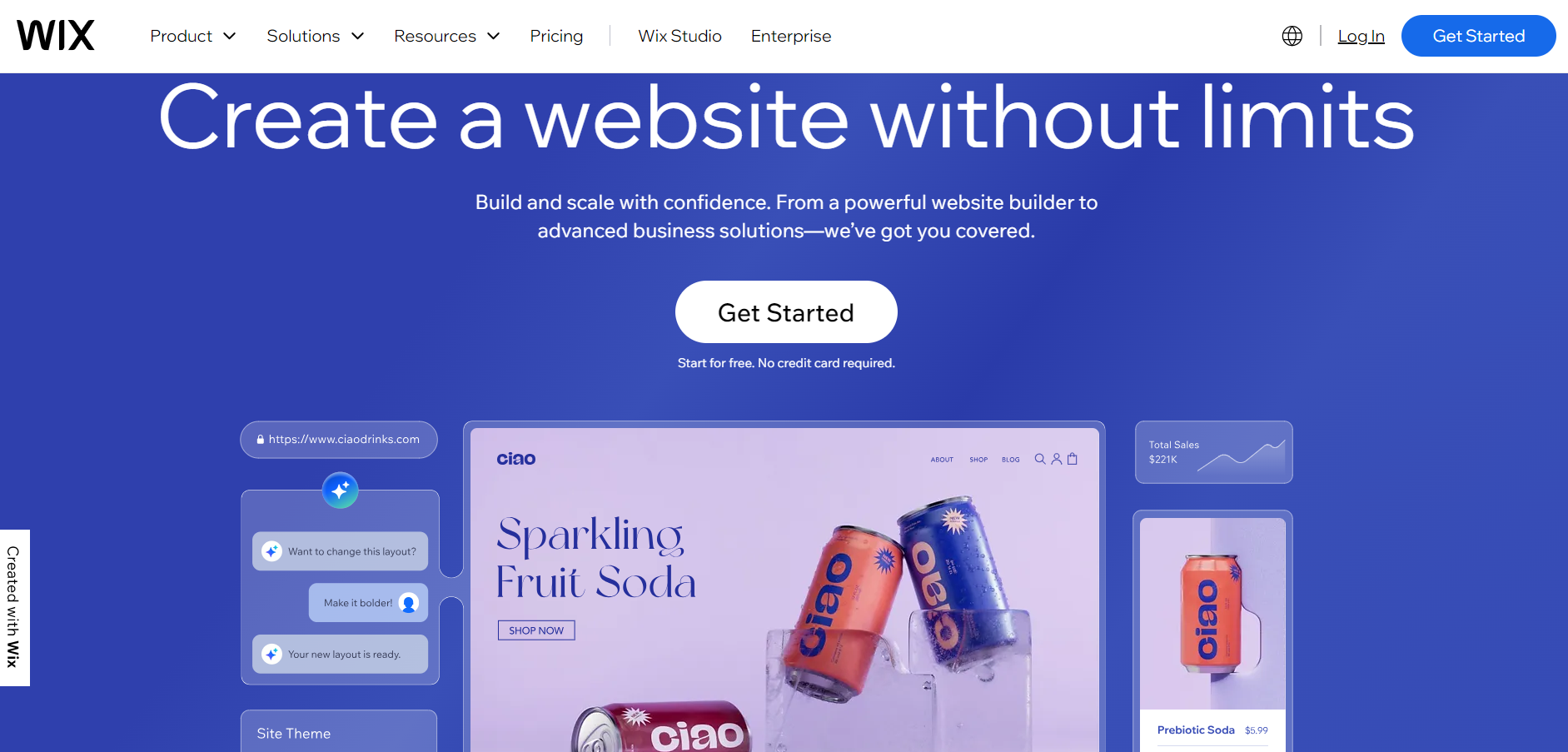
Wix is a cloud-based website builder that allows users to create stunning websites using a simple drag-and-drop interface. It is ideal for users who want a quick and easy way to build a website without any coding knowledge.

Pros:

  • User-friendly drag-and-drop interface.
  • Wide range of templates and design options.
  • Built-in SEO and marketing tools.
  • Reliable hosting and security.

Cons:

  • Limited customization compared to open-source CMS platforms.
  • Can become expensive with premium features.
  • Difficult to switch templates once the site is live.

Best For:

  • Small businesses
  • Personal websites
  • Creative professionals

6. HubSpot CMS

[caption id=”attachment_12327″ align=”aligncenter” width=”1737″HubSpot - CMS Software HubSpot – CMS Software[/caption
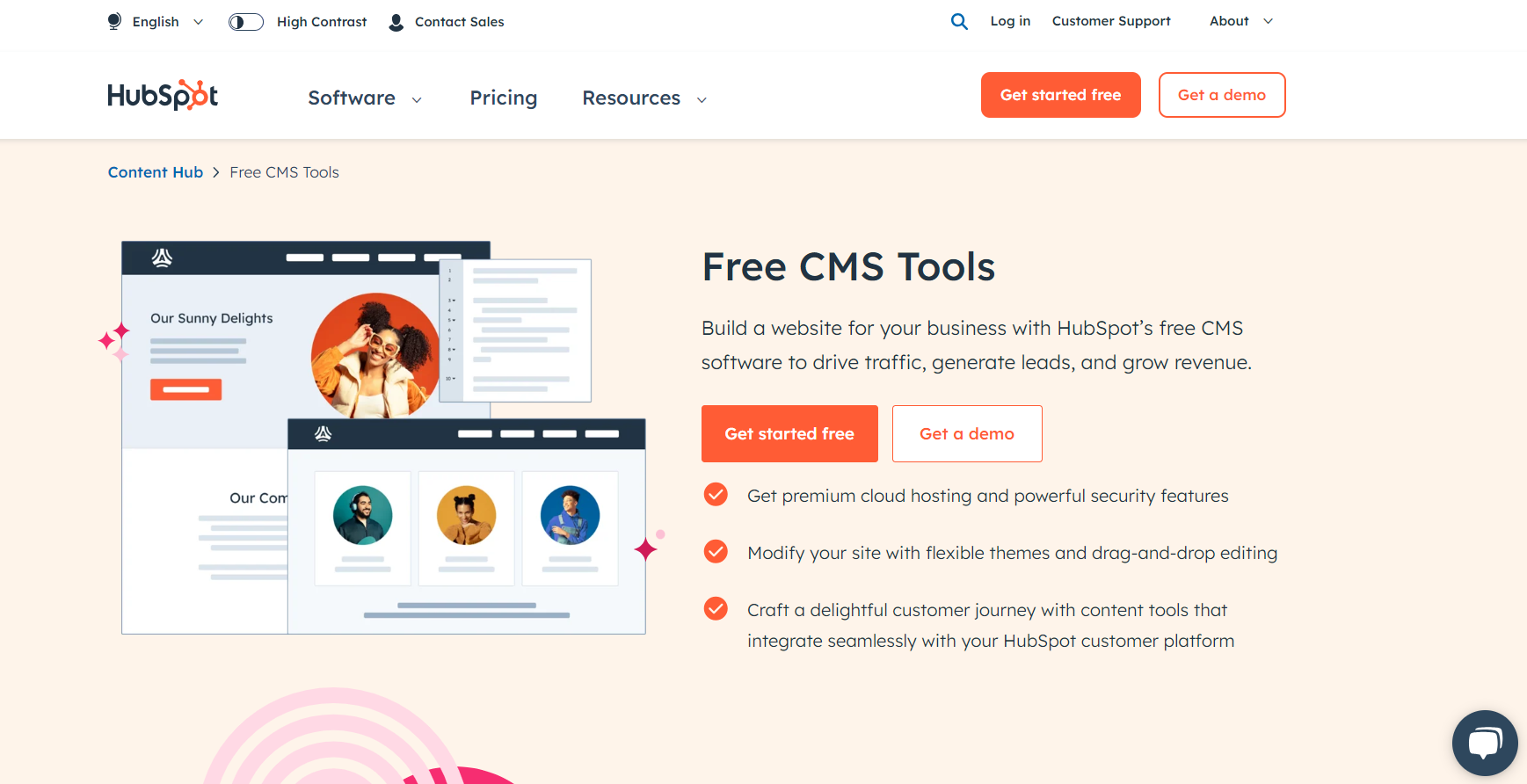
HubSpot CMS is an all-in-one content management system that integrates with HubSpot’s suite of marketing, sales, and service tools. It is designed to help businesses grow by providing tools for website creation, lead generation, and customer management.

Pros:

  • Seamless integration with HubSpot’s CRM and marketing tools.
  • Easy to use with a drag-and-drop editor.
  • Built-in SEO recommendations and optimization tools.
  • Strong analytics and reporting features.

Cons:

  • Higher cost compared to other CMS platforms.
  • Limited customization options for advanced users.
  • Best suited for users already invested in the HubSpot ecosystem.

Best For:

  • Marketing teams
  • Businesses looking for an integrated marketing solution
  • Inbound marketing-focused businesses

7. Magento

[caption id=”attachment_12328″ align=”aligncenter” width=”1833″Magento - CMS Software Magento – CMS Software[/caption
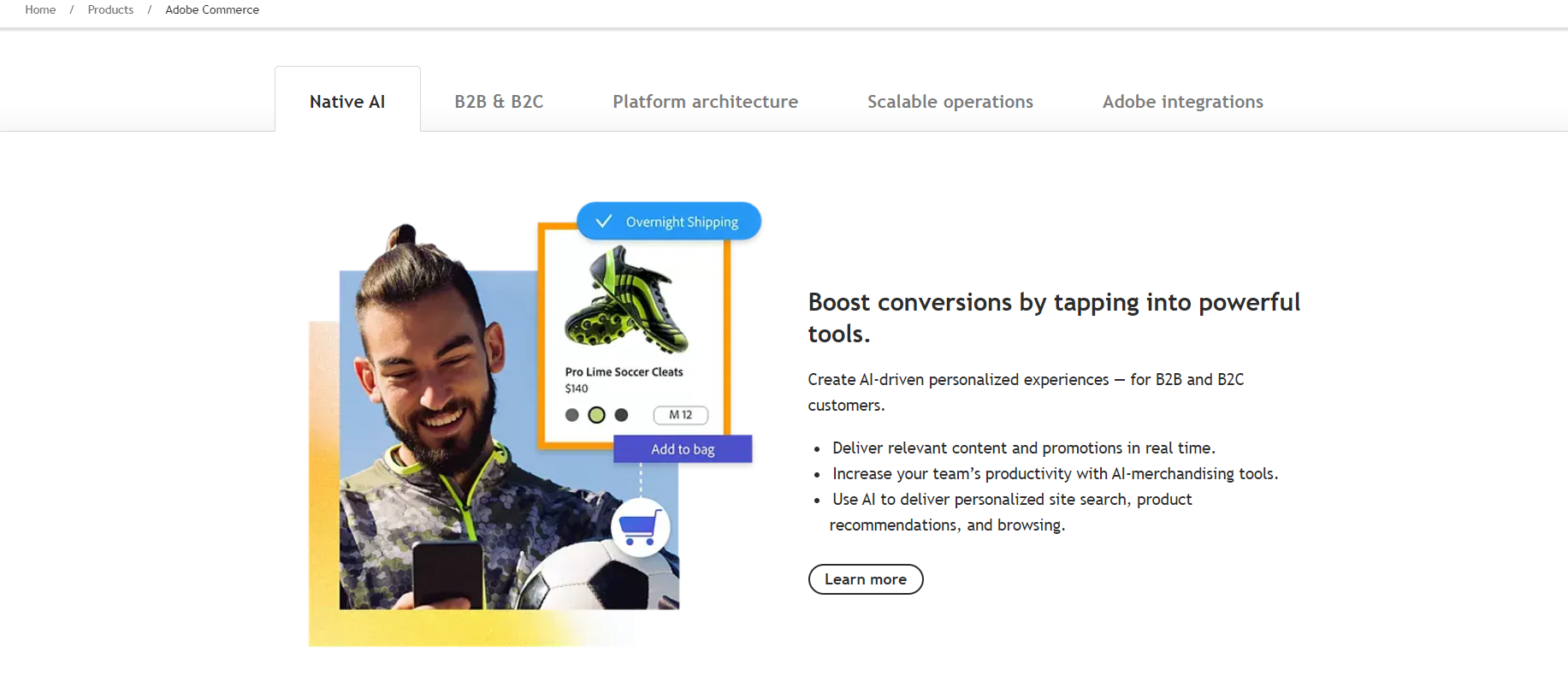
Magento is a powerful open-source e-commerce platform designed for businesses that require a flexible and scalable solution for their online stores. It is known for its extensive features and customization options. and a wide range of Magento 2 Extensions that enhance functionality, enabling merchants to tailor their stores to specific needs.

Pros:

  • Highly flexible and scalable.
  • Extensive range of features tailored for e-commerce.
  • Strong community support and marketplace for extensions.
  • Excellent for SEO.

Cons:

  • Requires technical expertise for setup and maintenance.
  • Can be expensive, especially for the enterprise version.
  • Performance issues if not properly optimized.

Best For:

  • Medium to large-sized e-commerce businesses
  • Businesses with complex product catalogs
  • Enterprises looking for a highly customizable e-commerce solution

8. PrestaShop

[caption id=”attachment_12329″ align=”aligncenter” width=”1874″PrestaShop - CMS Website Builder PrestaShop – CMS Website Builder[/caption
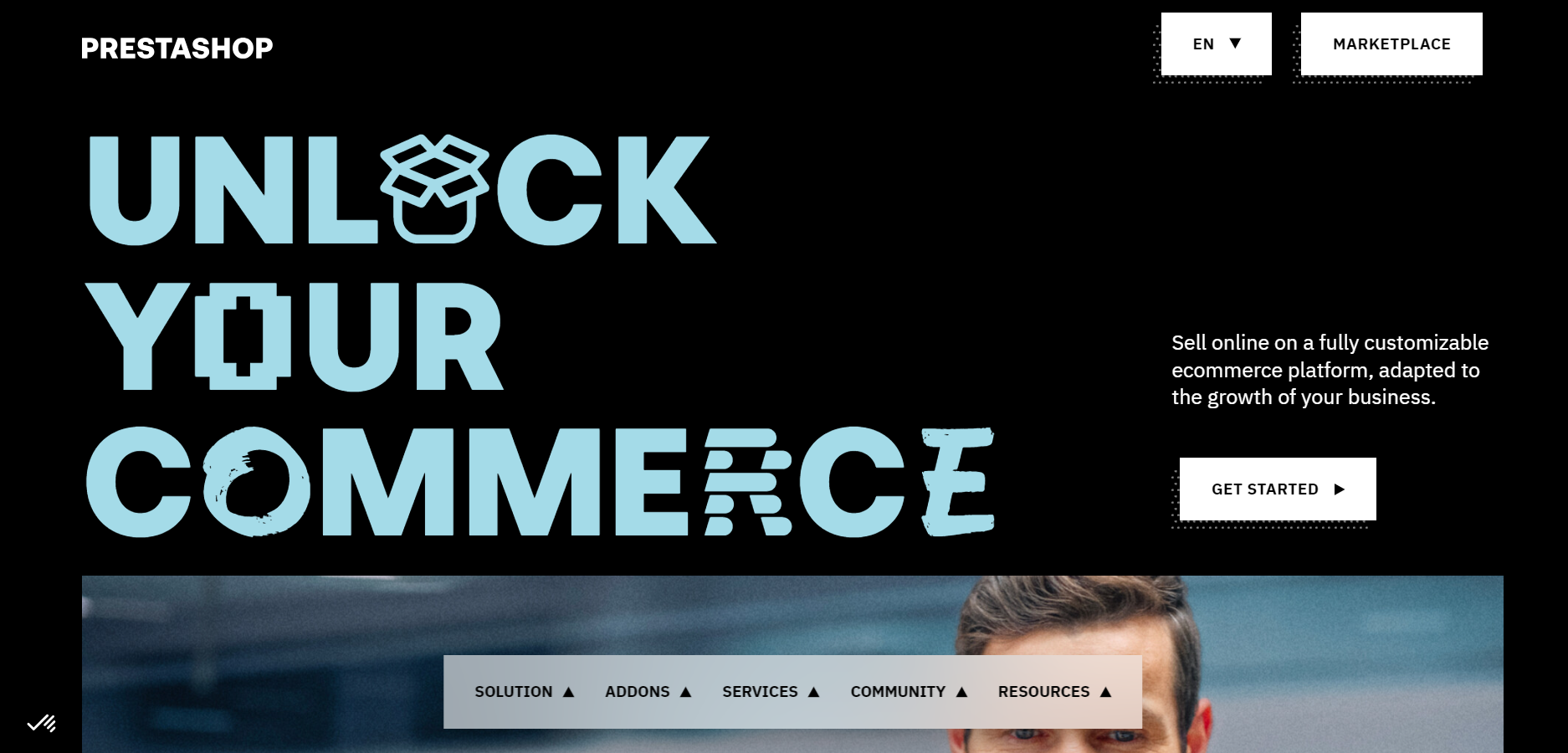
PrestaShop is an open-source e-commerce platform that offers a wide range of features to help businesses create and manage online stores. It is known for its flexibility and ease of use.

Pros:

  • Free and open-source.
  • Wide range of features and customization options.
  • Strong community support and marketplace for modules.
  • SEO-friendly.

Cons:

  • Requires technical expertise for setup and maintenance.
  • Fewer themes and modules compared to other platforms.
  • Can become slow if not optimized properly.

Best For:

  • Small to medium-sized e-commerce businesses
  • Entrepreneurs looking for a cost-effective e-commerce solution
  • Businesses that need a customizable platform

9. Sitecore

[caption id=”attachment_12330″ align=”aligncenter” width=”1896″Sitecore - A Website Builder Sitecore – A Website Builder [/caption
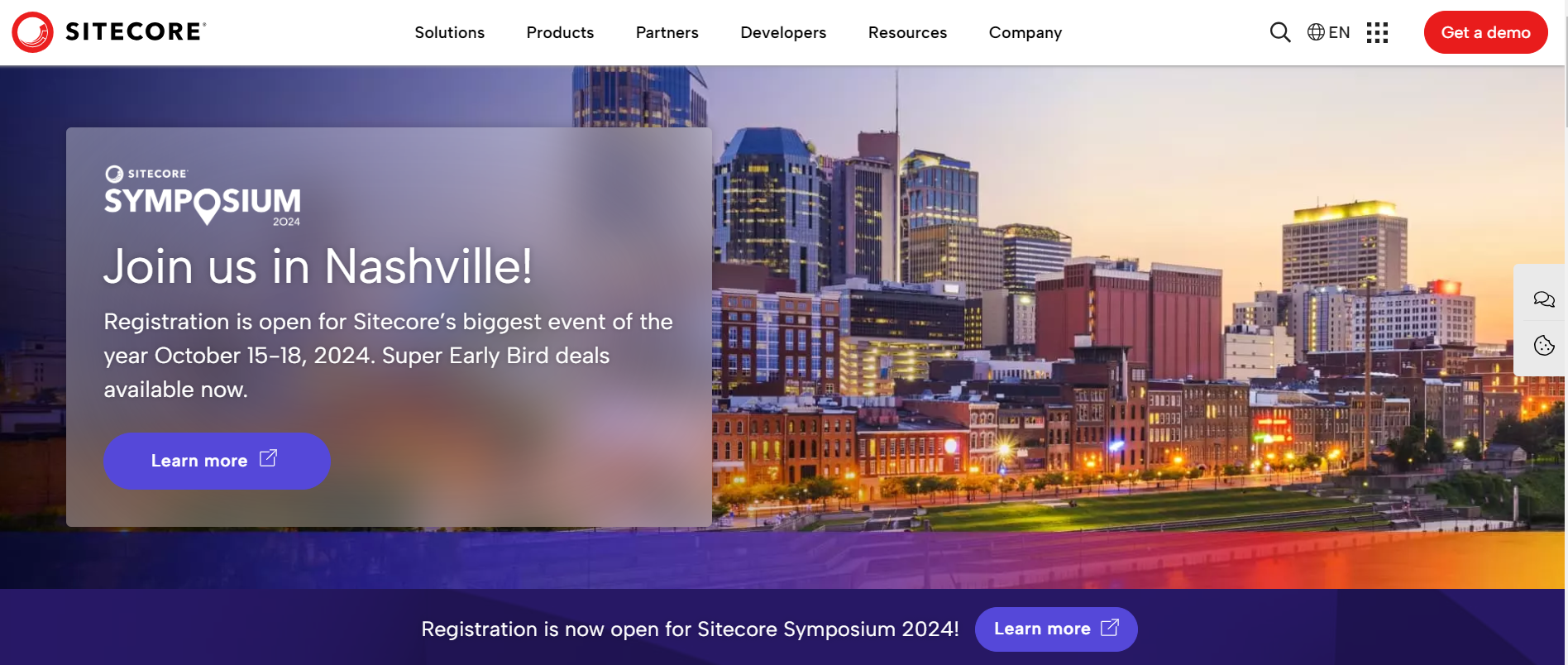
Sitecore is an enterprise-level CMS that provides a comprehensive suite of digital marketing tools. It is designed for businesses that need advanced personalization, analytics, and marketing automation capabilities.

Pros:

  • Robust personalization and customer experience management.
  • Strong integration with other marketing tools and platforms.
  • Scalable and flexible for complex websites.
  • Excellent support and documentation.

Cons:

  • High cost, suitable for large enterprises.
  • Requires technical expertise for setup and maintenance.
  • Steeper learning curve compared to other CMS platforms.

Best For:

  • Large enterprises
  • Businesses with complex digital marketing needs
  • Companies looking for advanced personalization capabilities

10. Appy Pie

[caption id=”attachment_12331″ align=”aligncenter” width=”1869″Appy Pie - CMS Website Builder Appy Pie – CMS Website Builder[/caption
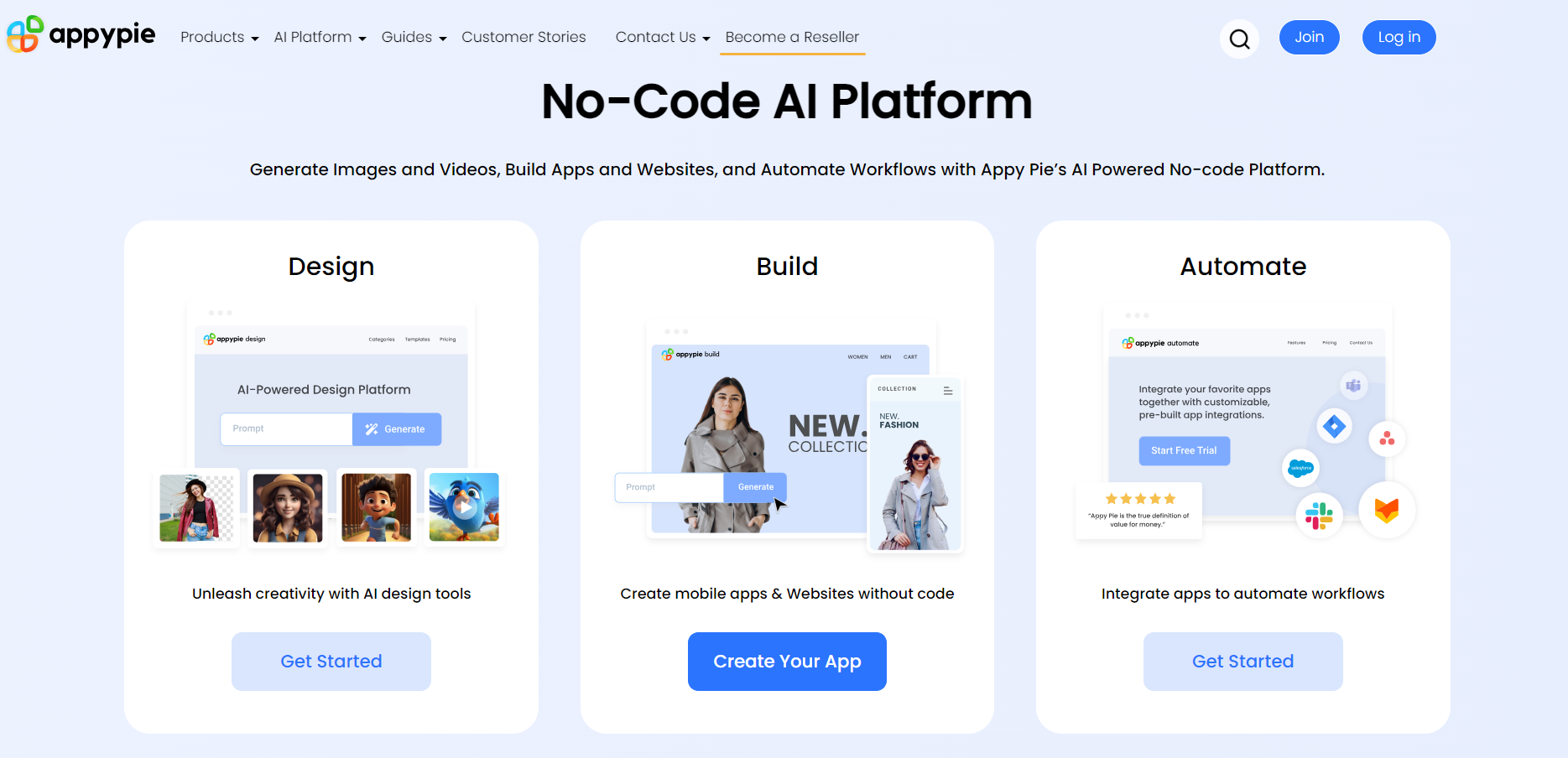
Appy Pie is a cloud-based app builder that allows users to create mobile apps and websites without any coding knowledge. It offers a range of templates and customization options for different industries.

Pros:

  • User-friendly interface with drag-and-drop functionality.
  • Wide range of templates and customization options.
  • No coding required.
  • Affordable pricing plans.

Cons:

  • Limited customization compared to open-source platforms.
  • Less suitable for complex websites or apps.
  • Dependency on Appy Pie’s infrastructure and policies.

Best For:

  • Small businesses
  • Entrepreneurs looking to create mobile apps quickly
  • Users with no coding knowledge

Future Trends of CMS Development

1. Headless CMS

Headless CMS is gaining popularity due to its flexibility and scalability. Unlike traditional CMS platforms, headless CMS decouples the content management backend from the frontend presentation layer, allowing developers to use APIs to deliver content to any device or platform. This approach is particularly beneficial in the era of omnichannel marketing, where content needs to be consistent across web, mobile, IoT, and other emerging platforms. By enabling developers to choose their preferred technology stack for the frontend, headless CMS provides a versatile solution for modern web development.

2. Artificial Intelligence and Machine Learning

The integration of artificial intelligence (AI) and machine learning (ML) into CMS platforms is transforming how content is created, managed, and optimized. AI-driven tools can automate content recommendations, personalize user experiences, and enhance SEO strategies by analyzing user behavior and search patterns. Machine learning algorithms can also predict trends and provide actionable insights, allowing businesses to make data-driven decisions. This advancement not only improves efficiency but also helps in delivering more relevant and engaging content to users.

3. Cloud Based CMS

Cloud-based CMS solutions offer significant advantages in terms of scalability, accessibility, and cost-effectiveness. By hosting the CMS in the cloud, businesses can reduce their infrastructure maintenance costs and benefit from automatic updates and enhanced security. Cloud-based CMS platforms facilitate easy collaboration among team members, regardless of their location, and provide seamless access to the CMS from any device. This trend aligns with the growing demand for remote work and global collaboration, making it an attractive option for businesses of all sizes.

4. Modular Design

Modular design is becoming a key trend in CMS development services, allowing for greater flexibility and customization. In a modular CMS, content and functionality are divided into reusable components or modules. This approach simplifies updates and maintenance, as individual modules can be modified or replaced without affecting the entire system. Modular design also enables developers to create more dynamic and interactive websites, enhancing the user experience. This trend supports the need for agile development processes and more personalized web experiences.

5. Voice Search Optimization

With the rise of voice-activated devices and virtual assistants, optimizing CMS platforms for voice search is crucial. Voice search optimization involves structuring content to be easily accessible and understandable by voice search technologies. This includes using natural language, answering common questions succinctly, and ensuring that content is mobile-friendly. As voice search continues to grow in popularity, businesses that optimize their content for voice queries will gain a competitive edge, improving their visibility and user engagement.

CMS vs Website Builder – What is the Difference ?

Criteria CMS Website Builder
Customization Extensive with themes, plugins, and custom coding Limited to available templates and features
Scalability Highly scalable, suitable for large and complex websites Best for small to medium-sized websites
Technical Expertise Requires some technical knowledge for setup and maintenance No technical skills needed, user-friendly
Ease of Use Moderate, with a learning curve for beginners Very easy, with drag-and-drop interfaces
Content Management Robust features for managing large amounts of content Basic content management capabilities
Flexibility High, can be tailored to specific needs Limited by the platform’s built-in features
SEO Capabilities Strong, with various SEO plugins available Good, but less customizable
Hosting and Maintenance Requires separate hosting and regular maintenance Included in the service, hassle-free
Cost Variable, with potential costs for themes, plugins, and hosting Fixed pricing plans, can become expensive with premium features
Support and Community Large community and extensive documentation Dedicated customer support, smaller community
Use Cases Suitable for blogs, e-commerce, enterprise websites, and more Suitable for blogs, e-commerce, enterprise websites, and more


Conclusion – How to choose Best CMS?

Choosing the best CMS involves a careful evaluation of several factors to ensure it aligns with your website’s goals and requirements. Start by clearly defining the purpose of your site and the type of content you will manage. Consider your technical expertise; if you lack technical skills, opt for a user-friendly CMS like WordPress or a website builder like Wix. Evaluate the level of customization and flexibility you need, as open-source CMS platforms offer extensive options through themes, plugins, and custom coding, while website builders are simpler but less customizable. Scalability is crucial for future growth, so ensure the 

CMS can handle increased traffic and additional features. Budget is also a key consideration; factor in costs for hosting, themes, plugins, and maintenance. Additionally, look for a CMS that supports strong SEO practices and integrates well with marketing tools. Robust community support and comprehensive documentation are essential for troubleshooting and extending functionality. Finally, prioritize security features and regular updates to protect your site from vulnerabilities. By weighing these factors, you can select a CMS that meets your needs, technical capabilities, and budget, providing a solid foundation for your website’s success.

Top 20 Best B2B SaaS Companies

In the rapidly evolving world of software as a service (SaaS), business-to-business (B2B) SaaS companies have emerged as game-changers, revolutionizing how businesses operate and grow.

As we navigate through 2024, the B2B SaaS market continues to expand, with innovative solutions and cutting-edge technologies transforming industries across the globe.

At VH Info, we understand the importance of staying ahead in the competitive B2B SaaS landscape. Our mission is to provide you with actionable insights and strategies to help your business thrive.

In this comprehensive guide, we’ll dive deep into the world of B2B SaaS, exploring its definition, advantages, marketing strategies, and the top companies dominating the market.

What is B2B SaaS?

What is B2B SaaS?

B2B SaaS, or business-to-business software as a service, refers to cloud-based software solutions designed specifically for businesses.

These B2B SaaS products can include accounting, office productivity, customer relationship management (CRM), and other work-related tasks.

Companies can subscribe to these services regularly, usually monthly or yearly, making it a cost-effective and scalable solution for businesses of all sizes.

How Does B2B SaaS Marketing Work?

B2B SaaS marketing focuses on attracting, engaging, and retaining business customers. It involves a combination of inbound marketing strategies, such as content marketing, search engine optimization (SEO), and social media marketing, to generate leads and nurture them through the sales funnel. The goal is to educate potential customers about the value of the SaaS product, demonstrate its benefits, and ultimately convert them into paying subscribers.

Advantages of B2B SaaS Products in E-Commerce

B2B SaaS solutions offer numerous advantages for e-commerce businesses.

They provide a centralized platform for managing various aspects of the business, from inventory management and order processing to customer relationship management (CRM) and marketing automation. Additionally, integrating CRM with contact center software strengthens B2B communication, enabling seamless customer interactions and improved service delivery.

SaaS Billing Software for Subscription Management

When it comes to SaaS billing, businesses need a solution that can handle the complexities of recurring billing, usage-based pricing, and subscription management. UniBee’s SaaS billing software is designed to address these pain points directly, offering an all-in-one platform that integrates with existing tools and automates repetitive tasks.

Disadvantages of B2B SaaS Products

While B2B SaaS offers many benefits, there are also some potential drawbacks to consider.

One concern is data security, as businesses must trust the SaaS provider with their sensitive information. Additionally, customization options may be limited compared to on-premise software, and businesses may face challenges integrating SaaS solutions with their existing systems.

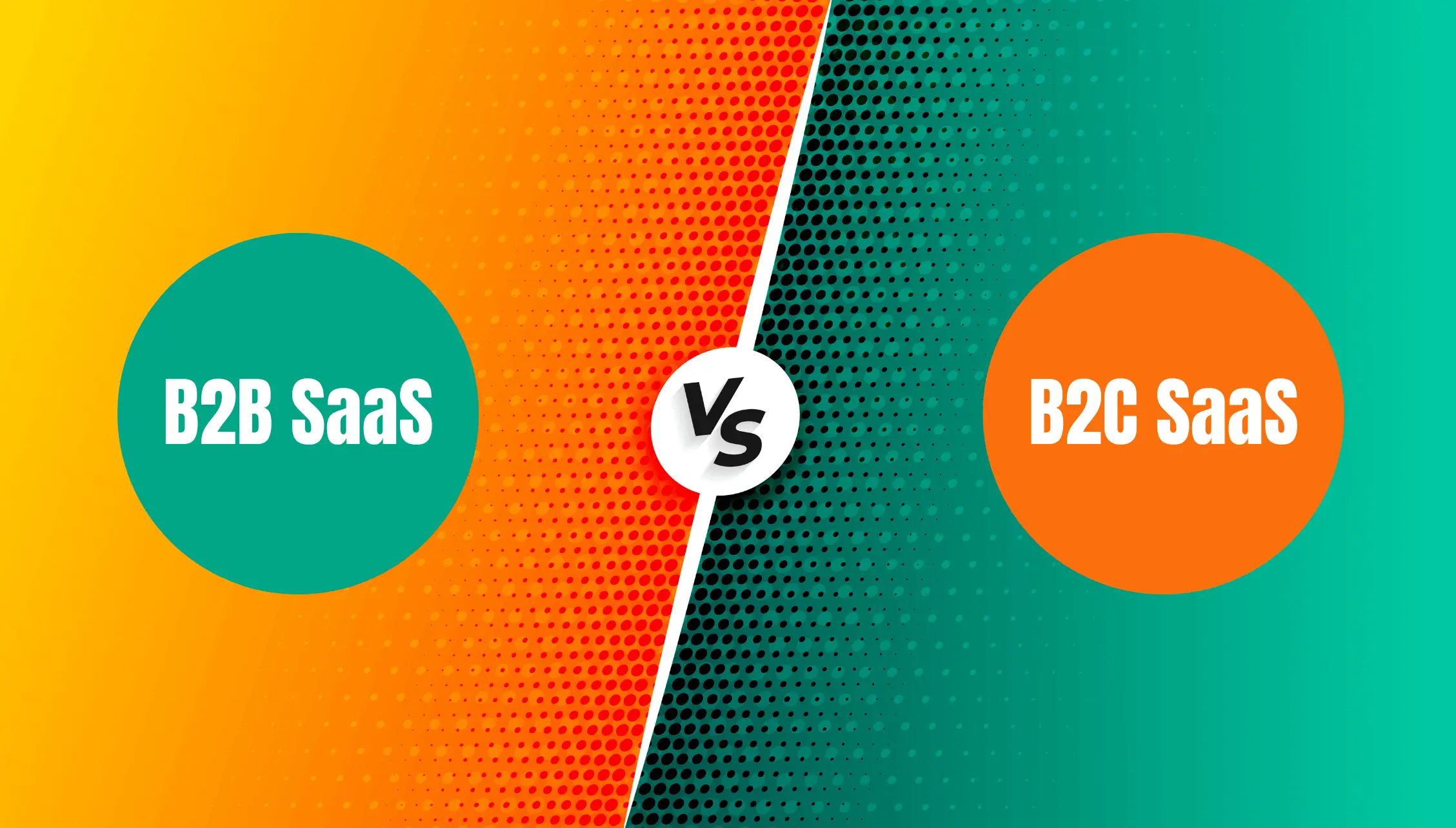
Differences between B2B SaaS and B2C SaaS

Differences Between B2B SaaS And B2C SaaS

B2B SaaS and B2C SaaS cater to different target audiences and have distinct characteristics.

B2B SaaS focuses on providing solutions for businesses, often with more complex features and higher price points.

In contrast, B2C SaaS targets individual consumers and tends to have simpler user interfaces and lower subscription fees.

Why B2B SaaS is a Better Opportunity Than B2C SaaS?

B2B SaaS presents a more lucrative opportunity compared to B2C SaaS for several reasons.

  • Firstly, businesses are willing to pay more for software that solves their specific problems and improves their bottom line.
  • Secondly, B2B SaaS often involves longer-term contracts and higher customer lifetime values.

Additionally, the B2B market is vast, with numerous industries and niches to target.

How to Follow the SaaS Business Model?

How to Follow the SaaS Business Model?

To succeed as a SaaS company, it’s essential to follow a well-defined business model.

Here are the key stages for most SaaS startups:

Setup

The setup phase involves developing the software product, defining the target market, and establishing pricing and subscription plans. It’s important to create a user-friendly and reliable product that solves a specific problem for your target audience.

Growth

Once the product is launched, the focus shifts to customer acquisition and growth. This involves implementing effective marketing strategies, such as SEO, content marketing, and paid advertising, to attract potential customers. Building partnerships and integrations with other SaaS products can also help expand your reach.

Stabilization

As the customer base grows, the emphasis moves towards retention and expansion. Providing excellent customer support, continuously improving the product based on user feedback, and offering additional features or upgrades are key to maintaining customer satisfaction and reducing churn.

How Do You Do B2B SaaS Marketing?

How Do You Do B2B SaaS Marketing?

B2B SaaS marketing requires a multi-faceted approach to reach and engage potential customers effectively.

Here are some essential strategies:

  1. SEO: Search engine optimization is important for improving your website’s visibility in search engine results pages (SERPs).
  2. Paid Ads: Paid advertising, such as Google Ads or social media ads, can help you reach your target audience quickly and drive targeted traffic to your website.
  3. Email Marketing: Email marketing is a powerful tool for nurturing leads and engaging existing customers.
  4. Social Media Marketing: Social media platforms like LinkedIn, Twitter, and Facebook provide opportunities to connect with your target audience, share valuable content, and establish thought leadership.

Top 20 Best B2B SaaS Companies

Now, let’s take a look at some of the top B2B SaaS companies leading the way in 2024:

Google

Google

Google offers a suite of products, including Google Workspace (formerly G Suite), which provides businesses with tools for email, document creation, file storage, and video conferencing.

HubSpot

HubSpot

HubSpot is an all-in-one marketing, sales, and customer service platform that helps businesses attract, engage, and delight customers. Their suite of tools includes a CRM, marketing automation, and content management system.

Slack

Slack

Slack is a team collaboration tool that enables real-time communication, file sharing, and integration with other SaaS applications, making it easier for teams to work together efficiently.

Xero

Xero

Xero is a cloud-based accounting software designed for small businesses, offering features like invoicing, expense tracking, and financial reporting.

Workday

Workday

Workday provides enterprise-level human capital management (HCM) and financial management solutions, helping businesses streamline their HR and finance processes.

Atlassian

Atlassian

Atlassian offers a suite of products for project management, team collaboration, and software development, including Jira, Confluence, and Trello.

AppSumo

AppSumo

AppSumo is a deals platform that offers discounted lifetime access to various SaaS products, helping businesses discover and adopt new tools.

VH-Info

VH-Info

VH-Info is a leading provider of actionable insights and strategies for SaaS link building. Our expert guidance help businesses improve their search engine rankings and drive organic growth.

Salesforce

Salesforce

Salesforce is a comprehensive customer relationship management (CRM) platform that helps businesses manage their sales, marketing, and customer service processes.

Deel

Deel

Deel is a user-friendly platform that helps businesses hire, pay, and manage remote teams worldwide. It automates payroll, contracts, and compliance, making it easy for companies to work with talent globally.

Shopify

Shopify

Shopify is an e-commerce platform that enables businesses to create online stores, manage inventory, process payments, and handle shipping.

Adobe

Adobe

Adobe offers a range of SaaS solutions for creative professionals, including Adobe Creative Cloud for design and video editing, and Adobe Experience Cloud for digital marketing.

Mailchimp

Mailchimp

Mailchimp is an email marketing and automation platform that helps businesses create, send, and analyze email campaigns to engage their audience.

Ahrefs

Ahrefs

Ahrefs is an all-in-one SEO toolset that provides website analysis, keyword research, competitor analysis, and backlink monitoring.

Semrush

Semrush

Semrush is a comprehensive digital marketing toolkit that offers solutions for SEO, PPC, content marketing, and social media marketing.

SurveyMonkey

SurveyMonkey

SurveyMonkey is an online survey and questionnaire tool that enables businesses to gather insights and feedback from their customers and employees.

DocuSign

DocuSign

DocuSign is a digital signature and agreement cloud platform that allows businesses to securely sign, send, and manage documents electronically.

Dropbox

Dropbox

Dropbox is a cloud storage and file-sharing platform that helps businesses store, access, and collaborate on documents from anywhere.

Microsoft

Microsoft

Microsoft offers a range of B2B SaaS solutions, including Microsoft 365 for productivity, Microsoft Dynamics for business management, and Microsoft Azure for cloud computing.

Zendesk

Zendesk

Zendesk is a customer service and engagement platform that helps businesses manage customer interactions across various channels, such as email, chat, and social media.

Nadcab Labs

Nadcab Labs

Nadcab Labs is a technology solutions provider specializing in blockchain development, crypto MLM software, and custom digital platforms. It helps businesses build secure, scalable, and innovative solutions, including smart contracts, decentralized applications, and end-to-end MLM systems tailored for modern network marketing needs.

Future Trends in B2B SaaS

Future Trends In B2B SaaS

As the B2B SaaS market continues to evolve, several trends are shaping the future of the industry:

Increased Focus on Security

With the growing concern over data privacy and security, B2B SaaS companies are investing heavily in robust security measures to protect their customers’ sensitive information.

Integration of Artificial Intelligence (AI) & Machine Learning (ML)

AI and ML are becoming increasingly prevalent in B2B SaaS solutions, enabling businesses to automate processes, gain valuable insights from data, and personalize user experiences.

Expanded Partner Integrations

B2B SaaS companies are focusing on building extensive partner ecosystems, allowing seamless integrations with other SaaS products to provide customers with a more comprehensive and connected experience.

FAQ’s:

What Are the Key Features to Look For in a B2B SaaS Product?

When evaluating B2B SaaS products, look for features that align with your business needs, such as scalability, customization options, data security, user-friendly interface, and robust customer support.

How Do B2B SaaS Companies Generate Revenue?

B2B SaaS companies generate revenue through subscription-based pricing models, where customers pay a recurring fee to access the software. Additional revenue streams may include setup fees, premium features, and professional services.

How Much Does a Typical B2B SaaS Company Spend on Digital Marketing?

The digital marketing budget for B2B SaaS companies varies depending on factors such as company size, growth stage, and target market. On average, B2B SaaS companies allocate 10-20% of their annual recurring revenue (ARR) to marketing efforts.

Can Small Businesses Benefit From B2B SaaS?

Absolutely! B2B SaaS solutions are designed to cater to businesses of all sizes, including small businesses. The scalability and cost-effectiveness of SaaS products make them an attractive option for small businesses looking to streamline their operations and grow their customer base.

How Do B2B SaaS Companies Handle Data Security?

B2B SaaS companies prioritize data security by implementing strict security protocols, such as encryption, multi-factor authentication, and regular security audits. They also adhere to industry-specific compliance standards, such as GDPR, HIPAA, and SOC 2, to ensure the protection of customer data.

What Are the Best Practices For Implementing B2B SaaS Solutions?

When implementing B2B SaaS solutions, it’s essential to clearly define your business requirements, involve key stakeholders in the decision-making process, and provide adequate training and support for end-users. Regularly monitoring and measuring the performance of the SaaS product and making data-driven decisions for optimization are also important for success.

Conclusion

B2B SaaS companies are at the forefront of driving business transformation and growth in 2024.

By leveraging the power of cloud computing, automation, and data-driven insights, these companies are empowering businesses to streamline their processes, improve customer experiences, and gain a competitive edge.

As a trusted expert in the field, VH Info is committed to providing you with the knowledge necessary to navigate the B2B SaaS landscape successfully.

By staying informed about the latest trends, adopting best practices, and partnering with the right SaaS providers, your business can unlock new opportunities and achieve sustainable growth in the years to come.

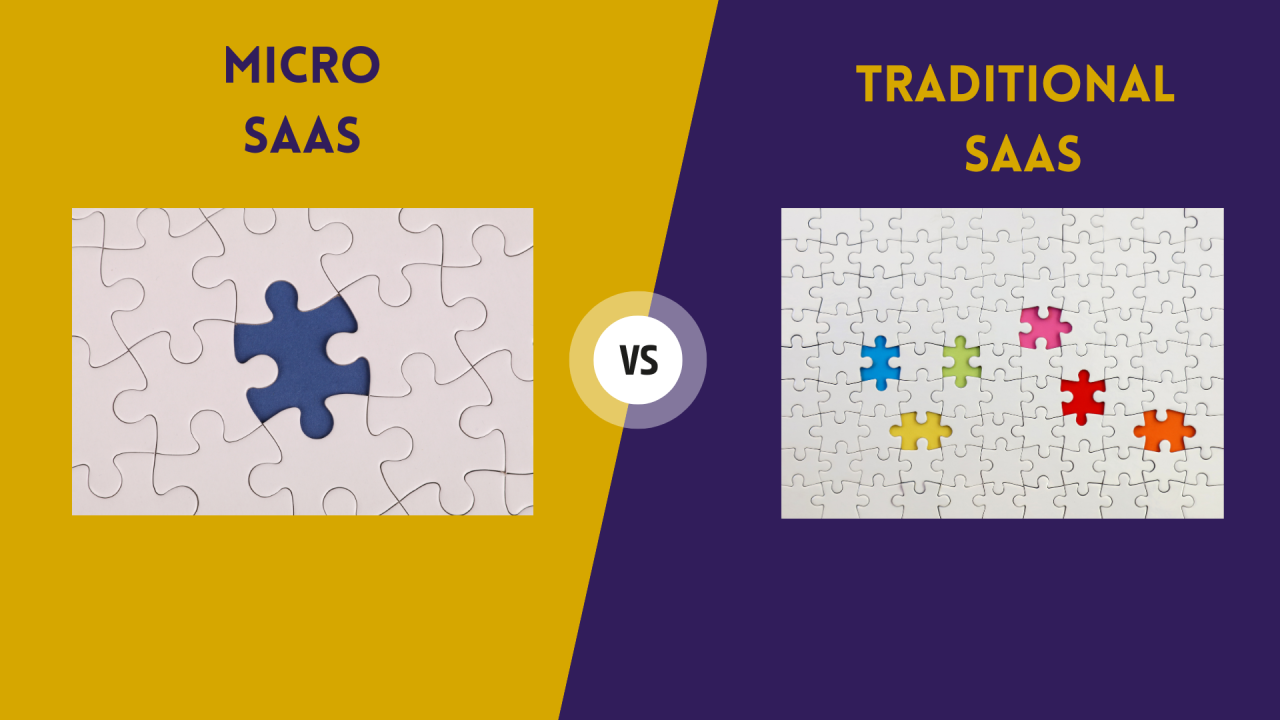
Micro Saas: What is it, Benefits & Ideas With Examples

In the rapidly evolving world of software as a service (SaaS), a new breed of nimble, focused SaaS startups is making waves: micro SaaS. These small but mighty SaaS companies are proving that you don’t need a massive team or millions in funding to build a successful SaaS business.

Zeroing in on a specific niche market and efficiently solving a targeted problem, savvy entrepreneurs are launching profitable micro SaaS products with minimal resources.

At VH Info, we’re all about actionable insights to help you succeed in the competitive SaaS market. In this ultimate guide, we’ll dive deep into the micro SaaS phenomenon, exploring what micro SaaS is, how it differs from traditional SaaS, and why this lean business model is so appealing.

We’ll also break down the key steps to launching your own micro SaaS, from generating your initial idea to acquiring your first customers and beyond.

Whether you’re a solo founder looking to bootstrap your way to SaaS success or an established company exploring new growth opportunities, this guide will give you the knowledge and tools you need to launch a thriving micro SaaS business. Let’s get started!

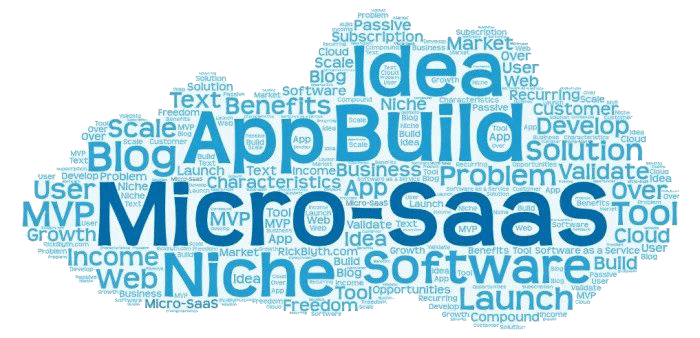
What is Micro-Saas?

What is Micro SaaS?

At its core, micro SaaS follows the same fundamental model as traditional SaaS: providing web-based software to customers on a subscription basis.

The main distinction lies in the scale and scope. Traditional SaaS companies typically target a wide audience with a detailed product, whereas micro SaaS businesses adopt a more focused strategy.

A micro SaaS is typically run by a very small team, often just a solo founder, with the goal of addressing a narrow, specific need within a niche market. Rather than trying to be everything to everyone, micro SaaS products zero in on doing one thing exceptionally well for smaller groups within a particular target audience, creating a dedicated user base.

This focused approach allows micro SaaS startups to get to market quickly and start generating revenue without the high upfront costs and lengthy development cycles of larger-scale SaaS products.

Micro SaaS companies can quickly adjust their products based on user feedback by remaining agile and efficient, thus enhancing their ability to cater to their target customers.

Benefits of Micro-SaaS

The micro SaaS model offers a host of compelling benefits for entrepreneurs and small teams looking to break into the SaaS market:

  1. Low overhead: With a small team, narrow focus, and limited feature set, micro SaaS businesses have much lower operating costs than their larger counterparts. This makes it possible to bootstrap the business and reach profitability quickly.
  2. Rapid time-to-market: By focusing on a single, specific use case, micro SaaS products can be developed and launched much faster than more complex, full-featured SaaS platforms. This speed allows micro SaaS startups to start generating revenue and validating their idea with real customers sooner.
  3. Agility: The lean nature of micro SaaS businesses makes them incredibly agile and responsive to customer needs. With a tight feedback loop and the ability to quickly ship new features and improvements, micro SaaS companies can rapidly evolve their products to better serve their target market.
  4. Niche expertise: By focusing on a narrow niche, micro SaaS founders can position themselves as true experts in their domain. This specialization helps to establish trust and credibility with potential customers, making it easier to attract and retain a loyal user base.
  5. Recurring revenue: Like all SaaS businesses, micro SaaS products generate predictable, recurring revenue through subscriptions. This reliable income stream provides a solid foundation for sustainable growth.

Difference Between SaaS and Micro-SaaS

Difference Between SaaS and Micro-SaaS

While micro SaaS and traditional SaaS share the same core model, there are some key differences between the two approaches:

Time Taken to Launch Product

Traditional SaaS products often require extensive development cycles to build out a broad range of features and capabilities.

In contrast, micro SaaS products are designed to be launched quickly, with a narrow feature set focused on solving a specific problem. To support this agility, it’s important to understand how to set up preview environments that allow for rapid testing and iteration before deployment. This streamlined approach allows micro SaaS businesses to get to market and start generating revenue much faster.

Business Expense

Launching and operating a traditional SaaS business can be expensive, with high development costs, extensive marketing budgets, and the need to support a large team. It’s crucial for entrepreneurs to have a clear understanding of business expense categories to effectively manage their finances. These categories can include everything from development costs to operational overhead, which helps ensure that the business remains sustainable and profitable

Micro SaaS businesses, on the other hand, are designed to keep expenses lean. By focusing on a specific niche and limiting the scope of the product, micro SaaS startups can often bootstrap their way to profitability without the need for significant outside funding.

Investor Complications

Traditional SaaS companies often rely on venture capital or other outside investment to fuel their growth.

While this funding can provide the resources needed to scale quickly, it also comes with added pressure and complexity, as founders must answer to investors and meet aggressive growth targets.

Micro SaaS businesses, in contrast, are often self-funded, giving founders more control over the direction of the company and the freedom to grow at a sustainable pace.

Why to Build Micro SaaS Business?

There are many compelling reasons to consider launching a micro SaaS business:

  1. Accessible entry point: With lower startup costs and a faster path to revenue, micro SaaS offers an accessible entry point into the SaaS market for solo founders and small teams. This makes it an appealing option for entrepreneurs looking to bootstrap their way to success.

  2. Lifestyle business potential: For many founders, the goal of starting a micro SaaS is not to build the next billion-dollar unicorn, but rather to create a sustainable, profitable business that supports their desired lifestyle. With a lean operation and predictable recurring revenue, a successful micro SaaS can provide a comfortable income and the freedom to work from anywhere.
  3. Opportunity for specialization: By focusing on a specific niche, micro SaaS founders can develop deep expertise and establish themselves as go-to authorities in their space. This specialization can help to differentiate the business and attract a loyal customer base.
  4. Potential for acquisition: While not every micro SaaS will get acquired, the lean, focused nature of these businesses can make them attractive targets for larger companies looking to expand their offerings or enter new markets. A successful exit can provide a significant payday for micro SaaS founders.

Cornerstones of Micro SaaS

To launch a successful micro SaaS, there are three key cornerstones to focus on:

Cornerstone # 1: Generating Idea

The first step in launching a micro SaaS is coming up with a viable idea. The best micro SaaS ideas typically arise from the founder’s own experience and expertise. Look for pain points or inefficiencies in your own work or hobbies, and consider how a focused software solution could address those issues.

It’s also important to validate your idea by researching the market and talking to potential customers. Look for evidence of demand for your proposed solution, and make sure there’s a willingness to pay for it.

At VH Info, we recommend using tools like Google Trends and keyword research to gauge interest in your micro SaaS idea.

Cornerstone # 2: Pricing Models

Choosing the right pricing model is critical for the success of your micro SaaS. The most common approach is a subscription model, where customers pay a recurring fee (usually monthly or annually) for access to the software. This provides a predictable revenue stream and aligns incentives between the business and its customers.

Other pricing options include usage-based pricing, where customers pay based on their level of use, and one-time fees for lifetime access. The key is to find a model that aligns with the value your product provides and the needs of your target market.

Cornerstone # 3: MVP

Once you’ve validated your idea and settled on a pricing model, it’s time to build your SaaS MVP (minimum viable product). The goal of developing a software MVP is to provide just enough functionality to solve your target customer’s core problem and start generating revenue.

Resist the temptation to pack in too many features at this stage. Focus on nailing the core use case and getting your product into the hands of real users as quickly as possible. You can always iterate and expand functionality based on customer feedback.

Top 10+ Micro-SaaS Ideas With Examples For 2024

Micro-SaaS Ideas With Examples

To help spark your creativity, here are some promising micro SaaS ideas for the coming year, along with real-world examples of companies finding success in these niches:

1. Email Automation Software

Helping businesses streamline and optimize their email marketing efforts is a perennial need. A micro SaaS that provides easy-to-use email automation tools, such as templates, scheduling, and list management, could find a ready audience among small businesses and solopreneurs.

Example: Mailchimp, which started as a simple email marketing tool and has grown into a full-featured marketing automation platform.

2. Online Learning Community

With the rise of remote work and online education, there’s growing demand for virtual learning communities. A micro SaaS that provides a platform for hosting and delivering online courses, along with tools for community engagement and interaction, could be a hit with educators and learners alike.

Example: Teachable, which enables creators to build and sell their own online courses.

3. Payment Processing For Ecommerce

As more businesses move online, the need for simple, secure payment processing is only growing. A micro SaaS that provides streamlined payment tools for ecommerce sites, with features like fraud detection and recurring billing, could carve out a niche in this competitive space.

Example: Stripe, which started as a simple way for businesses to accept payments online and has grown into a comprehensive financial infrastructure platform.

4. Online Stock Imagery Platform

High-quality visual content is essential for businesses of all kinds, but finding and licensing the right images can be a challenge. A micro SaaS that curates and licenses stock photos, illustrations, and videos could be a valuable resource for content creators and marketers.

Example: Shutterstock, which began as a stock photography platform and has expanded to offer a wide range of visual content.

5. Learning Promotion Platform

Helping students study and master new subjects is an evergreen need. A micro SaaS that provides tools for creating and sharing study materials, such as flashcards and quizzes, could find a loyal following among students and educators.

Example: Quizlet, which started as a simple tool for creating and sharing flashcards and has grown into a comprehensive study platform.

6. Flight Price Collection Software

For frequent travelers, finding the best deals on flights is a constant challenge. A micro SaaS that aggregates and compares flight prices from multiple airlines and booking sites could be a valuable time-saver for cost-conscious travelers.

Example: Skyscanner, which began as a simple flight search engine and has expanded to offer price comparisons for hotels and car rentals as well.

7. Grammar and Spelling Checker

In the age of digital communication, the ability to write clearly and accurately is more important than ever. A micro SaaS that provides real-time grammar and spelling suggestions, with features like contextual analysis and customizable style guides, could be a valuable tool for writers of all kinds. In the age of digital communication, the ability to write clearly and accurately is more important than ever. Tools like the Attrock Grammar Checker give real-time grammar and spelling suggestions, with features such as contextual analysis and customizable style guides, making them valuable resources for writers of all kinds.

Example: Grammarly, which started as a simple grammar checker and has grown into a comprehensive writing assistant.

8. Remote File Sharing

With remote work becoming the norm, the need for secure, easy-to-use file sharing tools is only growing. A micro SaaS that provides streamlined file sharing and collaboration features, with strong security and access controls, could find a ready market among distributed teams.

Example: Dropbox, which began as a simple file syncing and sharing tool and has expanded to offer a range of collaboration and productivity features.

9. Remote Team Collaboration Suite

Managing projects and communication across remote teams can be a challenge. A micro SaaS that provides a suite of tools for task management, video conferencing API like iotum, and team chat could help remote workers stay connected and productive.

Example: Basecamp, which offers a streamlined set of tools for remote team collaboration and project management.

10. Mental Wellness Journal

In today’s fast-paced, high-stress world, more people are prioritizing their mental health and well-being. A micro SaaS that provides a digital journaling platform, with prompts and exercises for reducing stress and promoting mindfulness, could strike a chord with wellness-minded users.

Example: Headspace, which started as a meditation app and has grown into a comprehensive mental wellness platform.

11. Online Movie Night Planner

With social distancing measures still in place, many people are turning to virtual movie nights to stay connected with friends and family.

A micro SaaS that helps users plan and host online watch parties, with features like synchronized playback and group chat, could be a fun and timely addition to the streaming ecosystem.

Example: Teleparty (formerly Netflix Party), which enables users to watch Netflix, Disney+, Hulu, and HBO together remotely.

SaaS Trends and Market Research

To succeed in the competitive world of SaaS, it’s important to stay on top of the latest trends and technologies shaping the industry.

Here are three key trends to watch in the coming year:

AI

AI

Artificial intelligence is rapidly transforming the SaaS landscape, enabling businesses to automate tasks, personalize user experiences, and extract valuable insights from data. From chatbots to predictive analytics, AI-powered features are becoming table stakes for many SaaS products.

As a micro SaaS founder, look for opportunities to leverage AI to enhance your product and deliver more value to your users. This could include using machine learning to improve search and recommendation engines, or natural language processing to enable more human-like interactions with your software—especially if you’re working as a market making software developer.

Collaboration Software

Collaboration Software

With remote work becoming the norm, demand for collaboration and productivity tools is soaring. From video conferencing to workflow management platforms, businesses of all sizes are looking for ways to keep their teams connected and aligned in a distributed work environment. Integrating tools like a meeting note taker can further enhance productivity by ensuring important discussions and action items are captured and shared automatically.

As a micro SaaS founder, consider how your product could help remote teams work together more effectively. This could include features for real-time collaboration, task management, or asynchronous communication. By positioning your product as a remote work solution, you can tap into a growing market opportunity.

MarTech Tools

MarTech Tools

Marketing technology, or MarTech, is a rapidly growing segment of the SaaS market. As businesses look to automate and optimize their marketing efforts, they’re turning to SaaS tools for everything from email marketing to social media management to customer relationship management (CRM).

As a micro SaaS founder, consider how your product could help businesses streamline their marketing workflows and drive better results. This could include features for lead generation, customer segmentation, or marketing analytics. By positioning your product as a MarTech solution, you can tap into a lucrative and growing market.

FAQ’s:

Are Micro-SaaS Startups Profitable?

Yes, micro SaaS startups can be highly profitable. By keeping costs low and focusing on a specific niche, micro SaaS businesses can generate significant revenue with a small team and limited resources. The key is to find a problem worth solving and to execute well on the solution.

Can a Micro SaaS Business Be Scaled Successfully?

Yes, a micro SaaS business can be scaled successfully, but it may require a different approach than scaling a traditional SaaS business. Rather than trying to capture a larger share of the broader market, micro SaaS businesses often focus on going deeper within their niche, adding new features and services to better serve their target customers. This focused growth strategy can be highly effective for micro SaaS companies.

How Do I Find a Good Micro SaaS Idea?

Look for pain points or inefficiencies in your own work or hobbies. Consider how a focused SaaS solution could address those issues. Validate your idea by researching the market and talking to potential customers.

Is External Investment Necessary For Starting a Micro SaaS Business?

No, unlike typical SaaS ventures, Micro SaaS businesses can often be self-funded without outside capital. This gives you more ownership and control over your business.

How Can You Handle Customer Support in a Micro SaaS Business?

Because you have a niche target market, you can handle most user customer support inquiries with a simple FAQ page on your website/ landing page. As demand increases, you can hire someone to deal exclusively with remaining customer service queries.

What is the Significance of Validating a Micro SaaS Idea?

Validating your Micro SaaS idea ensures there is a real need for the product and that it addresses a genuine problem in the market. Without validation, you risk building a product no one wants.

Conclusion

Micro SaaS is great for new software entrepreneurs. It’s about niche focus, low costs, and value delivery. Success comes from finding untapped markets, checking ideas, and adjusting with feedback. Stay efficient, flexible, and customer-focused to grow steadily.

As the SaaS landscape continues to evolve, the Micro SaaS model offers a promising path for entrepreneurs looking to make their mark. With the right idea, execution, and mindset, anyone can turn their software dream into a thriving Micro SaaS reality.

So why not start exploring the possibilities today?

Is WordPress Or Shopify Better For SEO? Expert Analysis

When launching an online store, choosing the right e-commerce platform is important for SEO success. Shopify and WordPress are two leading options, each with unique strengths.

VH Info is here to break down the Shopify vs WordPress SEO debate to help you make an informed choice for your e-commerce store.

Why is SEO Optimization Matter (Especially For Online Business)?

Why is SEO Optimization Matter (Especially For Online Business)?

Effective SEO helps your e-commerce store rank higher in search engine results, driving more organic traffic and sales.

Optimizing your online shop for relevant keywords makes it easier for your target audience to find you. With the majority of online experiences beginning with a search engine, appearing on the first page is essential for e-commerce success.

Shopify Vs. WordPress SEO: An Overview

Shopify Vs. WordPress SEO

A) Shopify SEO:

Shopify is an all-in-one e-commerce solution known for its ease of use. It offers built-in SEO features like customizable title tags, meta descriptions, and URLs. Shopify’s app store also provides various SEO apps to extend functionality. With fast site speed and SSL certificates included, Shopify makes technical SEO simple for online store owners. Custom Shopify websites can take these built-in features further by aligning design and structure with specific SEO strategies and branding needs.

B) WordPress SEO:

WordPress is a flexible content management system powering over 40% of websites. Its extensive range of SEO plugins, like Yoast SEO, enables deep optimization. The Yoast SEO plugin offers features like keyword optimization, XML sitemaps, and breadcrumbs. As an open-source platform, WordPress provides full control over your ecommerce store’s SEO.

Shopify Vs. WordPress SEO – The Complete Details

Shopify Vs. WordPress

A. Pros of Shopify SEO:

  1. User-friendly interface ideal for beginners
  2. Fast site speed for better user experience and SEO
  3. Automatic sitemap generation and SSL certificates
  4. Robust selection of SEO apps in the Shopify app store
  5. Optimized themes for mobile-friendliness

B. Cons of Shopify SEO:

  1. Less control over technical SEO compared to WordPress
  2. Limited blogging features which can hinder content marketing
  3. Rigid URL structure with fewer customization options
  4. Some advanced SEO features require paid apps
  5. Pricing plans can be expensive for small businesses

C. Pros of WordPress SEO:

  1. Unmatched flexibility and customization for SEO
  2. Powerful SEO plugins like Yoast SEO for comprehensive optimization
  3. Ideal for content-heavy ecommerce stores with strong blogging
  4. Full control over your site’s technical SEO and URL structure
  5. Large community and extensive learning resources

D. Cons of WordPress SEO:

  1. Steeper learning curve, especially for non-technical users
  2. Requires more hands-on maintenance and updates
  3. Site speed can suffer without proper optimization
  4. Security vulnerabilities if not managed properly
  5. Overwhelming plugin options require careful vetting

Shopify Vs. WordPress: Why SEO Holds The Key?

Shopify Vs. WordPress Why SEO Holds The Key?

In the battle of Shopify vs WordPress for ecommerce, SEO is a deciding factor. Organic traffic from search engines is a cost-effective way to drive consistent sales. By optimizing your online store for target keywords, you can attract qualified leads actively searching for your products. SEO success translates to higher visibility, credibility, and revenue for your ecommerce business. Also, follow Google trends while creating products for your online store. They provide various shirt styles, including custom T-shirts, tank tops, and sweatshirts. Printful integrates with various e-commerce platforms, such as Shopify and Etsy, enabling you to sell your designs on those platforms. This way you can create pop culture T-shirts that feature trending themes or iconic designs.

How Shopify and WordPress Stack Up?

How Shopify and WordPress Stack Up?

When evaluating Shopify and WordPress, consider factors beyond just SEO:

Transaction Fees

Shopify charges transaction fees unless using Shopify Payments. WordPress has no built-in transaction fees.

Unlimited Products

Both Shopify and WordPress allow unlimited products, but Shopify’s limit increases with higher plans.

Storage

Shopify offers unlimited storage on all plans. With WordPress, storage depends on your hosting provider.

Integrations

Shopify has a large app store, while WordPress boasts 55,000+ plugins for extensive integrations.

Customer Support

Shopify offers 24/7 support via phone, email, and chat. WordPress relies on its community forums and third-party support.

Cost of Shopify Vs. WordPress

Shopify plans range from $29 to $299 per month, with additional costs for apps and themes. WordPress itself is free, but you’ll need to pay for hosting, domain name, plugins, and themes. Costs can range from a few dollars to hundreds per month depending on your needs. Consider your budget when deciding between Shopify and WordPress.

Customer Reviews and Reputation

Both Shopify and WordPress have established reputations and loyal user bases. Shopify is known for its simplicity and all-in-one approach, while WordPress is celebrated for its flexibility and extensive customization options. Research customer reviews and case studies in your industry to see which platform fits your needs best.

Key Things to Watch Out For When Choosing an SEO-Friendly Platform

  1. Ability to customize title tags, meta descriptions, URLs, and header tags for on-page optimization
  2. A well-optimized URL structure and simple 301 redirects for maintaining SEO equity
  3. Mobile customization options for responsive design and page speed
  4. Powerful internal search feature and proper indexation of internal search results pages
  5. Good customer support and a savvy technical team to help troubleshoot SEO issues

Top Shopify and WordPress Alternatives

While Shopify and WordPress are popular choices, other ecommerce platforms offer strong SEO capabilities:

  1. BigCommerce: An all-in-one ecommerce solution with robust built-in SEO features
  2. Magento: An open-source platform known for its flexibility and scalability
  3. WooCommerce: A customizable ecommerce plugin for WordPress sites
  4. Wix: A user-friendly website builder with ecommerce functionality and SEO tools
  5. Codesi: An AI-powered website builder that creates professional sites in minutes with built-in SEO optimization

Is WordPress Or Shopify Better For SEO?

Is WordPress Or Shopify Better For SEO?

The answer depends on your unique needs and resources. Shopify store may be best if you want a user-friendly, all-in-one solution and don’t mind less control over technical SEO. If you need unlimited customization, have a content-heavy site, or want full control over SEO, WordPress might be the better choice.

FAQ’s:

Is Shopify Better Than WordPress?

It depends on your specific needs. Shopify is easier to use but less flexible, while WordPress requires more technical skill but offers unlimited customization.

Which Platform is Quicker For SEO Improvements?

Shopify can be quicker for making SEO changes, as it has built-in features and apps. However, WordPress can be just as efficient once set up properly with SEO plugins.

Can I Migrate From Shopify to WordPress or Vice Versa Without Losing SEO Ranking?

Yes, you can migrate between platforms without losing SEO. The key is carefully redirecting URLs, keeping site structure consistent, and monitoring for any issues post-migration.

How Do Updates on WordPress and Shopify Affect My SEO?

Both platforms regularly release updates to improve security, performance, and SEO. It’s important to keep your site updated to benefit from these enhancements and avoid potential issues.

Should I use WordPress With Shopify?

You can use WordPress with Shopify by embedding Shopify Buy Buttons or creating a subdomain for your WordPress blog. However, for most users, it’s best to choose one platform as your main ecommerce solution.

Can Shopify and WordPress be used together?

Yes, you can connect Shopify and WordPress, but it’s not necessary. Consider your goals and resources to determine if using both platforms together is right for your business.

Conclusion

In the Shopify vs WordPress SEO matchup, there’s no one-size-fits-all answer. Your choice depends on factors like technical expertise, site complexity, budget, and desire for control. Shopify excels in ease of use and built-in features, while WordPress offers unrivaled flexibility and customization.

Whichever platform you choose, VH Info is here to help you succeed with expert link building strategies for your ecommerce store.

Focus on SEO best practices and leveraging the unique strengths of Shopify or WordPress – with time, you can outrank competitors and drive sustainable organic traffic to your online shop.

Best 11 Payment Gateway Software 2024

Payment gateways have become a crucial component for businesses to accept online payments seamlessly and securely. This guide will explore what a payment gateway is, how it works, and provide an overview of the top 11 payment gateway software options available in 2025.

What is a Payment Gateway?

A payment gateway is a technology that captures and transfers payment data from the customer to the acquiring bank. It acts as an interface between a merchant’s website and the financial institutions involved in the transaction, ensuring that payment information is securely transmitted and processed.

How does the Payment Gateway work?

  1. Customer Initiates Purchase: The process begins when a customer selects a product or service and proceeds to checkout.
  2. Encryption: The payment gateway encrypts the transaction details to ensure the information is securely transmitted.
  3. Authorization Request: The encrypted data is sent to the payment processor, which then requests authorization from the customer’s issuing bank.
  4. Authorization Response: The issuing bank approves or declines the transaction and sends the response back through the payment processor to the payment gateway.
  5. Transaction Completion: If approved, the payment gateway notifies the merchant and the customer, finalizing the transaction.

Ecosystem of Payment Gateway

  1. Merchant
  2. Payment Gateway
  3. Payment Processor
  4. Acquirer and Issuer Bank
  5. Customer

How to Select the Best Payment Gateway?

  1. PCI Compliance: The Payment Card Industry Data Security Standard (PCI DSS) is a set of security standards designed to protect card information during and after a financial transaction. It’s crucial to select a payment gateway that is PCI compliant to ensure that your customers’ payment information is secure and that your business adheres to industry standards.
  2. Emphasis on Security : Security is paramount when dealing with online payments. Look for payment gateways that offer robust security features such as end-to-end encryption, tokenization, and fraud detection tools. If in the firearms industry or in other sensitive niches, make sure you implement a high-risk payment gateway. These measures help protect sensitive data from breaches and fraud.
  3. Customization Options: Every business has unique needs, and a one-size-fits-all approach may not work. Choose a payment gateway that allows you to customize the checkout process to align with your brand and provide a seamless user experience. This includes options for customizing the payment page, integrating with your existing software, and adding specific features tailored to your business.
  4. Integration: Ensure that the payment gateway can easily integrate with your existing e-commerce platform, shopping cart, or POS system. Smooth integration minimizes disruptions and ensures a seamless transaction process for your customers. Compatibility with various third-party applications and plugins can enhance functionality and streamline operations.
  5. Currency Support: If your business operates internationally or plans to expand globally, it’s essential to choose a payment gateway that supports multiple currencies. This feature allows you to accept payments from customers worldwide, reducing barriers to purchase and enhancing the shopping experience for international customers.
  6. Cost: Evaluate the pricing structure of potential payment gateways. According to Younium, Consider all costs, including setup fees, monthly fees, transaction fees, and any hidden chargesto calculate actual revenue recognised. Some gateways offer flat-rate pricing, while others charge based on transaction volume. Choose a gateway that offers a cost-effective solution for your business’s specific transaction needs.
  7. Holding Period: The holding period refers to the time it takes for funds from a transaction to be transferred to your bank account. Some payment gateways may have longer holding periods, which can affect your cash flow. Select a gateway that offers a reasonable holding period that aligns with your business’s cash flow requirements.

11 Best Payments Gateway Software to Use in 2024

1. PayPal

PayPal is a globally recognized payment gateway, offering a comprehensive suite of services for online and in-person payments. It supports a variety of payment methods, including credit cards, debit cards, and PayPal balances.

Pros:

  • Widely accepted and trusted by consumers worldwide.
  • Easy integration with most e-commerce platforms.
  • Supports multiple currencies and international payments.
  • Strong buyer and seller protection policies.

Cons:

  • Higher transaction fees compared to some competitors.
  • Account holds and freezes can be problematic for some users.
  • Limited customization options for checkout.

2. Square Payment

Square Payment is known for its user-friendly POS systems and online payment solutions. It caters primarily to small and medium-sized businesses.

Pros:

  • No monthly fees; only pay per transaction.
  • Free POS software with optional hardware.
  • Easy setup and integration with various platforms.
  • Comprehensive business tools, including inventory management and analytics.

Cons:

  • Limited support for international payments.
  • Flat-rate pricing may not be ideal for high-volume merchants.
  • Customer service can be slow at times.

3. Payment Depot

Payment Depot offers a subscription-based pricing model, providing wholesale rates on payment processing for businesses of all sizes.

Pros:

  • Transparent, subscription-based pricing with no hidden fees.
  • Lower transaction costs for high-volume businesses.
  • Excellent customer service and support.
  • No long-term contracts.

Cons:

  • Monthly subscription fees can be high for low-volume businesses.
  • Limited international payment support.
  • Initial setup can be complex for some users.

4. Clover  

Clover provides a range of POS hardware and software solutions, making it an ideal choice for retail businesses and restaurants.

Pros:

  • Versatile and customizable POS systems.
  • Integrated hardware and software solutions.
  • Supports various payment methods, including contactless payments.
  • Comprehensive app marketplace for added functionality.

Cons:

  • Higher upfront costs for hardware.
  • Monthly fees for advanced features.
  • Can be overkill for very small businesses or online-only merchants.

5. Adyen 

Adyen is a global payment company that offers a unified platform for accepting payments online, in-store, and on mobile devices. It supports a wide range of payment methods and currencies.

Pros:

  • Supports over 250 payment methods and 150 currencies.
  • Unified platform for all payment channels.
  • Advanced fraud detection and risk management tools.
  • Scalable solution suitable for businesses of all sizes.

Cons:

  • Complex setup process.
  • Higher fees for small businesses.
  • Limited customer support for lower-tier plans.

6. Helcim

Helcim is known for its transparent pricing and robust feature set, making it a popular choice for small to medium-sized businesses.

Pros:

  • Transparent, interchange-plus pricing model.
  • No monthly fees or hidden charges.
  • User-friendly interface with comprehensive reporting tools.
  • Supports various payment methods, including ACH and e-checks.

Cons:

  • Limited support for high-risk industries.
  • Advanced features can be overwhelming for beginners.
  • Customer support hours are limited.

7. Stax

Stax (formerly known as Fattmerchant) offers a subscription-based pricing model with no percentage-based transaction fees, ideal for high-volume merchants.

Pros:

  • Flat monthly fee with no percentage-based transaction fees.
  • Transparent pricing with no hidden costs.
  • Comprehensive analytics and reporting tools.
  • Supports a variety of payment methods.

Cons:

  • Monthly subscription fee can be high for low-volume businesses.
  • Limited international payment support.
  • Setup process can be complex.

8. Braintree

Braintree, a PayPal service, offers a robust payment gateway with advanced features and support for multiple payment methods, including credit cards, PayPal, and digital wallets.

Pros:

  • Supports multiple payment methods and currencies.
  • Advanced fraud protection and security features.
  • Developer-friendly API for customization.
  • Seamless integration with PayPal.

Cons:

  • Higher transaction fees for certain payment methods.
  • Complex setup process for beginners.
  • Customer support can be slow at times.

9. Stripe

Strip e is a popular payment gateway among developers for its powerful API and extensive customization options. It supports a wide range of payment methods and currencies.

Pros:

  • Developer-friendly API with extensive documentation.
  • Supports over 135 currencies and multiple payment methods.
  • Advanced features like subscription billing and invoicing.
  • Strong security and fraud prevention tools.

Cons:

  • Can be complex to set up for non-developers.
  • Higher fees for certain payment methods.
  • Limited customer support for lower-tier plans.

10. Paysafe

Paysafe offers a comprehensive suite of payment solutions, including digital wallets, online cash payments, and card processing services.

Pros:

  • Supports a wide range of payment methods and currencies.
  • Advanced fraud prevention and security features.
  • Comprehensive reporting and analytics tools.
  • Strong focus on high-risk industries.

Cons:

  • Higher transaction fees for certain industries.
  • Complex setup process.

  • Limited customer support for lower-tier plans.

11. CardX

CardX specializes in credit card surcharging, allowing businesses to pass the processing fee to the customer, which can be a significant cost-saving measure for many merchants.

Pros:

  • Reduces payment processing costs by passing fees to customers.
  • Transparent pricing with no hidden fees.
  • Easy integration with existing payment systems.
  • Strong compliance with surcharging regulations.

Cons:

  • Surcharging may deter some customers.
  • Limited support for international payments.
  • Customer service can be slow at times.

FAQs

Q1. Can Payment Gateway work with Multiple Currency?

Yes, many payment gateways support multiple currencies, allowing businesses to cater to an international customer base.

Q2. Are there any transaction limits for payment gateway?

Transaction limits vary by gateway and merchant account. It’s important to review the terms and conditions of the specific gateway provider.

Q3. What are the most used payment method in US

  1. PayPal
  2. Stripe

Q4. Which is Better Stripe or Paypal?

Both Stripe and PayPal have their strengths. Stripe is favored for its developer-friendly API and customization, while PayPal is known for its ease of use and widespread acceptance. The best choice depends on your specific business needs.

Q5. Which payment gateway has no monthly fee?

Many gateways, including PayPal and Square, do not charge a monthly fee but may have per-transaction fees. Always compare pricing structures to find the best fit for your business.
Franchise Marketing: What is it, Benefits, Types & Examples

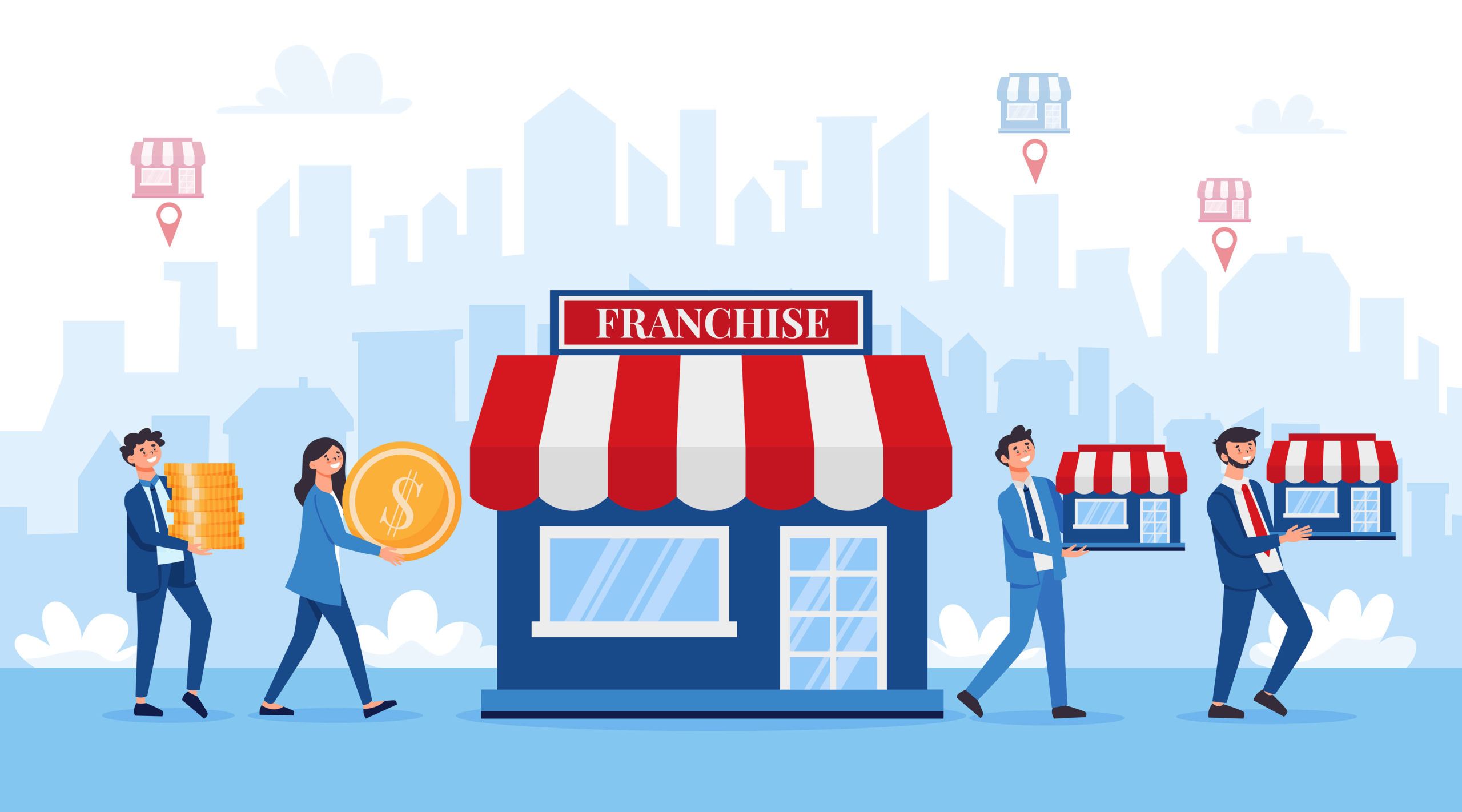
Franchise marketing is an important aspect of growing a successful franchise business. With the right marketing strategies, franchisors can attract new franchisees, support existing franchise owners, and build a strong, recognizable brand that resonates with target audiences.
In this comprehensive guide from VH-Info, we’ll dive into the world of franchise marketing, exploring its benefits, types, and key elements of an effective franchise marketing plan.

What is Franchise Marketing?

What is Franchise Marketing?

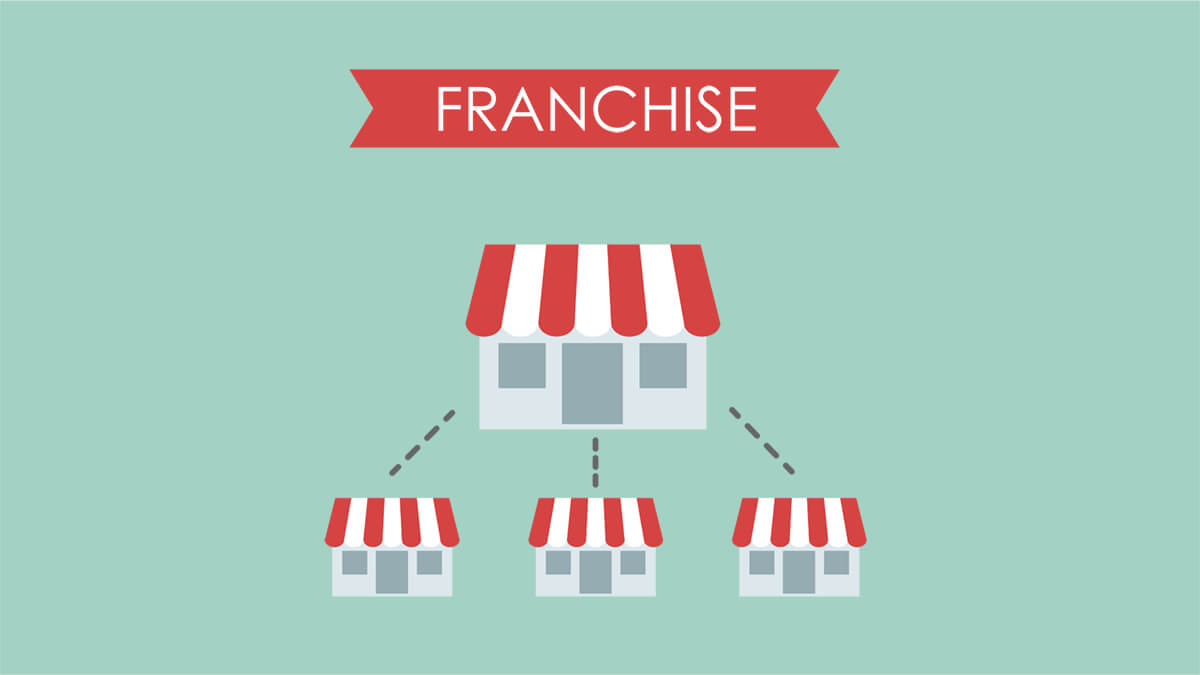
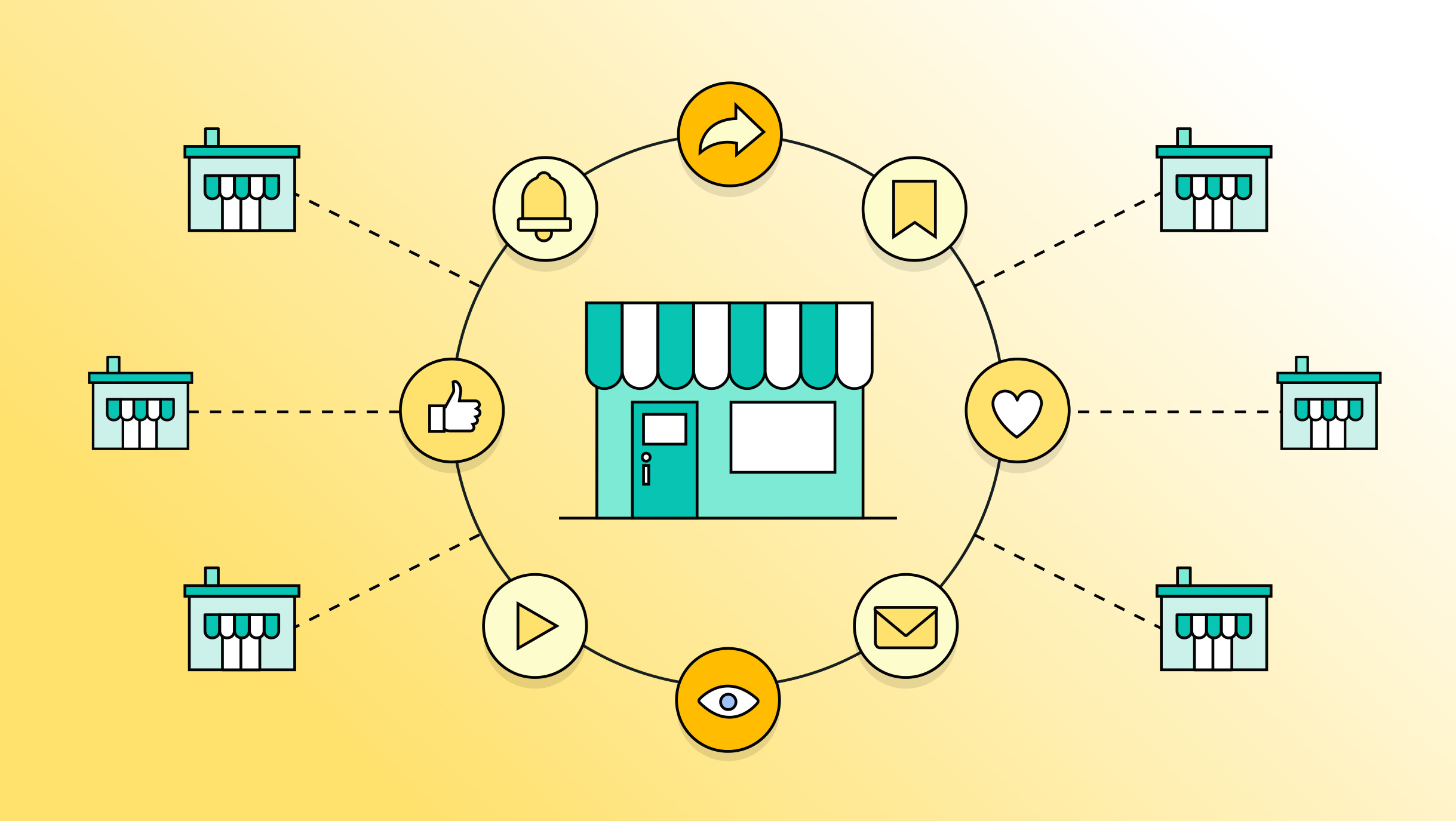
Franchise marketing refers to the promotional efforts undertaken by a franchisor to grow their franchise business. It involves a range of activities designed to attract potential franchisees, support existing franchise owners, and build brand awareness among target audiences. Franchise marketing is a collaborative effort between the franchisor and franchisees, as the franchise organization works closely with its parent company to drive sales, increase market share, and establish a strong brand identity.

Benefits of Franchise Marketing

Benefits of Franchise Marketing

Effective franchise marketing offers numerous benefits for both franchisors and franchisees:

  1. Increased brand awareness: A well-executed franchise marketing plan helps build brand recognition and recall among target audiences, making it easier to attract new customers and franchisees.
  2. Consistent brand identity: Franchise marketing ensures that all franchisees adhere to established brand guidelines, maintaining a matching brand image across all locations.
  3. Improved franchisee support: By providing franchisees with marketing materials, guidance, and resources, franchisors can help them succeed in their local markets.
  4. Enhanced lead generation: Targeted franchise marketing efforts can attract qualified leads, making it easier to find potential franchisees who align with the brand’s values and goals.
  5. Increased sales and profitability: A strong franchise marketing strategy can drive sales, boost revenue, and improve overall profitability for both the franchisor and franchisees.

Types of Franchise Marketing

There are two main types of franchise marketing: operational franchise marketing and franchise development marketing.

Operational Franchise Marketing

Operational franchise marketing focuses on promoting the franchise brand to potential customers. This type of marketing is designed to drive sales, increase brand awareness, and support franchisees in their local markets.

Examples of operational franchise marketing include:

  • Social media marketing campaigns
  • Email marketing
  • Local SEO efforts
  • Content marketing initiatives
  • Public relations campaigns

Franchise Development Marketing

Franchise development marketing, on the other hand, is aimed at attracting potential franchisees to invest in the franchise business. This type of marketing showcases the benefits of owning a franchise, the support provided by the franchisor, and the overall success of the franchise business model.

Examples of franchise development marketing include:

  • Franchise opportunity websites
  • Franchise exhibitions and events
  • Targeted advertising campaigns
  • Public relations efforts aimed at potential franchisees
  • Content marketing that highlights franchisee success stories

How To Create A Successful Franchise Marketing Plan?

How To Create A Successful Franchise Marketing Plan?

Creating a successful franchise marketing plan involves several key steps:

Focus On Social Media Marketing

Social media helps connect with audiences, build awareness, and engage customers. Be active on Facebook, Instagram, Twitter, and LinkedIn. Share interesting content, run ads, and motivate franchisees to post local content. Engage on social media to bond with customers and boost brand recognition. Interacting with customer base online enhances loyalty and community spirit.

Drive Traffic With Search Engine Optimization

Invest in search engine optimization (SEO) to improve your franchise website’s visibility in search results. Optimize your site’s content, structure, and technical elements to rank higher for relevant keywords. Encourage franchisees to optimize their local websites and online listings to improve local search visibility.

Stay Connected Through Email Marketing

Email marketing is an effective way to nurture leads, engage with existing customers, and keep franchisees informed. Develop targeted email campaigns for different segments of your audience, such as potential franchisees, existing customers, and franchisees. Provide valuable content, promotions, and updates to keep recipients engaged and informed.

Increase Brand Awareness With Public Relations Campaigns

Leverage public relations to build brand credibility, generate positive media coverage, and attract potential franchisees. Develop press releases, pitch stories to relevant media outlets, and participate in industry events and conferences to increase brand visibility.

Create A Content Marketing Plan

Develop a comprehensive content marketing strategy that includes blog posts, videos, infographics, and other engaging formats. Create content that addresses the needs and interests of your target audience, showcasing your expertise and the benefits of your franchise business. Encourage franchisees to contribute localized content to strengthen your brand’s online presence.

Use Influencer Marketing

Partner with influencers in your industry or local markets to expand your reach and build trust with target audiences. Identify influencers who align with your brand values and have a strong following among your target demographics. Collaborate on sponsored content, product reviews, or events to increase brand exposure and drive engagement while staying within your established marketing budget.

Manage Online Reputation

Monitor and manage your franchise’s online reputation across review sites, social media platforms, and other online channels. Respond promptly to customer feedback, address concerns, and encourage satisfied customers to leave positive reviews. Provide franchisees with guidelines and resources to effectively manage their local online reputation.

Enable Franchisees To Execute Local And Personalized Franchise Marketing Campaigns

Empower franchisees to create and execute local marketing campaigns that resonate with their specific target audiences. Provide them with customizable marketing templates, assets, and guidelines to ensure brand consistency while allowing for personalization. Offer training and support to help franchisees effectively implement local marketing initiatives.

Franchise Marketing Strategies

Franchise Marketing Strategies

Effective franchise marketing strategies should focus on building brand awareness, attracting potential franchisees, and supporting existing franchise owners.

Some key strategies include:

  1. Developing a strong brand identity and messaging that resonates with target audiences
  2. Creating engaging and informative content that showcases the benefits of the franchise business model
  3. Leveraging social media and digital marketing channels to reach and engage with potential franchisees and customers
  4. Implementing targeted advertising campaigns to attract qualified leads
  5. Providing comprehensive training and support to help franchisees succeed in their local markets

Elements Of A Franchise Digital Marketing Strategy

Elements Of A Franchise Digital Marketing Strategy

A successful franchise digital marketing strategy should include the following elements:

  1. Maintaining Brand Consistency: Make sure digital marketing fits brand guidelines for logos, colors, and messages. Give franchisees approved assets to keep consistency.
  2. Establishing An Online Presence: Build a strong online presence with a good website, active social media, and optimized local listings. Help franchisees follow guidelines.
  3. Working With Franchise Owners: Work together with owners to support their digital marketing. Communicate often for feedback and help with challenges.

Challenges Of Franchise Marketing

Franchise marketing comes with its own set of challenges, including:

  1. Maintaining brand consistency across multiple locations and franchisees
  2. Balancing the needs and preferences of individual franchisees with the overall brand strategy
  3. Ensuring effective communication and collaboration between the franchisor and franchisees
  4. Adapting to changing consumer preferences and digital marketing trends
  5. Measuring the success of franchise marketing efforts and making data-driven decisions

Franchise Marketing Examples

Here are some real-world examples of successful franchise marketing campaigns:

1. Orangetheory’s Social Media Campaigns

Orangetheory Fitness, a popular fitness franchise, leverages social media to showcase their unique workout experience and build a strong community of followers. They regularly share user-generated content, member success stories, and behind-the-scenes glimpses of their studios, creating a sense of belonging and motivation among their target audience.

2. Taco Bell’s Influencer Partnerships

Taco Bell has successfully partnered with influencers and celebrities to create buzz-worthy campaigns and limited-edition menu items. By collaborating with influencers who align with their brand’s fun and creative persona, Taco Bell has been able to expand their reach and engage with younger audiences.

3. Subway’s Localized Marketing Tactics

Subway empowers its franchisees to create localized marketing campaigns that resonate with their specific communities. By providing franchisees with customizable templates and assets, Subway ensures brand consistency while allowing for personalization based on local preferences and events.

4. Ulta Beauty’s Email Marketing Strategies

Ulta Beauty, a leading beauty retailer and franchise, has mastered the art of email marketing. They segment their email list based on customer preferences, purchase history, and engagement levels, delivering highly personalized content and offers that drive sales and loyalty.

5. Molly Maid’s Content Marketing Initiatives

Molly Maid, a residential cleaning franchise, has developed a robust content marketing strategy that positions them as a trusted authority in their industry. They regularly publish blog posts, videos, and infographics that provide valuable cleaning tips, home organization advice, and insights into the benefits of professional cleaning services.

Who Pays For Franchise Marketing?

In most cases, the franchisor is responsible for developing and executing the overall franchise marketing strategy.

However, franchisees are often required to contribute to a collective marketing fund, which is used to support national or regional marketing initiatives.

Additionally, franchisees are typically responsible for their own local marketing efforts, following the guidelines and resources provided by the franchisor.

Do Franchises Do Their Own Marketing?

Do Franchises Do Their Own Marketing?

While franchisors provide the overall marketing strategy and resources, franchisees are expected to execute local marketing initiatives to drive sales and build brand awareness in their specific markets. This may include:

  1. Participating in local events and sponsorships
  2. Running targeted social media ads
  3. Distributing promotional materials in their local community
  4. Engaging with local media outlets
  5. Implementing localized email marketing campaigns

How Do You Advertise a Franchise?

How Do You Advertise a Franchise?

There are several effective ways to advertise a franchise, including:

1. Print Marketing For Franchises

Print marketing materials like flyers are powerful tools for promoting franchise opportunities. Flyers can effectively highlight the benefits of owning a franchise, the support provided by the franchisor, and the success of the franchise business model. With platforms like DesignWiz, creating professional and engaging flyers becomes seamless, allowing franchises to communicate their value proposition to potential franchisees effortlessly.

2. Social Media Marketing

Social media platforms offer a cost-effective way to reach potential franchisees and customers. Develop a strong social media presence across relevant channels, share engaging content, and run targeted ad campaigns to attract qualified leads.

3. Email Marketing

Email marketing can be used to nurture leads, engage with potential franchisees, and keep existing franchisees informed. Develop targeted email campaigns that provide valuable information, resources, and updates to keep recipients engaged and interested in the franchise opportunity.

Franchise Marketing Tips: Tools and Tactics to Use

Franchise Marketing Tips

Here are some essential tools and tactics to include in your franchise marketing strategy:

  1. Leverage Local SEO: Help franchisees improve their local search visibility by optimizing their websites, online listings, and content for local keywords. Encourage franchisees to claim and manage their Google My Business profiles, gather customer reviews, and engage with their local community online.
  2. Do Content Marketing: Develop a content marketing strategy that addresses the needs and interests of your target audience. Create blog posts, videos, infographics, and other engaging content that showcases your expertise and the benefits of your franchise business.
  3. Use Social Media Marketing: Build a strong social media presence across relevant platforms, share engaging content, and run targeted ad campaigns to reach potential customers and franchisees.
  4. Deploy A PPC Campaign: Implement a pay-per-click (PPC) advertising campaign to drive targeted traffic to your franchise website and generate qualified leads. Use relevant keywords, compelling ad copy, and targeted landing pages to maximize the effectiveness of your PPC efforts.

Which Type of Marketing is Best For Franchise Systems?

Which Type of Marketing is Best For Franchise Systems?

The best type of marketing for franchise systems is a comprehensive, multi-channel approach that combines various strategies and tactics.

This may include:

  1. Social media marketing
  2. Search engine optimization (SEO)
  3. Content marketing
  4. Email marketing
  5. Public relations
  6. Influencer partnerships
  7. Print marketing
  8. Pay-per-click (PPC) advertising

Conclusion

Franchise marketing is a critical component of building a successful franchise business. By developing a comprehensive marketing strategy that combines operational and development efforts, franchisors can attract new franchisees, support existing franchise owners, and build a strong, recognizable brand.

To create an effective franchise marketing plan, focus on key elements such as social media marketing, search engine optimization, email marketing, content creation, and reputation management. Empower franchisees to execute local marketing initiatives that resonate with their specific target audiences, while ensuring brand consistency across all locations.

Staying up-to-date with the latest franchise marketing trends and best practices, and continuously refining your approach based on data-driven insights, you can position your franchise for long-term success and growth. With the right franchise marketing strategy in place, you’ll be well-equipped to navigate the challenges of the competitive franchise landscape and build a thriving, profitable business.

How To Disavow Backlinks: The Ultimate Guide for SaaS Websites

As a SaaS website owner, you know the importance of a strong backlink profile for improving your search rankings and driving organic traffic.

However, not all backlinks are created equal. Spammy, low-quality, or unnatural links can actually hurt your site’s performance in Google search results. In some cases, you may need to use Google’s disavow tool to tell Google to ignore these harmful links.

In this comprehensive guide, the experts at VH Info break down everything you need to know about disavowing backlinks – from what it means and how it works to the exact steps for creating and uploading a disavow file. Let’s dive in.

What is a Backlink Disavow and Why Would You Use it?

What is a Backlink Disavow and Why Would You Use it?

Disavowing a backlink means asking Google not to take certain links into account when evaluating your site. You’re essentially saying “I don’t want to be associated with these links.”

There are a few main reasons you might want to disavow backlinks:

  1. You have spammy or low-quality links pointing to your site that could trigger a Google penalty
  2. Your site was the victim of negative SEO attacks with malicious intent
  3. You engaged in link schemes or bought links in the past that go against Google’s guidelines

How Disavowing Links Works?

When you upload a list of links in a properly formatted disavow file to Google, the search engine will no longer count those links when measuring the value and authority of your site. Google’s algorithm places high importance on your backlink profile, so removing bad links can be just as impactful as earning good links in the eyes of Google.

It’s important to note that disavowing a link doesn’t actually remove it from the web – the link still exists, but Google will ignore it when evaluating your site. The disavow essentially acts as a “nofollow” for specific links you’ve identified as problematic.

What is Google’s “Disavow Links Tool” and Why Did They Create it?

What is Google’s “Disavow Links Tool” and Why Did They Create it?

Google’s disavow tool, officially called the “Disavow Links Tool“, is a feature in Google Search Console that allows site owners to discount the value of certain links.

Google created this tool to give site owners more control over their link profile and improve their search engine optimization (SEO). They recognized that many sites end up with spammy or bad links due to negative SEO attacks, past link building mistakes, or other issues outside of their control. The disavow tool provides a way to proactively tell Google not to count those links and improve the overall SEO of a website.

How to Determine Whether You Need to use Google’s Disavow Tool?

How to Determine Whether You Need to use Google’s Disavow Tool?

According to Google, the vast majority of sites do not need to use the disavow tool. Google’s algorithms can already identify most spammy links and choose to ignore them automatically.

You should only consider using the disavow tool if:

  1. You have a manual action against your site for unnatural links
  2. You have a considerable number of spammy, artificial, or low-quality links that are likely to trigger a manual action
  3. You see a sudden, unexplained drop in traffic or rankings that coincides with an influx of low-quality links

If none of these situations apply to you, disavowing links is likely not necessary and could potentially even do more harm than good. When in doubt, focus on earning high-quality links rather than disavowing.

When to Disavow Links?

Let’s look at a few specific scenarios when you should consider disavowing backlinks:

You Have A Manual Action

If you receive a manual action notice in Google Search Console for “unnatural links“, this means Google has determined that your site has engaged in link schemes that violate their guidelines.

In this case, you’ll need to make a concerted effort to clean up your link profile by contacting webmasters to remove the bad links and disavowing the ones you can’t get removed. Resolving the manual action will require submitting a reconsideration request detailing the steps you’ve taken.

Sudden Traffic Or Ranking Drop

If you notice a significant and sudden drop in organic traffic or rankings, and you can trace it to a recent influx of spammy links, this could be a sign of a negative SEO attack. Competitors may be attempting to sabotage your site by sending large numbers of bad links your way.

In this scenario, disavowing the malicious links can help prevent long-term damage to your site’s performance. Be sure to carefully document the links so you have a record of the attack.

Proactive Disavow

In some cases, you may choose to proactively disavow links even if you haven’t been hit with a manual action or seen a rankings drop.

For example, if you recently discovered your site has a large number of links built through private blog networks (PBNs), link exchanges, or other spammy tactics, you may want to disavow them to avoid a potential penalty down the line.

However, disavowing links should still be a last resort, as it can be difficult to recover if you accidentally disavow good links. If you’re considering a proactive disavow, we recommend consulting with an experienced SEO professional to weigh the potential risks and benefits.

How Can One Identify Toxic Backlinks That Need To Be Disavowed?

Identifying which links need to be disavowed can be a challenge, as it requires carefully evaluating your entire backlink profile.

Here are a few red flags to watch out for:

  1. Links from known link farms, PBNs, or sites created purely for linking purposes
  2. Site-wide links, especially with overly optimized anchor text
  3. Links from completely irrelevant or off-topic websites
  4. Links from sites with thin, low-quality, or scraped content
  5. Sudden spikes in links from new referring domains
  6. Links from foreign language sites unrelated to your site’s language/country

While some SEO tools like Ahrefs and SEMrush offer automated toxic link detection, take these with a grain of salt. No tool can perfectly determine link quality, so it’s important to manually review all links flagged as toxic or spammy through a backlink audit. You may need to enlist the help of a link audit professional.

What Happens When You Disavow A Backlink?

When you disavow a link, you’re telling Google to exclude it from their evaluation of your site. If the disavow is successful, the link will no longer pass any “link juice” (positive or negative) to your site.

However, Google may choose not to honor all disavow requests. They treat the disavow file as a strong suggestion rather than a directive. If they determine a link isn’t actually harming your site, they may choose to ignore the disavow.

It’s also important to note that disavowing a link does not lead to any sort of “penalty” for the site where the link originated. Google does not punish other sites for links you disavowed.

Is It Possible To Undo A Link Disavow?

Yes, you can undo a disavow by removing links from your disavow file and reuploading it, or by deleting your disavow file entirely.

However, Google cautions against doing this too frequently, as it can send mixed signals about your link profile. We recommend only undoing a disavow if you’re absolutely certain you made a mistake in including a link on your original disavow list.

How To Disavow Backlinks?

How To Disavow Backlinks?

Now that you understand what disavowing links means and when to do it, let’s walk through the actual process of creating and uploading a disavow file:

Create A Disavow List

Start by gathering a complete list of the links you want to disavow. You can find your backlinks using Google Search Console, a backlink analysis tool like Ahrefs, or a combination of both.

Once you have your list, create a .txt file with one link per line. You can disavow links at the domain level (e.g. domain:spammysite.com) or the page level (e.g. http://www.spammysite.com/page.html).

Be sure to follow Google’s formatting guidelines:

  1. The file must be a .txt file in UTF-8 or 7-bit ASCII encoding
  2. Each line should contain only one link (domain or URL)
  3. To disavow an entire domain, use “domain:” before the domain name
  4. Correct: domain:spammysite.com
  5. Incorrect: http://spammysite.com
  6. You can add comments to your file by starting the line with a “#” symbol

Upload Your Disavow List

Once your disavow file is properly formatted, you can upload it in Google Search Console:

  1. Go to the disavow tool page (https://search.google.com/search-console/disavow-links)
  2. Select your website from the dropdown menu
  3. Click the “Disavow Links” button
  4. Select your disavow file and click “Submit

After uploading, Google will process the file and begin ignoring the disavowed links. This can take a few weeks, so don’t expect to see immediate changes in your search rankings or traffic.

Removing All Disavowals

If you want to completely undo a previous disavow and start fresh, you can remove all disavowals for your site:

  1. Go to the disavow tool page
  2. Select your website from the dropdown menu
  3. Click “Cancel Disavowals

This will remove your existing disavow file. Again, we recommend only doing this if you’re certain your previous disavow was a mistake.

How Long Does It Take to Disavow a Link?

According to Google, it can take a few weeks for them to process and exclude the links in your disavow file. The actual time depends on several factors:

  1. The size of your disavow file
  2. The number of links being disavowed
  3. How often Google crawls the sites containing the disavowed links

While the disavow itself happens fairly quickly, the impact on your site’s performance may not be visible for several weeks or even months. This is because it takes time for Google to recrawl all the affected pages and update their link graph.

Considerations Before Using the Disavow Tool

Before using Google’s disavow tool, keep these important considerations in mind:

  1. Disavowing links should be a last resort after other attempts (like contacting webmasters) to remove spammy links have failed
  2. Disavowing links will not lift a manual action – you’ll still need to file a reconsideration request detailing all the work you’ve done
  3. If you’re disavowing a large number of links, it may raise a red flag to Google that your site has engaged in link spam
  4. Disavowing links will not improve your rankings unless those links were actually harming your site
  5. It’s critical to carefully vet all links before including them in a disavow to avoid losing valuable link

FAQ’s:

Can Spammy Links Hurt Your Ability to Rank on Google Search?

Yes, having a large number of unnatural, spammy, or low-quality links pointing to your site can hurt your organic rankings. Google’s Penguin algorithm specifically targets link spam. If Google determines you’ve engaged in link schemes, they may issue a manual action or algorithmic penalty against your site.

Why Do Backlinks Matter to Google Rankings?

Backlinks are one of Google’s top 3 ranking factors. They act as “votes of confidence” from one site to another. In general, the more high-quality, relevant sites that link to you, the more authority Google assigns your site. However, not all links are created equal – links from spammy, low-quality, and unnatural backlinks can actually hurt your authority.

Can I Reavow Links If My Site’s Ranking Doesn’t Improve?

Yes, you can undo a disavow by removing links from your disavow file and reuploading it. However, we recommend doing this very carefully and infrequently. Repeatedly disavowing and reavowing links can send confusing signals to Google about your link profile.

Only reavow if you’re certain you made a mistake in your original disavow or if you have a copy of your disavow file saved for future updates.

Will Disavowing Backlinks Affect a Website’s SEO Performance?

Disavowing links will only improve your SEO performance if the disavowed links were actually harming your site. If you disavow high-quality or natural links by mistake, your rankings may drop. Disavowing links does not guarantee better rankings – it simply prevents negative SEO impact from spammy links.

Are Automated Tools Helpful For Disavow Work?

Automated link analysis tools can be a helpful starting point for identifying potentially spammy or toxic backlinks. However, you should never blindly disavow every link flagged by a tool. Manual review of all links is critical to avoid disavowing good links by mistake. Use tools alongside human evaluation, not as a replacement for it, as this process can take a long time.

Conclusion

Knowing how to identify and disavow spammy backlinks is an important skill for any SaaS website owner or SEO. When used correctly, Google’s disavow tool can help protect your site from negative SEO attacks, link spam penalties, and ranking drops.

However, disavowing links is a serious step that should be taken with great care. Incorrect use of the tool can actually harm your organic search performance. If you’re considering disavowing backlinks, we recommend following the steps outlined in this guide:

  1. Carefully evaluate your backlink profile to identify only the truly spammy or unnatural links
  2. Attempt to have the links removed by contacting webmasters first
  3. Create a properly formatted .txt file containing the links you couldn’t get removed
  4. Upload the file using Google’s disavow tool
  5. Be patient – it can take weeks or months to see results

When in doubt, consult an experienced SEO team for guidance. Incorrect disavowing can have long-lasting negative effects that can be difficult to reverse.

Looking for more expert link building tips or SEO help? Check out VH Info’s complete guide to SaaS link building strategies. Our proven framework has helped countless SaaS brands build high-quality, relevant backlinks to improve their search traffic and authority.

Toxic Backlinks: What is it, Causes, Types & How to Find it?

Backlinks are an important factor in SEO, as they signal to search engines that other websites find your content valuable and relevant.

However, not all backlinks are created equal. Some links, known as “toxic backlinks,” can actually harm your website’s search engine rankings and organic traffic.

As a trusted expert in SaaS link building, VH Info is here to guide you through the process of identifying and removing these harmful links.

We’ll break down what toxic backlinks are, how they affect your site, and the best ways to clean up your backlink profile for improved SEO performance.

What Are Toxic Backlinks?

What Are Toxic Backlinks?

Toxic backlinks are bad links from spammy, low-quality, or irrelevant websites that can negatively impact your search rankings. These links often come from link schemes, private blog networks (PBNs), or other manipulative tactics that violate Google’s guidelines.

They generally have a negative impact on your website’s performance in google search results.

Where Do Toxic Backlinks Come From?

Toxic backlinks can come from various sources, including:

  1. Negative SEO attacks from competitors
  2. Paid link schemes
  3. Automated link-building tools
  4. Low-quality directory submissions
  5. Comment spam on blogs and forums

How Do Toxic Backlinks Affect Your Website?

How Do Toxic Backlinks Affect Your Website?

Toxic backlinks can harm your website in two main ways:

Algorithmic Penalty

If Google’s algorithms detect a high number of spammy backlinks pointing to your site, they may devalue those links or even penalize your website, resulting in lower rankings and reduced organic traffic.

Manual Action

In more severe cases, Google may issue a manual action against your site for engaging in link schemes or having an unnatural link profile. This can result in your site being removed from search results entirely until you resolve the issue.

Causes Of Toxic Backlinks

Some common causes of toxic backlinks include:

  1. Buying links from low-quality websites
  2. Participating in link exchanges or link farms
  3. Using automated tools to create spammy links
  4. Excessive use of exact-match anchor text
  5. Links from irrelevant or off-topic websites

Types Of Toxic Backlinks

Types Of Toxic Backlinks

Here are the main types of toxic backlinks:

  1. PBN Links: Links from private blog networks, which are groups of websites created just to provide links to other sites. These links are considered manipulative and can lead to penalties.
  2. Link Farms: Networks of websites that all link to each other to artificially boost search rankings. Link farms provide no real value and are seen as spammy by search engines.
  3. Low-Quality Directory or Bookmark Sites: Getting links from low-quality online directories or bookmark sites that will accept any link. These links are often irrelevant and can hurt your site’s reputation.
  4. Spammy Websites: Backlinks from websites that are full of low-quality content, excessive ads, and provide a poor user experience. Links from spammy sites can damage your SEO.
  5. Exact Match Anchor Text Links: Having too many backlinks with the exact same anchor text, especially if it’s a keyword you want to rank for. This looks unnatural to Google and may trigger a penalty.
  6. Manipulative Links: Any links that are created with the sole intent of boosting search rankings rather than providing value to users. These links violate Google’s guidelines.
  7. Low-Quality Content Links: Getting links from pages with thin, duplicate, or poorly-written content. Search engines don’t value links from low-quality sources.
  8. Comment Spam: Leaving links in the comment sections of blogs, forums, and other websites. These links are often irrelevant, posted automatically, and considered spammy.

The key is to focus on building high-quality, relevant links naturally over time. Avoid participating in any link schemes or tactics that could be seen as manipulative by search engines. Regularly auditing your link profile can also help you spot and remove any toxic backlinks before they cause problems.

How To Find Toxic Backlinks?

How To Find Toxic Backlinks?

There are two main ways to identify toxic backlinks:

Option 1: Use A Backlink Checker

Tools like VH Info’s Backlink Checker, Ahrefs, SEMrush, and Moz can help you analyze your backlink profile and identify potentially toxic links based on various metrics like domain authority, spam score, and anchor text distribution.

Option 2: Check Toxic Backlinks Manually

If you don’t have access to a backlink analysis tool, you can use Google Search Console to download a list of your backlinks and manually review each one for signs of low quality or spam.

How To Avoid Toxic Backlinks And Build Quality Ones?

To prevent toxic backlinks from harming your site, focus on building high-quality, relevant links naturally. Some tips include:

  1. Create valuable, link-worthy content that attracts natural links
  2. Reach out to reputable sites in your niche for guest posting opportunities
  3. Participate in relevant online communities and forums
  4. Use branded anchor text and natural link placement

What Are Quality Backlinks?

What Are Quality Backlinks?

Quality backlinks are links from reputable, relevant websites that are earned naturally by creating valuable content. They are not manipulative or spammy, but rather are placed within the content of a page by the website owner because they provide value to readers.

High-quality backlinks, also known as building links, help improve a site’s authority and search engine rankings when part of a diverse, balanced link profile.

These backlinks, also referred to as incoming links, when properly aligned with your content and industry, have a high potential for sending high-quality traffic your way from trustworthy sites, ultimately helping to raise your Google rankings.

How Can You Fix a Backlink Profile That Has Toxic Backlinks?

If you’ve identified toxic backlinks pointing to your site, here are some steps to clean up your link profile:

  1. Reach out to webmasters and request removal of the spammy links
  2. Use Google’s Disavow Tool to tell Google to ignore the toxic links
  3. Focus on building high-quality, relevant links to dilute the impact of bad ones
  4. Regularly monitor your backlink profile for new toxic links

Should I Disavow Toxic Backlinks?

Google’s John Mueller has stated that most sites don’t need to use the Disavow Tool, as Google is generally good at ignoring spammy links on its own.

However, you may want to consider disavowing toxic backlinks if:

  1. You have a manual action against your site for unnatural links
  2. You have a large number of spammy links that could trigger a penalty
  3. You’ve tried to remove the toxic links but were unsuccessful

How To Disavow Toxic Backlinks?

To disavow toxic backlinks, follow these steps:

  1. Create a list of the spammy links you want to disavow in a .txt file
  2. Upload the disavow file to Google Search Console
  3. Wait for Google to process the file and recrawl your site

Keep in mind that disavowing links can take time to impact your rankings, and it’s not a substitute for building quality links.

How To Remove Toxic Backlinks?

How To Remove Toxic Backlinks?

In addition to disavowing toxic backlinks, you can also try to remove them directly by:

  1. Contacting webmasters and requesting removal
  2. Updating or removing outdated content that attracts spammy links
  3. Using Google’s URL removal tool for pages that no longer exist

FAQ’s:

What is the Turnaround Time For Recovering From Toxic Backlinks?

Recovery time varies depending on the severity of the issue and how quickly you take action. It can take several months for your rankings to fully recover after cleaning up toxic backlinks.

Can I Prevent All Toxic Backlinks?

While you can’t control every link pointing to your site, you can minimize the risk of toxic backlinks by focusing on quality link building and regularly monitoring your link profile.

How Often Should I Audit My Link Profile?

A high number of spammy or toxic backlinks can hurt your search rankings and even result in a manual action or penalty from Google. That is why, it is a good idea to audit your backlink profile at least quarterly to identify and address any potential issues before they impact your rankings.

Is It Possible To Recover From A Google Penalty Due To Toxic Backlinks?

Yes, it is possible to recover from a Google penalty by identifying and removing the toxic backlinks, filing a reconsideration request, and focusing on quality link building going forward.

What Are The Latest Tools For Identifying And Removing Toxic Backlinks?

Some popular tools for analyzing and disavowing toxic backlinks are Ahrefs, SEMrush, Moz, and Google Search Console.

Are Automated Tools Helpful For Disavow Work?

While automated tools can help identify potentially toxic links, it’s important to manually review the links before disavowing them to avoid removing valuable links by mistake.

How Does Google View Disavowed Backlinks?

When you disavow a link, you’re telling Google to ignore it when evaluating your site’s link profile. Disavowed links won’t help or harm your rankings.

How To Determine Whether You Need To Use Google’s Disavow Tool?

You should consider using the disavow tool if you have a manual action against your site, a large number of spammy links, or if you’ve been unable to remove toxic links through outreach.

Conclusion

Toxic backlinks can be a serious threat to your website’s SEO performance, but by understanding what they are, how to identify them, and how to remove them, you can protect your site from penalties and maintain a healthy link profile.

Remember, the best way to avoid toxic backlinks is to focus on building high-quality, relevant links through ethical, white-hat SEO practices.

If you need help identifying toxic backlinks or developing a strong SaaS link building strategy, VH Info’s expertise are here to guide you every step of the way. With our actionable insights and proven techniques, you can build a robust, penalty-proof backlink profile that drives real results for your business.

Link Insertion Service: What is it, Why Do You Need & Process

In the competitive world of SaaS, standing out in search engine rankings is important for driving organic traffic and growth.

One powerful SEO strategy that can help propel your website to the top is link building, specifically through link insertion services.

At VH-info, we specialize in providing high-quality link insertion white label Link building services, SEO for Startups services tailored to the unique needs of SaaS companies.

What Are Link Insertions?

What Are Link Insertions?

Link insertions, also known as niche edits, involve placing your website’s links into existing content on other relevant, high-authority websites. This tactic helps improve your backlink profile and increase your domain rating, which are key factors in search engine algorithms.

By securing links from reputable sources, you can boost your website’s credibility and visibility in search results.

What is a Link Insertion Service?

What is a Link Insertion Service?

A link insertion service, like the one offered by VH-info, handles the entire process of researching, outreach, and securing link placements on your behalf. Our team of experts identifies relevant websites in your niche, negotiates with site owners, and strategically inserts your links using optimized anchor text. This hands-off approach allows you to focus on your core business while we work to enhance your SEO efforts.

Why Do You Need A Link Insertion Service?

Why Do You Need A Link Insertion Service?

How Link Insertion Services Work?

Link insertion services streamline the often time-consuming and complex process of link building. By leveraging established relationships with site owners and employing best practices for link placement, these services can efficiently build high-quality links at scale.

This targeted approach helps drive referral traffic, improve search engine rankings, and increase brand exposure for your SaaS company by accessing different sites that don’t accept new content for guest posts, but do accept link insertions.

How to Choose a Link Insertion Service?

When selecting a link insertion service, look for a provider with a proven track record in the SaaS industry. VH-info stands out with our deep understanding of SaaS SEO and our commitment to delivering measurable results.

We prioritize quality over quantity, focusing on securing links from relevant, authoritative websites that align with your target audience.

The Link Insertion Process

The Link Insertion Process

Researching Relevant Websites and Pages

The first step in our link insertion process is identifying websites and pages that are relevant to your SaaS offering. We analyze factors such as domain authority, content quality, and audience engagement to ensure we target the most impactful opportunities for your link building campaign.

Outreach and Negotiation

Once we’ve created a list of potential link placement sites, our team reaches out to the site owners to discuss partnership opportunities. We employ genuine outreach techniques and offer value-added content suggestions to secure link insertions on your behalf.

Placing Links With Optimized Anchor Text

With agreements in place, we carefully insert your links into existing content using optimized anchor text. Our approach ensures that the links appear natural and contextually relevant, adhering to SEO best practices and Google’s guidelines.

Tracking and Reporting on Results

Throughout your link insertion campaign, we provide detailed reporting on the links secured, their impact on your backlink profile, and improvements in search engine rankings.

This transparency allows you to track the success of your SEO efforts and make data-driven decisions for your ongoing strategy.

How Link Insertion Differs From Traditional Backlinking Strategies?

Link insertion offers several advantages over traditional backlinking strategies like guest posting.

With link insertions, you can secure placements on established, high-authority websites without the need to create new content from scratch. This approach is often more efficient and cost-effective, allowing you to scale your link building efforts more quickly.

Comparing Link Insertion to Other SEO Strategies

Link Insertion Vs. Guest Posting

While guest posting remains a valuable SEO tactic, it typically requires more time and resources to develop original content for each placement. Link insertion, on the other hand, leverages existing content, enabling a more streamlined process for building quality links at scale.

Measuring The Impact Of Your Link Insertion Campaign

Measuring The Impact Of Your Link Insertion Campaign

Key Performance Indicators (KPIs) to Watch

To gauge the success of your link insertion campaign, monitor KPIs such as organic traffic, keyword rankings, referral traffic, and domain rating. Improvements in these metrics indicate that your link building efforts are positively impacting your SEO performance.

Tools And Techniques For Tracking Success

Utilize tools like Google Analytics, SEMrush, and Ahrefs to track your website’s progress and analyze the impact of your link insertions. These platforms provide valuable insights into your backlink profile, search engine rankings, and overall SEO health.

Best Practices For Link Insertion

When it comes to link insertion, following best practices is important to ensure the success of your link building campaign.

Here are some key best practices to keep in mind:

Prioritizing Relevance and Quality

When pursuing link insertions, prioritize relevance and quality over quantity.

Focus on securing placements on websites that align with your SaaS niche and target audience. High-quality, relevant links will carry more weight in search engine algorithms and drive targeted referral traffic to your site.

Diversifying Anchor Text

Diversify your anchor text to maintain a natural backlink profile. Avoid overusing exact match anchors and instead include a mix of branded, generic, and long-tail variations. This approach helps prevent triggering spam filters and ensures your link building appears organic.

Avoiding Overuse Of Exact Match Anchors

While exact match anchors can be effective, overusing them can raise red flags with search engines. Strike a balance by using exact match anchors sparingly and complementing them with other relevant, contextual anchor text variations.

Ensuring Links Appear Natural

Prioritize link insertions that seamlessly integrate with the existing content. The links should appear natural and add value to the reader, rather than feeling forced or out of place. Our skilled team of writers at VH-info excels at identifying the most suitable placement opportunities to ensure your links blend seamlessly with the surrounding text and relevant content.

Combining With Other Link Building Tactics

For a well-rounded SEO strategy, consider combining link insertions with other link building tactics like guest posting, broken link building, and resource page link building. This diversified approach helps build a robust and resilient backlink profile that can withstand algorithm updates and maintain long-term SEO success.

FAQ’s:

What Makes Link Insertion Essential for SEO Today?

Link insertion is essential for SEO because it helps build high-quality, relevant backlinks that improve your website’s authority and visibility in search results. As search engines continue to prioritize user experience and content quality, link insertions offer a targeted way to enhance your backlink profile and drive organic traffic.

How Much Do Link Insertion Services Typically Cost?

The cost of link insertion services varies depending on factors such as the provider, the number of links, and the authority of the target websites. At VH-info, we offer competitive pricing and customized packages to fit your specific needs and budget. Contact us for a personalized quote.

How Long Does It Take To See Results From Link Insertions?

The timeline for seeing results from link insertions can vary, but most websites start to experience improvements in search engine rankings and organic traffic within a few months. However, the full impact of your link insertion backlinks may take longer to materialize, as search engines need time to crawl and index the new links.

Are Link Insertion Services Safe For My Website’s SEO?

When executed properly and in accordance with search engine guidelines, link insertion services are safe for your website’s SEO.

At VH-info, we prioritize quality and relevance, ensuring that all link placements adhere to best practices and avoid any tactics that could potentially harm your website’s reputation or rankings.

Can I Use the Same Anchor Text For All My Link Insertions?

No, it’s essential to diversify your anchor text to maintain a natural backlink profile. Overusing the same anchor text, particularly exact match anchors, can trigger spam filters and negatively impact your SEO.

Instead, use a mix of branded, generic, and long-tail anchor text variations, such as “SEO company,” “SEO services,” and “top SEO agency,” to keep your link building efforts looking organic.

How Many Link Insertions Do I Need To Rank Well?

The number of link insertions needed to rank well varies depending on factors such as your industry, competition, and current backlink profile. Rather than focusing on a specific quantity, prioritize the quality and relevance of the links you acquire. A smaller number of high-quality, relevant links, including link insertions in existing articles, can often be more impactful than a large volume of low-quality links.

Do Link Insertions Still Work After Google Algorithm Updates?

Yes, link insertions remain an effective SEO strategy even after Google algorithm updates.

While the search giant continues to refine its algorithms to prioritize user experience and content quality, high-quality, relevant backlinks obtained through link insertion services still play an important role in determining search engine rankings.

Should I Only Pursue “Dofollow” Links For Insertions?

While dofollow” links carry more direct SEO value, a natural backlink profile should include a mix of both “dofollow” and nofollow” links. Pursuing only “dofollow” links can appear unnatural to search engines and potentially raise red flags.

At VH-info, we focus on securing a balanced mix of link types to ensure your backlink profile looks organic and diverse.

Can Link Insertion Services Guarantee Specific Results?

No reputable link insertion service can guarantee specific results, as search engine algorithms are complex and constantly evolving.

However, at VH-info, we have a proven track record of delivering measurable improvements in search engine rankings, organic traffic, and domain authority for our SaaS clients.

While we can’t promise specific outcomes, we are confident in our ability to drive positive results for your website.

Conclusion

Link insertion services offer a powerful way for SaaS companies to enhance their SEO efforts and drive sustainable organic growth.

Partnering with a reliable provider such as VH-info enables you to create effective high-quality backlinks that enhance your search engine rankings, boost brand visibility, and draw targeted traffic to your site efficiently.

Our team of SaaS SEO experts is dedicated to delivering customized link insertion strategies that align with your unique goals and target audience. With our focus on quality, relevance, and adherence to best practices, you can trust VH-info to elevate your link building efforts and help your SaaS company thrive in the competitive online landscape.

Don’t let your competitors outrank you in search results. Contact VH-info today to learn more about our link insertion services and how we can help propel your SaaS website to new heights.

Link Acquisition: What is it, How To Do, Benefits, Types & Tips

Link acquisition is an important aspect of search engine optimization (SEO) for SaaS companies looking to improve their online visibility and drive organic traffic to their websites.

In this comprehensive guide, we’ll dive deep into the world of link acquisition, exploring its importance, benefits, and the most effective strategies to help you build a robust link profile that boosts your search engine rankings.

At VH Info, we specialize in providing top-notch link-building services tailored specifically for SaaS businesses.

Our knowledgeable team is here to guide you through the process of acquiring high-quality links that will elevate your website’s authority and credibility in the eyes of search engines and your target audience.

What is Link Acquisition?

What is Link Acquisition?

Link acquisition, also known as link building, is the process of acquiring hyperlinks from other websites that point back to your site.

These inbound links act as a vote of confidence, signaling to search engines that your content is valuable, relevant, and trustworthy, thereby enhancing your site’s authority and website’s visibility. The more high-quality links you acquire from reputable sites, the higher your website is likely to rank in search results and improve your online presence through effective link acquisition.

How To Do Link Acquisition For SEO?

How To Do Link Acquisition For SEO?

To effectively acquire links for SEO, you need to focus on creating valuable, linkable content that naturally attracts links from other websites.

This can be achieved through various link building techniques, including:

  • Guest posting on relevant industry blogs.
  • Broken link building to replace dead links with your active resources.
  • Resource page link building to feature your guides on curated lists.
  • Using social media to promote your content to a wider audience.

The Golden Rule: Prioritize quality over quantity when it comes to link acquisition. A few high-quality links from authoritative websites in your niche will carry far more weight than a large number of low-quality links from spammy or irrelevant sites.

Why Acquiring Links is Important?

Why Acquiring Links is Important?

Link acquisition is essential for SEO because search engines like Google use links as a primary factor in determining a website’s relevance, authority, and overall ranking potential.

Links from other websites serve as a strong indication that your content is valuable and worth promoting in search results.

Moreover, acquiring links from relevant websites can drive targeted referral traffic to your site, exposing your brand to a new audience and potentially leading to increased conversions and revenue for your SaaS business.

Core Benefits Of Link Acquisition

Benefits Of Link Acquisition

  1. Improved search engine rankings: High-quality links help boost your website’s visibility in search results, making it easier for potential customers to find you.
  2. Increased referral traffic: Links from other websites can drive targeted traffic to your site, exposing your brand to a new audience.
  3. Enhanced brand credibility: When reputable websites link to your content, it serves as a strong endorsement of your expertise and authority in your niche.
  4. Faster indexing of new pages: Acquiring links to your new content can help search engines discover and index your pages more quickly.

Types Of Link Acquisition Methods & Strategies

Types Of Link Acquisition Methods & Strategies

Natural Links

Natural links are earned organically when other websites choose to link to your content because they find it valuable and relevant to their audience. To attract natural links, focus on creating high-quality, informative, and engaging content that addresses the needs and interests of your target audience.

Outreach Links

Outreach links are acquired by actively reaching out to website owners, bloggers, or influencers in your niche and asking them to link to your content. This can be done through personalized email outreach, highlighting the value your content offers to their audience.

Guest Posting Links

Guest posting, also known as guest blogging, involves writing articles for other websites in your industry and including a link back to your own site within the content or author bio.

This not only helps you acquire links, but also allows you to tap into a new audience and establish yourself as a thought leader in your niche by providing useful content.

Guest posting is a valuable link acquisition strategy and can lead to ongoing relationships with blogs for continuous guest blogging opportunities.

In order to find websites that accept guest posts and have high domain authority, you can search for “Keyword” + “Guest post” or “Keyword” + “write for us” in the search bar. This will help you identify valuable guest posting opportunities for your link acquisition strategy.

Paid Links

While paying for links is generally discouraged and can lead to penalties from search engines if done improperly, there are legitimate ways to acquire paid links, such as sponsored content or influencer partnerships. However, always prioritize natural, earned links over paid ones.

Social Media Links

Promoting your content on social media platforms can help you acquire links indirectly. When your followers share your content with their own networks, it increases the likelihood of others discovering and linking to your site.

Resource Page Link Building

Resource Page Link Building

Resource pages are curated lists of helpful links and resources on a specific topic. By creating valuable content that aligns with the theme of a resource page, you can reach out to the page owner and suggest including a link to your content.

Broken Link Building

Broken Link Building

Broken link building involves identifying broken links on other websites and offering your own relevant content as a replacement. This not only helps you acquire new links but also provides value to the website owner by fixing their broken links.

Niche Edits

Niche edits involve reaching out to website owners and suggesting they add a link to your content within their existing articles. This works best when your content provides additional value or depth to the topic they’re already covering.

Brand Mentions

Monitoring the web for mentions of your brand name can help you identify opportunities to acquire links. If someone mentions your brand without linking to your site, reach out and politely ask them to include a link.

Image Link Building

If you create original images, infographics, or charts, you can use reverse image search to find websites that have used your visual content without linking back to you. Reach out and request proper attribution and a link.

Digital PR

Digital PR involves creating newsworthy content or stories that attract the attention of journalists, bloggers, and media outlets. If they cover your story and include a link to your site, it can result in high-quality, authoritative links.

Influencer Outreach

Collaborating with influencers in your niche can help you acquire links and expose your brand to a new audience. This can involve creating joint content, sponsoring influencer posts, or offering your product for review.

8 Proven Link Acquisition Tips

Link Acquisition Tips

  1. Create linkable content: Focus on creating high-quality, informative, and engaging content that naturally attracts links from other websites.
  2. Use low-competition keywords: Target long-tail, low-competition keywords in your content to improve your chances of ranking and attracting links.
  3. Reach out to industry influencers: Build relationships with influencers in your niche and collaborate on content or initiatives that can lead to link acquisition opportunities.
  4. Monitor your backlink profile: Regularly monitor your backlink profile to identify any low-quality or spammy links that could harm your SEO efforts.
  5. Syndicate your content on Medium & Quora: Republishing your content on platforms like Medium and Quora can help you reach a new audience and potentially acquire links.
  6. Comment on posts from bloggers in your niche: Engage with other bloggers in your niche by leaving thoughtful comments on their posts, which can lead to link acquisition opportunities.
  7. Participate in forums and online communities: Actively participate in relevant forums and online communities, providing valuable insights and linking back to your content when appropriate.
  8. Use business directories: Submit your website to reputable business directories in your industry to acquire additional links.

Good Vs Bad Links: What’s the Difference?

When it comes to link acquisition, it’s important to focus on acquiring good, high-quality links while avoiding bad, low-quality ones.

  • Good Links: Come from reputable, highly relevant websites and are earned naturally through valuable content.
  • Bad Links: Come from spammy or irrelevant sites and are often acquired through manipulative tactics.

To ensure you’re acquiring good links, focus on creating valuable content, building genuine relationships with other websites in your niche, and adhering to search engine guidelines. Avoid tactics like buying links, participating in link schemes, or using automated link building tools, as these can result in penalties from search engines.

FAQ’s:

Can I Buy Inbound Links to Improve my Website’s Rankings?

While it may be tempting to buy links as a shortcut to improve rankings, it’s strongly discouraged as it violates search engine guidelines and can lead to penalties. Focus on earning links naturally through valuable content and genuine relationships.

Can Link Acquisition Impact My Site’s Ranking On Search Engines?

Absolutely. Acquiring high-quality links from reputable websites can significantly improve your site’s ranking on search engines, as links are a primary factor in determining a website’s relevance and authority.

Is it Better to Focus on Quality or Quantity When it Comes to Acquiring Links?

Quality should always be prioritized over quantity when it comes to link acquisition. A few high-quality links from authoritative websites in your niche will carry far more weight than a large number of low-quality links from spammy or irrelevant sites.

Is it Necessary to Acquire Links From High Domain Authority Sites Only?

While acquiring links from high domain authority sites can certainly be beneficial, it’s not the only factor to consider. Relevance and the overall quality of the linking site are also important. A relevant link from a lower domain authority site can still hold value.

How Can Businesses Ethically Acquire Links Without Violating Search Engine Guidelines?

To ethically acquire links, focus on creating valuable, informative content that naturally attracts links from other websites. Build genuine relationships with other sites in your niche, participate in relevant online communities, and leverage social media to promote your content.

How Do I Differentiate Between High-Quality And Low-Quality Links?

High-quality links come from reputable, relevant websites and are earned naturally through valuable content. Low-quality links come from spammy or irrelevant sites and are often acquired through manipulative tactics like buying links or participating in link schemes.

If you feel this is difficult for you to manage, you can reach out to us for help.

What Role Does Content Quality Play in Successful Link Acquisition Campaigns?

Content quality plays an important role in successful link acquisition campaigns. High-quality, informative, and engaging content is more likely to naturally attract links from other websites, as it provides value to their audience.

How Can Social Media Be Leveraged For Link Acquisition?

Social media can be leveraged for link acquisition by promoting your content to your followers, who may then share it with their own networks. This increases the visibility of your content and the likelihood of others discovering and linking to it.

Are There Any Tools or Software That Can Assist With Link Acquisition Efforts?

Yes, there are various tools and software available to assist with link acquisition efforts, such as Ahrefs, SEMrush, and Moz. These tools can help you identify link opportunities, monitor your backlink profile, and analyze competitor backlinks.

What Are The Risks Of Black Hat Link Acquisition Techniques?

Black hat link acquisition techniques, such as buying links or participating in link schemes, carry significant risks to search engine results. These tactics violate search engine guidelines and can result in penalties, such as a drop in rankings or even complete removal from search results.

Conclusion

Link acquisition is a vital component of any successful SaaS SEO strategy.

At VH Info, we understand the unique challenges and opportunities that SaaS companies face when it comes to link building.

Our team of experienced link acquisition specialists is dedicated to helping you develop and execute a customized link building strategy that drives results. Contact us today to learn more about how our SaaS link building services can help your SaaS business thrive in the competitive online landscape.