

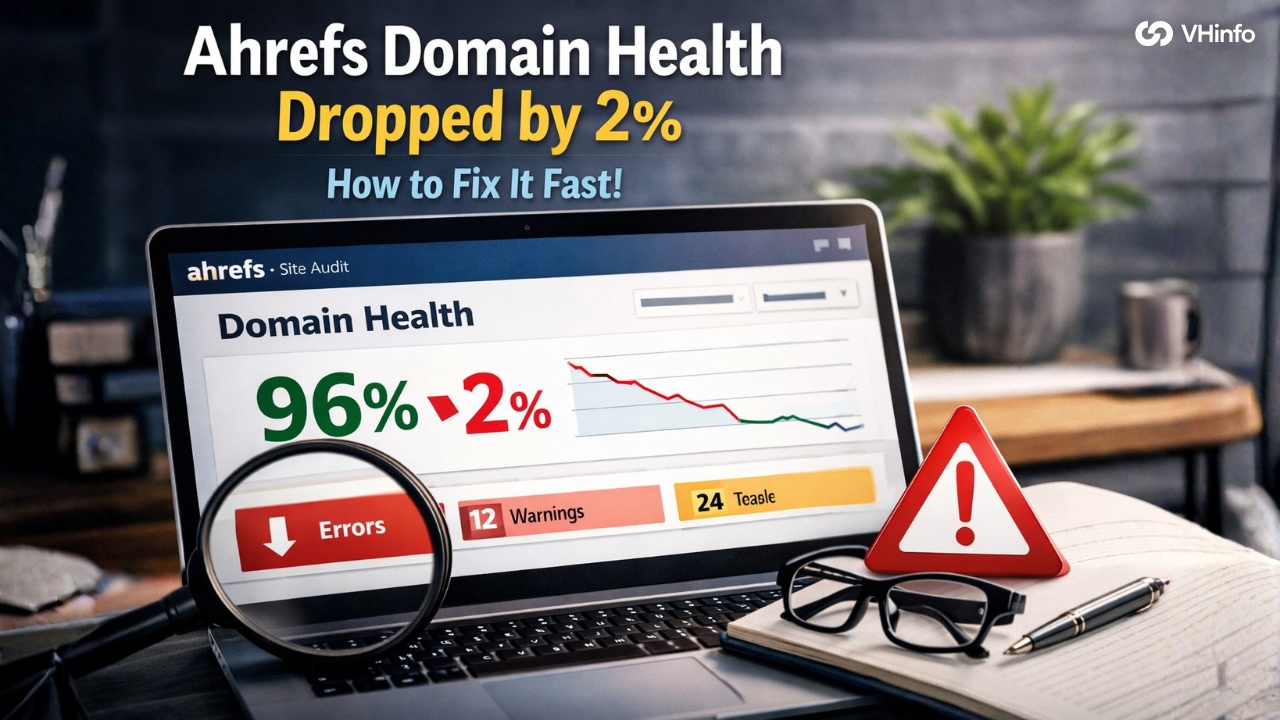
Did you check your website today and see that your Ahrefs domain health dropped by 2%?
If so, you might feel a little worried. It is completely normal to feel that way. When you work hard on your digital marketing, you want all your numbers to go up, not down. But do not panic. A small drop is a very normal part of running a website.
At VH-info, we see this all the time. We are a SaaS link building agency. We do not sell any software tools.
Instead, we help websites grow by building a strong backlink profile. We get you quality backlinks to improve your online visibility. While we focus on getting you great links, we also know that keeping your website healthy is a big part of your SEO strategy.
When your Ahrefs domain health drops by 2%, it usually means the tool found a few small technical issues on your site. It does not mean your entire seo strategy is failing. It just means your website needs a little bit of cleaning.
In this guide, we will walk you through exactly what to look for. We will explain everything in simple words. By the end, you will know exactly how to fix your site and get your score back up to normal.
What Is Ahrefs Domain Health?
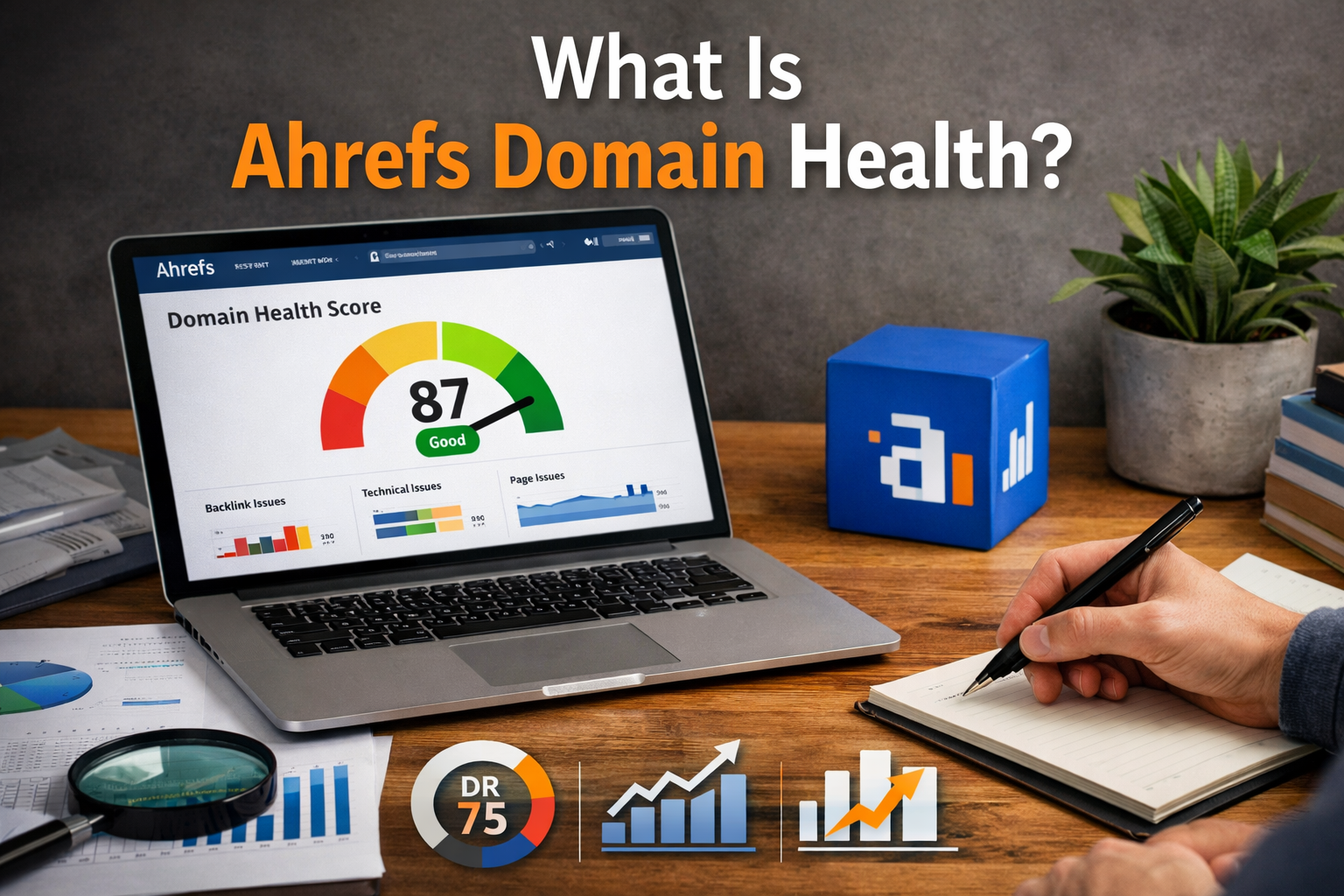
Ahrefs Domain Health is like a report card for your website. Search engines like Google want to send people to websites that work perfectly.
If a website is broken or slow, people get mad. So, Ahrefs built a tool to check how well your site is working.
The health score is a number out of 100. A score of 100 means your website is perfect. There are no broken links, no missing tags, and everything loads fast. If your score is 95, it means your website is very good, but there are a few small things to fix.
When your Ahrefs domain health dropped by 2%, it simply means the tool found a couple of new mistakes during its last check.
This score looks at the technical parts of your site. It looks at how your pages connect. It makes sure that when someone clicks a link, the page actually opens. Keeping a good score is a smart SEO practice. It gives visitors a better user experience, which is a big Google ranking factor.
How Is Domain Health Different From Domain Rating?
Many people ask us, “why is my domain rating dropping?” They often confuse domain rating with domain health.
They are two completely different SEO metrics.
Domain Rating (DR) measures the strength of a website based on its backlink profile. It looks at the number of referring domains pointing to your site. It works on a logarithmic scale. This means it is easy to go from DR 10 to DR 20, but very hard to go from DR 70 to DR 80.
If your DR drops, it means you might have lost some quality backlinks, or other sites got stronger. At VH-info, we help you fix a dr drop by doing safe, smart link building. A higher DR helps you get better Google rankings.
Domain Health has nothing to do with your backlink profile or your website authority. It only looks at the technical health of your own pages. It checks for errors on your site, not your links from other sites.
So, if your Ahrefs domain health dropped by 2%, it is a technical issue. If your DR dropped, it is a link profile issue.
What Does It Mean When Ahrefs Domain Health Dropped by 2%?
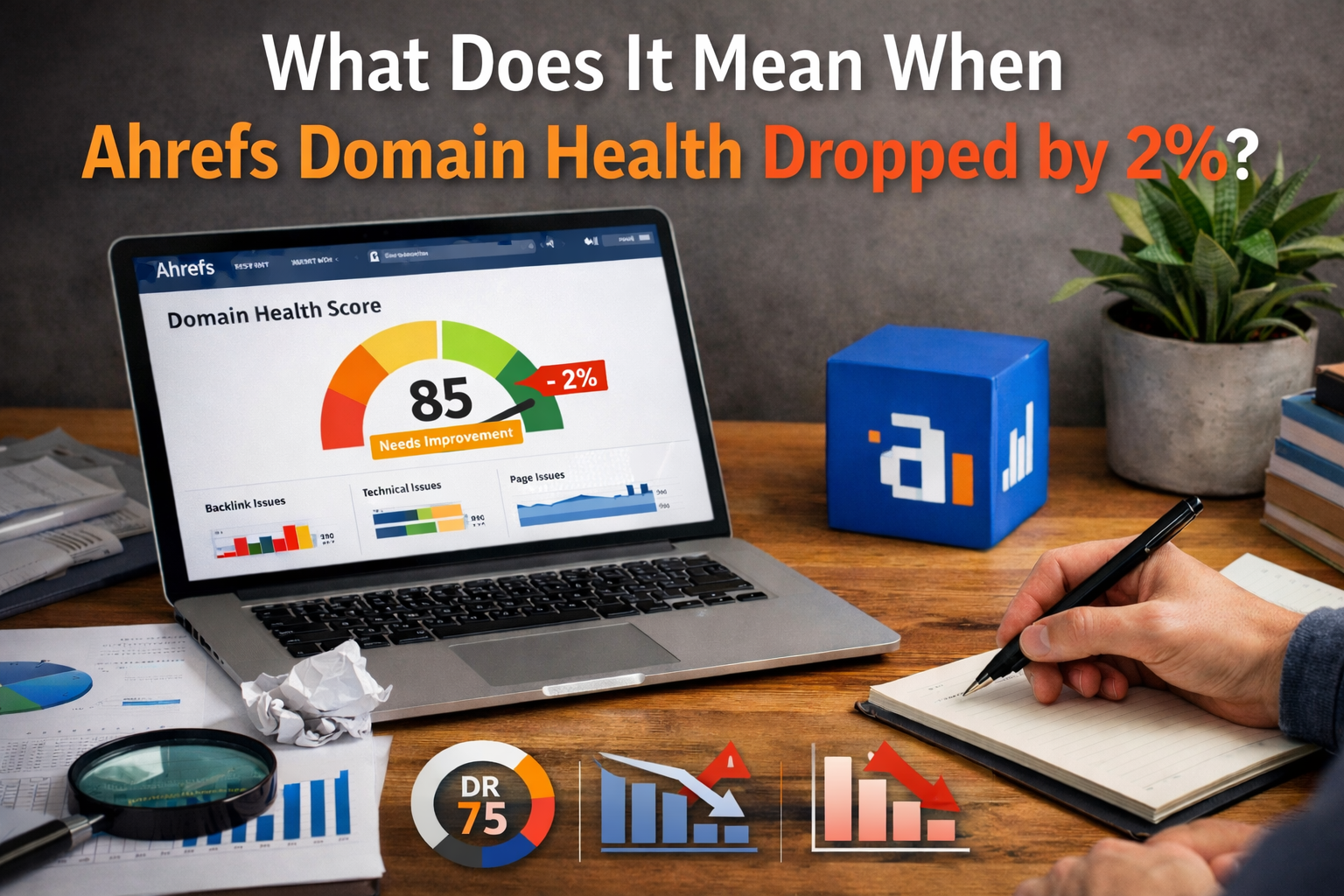
When your Ahrefs domain health dropped by 2%, it means the Ahrefs crawler visited your site and found something new that it did not like. A crawler is a little computer bot that reads your website. It acts just like Google search does.
A 2% drop is very small. Let us say your score went from 98% to 96%. This means almost your whole website is working great. But maybe you deleted an old blog post, and now another page points to a dead end.
Or maybe you added a new picture, but it is too big and loads slowly. These small things cause a small drop.
How is the Ahrefs Health Score Calculated?
The math behind the health score is pretty simple. Ahrefs looks at all the internal links on your website. It counts how many total pages it can read. Then, it counts how many of those pages have errors.
If Ahrefs crawls 100 pages, and 10 of those pages have big errors, your health score will go down. Ahrefs groups problems into three buckets: Errors, Warnings, and Notices. Errors are the worst. They hurt your score the most. Warnings are minor problems.
Notices are just helpful tips. The score is mostly about your “Errors.” If the number of errors goes up, your score goes down. This is how the tool figures out the strength of a website from a technical side. It is a good rule of thumb to keep your errors as close to zero as possible.
Why a 2% Dip Isn’t a Reason to Panic (Yet)
Seeing your score drop can feel bad, but you should not worry too much. A 2% dip is almost never a reason to panic. It does not mean you are going to get a Google penalty. It does not mean your search engine results will instantly crash.
Websites are living things. You add content, you change pages, and you update pictures. When you make changes, tiny mistakes happen. That is a normal part of content marketing and SEO practices. The SEO community knows that scores bounce around a little bit.
A 2% drop is just a friendly tap on the shoulder. It is Ahrefs telling you to do a quick checkup. It will not destroy your organic search traffic today. But if you ignore it, and it drops by 10% or 20%, then you might start losing online visibility.
So, treat it as a gentle reminder to clean things up.
Immediate Steps to Take After Your Ahrefs Domain Health Dropped by 2%
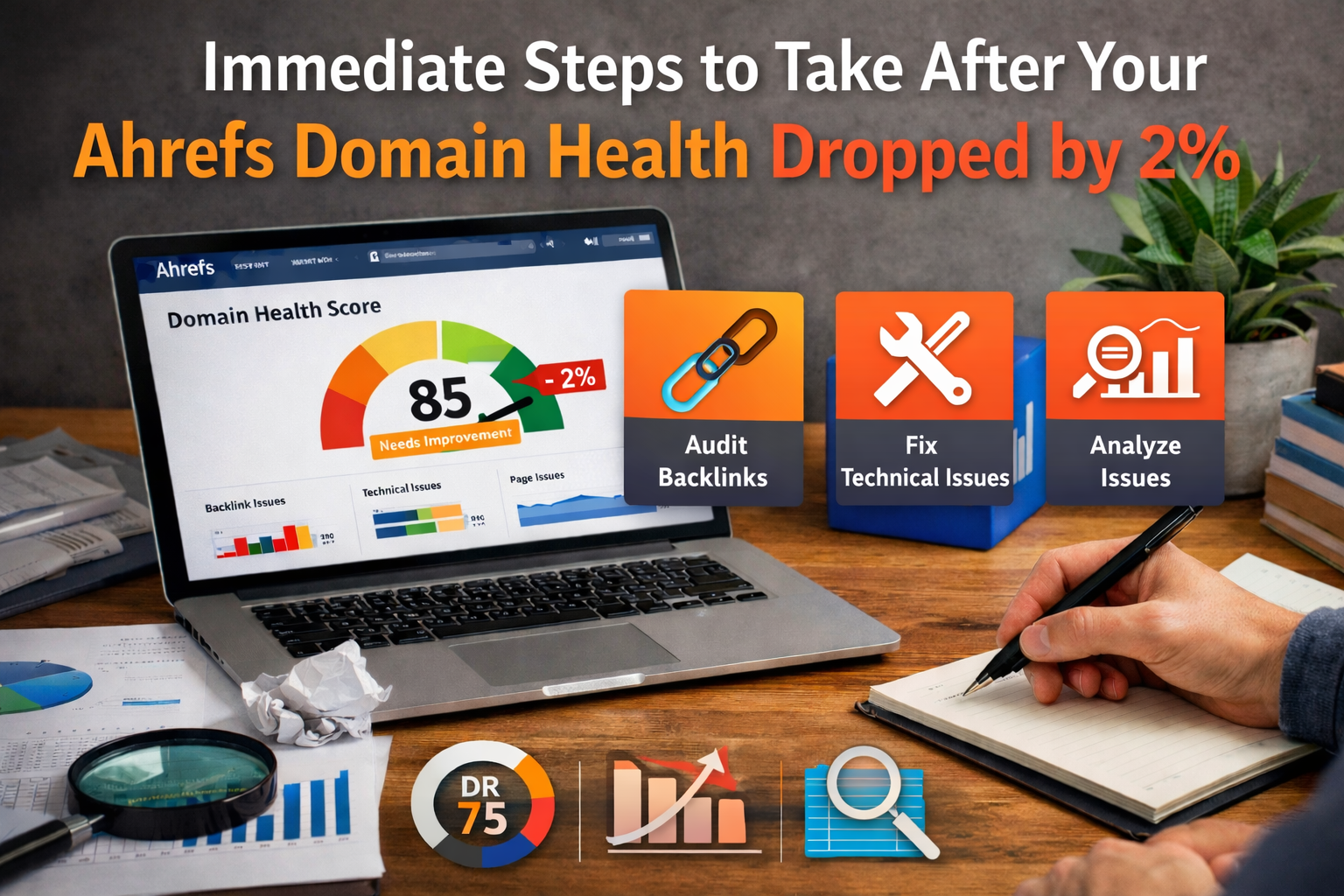
When you notice that your Ahrefs domain health has dropped by 2%, you should take action. You do not need to stay up all night, but you should not ignore it either. Here are the simple things you should do right away.
Run A Fresh Site Audit
The first step is to tell Ahrefs to scan your website again. Sometimes, Ahrefs might have hit a temporary bump. Maybe your website server was asleep for one minute exactly when the bot tried to visit.
To fix this, go to Ahrefs and click the button to start a new site audit. This sends the bot back to your site. Let it read all your pages again. Often, the bot will see that everything is actually fine, and your score will go back up instantly.
Running a new scan gives you the most current picture of your technical issues.
Compare Your Latest Crawl with the Previous One
If the new audit still shows a lower score, you need to play detective. You need to find out what changed. Ahrefs makes this easy. They have a tool that lets you compare your new report with your old report.
Look at the two reports side by side. See what is new. Did the total number of errors go up? Did you get new red flags? Finding the difference between the two reports will tell you exactly why your Ahrefs domain health dropped by 2%.
It saves you a lot of time because you only have to look at the new problems, not the whole website.
Filter by “Errors” Vs. “Warnings” and “Notices”
When you look at your report, you will see a lot of data. Do not let it scare you. The best thing to do is to filter the list.
Hide the “Notices” and “Warnings” for now. They do not usually cause a sudden score drop. You only want to look at the “Errors.”
Errors are the big, serious problems. Things like broken links or dead pages. By filtering out the small stuff, you can focus exactly on what caused your Ahrefs domain health to drop by 2% problem. This is what smart SEO professionals do to save time.
Common Culprits Behind A Dropping Ahrefs Health Score
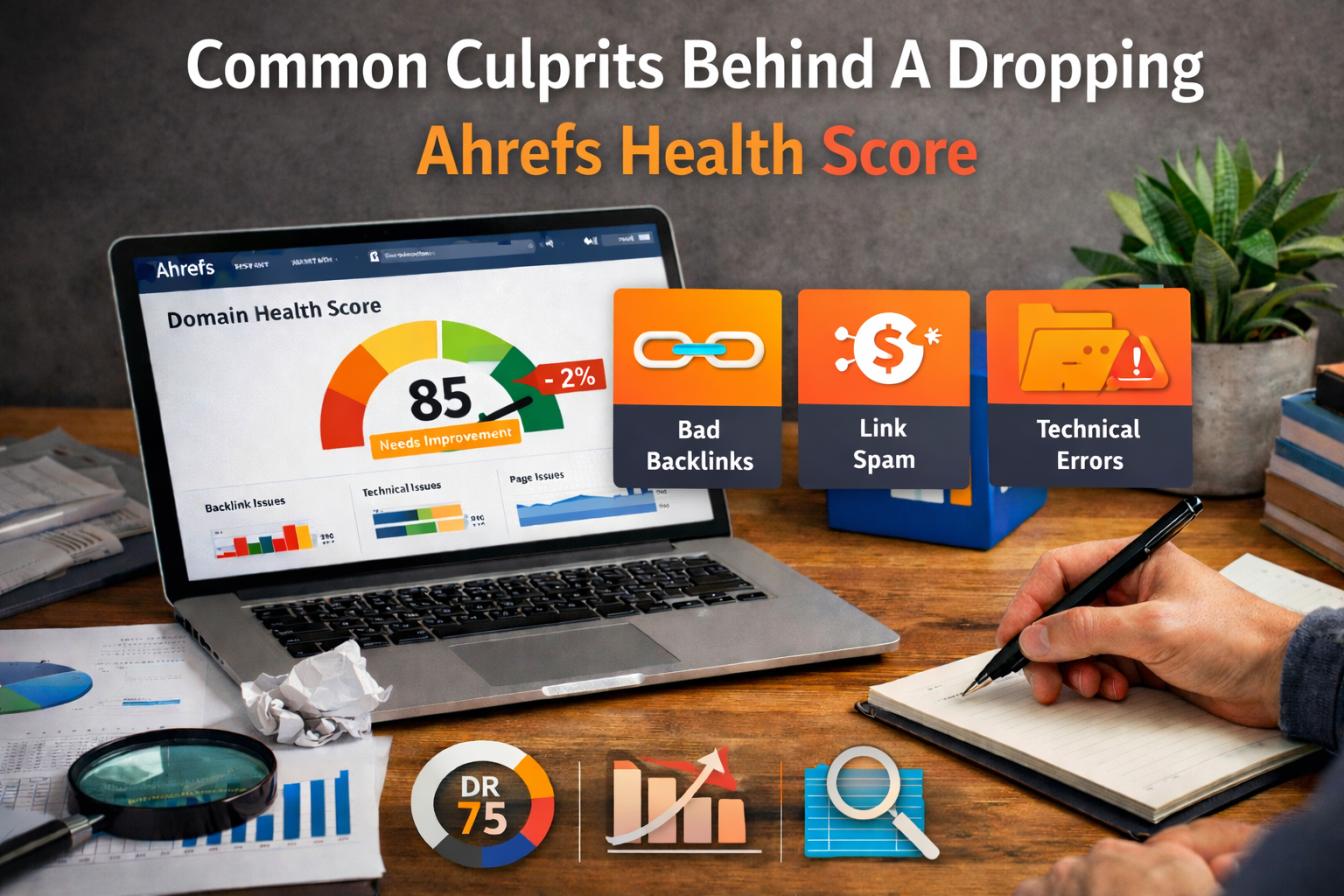
So, what exactly makes a score drop? There are a few very common reasons. Most of the time, the problem is one of these five things.
Newly Broken Internal Links (404 Errors)
This is the most common reason your Ahrefs domain health dropped by 2%. An internal link is a link that points from one page on your website to another page on your website.
Let us say you have a great blog post. Inside that post, you link to your “Contact Us” page. But later, you change the web address of your contact page. Now, the link in your blog post points to nowhere. When someone clicks it, they get a “404 Page Not Found” error.
This is terrible for user experience. Search engines hate it because it wastes time. If Ahrefs finds these broken internal links, your score will drop right away. You must fix these to keep your site authority high and keep the link juice flowing properly.
Missing, Duplicate, or Too-Long Meta Tags
Every page on your website has a title and a description hiding in the code. These are called meta tags. They tell Google search what your page is about. Sometimes, when you create new pages, you might forget to add a title.
Or, you might copy an old page and forget to change the title. This creates duplicate content issues.
Search engines get confused when two pages look the same.
Also, if your title is too long, Google will cut it off in the search results. Ahrefs will mark this as an error. Fixing your meta tags is an easy way to get a better user experience and improve your search rankings.
Redirect Chains and Loops
A redirect is when you tell the internet that a page has moved. You send the visitor to a new address. This is a normal part of digital marketing.
But sometimes, things get messy.
Imagine you move Page A to Page B. Then, a year later, you move Page B to Page C. This is a redirect chain. The poor visitor has to hop from A to B to C just to read your great content. Even worse is a loop, where Page A points to B, and B points right back to A.
The bot gets stuck in a circle forever!
Redirect issues stop link equity from passing through your site. They slow down search engines and cause big score drops.
Slow Page Load Times Or 5xx Server Errors
A 5xx error means your website server is having a bad day. It means the website computer crashed or was too busy to answer the door when Ahrefs came knocking. If your server has these errors, Ahrefs cannot read your pages. It will mark them as broken.
Also, if your pages take too long to load because of huge pictures or messy code, Ahrefs will flag them. A slow site hurts your organic search numbers. Fast sites get better user engagement and often see a jump in search engine results.
Changes in Crawl Depth Or Total Crawled Pages
Sometimes, your Ahrefs domain health dropped by 2% even if you did not break anything. How is this possible?
It happens if your website gets bigger.
Let us say you add 50 new blog posts. Your total crawled pages go up. If those new pages have some old warnings on them, the math changes. Even though you did nothing wrong, the percentage of errors went up just because the website size changed.
This is very common when you grow your content quality efforts.
Step-by-Step Guide to Recovering Your Lost Health Score
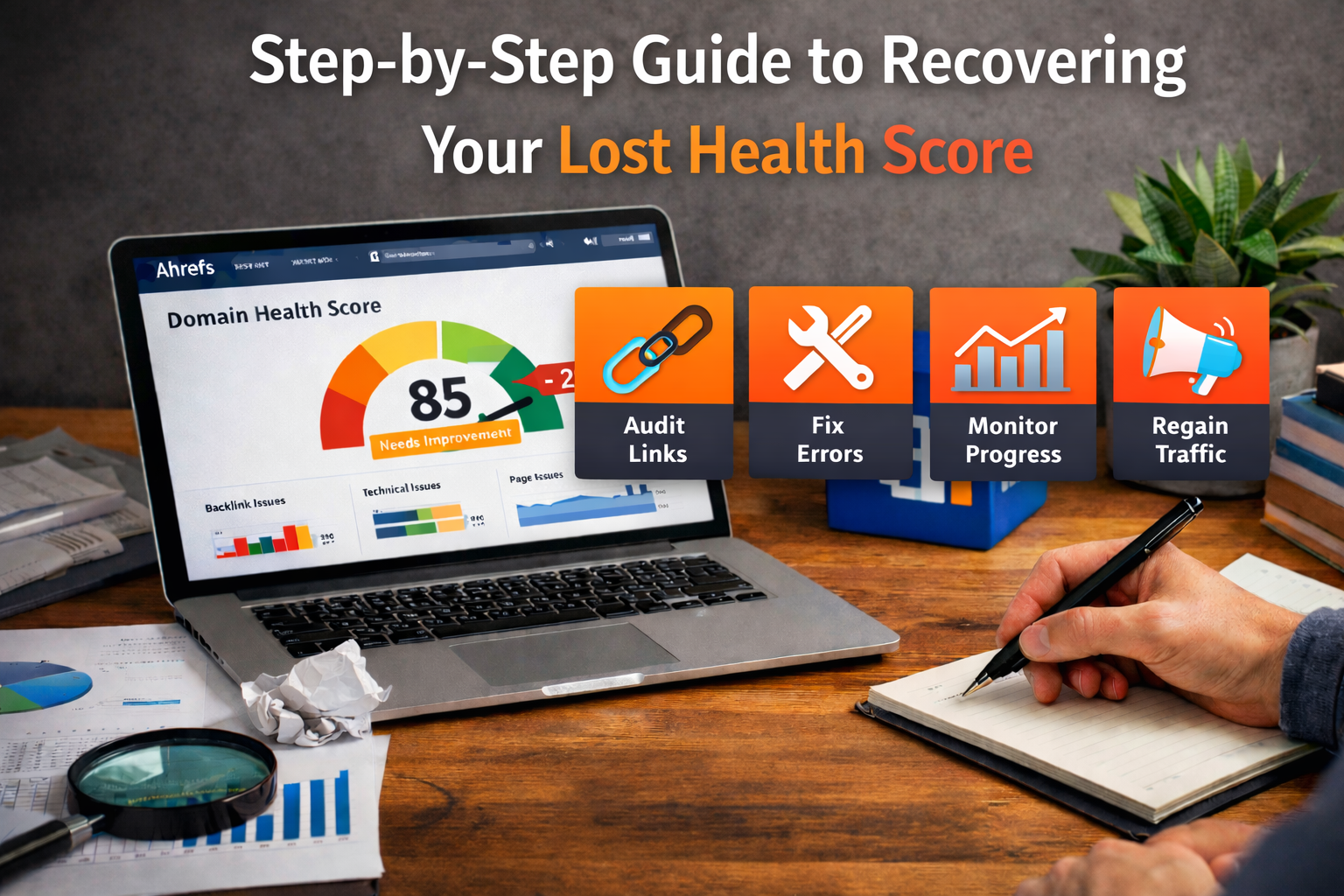
Now that you know the common reasons, it is time to fix them. Fixing these technical issues is a great way to ensure long-term SEO success.
Here is your step-by-step plan.
Prioritize “Errors” Over “Warnings”
As we mentioned before, always start with the red flags. Your health score is directly tied to the “Errors.”
Open your Ahrefs report. Click on the Errors tab. You might see warnings like “page title too short.” Ignore those for today. Focus on the big stuff, like a 404 error or a broken server. Fixing just five major errors will bump your score up much faster than fixing fifty tiny warnings.
This is one of the best practices in the SEO industry.
Fix Broken Links and Implement 301 Redirects
When you find broken links on your website, you have two choices.
First, you can change the link text. If an old blog post links to a deleted page, just edit the blog post and remove the link.
Second, if the old page is gone but you have a similar new page, you can use a 301 redirect. A 301 redirect is a permanent signpost. It tells search engines, “This page moved here permanently.” This is very important. It saves your link juice and keeps your site authority strong.
At VH-info, we always tell our clients that a strong link-building strategy needs good internal 301 redirects to work perfectly.
Also, check your anchor text. Make sure the words you click on make sense for the new page you are sending people to.
Clean Up Your XML Sitemap
Your XML sitemap is a map you give to search engines. It lists every important page on your website.
Sometimes, when you delete a page, it accidentally stays on your sitemap. So, you are telling Google to look at a page that does not exist!
Ahrefs will catch this and lower your score.
You need to clean your sitemap. Make sure it only has live, working pages that have a 200 status code (which means “everything is okay”). Removing dead pages from your sitemap is a very simple fix that makes a big difference for your website authority.
Re-verify Your Fixes in Ahrefs
Once you fix the broken links, sort out your redirects, and clean your sitemap, you are almost done.
But Ahrefs does not know you fixed them yet. You need to go back into Ahrefs and run a new crawl. Click the button to start the audit again. The bot will visit your site, see the great changes you made, and clear the errors. Within a short time, you will see your score go back up.
Doing this makes sure you are using sustainable SEO practices.
FAQ’s:
Why Did My Ahrefs Domain Health Drop By 2% Even If I Didn’t Change Anything On My Website?
Your Ahrefs domain health dropped by 2% because websites change naturally over time.
Sometimes your web server might be slow or shut down for a minute when Ahrefs tries to check it. Also, if an outside website deletes a page that you linked to, Ahrefs will count that as a new broken link on your site.
Does A Drop In Ahrefs Domain Health Mean My Google Rankings Will Drop?
No, a small drop does not mean your Google rankings will crash instantly. A 2% change is very small and is not an immediate Google ranking factor problem. However, if you let errors pile up over many months, poor user experience can eventually cause a slow drop in organic traffic.
How Long Does It Take For My Ahrefs Health Score to Update After I Fix the Errors?
It is usually very fast once you tell the tool to look again. After you fix your technical issues, you must run a new site audit in Ahrefs. Once the crawl is finished, which usually takes a few minutes or a few hours, depending on your site size, your score will update right away.
What Is Considered A “Good” Ahrefs Domain Health Score?
In the SEO industry, any score above 90% is considered very strong and healthy. If your score is 95% or higher, your website is in amazing shape. You do not need a perfect 100% to have great search engine results, but keeping it above 90 is a great goal for SEO experts.
Can I Ignore “Warnings” and “Notices” in Ahrefs?
Yes, you can ignore them if you are in a rush, but it is better to fix them eventually. Warnings and notices do not hurt your main health score very much, unlike major errors. But cleaning them up leads to a better user experience and helps build a truly perfect website over time.
Conclusion
Seeing that your Ahrefs domain health dropped by 2% is a very common part of running a website.
It is simply a tool telling you that some small technical issues need a little bit of attention.
Whether it is a broken link, a missing title, or a slow server, these are simple things you can fix today. By running a fresh audit and fixing the big “Errors” first, your score will bounce back in no time. Keep in mind that having a healthy website is only one part of the puzzle.
Once your site is running fast and smoothly, you need to show search engines that your site is important. That is where VH-info comes in. We are a SaaS link building agency dedicated to improving your backlink profile.
We focus on getting you quality backlinks that drive real organic traffic.
While tools like Ahrefs measure your technical SEO metrics, our team does the hard work of link building.
We do not use tricks; we use sustainable SEO practices to get you links from high domain authority sites. We do not sell tools like Semrush’s authority score checkers or Moz’s domain authority trackers. We just provide pure, hard-working link building services.
If you want to grow your number of backlinks, increase your referring domains, and get past the latest algorithm update, let us help.
Fix your small health score dip today, and then partner with VH-info to grow your website’s domain authority with the best quality links on the internet. Your search rankings will thank you!


 Vishal ambani
  Share
Share

 VH Info