


To get your website noticed in Google search results, you need other websites to link to you. These are called inbound links or backlinks.
But not all links are good. Some bad links can hurt your site’s reputation with a search engine like Google. To protect your site, you might tell Google to ignore these harmful links using a special list. This process is part of digital marketing that keeps your website healthy.
This guide will show you how to use your list of bad links inside a powerful SEO tool called Ahrefs. When you import Ahrefs data, you get a much clearer view of your website’s backlink profile. This helps you make better decisions to improve your search rankings.
At VH-Info, we manage this process for many SaaS companies, helping them maintain a strong and clean link profile that supports growth. This is a key step in any serious backlink audit.
What Is A Disavow File and Why Import It Into Ahrefs?

Before you can import a disavow file into Ahrefs, it’s good to know what this file does. It’s a list you give to Google to clean up the links pointing to your site. This is an important step for anyone managing their website’s SEO.
Understanding the Purpose Of A Google Disavow File
A disavow file is a simple text file that you upload to the Google Search Console. Its job is to tell Google which backlinks you don’t trust or want to be associated with your site.
Think of it as telling a friend to ignore gossip from people you don’t know. You create this file when you find spammy links or toxic backlinks pointing to your site. These bad backlinks might come from link farms or other low-quality, spammy websites.
Sometimes, a competitor might try to hurt your site with a negative SEO attack by building lots of unnatural links to it.
In other cases, you might get a manual action or manual penalty from Google because of your link schemes. The Google disavow tool is your way of telling Google, “Please don’t count these harmful backlinks against me.”
This is often used as a last resort after trying to get site owners to remove the links manually, a process called link removal. Using Google’s disavow tool is a critical step in recovering from link spam.
The Key Benefit: Aligning Ahrefs Data With Your Google Signals
Ahrefs is one of the best SEO tools for checking your backlinks.
However, Ahrefs doesn’t automatically know which links you’ve told Google to ignore. When you conduct a backlink audit in Ahrefs, it shows you every single link, both good and bad. This can make it hard to see the true health of your website’s backlink profile.
The main benefit of importing your disavow list into Ahrefs is that it cleans up your reports. Ahrefs will hide the disavowed links from its main analysis. This gives you a true picture of your real link equity.
You can see which good backlinks are actually helping your site. This alignment is vital for making smart SEO decisions based on clean data. It helps you focus on building quality links that matter for your organic traffic.
Critical Distinction: Ahrefs Import Vs. Submitting to Google
This is the most important thing to remember: importing your disavow file into Ahrefs does NOT submit it to Google. The Ahrefs tool is for analysis only. It helps you see your backlink profile without the noise of bad backlinks.
You must still take your disavow file and upload it separately to the Google disavow links tool inside your Google Search Console account.
This is the only way to ask Google to ignore the toxic links. Think of Ahrefs as your practice sheet and Google Search Console as the final exam. Using the import disavow ahrefs feature is just the first step in your analysis; it does not directly affect your search engine results.
For our clients, VH-Info handles both the Ahrefs analysis and the official submission to Google, ensuring nothing is missed.
How to Import Your Disavow File Into Ahrefs (The Complete Walkthrough)
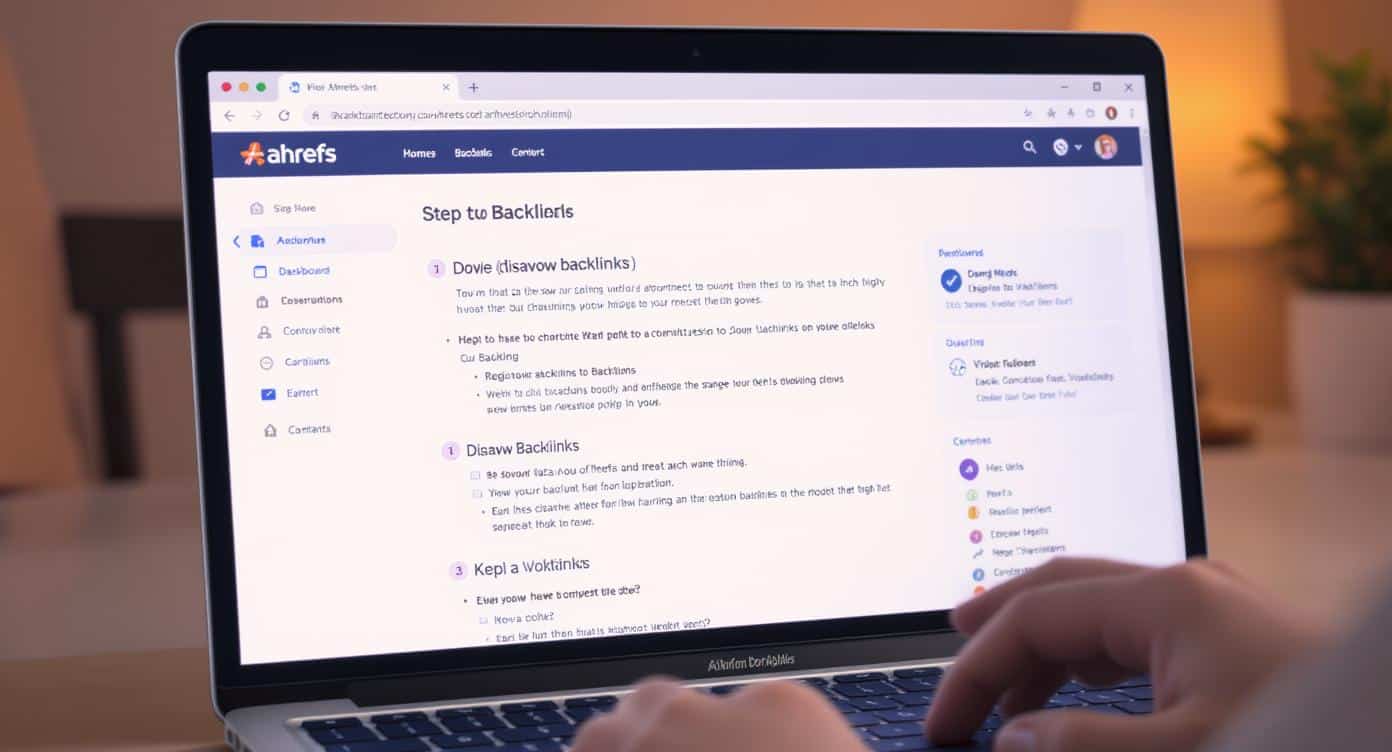
Importing your file is a straightforward process. Following these steps will sync your Ahrefs project with the signals you’ve sent to Google, giving you a cleaner dataset to work with for your digital marketing efforts.
Step 1: Locating the Disavowed Links Tool in Your Ahrefs Project
First, you need to find the right tool in Ahrefs. This advanced feature is located within your project’s dashboard.
- Log in to your Ahrefs account.
- Open Site Explorer and enter the domain name of the website you are analyzing.
- On the left-hand menu, look for the “Backlink profile” section.
- Click on “Disavowed links.” This will take you to the disavow links tool page, where you can manage your list for that specific project.
Step 2: Preparing Your Disavow File For Import (.txt format)
Ahrefs requires your disavow file to be in a specific format, the same one Google uses. It must be a plain text file with a .txt extension.
- Each line in the file should contain one URL or domain you want to disavow.
- To disavow an entire website, add domain: before the domain name (e.g., domain:spammy-website.com). This is the best way to handle spammy websites that have a considerable number of spammy links pointing to you.
- Make sure there are no blank lines that are not comments.
- The file should be UTF-8 or 7-bit ASCII encoded.
- There is a maximum file size and maximum URL length, so ensure your file meets Ahrefs’ requirements, which are similar to Google’s. You are not able to upload a CSV file.
Step 3: Uploading Or Pasting Your Disavowed Domains and URLs
Once your file is ready, you have two options in the Ahrefs disavow links tool.
- Upload file: Click the “Import” button and select the .txt disavow file from your computer. Ahrefs will read the file and add the URLs and domains to your project’s disavow list.
- Paste links: If you only have a few links, you can copy the list of links from your file and paste them directly into the text box provided. Make sure each URL or domain is on a new line.
This action is what completes the import disavow Ahrefs task.
Step 4: Confirming the Import and Allowing Ahrefs to Process the Data
After you upload or paste your links, Ahrefs will ask you to confirm. Once you agree, the tool will start processing the data. It will cross-reference your list with its massive index of external links.
This can take a few minutes, especially if you have a large number of links to disavow. You will see a notification once the process is complete. Ahrefs will then begin to exclude these disavowed links from its calculations and reports, giving you a cleaner view of your profile.
What Changes After You Import A Disavow File In Ahrefs?
After you import your list, you’ll notice several important changes in how Ahrefs presents your data. These changes help you perform a more accurate backlink audit and better understand your true online authority.
How Disavowed Links Are Flagged in Site Explorer?
Once Ahrefs processes your file, it will flag the disavowed links throughout its reports.
When you are using Site Explorer to look at your “Backlinks” or “Referring domains,” you will see a special icon next to each link that is on your disavow list. This visual cue instantly tells you that this is a link you have asked Google to ignore.
This makes it easy to distinguish between your good backlinks and the bad backlinks you are trying to distance your site from. You can filter your reports to either show or hide these links, giving you full control over your analysis.
The Impact on Ahrefs Rank, Domain Rating (DR), and URL Rating (UR)
One of the biggest changes you will see is in Ahrefs’ proprietary metrics.
Domain Rating (DR) is Ahrefs’ score for a website’s overall backlink strength. Since DR is calculated based on the number of backlinks and their quality, removing toxic backlinks from the equation will change your score.
Usually, your DR will go down after you import the disavow Ahrefs data. This is a good thing!
It means Ahrefs is no longer counting the harmful links, so the new, lower DR is a more accurate reflection of your real authority. Your Ahrefs Rank and the UR of specific pages might also adjust. This new baseline helps you track the impact of future quality links more effectively.
Reviewing Your “Clean” Backlink Profile and Referring Domains Reports
With the spammy links filtered out, you can now review a “clean” version of your backlink profile.
Go to the “Referring domains” report to see which websites are giving you valuable link equity.
You can analyze your anchor text distribution without the noise from spam. This clean view is essential for identifying gaps in your profile and planning your future link-building strategy. It helps SEO professionals focus on what truly matters for improving Google search results.
If this seems complicated, the team at VH-Info can provide a detailed report and a clear action plan.
Best Practices For Managing and Maintaining Your Ahrefs Disavow List
Your disavow list is not something you set and forget. It requires ongoing management to ensure it stays accurate and effective.
Here are some best practices to follow.
How to Add Or Remove Single Links From the Ahrefs Tool?
You don’t need to re-upload your entire file every time you find a new bad link. Ahrefs allows you to manage your disavow list directly within the tool. You can simply paste a new URL or domain into the interface to add it to your list.
Similarly, you can easily remove links. If you made a mistake or realized a link isn’t harmful, you can select it and click “Remove.”
This action is sometimes called a request to cancel disavowals within Ahrefs. This flexibility is useful for keeping your analysis data as accurate as possible. Remember, any changes here are only for Ahrefs.
Exporting Your Disavow List From Ahrefs
After you’ve made changes in Ahrefs—like adding new spammy backlinks or removing a link you want to reclaim—you should export the updated list. Ahrefs provides an “Export” button that generates a perfectly formatted .txt disavow file. This file will contain all the domains and URLs currently on your Ahrefs disavow list. This exported file is what you will use to update Google.
Keeping Your Ahrefs and Google Search Console Files in Sync
This is the most critical best practice. Your Ahrefs disavow list and your official Google disavow file must always be the same. They must be in sync. Here’s a simple workflow:
- Do your backlink audit in Ahrefs.
- Add any newly found bad links to the Ahrefs disavow links tool.
- Export the complete, updated list from Ahrefs.
- Go to the Google disavow tool in your Google Search Console account and upload this new file. This will replace your old file.
Keeping them in sync ensures that your analysis in Ahrefs matches what you’ve told Google’s algorithms to ignore. This prevents confusion and helps you accurately track how your SEO efforts are affecting your organic traffic and search engine results.
At VH-Info, we offer services that manage this entire sync process, giving our clients peace of mind.
FAQ’s:
Does Importing A Disavow File From Ahrefs Impact My SEO Rankings?
No, it does not. Importing a file into Ahrefs is for analysis purposes only. It changes the data you see inside Ahrefs’ reports, but has zero direct impact on your search rankings. The only action that affects your SEO is uploading the disavow file to the official Google disavow tool.
Can Ahrefs Automate the Creation and Submission of Disavow Files?
No, Ahrefs cannot automate this. Ahrefs helps you identify potentially harmful backlinks and manage a list, but the final decision of what to disavow is yours. Furthermore, you must manually submit the file to Google Search Console.
This manual step is a safeguard to prevent site owners from accidentally harming their website by disavowing good backlinks.
What Mistakes Should I Avoid When Importing A Disavow List From Ahrefs?
The biggest mistake is thinking that importing the file into Ahrefs is the final step. Always remember to submit the file to Google as well.
Other mistakes include using the wrong file format (it must be a .txt file), not keeping your Ahrefs and Google lists in sync, and accidentally adding a valuable, high-quality link to your disavow list, which could hurt your SEO.
A reconsideration request after a penalty requires a very careful audit.
Can I Undo the Import Of A Disavow File in Ahrefs?
Yes, you can. In the Ahrefs disavow links tool, you can select all the links and domains on your list and remove them. This will effectively undo the import, and Ahrefs will go back to including all of your backlinks in its metrics and reports.
Your DR and other scores will return to what they were before the import.
How Long Does It Take For Ahrefs to Update Its Metrics After an Import?
It’s usually quite fast.
For a small list of links, you may see the changes reflected in your reports and metrics within a few minutes. If you have a very large and complex disavow file with thousands of entries, it might take up to an hour for all the data to be fully reprocessed across the platform.
Conclusion
Using the import disavow Ahrefs tool helps people who want their website to do well. It is a smart choice for owners or SEO workers. This tool makes your Ahrefs reports better and cleaner. You can check your backlinks more clearly. You also know how strong your site really is.
When you remove bad or spam links, it is easier to see good links.
You are able to focus on building strong links that help your site grow. Remember, Ahrefs helps you study your links. The Google disavow tool lets you take action on them. It is very important to use both tools together for the best results with your backlinks.
If you have a problem like a penalty or bad SEO, you may want help from an expert team like VH-Info. They work on fixing bad links and making good ones to help your site show up better in search results. Their goal is for your website to do as well as possible online.


 Vishal ambani
  Share
Share

 VH Info