Have you ever wondered if people can see your website when they look for things online?
Every website owner wants to be on the first page of Google. It is the best place to be because that is where most traffic comes from. But how do you know where you stand? This is a question we hear often at VH-info.
We know that checking your spot on search engines can feel like a big mystery. But it does not have to be hard. Knowing your position helps you see what is working and what needs to be fixed.
As a SaaS Link Building Agency, VH-info helps many businesses grow their online presence. We want to help you do the same.
In this guide, we will show you exactly how to find your page ranking on Google. We will share the best tools and simple tips to help you climb higher. Let’s get started and find out where your website ranks today.
What Is Google Ranking and How Does It Work?
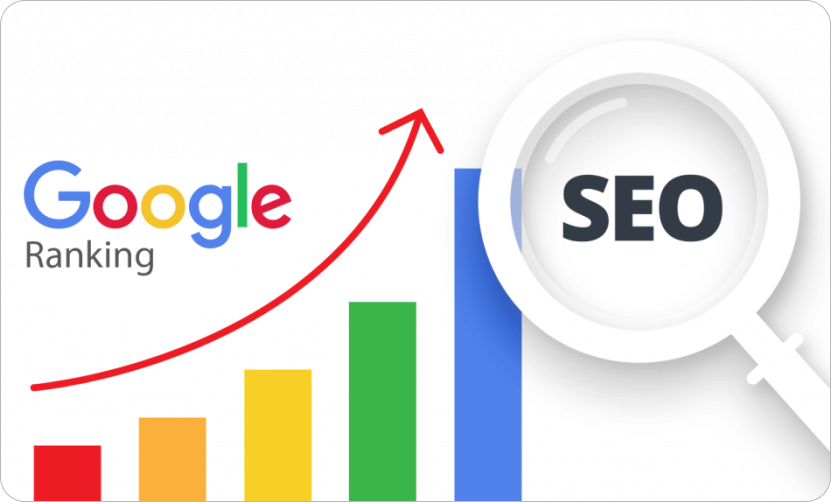
Google ranking is the spot where your website appears when someone types a search query into Google. Think of Google as a giant library. When you ask a question, the librarian (Google) looks through billions of books (websites) to find the best answer for you.
Google uses a special system, often referred to as an algorithm, to determine which pages are the most relevant.
It looks at many things. It checks if your page has the right keywords. It looks at how fast your site loads. It also checks if other trusted websites link to you. This is where our team at VH-info spends a lot of time, helping sites get those important links.
When your page is good and helpful, Google puts it at the top of the search results. This is called a high ranking. If your page is not helpful or hard to read, it might end up on page 10, where no one looks. Understanding this simple process is the first step to doing better.
Why Is It Important to Check Your Google Rankings?
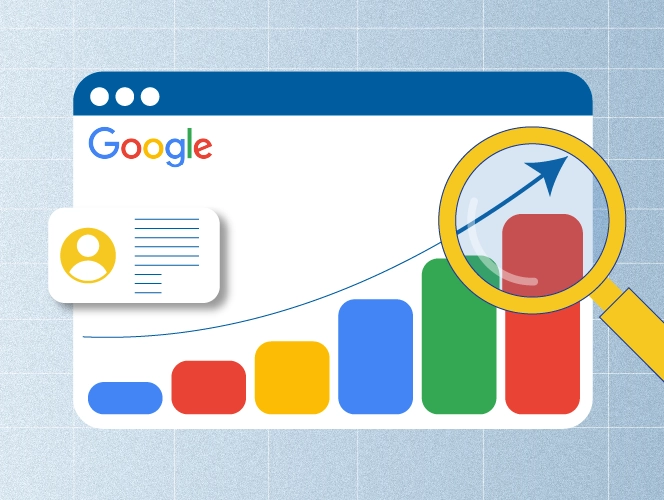
You might ask, “Why should I care about my number?” The answer is simple. If you do not know where you are, you cannot get where you want to go. Checking your Google rankings gives you valuable insights into your business.
Understanding Organic Traffic Sources
Organic traffic is the people who come to your site without you paying for ads.
These are visitors who found you because you answered their questions. When you track your rankings, you can see which pages bring in the most people. If you are number one for a popular search term, you will get a lot of visitors.
If you drop to number five, you might lose half of them. By watching your ranking position, you can protect your traffic. It helps you know if your SEO efforts are paying off or if you are losing ground to others.
Identifying Keywords That Need Improvement
Sometimes, you might rank on the second page for a really good keyword. This is actually good news. It means you are close to the top.
You just need a little push. When you check your rankings, you can find these “almost there” keywords. Maybe you need to add more information to that page. Maybe you need a few more backlinks. At VH-info, we love finding these opportunities. It is easier to move from page two to page one than to start from zero. Tracking helps you spot these wins so you can focus your work on the right things.
How to Find Your Page Ranking on Google?
The most basic way to check your rank is to search for yourself. But you have to be careful. Google is smart. It remembers your search history. If you visit your own site often, Google will show it higher for you than for everyone else.
To see what real users see, you must use Incognito mode or a private window in your browser.
Here is how you do it manually:
- Open your browser (like Chrome or Safari).
- Open a new Incognito or Private window.
- Go to https://www.google.com/search?q=Google.com.
- Type in your target keywords.
- Scroll down and look for your website in the organic results.
This method is free, but it takes a long time.
If you have a list of keywords with 100 terms, it will take hours. Also, results change based on where you are. A person in New York sees different results than a person in London. This manual way gives you a quick look, but for a real strategy, you need better tools.
The Smarter Way: Use Google Rank Tracking Tools
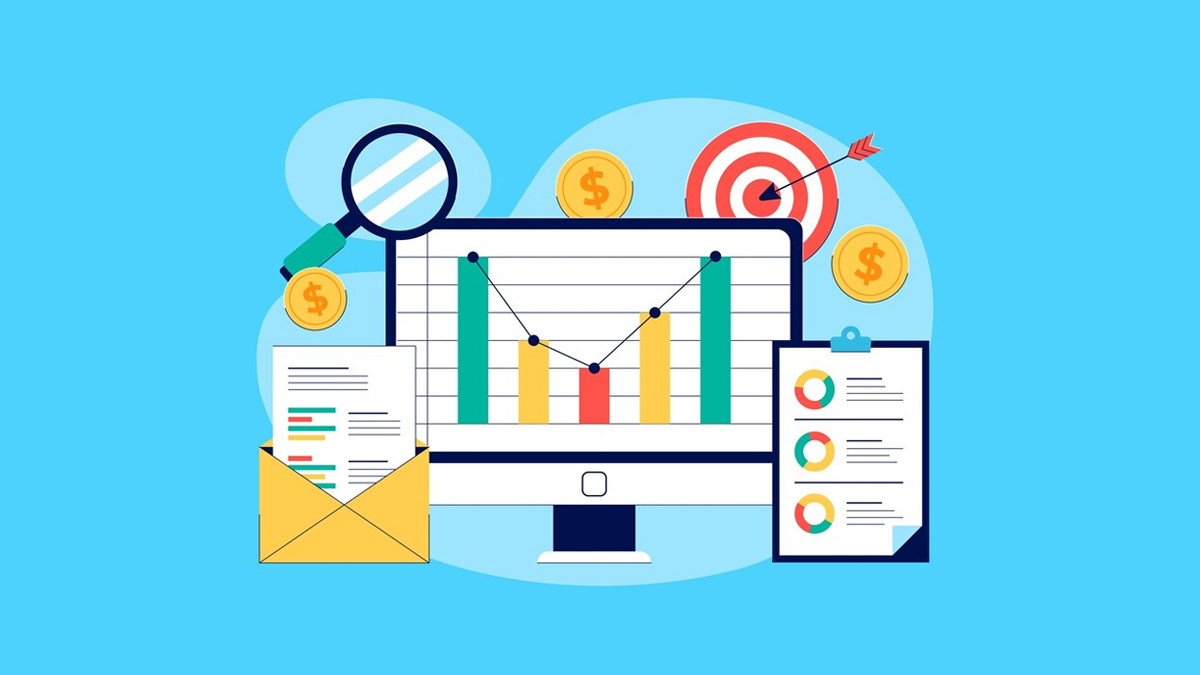
Checking one by one is slow. A better way is to use rank tracker tools. These are special software programs that check your Google rank for you automatically. These tools are like having a helper who watches Google 24 hours a day. They can track hundreds of different keywords at once. They can tell you if you went up or down. They can even show you what your competitors are doing.
Using a tool saves you time. It also gives you more accurate data. It can show you your average position over weeks or months. This helps you see trends. Are you growing or shrinking? With the right data, you can make smart choices.
At VH-info, we always recommend using data to guide your plan.
12 Rank Tracker Tools to Check Google Rankings Easily

There are many tools out there. Some are free, and some cost money. Here is a list of 12 great tools to help you track your success.
Google Search Console (GSC)
Google Search Console is a must-have for every website owner. It is a completely free tool provided by Google itself.
Because the data comes straight from Google, it is very accurate. It shows you the exact search terms people used to find your site.
You can see how many times your site appeared in search results and how many people clicked on it. It also shows your “average position” for specific keywords. This tells you where you rank generally. However, it does not show you the exact rank for every single search in real-time. The data is usually a few days old. But for seeing your overall visibility and performance, it is the best place to start.
It also alerts you if there are technical problems with your site that might hurt your rankings.
Ubersuggest

Ubersuggest is a very popular tool created by Neil Patel. It is made to be very simple and easy to use.
This makes it perfect for beginners who are just starting with SEO. You can type in your domain, and it will show you a list of keywords you rank for. It also gives you a “keyword difficulty” score, which tells you how hard it is to rank for a term.
One great thing about Ubersuggest is that it gives you ideas for new keywords.
It shows you what is working for your competitors so you can try to do the same. The interface is colorful and easy to read. It offers a free version with daily limits, and the paid version is quite affordable compared to other big tools. It is a great first step for small businesses.
Ahrefs
Ahrefs is a powerhouse in the SEO world. It is known for having the best backlink data, but its rank tracker is also amazing.
Professionals and agencies, like us at VH-info, respect Ahrefs for its depth. You can track your keywords across many different countries and languages. It shows you exactly how much search volume each keyword has.
Ahrefs also has a feature called “SERP features.” This tells you if a search result page has ads, maps, or featured snippets.
This is helpful to know because these features can steal clicks from your website. The tool updates regularly, so you always know your current standing. It is a premium tool with a higher price, but the valuable insights it provides are worth it for serious marketers.
SEMRush
SEMRush is an all-in-one marketing toolkit.
It is very famous and used by big companies. Its position tracking tool is very fast and accurate. You can track your daily rankings for any keyword. It also lets you track rankings on mobile devices separately from desktop computers, which is very important today.
One of the best features of SEMRush is the “Volatility Sensor.” This tells you if Google is changing its algorithm. If you see high volatility, it means rankings are jumping around a lot for everyone, not just you. This helps you stay calm if your rank drops suddenly. SEMRush also helps you see your competitors’ best keywords. It is a big, powerful tool that gives you a complete picture of your online presence.
SERanking
SERanking is a great tool that balances price and power.
It offers pro-level features but costs less than the big names like Ahrefs or SEMRush. It is very flexible. You can choose how often you want it to check your rankings—daily, every 3 days, or weekly. Checking less often can save you money on your subscription.
The tool provides very detailed reports. You can see how your rankings change over time with clear graphs. It also has a “Marketing Plan” feature that gives you a checklist of things to do to improve your site. This is great for website owners who need a little guidance.
It tracks Google, Bing, and other engines. For its price, it offers a lot of value and is very reliable for tracking keyword rank.
AccuRanker
AccuRanker calls itself the world’s fastest rank tracker. It is built for speed and accuracy. If you need to know your rank right this second, AccuRanker is the best choice. It has a button you can click to refresh your data instantly. Most other tools make you wait for a daily update.
It is designed for larger businesses and agencies who need to track thousands of keywords. The dashboard is clean and lets you filter data easily. You can see your “Share of Voice,” which tells you how much of the market you own compared to competitors. It focuses purely on rank tracking, so it does it very well. It does not have as many other SEO features as SEMRush, but for pure ranking data, it is top-tier.
SERPWatcher (by Mangools)
SERPWatcher is part of the Mangools suite. It is famous for being incredibly beautiful and easy to look at.
The design is simple, modern, and friendly. It focuses on one main metric called the “Dominance Index.” This simple number tells you how much traffic you are getting based on your current ranks. It makes it easy to understand your progress at a glance.
You can set it up in seconds. Just enter your website and keywords, and it starts working. It shows you daily ranking updates and alerts you if there are big changes. It is great for people who get a headache from looking at complex spreadsheets.
If you want a tool that is pleasant to use and gives you the “good news” or “bad news” quickly, this is a strong option.
Advanced Web Ranking (AWR)

Advanced Web Ranking, or AWR, is a classic tool that has been around for a long time. It is very popular with agencies because it allows for “white label” reporting. This means an agency can put its own logo on the reports and send them to clients. It looks very professional.
AWR is very accurate and can track rankings on any search engine, including local versions of Google. You can track rankings for any location in the world, down to the city level. This is perfect for local businesses. It is a web-based tool now, but it is known for being able to handle a huge amount of data without crashing. If you need detailed reports to show a boss or a client, AWR is a solid choice.
MozPro
Moz is one of the oldest and most respected names in the SEO industry. Their tool, Moz Pro, is excellent for tracking your search performance. They invented the “Domain Authority” score that many people use to judge a website’s strength.
Their rank tracker is reliable and easy to understand.
Moz Pro tells you not just where you rank, but how difficult it is to rank higher. It gives you a “Priority Score” for keywords, helping you decide which ones to target first. The tool also crawls your site to find broken links or errors that might hurt your rank.
The community and help guides around Moz are also fantastic. If you want a tool that teaches you while you use it, Moz is a great partner.
Nightwatch
Nightwatch is a modern tool that is very good at visualizing data.
It is designed to help you see patterns that you might miss in other tools. It is especially strong for local SEO. It allows you to track rankings in very specific locations, like a specific zip code. This is amazing for businesses that only serve a small area.
Nightwatch also lets you segment your keywords in smart ways. You can group them to see how different parts of your site are performing. The graphs are dark and sleek (hence the name Nightwatch) and look very cool. It is also very accurate and updates frequently.
If you are a visual person who loves data charts, you will enjoy using Nightwatch to monitor your search results.
SEO PowerSuite (Rank Tracker component)
SEO PowerSuite is a bit different because it is software you download to your computer, not a website you log into.
The Rank Tracker part of this suite is very powerful. Because it runs on your own computer, you can track an unlimited number of keywords without paying extra fees for volume. This is a huge benefit for budget-conscious users.
It lets you check rankings in hundreds of search engines, not just Google. You can customize the reports to look exactly how you want. It also has a nice feature to record your ranking history forever. The downside is that you need your computer running to check the ranks.
But for the power and unlimited tracking it offers, many SEO professionals love it. It is a robust tool for deep analysis.
Wincher
Wincher is a simple, clean, and affordable tool made specifically for rank tracking. It does not try to do everything; it just tracks ranks and does it well. It is very easy to set up. You can start tracking your keywords in minutes. It updates your rankings daily so you always have fresh data. Wincher is great for keeping an eye on competitors. You can add their websites and see how they move compared to you.
It also has a great feature to help you find new keywords that you are already ranking for but did not know about. The pricing is very fair, making it a top choice for bloggers and small website owners. If you want a no-fuss tool that just works, Wincher is a great pick.
Common Mistakes When You Try to Find Your Page Ranking on Google
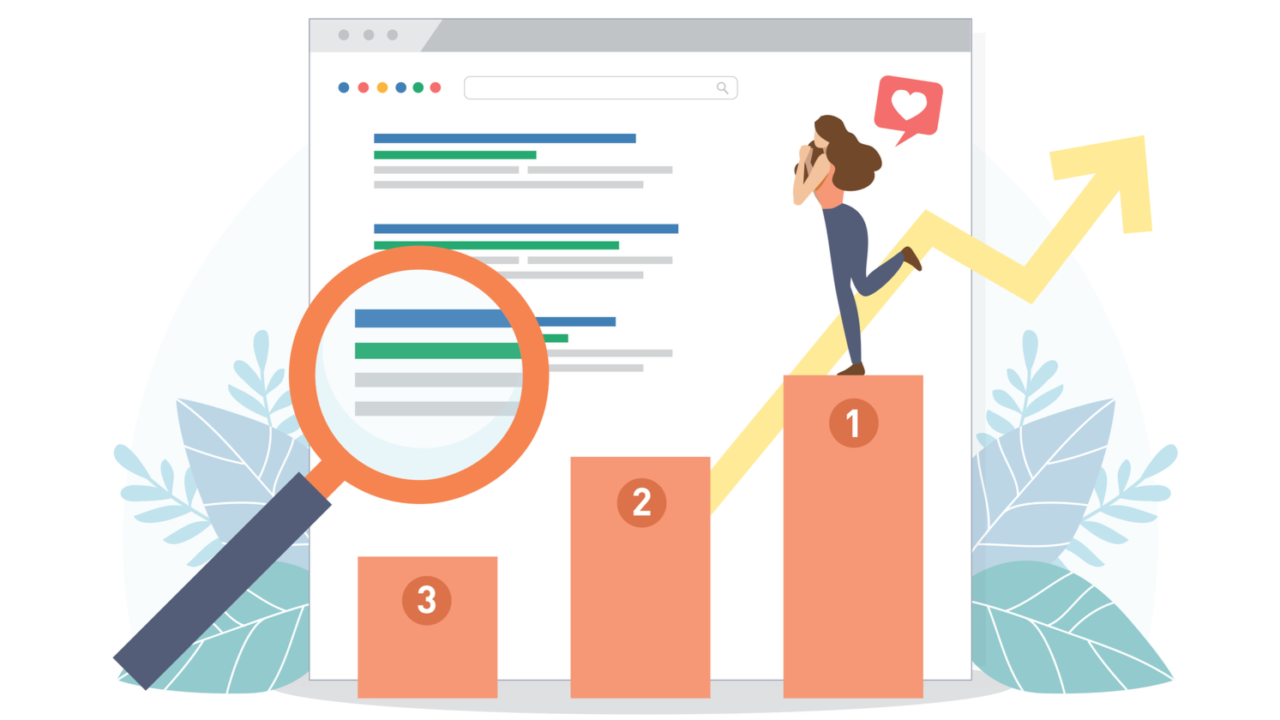
Checking ranks seems easy, but many people make small errors. These mistakes can make you think you are doing worse (or better) than you really are.
Ignoring Mobile Vs. Desktop Differences
Did you know Google treats mobile phones and computers differently? A site might rank #1 on a desktop but #5 on a phone.
This happens because Google looks at how mobile-friendly your page is. If your text is too small to read on a phone, Google will not show it high up for mobile users. Always check both rankings. Most traffic comes from mobile devices now, so do not ignore it.
Forgetting About Local Search Context
If you run a pizza shop in Chicago, you want to rank for “best pizza” in Chicago. You do not care if you rank in London. Google knows where a user is. It shows local results first. If you check your rank from a different city, you might see the wrong data.
Make sure your tool is set to track the correct location. This is vital for local SEO success.
Obsessing Over Daily Fluctuations
Google rankings change every day. It is normal to be #3 today and #4 tomorrow. This is often just a “Google Dance.” Do not panic if you drop a spot for one day. Look at the long-term trend. Are you going up over the last month? That is what matters.
Obsessing over daily changes will only stress you out. Stay calm and stick to your strategy.
Tips For Improving Your Website’s Google Ranking

Once you know your rank, you will want to improve it. Here are some actionable tips from the VH-info team.
- Master Your On-Page SEO: On-page SEO means fixing the things on your website. Make sure your target keywords are in your title, your headings, and your first paragraph. But be natural. Write for humans, not robots. Also, use good descriptions for your images. This helps Google understand what your page is about.
- Speed Up Your Website: No one likes a slow website. If your page takes too long to load, people will leave. Google sees this and will drop your rank. Use tools to check your speed. Make your images smaller so they load faster. A fast site makes users happy, and Google loves happy users.
- Make Sure Your Site Is Mobile-Friendly: As we mentioned, mobile is huge. Your website must look good on a small screen. Buttons should be easy to tap. Text should be big enough to read without zooming. If your site is hard to use on a phone, you will struggle to rank on the first page.
- Build High-Quality Backlinks: This is our specialty at VH-info. A backlink is when another website links to yours. It is like a vote of confidence. If a big, famous site links to you, Google thinks you are important. Focus on getting links from real, relevant sites. One good link is better than 100 bad ones. This is the most powerful way to boost your authority.
- Optimize For Local SEO (If You’re A Local Business): If you have a physical store, claim your Google Business Profile. Fill it out completely with your address, hours, and photos. Ask happy customers to leave reviews. This helps you show up in the “map pack” at the top of search results.
- Keep Content Fresh: Google loves new information. Do not let your website gather dust. Update your old articles with new facts. Write new blog posts regularly. This shows Google that your business is active and alive. Fresh content gives you more chances to rank for different keywords.
- Monitor, Test, and Adjust: SEO is not a one-time job. It is a process. Use your tools to watch what happens. If a change you made helped your rank, do it again on another page. If something hurts your rank, fix it. You must always be testing and learning.
FAQ’s:
How Often Should I Check My Google Rankings?
You should check your rankings once a week. Checking every day can be stressful because ranks bounce around a lot. A weekly check helps you see the real trends and progress without worrying about small daily changes.
Can I Check My Google Ranking For Free?
Yes, you can use Google Search Console for free. It gives you accurate data directly from Google. You can also manually search in Incognito mode, though that takes more time and effort.
How Can Beginners Quickly Check Their Website’s Google Ranking?
Beginners should start with Ubersuggest or Wincher. These tools are very simple and easy to understand. They do not have complex charts, so you can see your position quickly without confusion.
Why Does My Google Ranking Look Different On Different Devices Or Locations?
Google personalizes results based on where you are and what device you use. A phone search prioritizes mobile-friendly sites. A search from New York prioritizes New York businesses. This ensures the user gets the most helpful result.
Are There Reliable Ways to See Keyword Rankings For Every Page?
Yes, using a paid rank tracker like Ahrefs or SEMRush is the most reliable way. These tools scan millions of pages and give you exact data for every specific page on your website.
Can I Automate Google Rank Tracking?
Absolutely. All the tools we listed, like SERanking and AccuRanker, automate the process. They check your ranks while you sleep and send you reports via email so you do not have to do the work.
Is It Better to Track Local Or National Keywords?
It depends on your business. If you are a local plumber, track local keywords like “plumber in Dallas.” If you sell software online to everyone, track national keywords. Match your tracking to your target audience.
What Should I Do If My Rankings Suddenly Drop?
First, do not panic. Check if you accidentally changed a page or if your site is down. Then, check if Google updated its algorithm. Often, rankings bounce back after a few days. If they stay down, audit your content.
Does Checking My Own Ranking Affect My SEO?
Searching for yourself too often can hurt your accuracy, but not your SEO directly. If you search and do not click your site, Google might think your site is not relevant. Always use a tool or Incognito mode to be safe.
Conclusion
Finding your page ranking on google is the first step to online success. It tells you where you are and helps you plan where to go. Whether you use a free tool like Google Search Console or a powerful one like Ahrefs, the important thing is to start tracking.
At VH-info, we believe that with the right data and a solid strategy, anyone can improve their search performance. Remember to focus on quality content, technical health, and building those valuable backlinks.
Do not get discouraged by small drops. SEO is a long game. Keep monitoring, keep improving, and you will see your website climb the charts.

 Vishal ambani
  Share
Share

 VH Info