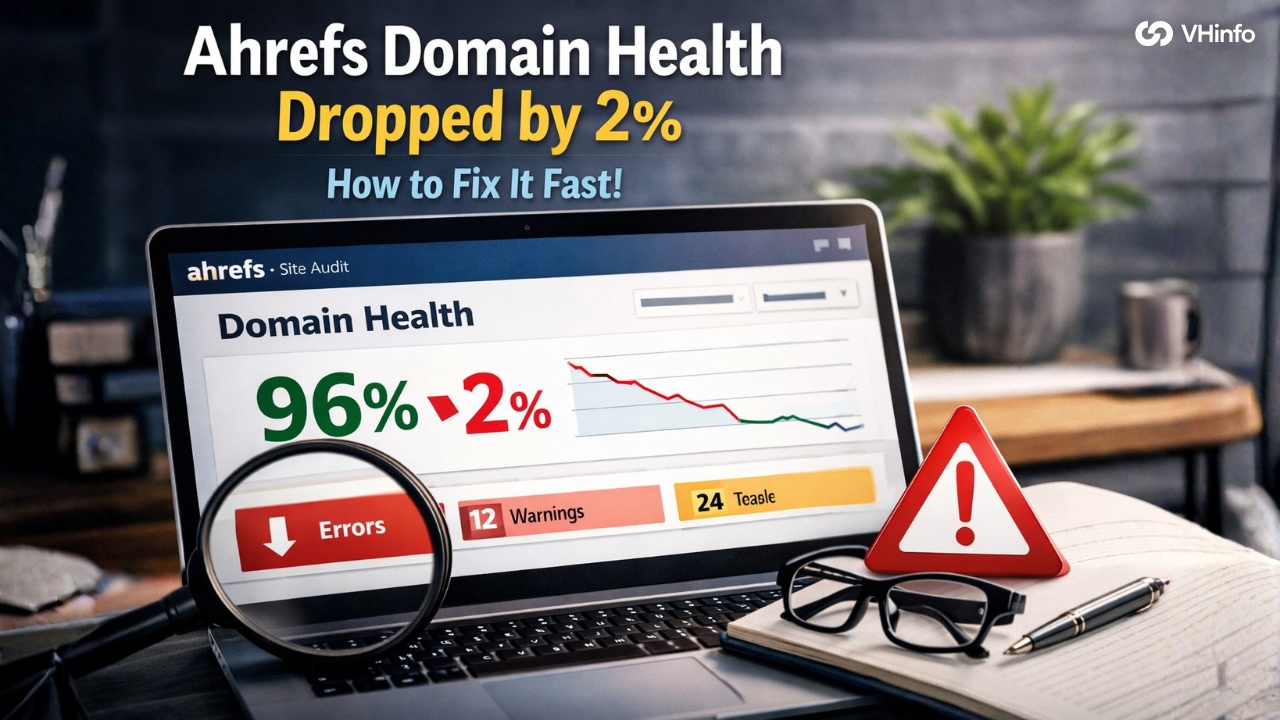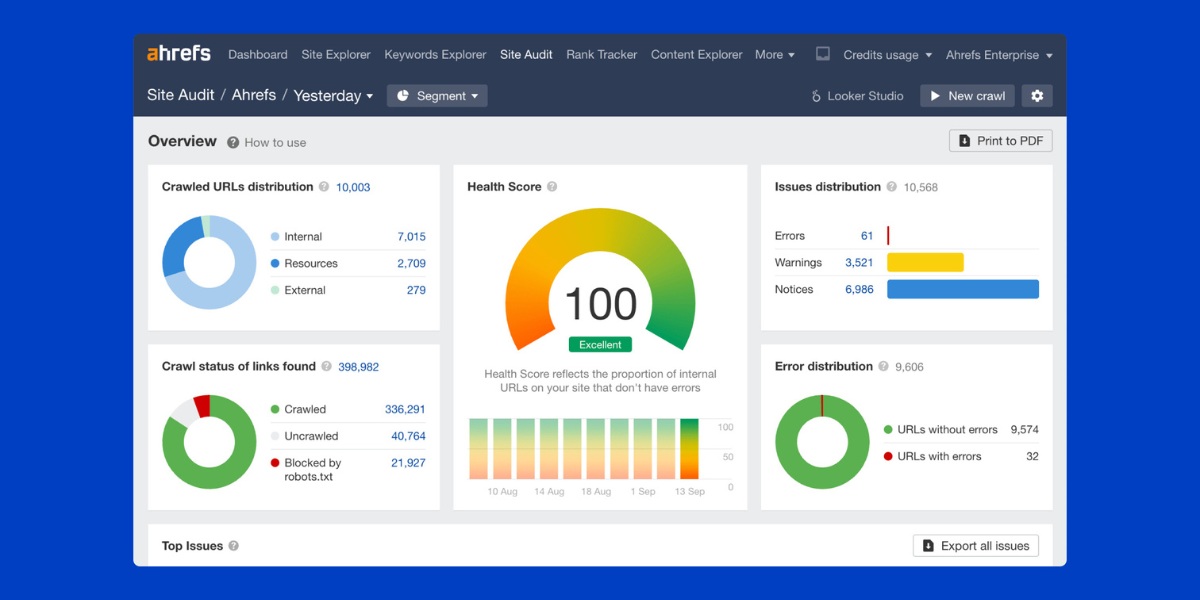
Welcome to VH-info. We are here to help you understand the world of link building and search engine optimization. Today, we are going to talk about something very important for your website: an Ahrefs backlink audit.
Think of your website like a house. Links from other websites are like roads leading to your house. Some roads are big and smooth.
These help people visit you easily. Other roads might be broken or dangerous. These keep people away. In the online world, these roads are called backlinks. A backlink audit is like a health check for these roads. We check if the links pointing to your site are good or bad.
At VH-info, we are a SaaS Link Building Agency. We do not have our own tool. Instead, we use the best tools in the industry, like Ahrefs, to help our clients grow. We want to share our knowledge with you.
Why use Ahrefs? Because the Ahrefs account gives us access to a powerful site explorer. It helps us see every link that points to your site. This guide will show you how to check your backlink profile.
Whether you are a beginner or a pro, this guide will help you boost your organic traffic and fix your SEO efforts.
Why Is A Regular Ahrefs Backlink Audit Critical For SEO?
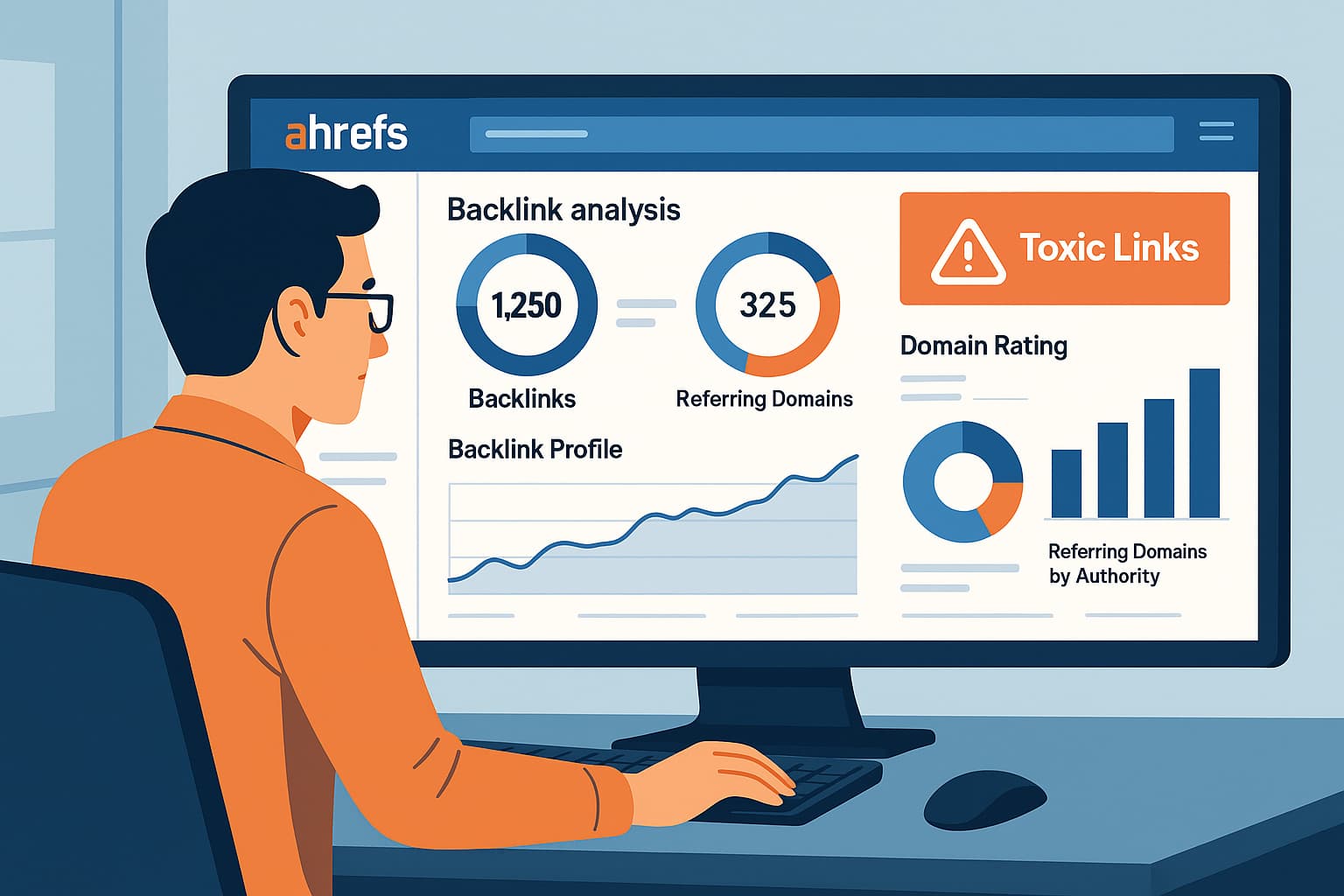
You might ask, “Why do I need to check my links?” The answer is simple. Search engines like Google look at your links to decide if your website is trustworthy. If you have good links, you rank higher in Google search. If you have bad links, you might drop in rankings. Performing a regular Ahrefs backlink audit keeps your site healthy. It helps you stay safe and grow your organic search traffic.
Let’s look at the main reasons why this is a must-do task.
Protecting Your Site From Negative SEO and Spam
Sometimes, competitors play dirty. This is called negative SEO. They might send thousands of spammy backlinks to your website. These are links from bad websites, like gambling or adult sites.
If Google sees these harmful links, it might think you are trying to cheat. This can lead to a penalty. Your website could disappear from search results. By doing an audit, you can spot these toxic backlinks early. You can then tell Google to ignore them using the disavow tool.
This protects your healthy backlink profile.
Identifying Lost Link Equity and Broken Backlinks
Link equity is like power or juice. When a high-quality site links to you, it passes power to your page. This helps your page authority.
But sometimes, links break. Maybe you changed a page URL. Maybe the other website made a mistake. When this happens, you get broken backlinks (404 errors). This is bad because the power (equity) is lost. It stops at a dead end.
An audit helps you find these broken roads. Once you find them, you can fix them. You can redirect the broken link to a working page. This reclaims the power and boosts your SEO strategy. It is a quick win for your SEO performance.
Uncovering Competitor Link Building Strategies
You can also use an audit to spy on your rivals. This is called competitive analysis. You can see where your competitors get their inbound links. Are they getting links from news sites? Are they writing guest posts?
By looking at their backlink profile, you can find new link opportunities for yourself. If a site links to them, they might link to you, too. This helps you build a better link profile and beat them in search engine rankings.
Key Metrics to Analyze in Ahrefs Backlink Reports
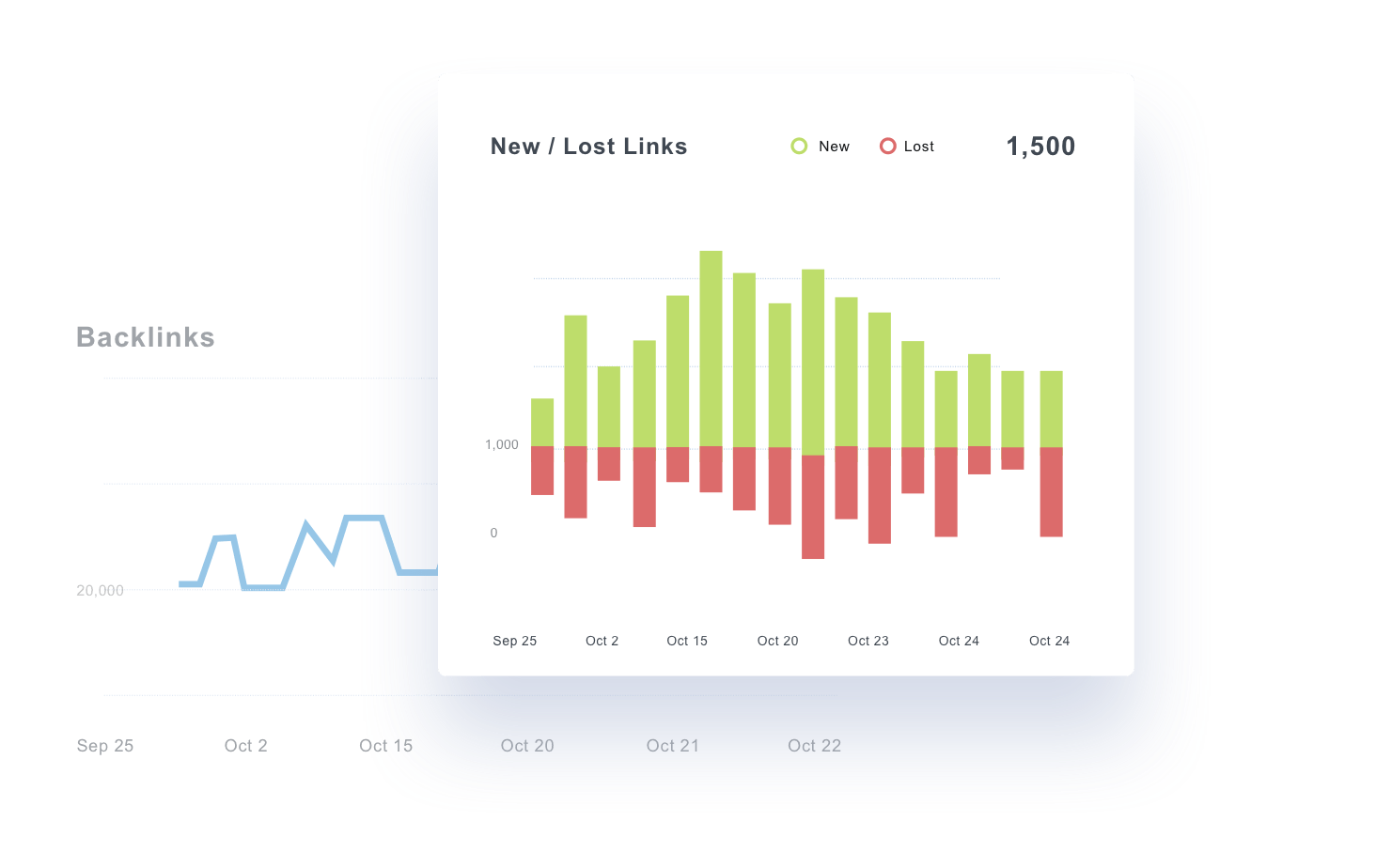
When you open Site Explorer in Ahrefs, you will see a lot of numbers. It can look confusing. But do not worry. We will break down the key metrics you need to watch. These numbers tell you the story of your backlink analysis.
Referring Domains and URLs
This is the most basic count.
- Total number of backlinks: This is the total count of links pointing to you.
- Referring domains: This is the number of unique websites linking to you.
Imagine one website links to you 100 times. That is 100 backlinks, but only 1 referring domain.
Referring domains are usually more important. You want links from many different websites, not just one. A high number of unique domains usually means better domain authority.
Anchor Text Usage and Patterns
Anchor text is the clickable text in a link. For example, if a link says “click here,” the anchor text is “click here.” Google looks at this text to understand what your page is about. If you sell shoes, and all your links say “best cheap shoes,” that looks fake.
This is called over-optimization. You want a natural anchor text distribution. This means having a mix of:
- Brand names (e.g., “VH-info”)
- Generic words (e.g., “click here,” “website”)
- Naked URLs (e.g., “vh-info.com”)
- Topic words (e.g., “SaaS link building“)
During your audit, check your anchor text. Make sure it looks natural.
Link Strength and Equity Passed
Not all links are equal. A link from a famous news site is strong. A link from a tiny blog is weak. Ahrefs uses metrics called Domain Rating (DR) and URL Rating (UR) to measure this.
- DR (Domain Rating): Shows the strength of the whole website.
- UR (URL Rating): Shows the strength of the specific page linking to you.
High DR and UR mean high link strength. These links pass more link equity to your site. You want to see more links from high DR sites in your backlink checker report.
Backlink Locations on Site
Where is the link placed? Is it in the main article? Or is it hidden in the footer?
Google likes links that are inside the main content. These are contextual links. They are valuable. Links in the footer or sidebar are less valuable. During your backlink analysis, look at where the links are coming from. Contextual links are best for user experience and SEO.
Follow Vs Nofollow Links
There are two main types of links:
- Follow links: These tell Google to pass link equity to your site. These help your rankings.
- Nofollow links: These tell Google “do not count this link for ranking.”
You need a mix of both. A profile with 100% follow links looks fake. Nofollow links (like from social media or comments) are natural. However, for ranking power, you want more Follow links. Check this ratio in your site audit.
Indexation Status
A link only counts if Google knows it exists. This is called indexation.
If a website links to you, but Google has not indexed that page, the link gives you zero value. In your audit, check if the referring domains are indexed in Google search. If they are not, the backlink data might not help your search rankings.
Link Velocity
Link velocity is the speed at which you get new links.
- If you get 1,000 links in one day, Google gets suspicious. It looks like spam.
- If you get 5 links every week, it looks natural.
You want a steady, growing link velocity. A sudden drop or a sudden spike can be a warning sign. Monitor this to ensure your link building looks organic.
Step-by-Step Process For Your Ahrefs Backlink Audit
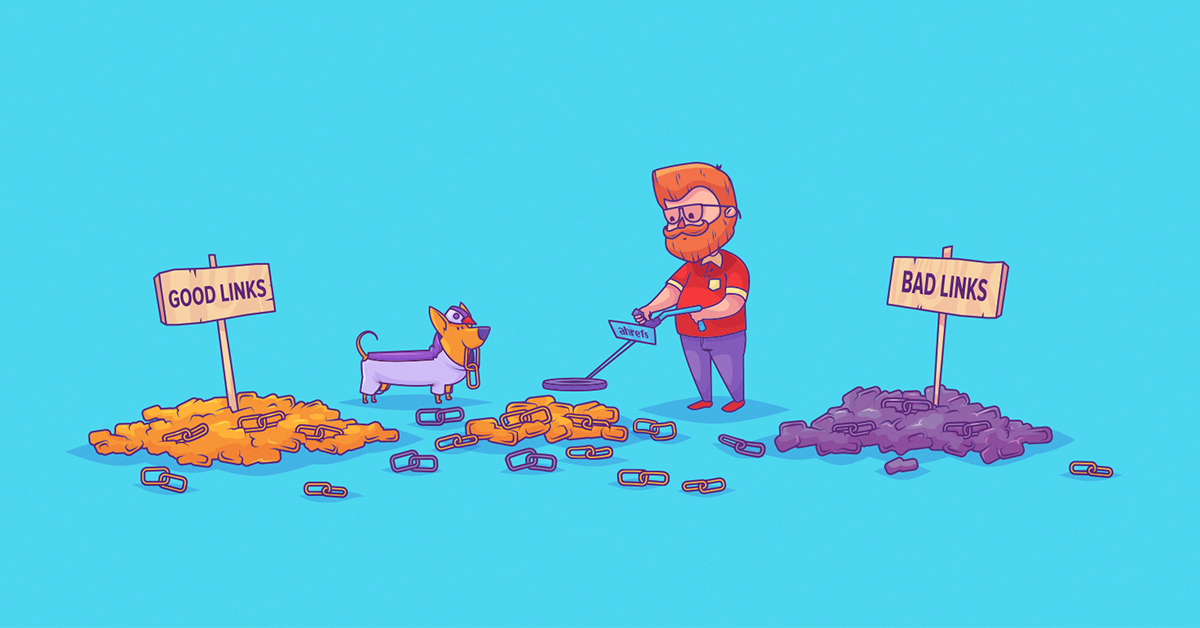
Now, let’s get to work. Here is how you can do the audit yourself. Remember, VH-info can handle SEO strategy for you, but knowing these steps helps you understand the process.
Step 1: Exporting Your Current Backlink Profile
First, log in to your Ahrefs account.
- Go to Site Explorer.
- Type in your domain name (e.g., vh-info.com).
- Click on the “Backlinks” report on the left side.
- You will see a list of all inbound links.
- Click the “Export” button. This will give you a file (CSV) with all your backlink data.
This file is your master list. You will use it to find toxic links and good links.
Step 2: Analyzing Domain Rating (DR) and URL Rating (UR)
Open your file. Sort the list by DR (Domain Rating). Look at the sites with very low DR (0 to 5). These might be low-quality sites. However, they could also be new sites. Look at sites with high DR. These are your best friends.
You want to see a trend where your number of links from high DR sites is growing. If you see many links from DR 0 sites, you need to check if they are spammy backlinks.
Step 3: Evaluating Anchor Text Ratios For Over-Optimization
Go to the “Anchors” report in Site Explorer. Look at the words used to link to you. Is your main keyword used too much? For example, if you are a plumber, and 50% of your links say “best plumber,” that is dangerous.
Google might penalize you. You want the majority of anchor text to be your brand name or URL. If you see too many exact keywords, you need to change your link-building plan. You need more natural links.
Step 4: Finding and Fixing Broken Inbound Links (404s)
This is a very useful step.
- In Site Explorer, look for the “Best by links” report.
- Filter by “HTTP code” and select “404 not found.”
- This shows pages on your site that have links but are broken.
These are broken backlinks. You are losing traffic and power here. How to fix:
- Restore the page.
- Or, redirect (301) the broken URL to a relevant working page.
This recovers link equity instantly. It improves user experience because people won’t land on error pages.
How to Spot Toxic Links During an Ahrefs Backlink Audit?
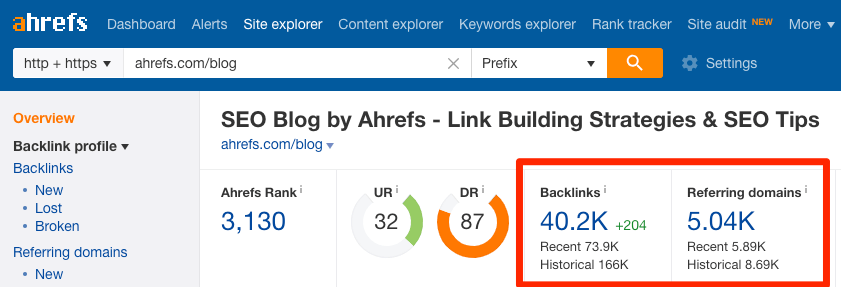
Not all links are good. Some are poisonous. We call these toxic backlinks. They can hurt your search engine rankings.
Here is how to find them using Ahrefs.
Recognizing Spammy TLDs and Irrelevant Niches
TLD stands for Top-Level Domain. These are the endings of websites, like .com, .org, or .net. Some TLDs are known for spam. For example:
- .xyz
- .top
- .gdn
If you see hundreds of links from these weird TLDs, be careful.
Also, look at the niche. If you run a SaaS company, but you have links from “Cheap Wedding Dresses” or “Online Casino,” that is irrelevant. These are likely spammy links. They confuse search engines about what your site is about.
Using the “Referring IPs” Report to Spot Link Networks
Go to the “Referring IPs” report in the site audit section. This shows the server addresses of the sites linking to you. If you see 100 websites linking to you, but they all come from the same IP address, that is a red flag.
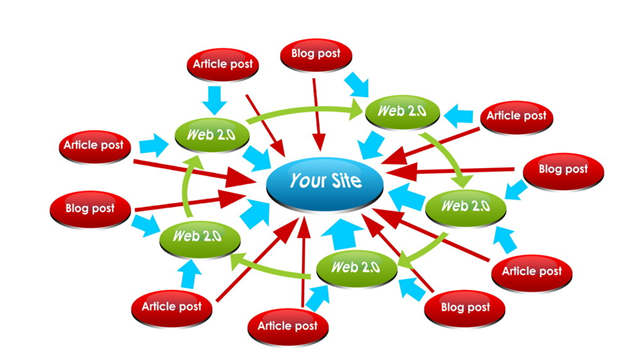
It means one person owns all those sites. This is likely a Private Blog Network (PBN). Google hates PBNs. If they catch you using them, they will penalize you. This is definitely negative SEO or a bad strategy. You should spot these networks and mark them as toxic links.
When and How to Use the Google Disavow Tool?
Once you identify harmful links, what do you do? You use the disavow tool. This is a feature in google search console.
Warning: Only use this if you are sure the links are bad.
- Create a list of the bad domains in a text file.
- Format it correctly (e.g., “domain:baddomain.com”).
- Upload this file to the Google Disavow Tool.
This tells Google: “Please ignore these links when ranking me.” It cleans up your link profile. But remember, do not disavow legitimate links. That could hurt your organic traffic.
Advanced Tips to Improve Your Backlink Strategy
You have cleaned your profile. Now, let’s make it better. Here are advanced tips to boost your SEO efforts and get more quality backlinks.
Using the “Link Intersect” Tool For New Opportunities
This is our favorite feature in Ahrefs. It is great for keyword research and link finding.
- Go to “Link Intersect” in the toolbar.
- Enter your competitors’ domains.
- Enter your domain in the “But doesn’t link to” section.
The tool will show you websites that link to your competitors but not to you. Why is this good? Because if a site links to two or three of your rivals, they are likely to link to you too. Reach out to them. Show them your new content. Ask for a link.
These are high-probability link opportunities.
Monitoring Link Velocity and Historical Data
Do not just look at today. Look at the history. In Site Explorer, look at the “Referring domains” graph.
- Is the line going up? Good.
- Is the line flat? You need more link building.
- Is the line going down? You are losing links. Find out why.
Monitoring link velocity helps you predict future performance. If you see a spike in lost links, check if a site update broke your pages. Keeping an eye on historical backlink data ensures you stay ahead in search rankings.
Ahrefs Vs Majestic Vs SEMrush For Backlink Analysis
There are many tools out there. SEO professionals argue about which is best.
Let’s compare Ahrefs with others like Majestic and Semrush regarding backlink analysis.
Depth of Backlink Data
Ahrefs is famous for having a huge index. Their crawler, AhrefsBot, is very active. It finds new links very fast. Majestic is also very good and focuses purely on backlinks. Semrush has grown a lot and now has a very large database too.
However, for pure backlink data depth, many experts prefer Ahrefs for its speed in updating.
Backlink Tracking Capabilities
Ahrefs makes it easy to track new links and lost links day by day. You get alerts. Semrush also offers tracking. Majestic has great historical data going back many years. If you want to see link velocity clearly, Ahrefs has very simple graphs.
Ease of Use and Interface
Ahrefs has a very clean interface. It is easy for a beginner to use the site explorer. The charts are colorful and clear. Semrush has many tools in one place, which can feel crowded. Majestic is very technical. It is great for pros but hard for beginners.
For a simple backlink audit, Ahrefs is usually the most user-friendly.
Comprehensiveness of Metrics
Ahrefs uses DR and UR. Moz uses Domain Authority (DA). Majestic uses Trust Flow and Citation Flow. Semrush uses Authority Score. Ahrefs’ DR is widely used in the industry to measure quality backlinks. It correlates well with google search rankings.
Accuracy and Index Coverage
No tool sees the whole internet like Google does.
But Ahrefs comes close. It is known for high accuracy. It filters out a lot of noise. When checking your total number of backlinks, Ahrefs usually gives a realistic number. Some other tools might show inflated numbers by counting junk links.
FAQ’s:
How Often Should I Perform an Ahrefs Backlink Audit?
You should do a quick check every month. Do a deep backlink audit every quarter (3 months). If you have a very large site, or if you are doing aggressive link building, check more often. Regular checks keep your backlink profile safe.
Does Ahrefs Have A Specific “Toxic Score” Like Semrush?
No, Ahrefs does not have a single “Toxic Score.” Semrush gives you a score automatically. In Ahrefs, you have to look at the data yourself. You look at DR, anchor text, and traffic to decide if a link is toxic. This gives you more control but requires a bit more work to spot toxic backlinks.
Should I Disavow Every Low-Quality Link I Find?
No! Google is smart. It ignores most bad links on its own. You should only use the disavow tool if you have a large number of spammy links or if you received a manual action penalty in Google Search Console. Disavowing too much can hurt your link equity. Be careful.
Can I Use the Free Version of Ahrefs Webmaster Tools For A Backlink Audit?
Yes! Ahrefs Webmaster Tools is free for your own websites. It gives you access to Site Explorer and site audit for verified projects. It is a fantastic way to monitor your backlink health without paying for a full subscription.
What is the Most Important Metric to Look At During an Audit?
There is no single magic number. However, referring domains is very important. It shows how many unique sites trust you. Also, look at the organic traffic of the linking site. A link from a site that gets real organic traffic is much more valuable than a link from a dead site.
How Do I Find Broken Backlinks Using Ahrefs?
Go to Site Explorer. Enter your domain. Look at the “Pages” section on the left. Click “Best by links.” Then, add a filter for “404 not found.” This list shows you all your pages that have inbound links but are broken. Fix these to save your SEO strategy.
Conclusion
Performing an Ahrefs backlink audit is a vital part of your SEO routine. It helps you find toxic links, fix broken backlinks, and understand your competitors. By keeping your backlink profile clean and healthy, you ensure that your organic traffic keeps growing.
Keep in mind that while platforms such as Ahrefs provide valuable data, interpreting that information requires both expertise and effort. It’s important to evaluate the anchor text, monitor how quickly links are built, and thoughtfully plan your SEO approach.
At VH-info, we specialize in this. We are experts in SaaS link building. We use these insights to build high-quality, relevant links that drive real results. We help you move through the complex world of search engine optimization so you can focus on your business.
Use this guide to start your audit today, and watch your search engine rankings improve. Keep your “roads” smooth and strong!

 Share
Share