

When you help businesses grow online, you need a clear way to show them your hard work.
This is where an SEO agency dashboard comes in handy. It is a visual report that shows all your important SEO performance numbers in one place. As an agency, you want to prove that your digital marketing work brings real results. A clear SEO dashboard makes this very easy.
Here at VH Info, we specialize in SaaS link building. We help businesses get strong links to rank higher. We know that getting great results is only half the job. The other half is showing those results to your clients.
A good dashboard takes complex data and turns it into simple, actionable insights. In this guide, we will show you how to set up the best SEO reports. You will learn how to track website traffic, organic search traffic, and much more. We will keep everything very simple and clear.
Let’s get started on building a dashboard that your clients will love to read.
What Exactly is an SEO Agency Dashboard?
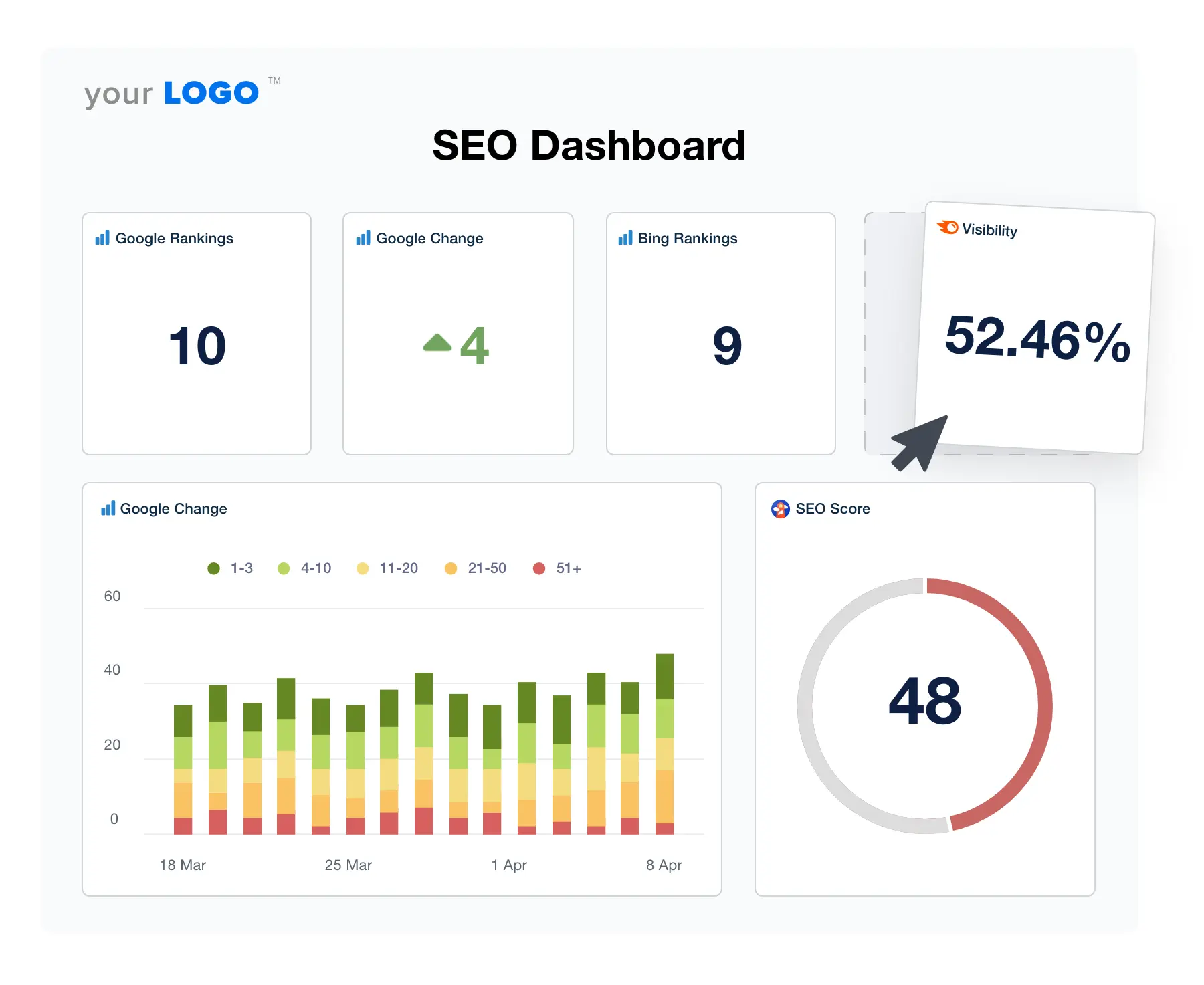
An SEO agency dashboard is like the dashboard in your car, but for a website. Instead of showing your speed or gas, it shows SEO metrics.
It gathers data from different places, like Google Analytics and Google Search Console. Then, it puts all that SEO data into simple charts and graphs. This process is called data visualization. This visual layout helps you and your clients see what is working well.
You can see how many people visit the site, what they read, and if they buy anything. It takes all the guesswork out of your SEO strategy.
The Evolution of Client Reporting
A long time ago, people used to send messy spreadsheets to their clients. They would spend hours typing numbers into google sheets. This manual work took a lot of time. Also, clients hated reading endless rows of numbers.
It was hard to find any key features or meaning in those old reports. Today, things are much better.
We now have bright, colorful client dashboards. Tools like google data studio (now looker studio) have changed everything. They pull data automatically. Now, creating a beautiful SEO report takes just a few clicks instead of a few days.
Internal Vs. Client-Facing Dashboards
You can use dashboards in two main ways. First, you have internal dashboards. These are just for your team members.
An internal dashboard shows very detailed data points. Your team looks at it to fix problems and plan the next SEO strategy. It tracks many small performance metrics. Second, you have client-facing dashboards. These are simpler. Clients only want to see the big picture.
They want to know if their business outcomes are getting better. A client dashboard highlights key SEO metrics like lead generation and revenue. Most agencies also set up a secure agency dashboard login so clients can check their numbers anytime.
Top Benefits of Using A Dedicated SEO Agency Dashboard
Using a dedicated dashboard brings many great benefits to your agency. It makes your daily work smoother. It also keeps your clients happy. Let’s look at the biggest reasons why you need one.
Saving Time with Automated Reporting
Reporting can eat up hours of your week. Without a dashboard, you have to log into many different data sources. You have to check google ads, social media, and your main SEO tools.
Then you have to copy all those numbers by hand. A dedicated SEO agency dashboard stops this manual work. It connects to all your marketing platforms at once. The data collection happens automatically. The numbers update on their own.
This saves you so much time. You can spend that saved time doing actual SEO efforts, like planning a new campaign.
Increasing Client Retention and Trust
Clients stay with agencies they trust. When you share clear SEO analytics, you build that trust. A dashboard gives them actionable insights they can actually read. When they see their organic search performance going up, they feel happy.
They can see their search visibility improving over time. Clear data proves your worth. If a client can log in through their agency dashboard login and see their keyword rankings growing, they will not leave you.
At VH Info, we always tell our clients to watch their backlinks and organic search traffic grow. Clear proof keeps clients around for a long time.
Scaling Your Agency Operations
If you want your agency to grow, you need good systems.
You cannot take on more clients if reporting takes up all your time. A ready-to-use SEO dashboard template lets you add new clients fast. When a new client signs up, you just copy the dashboard template. You plug in their google search console and other tools.
Within minutes, their dashboard is ready. This kind of fast setup is very important for marketing agencies. It lets you scale up your business without working late every night. You can manage more clients with the same number of team members.
Essential Metrics to Include in Your SEO Agency Dashboard
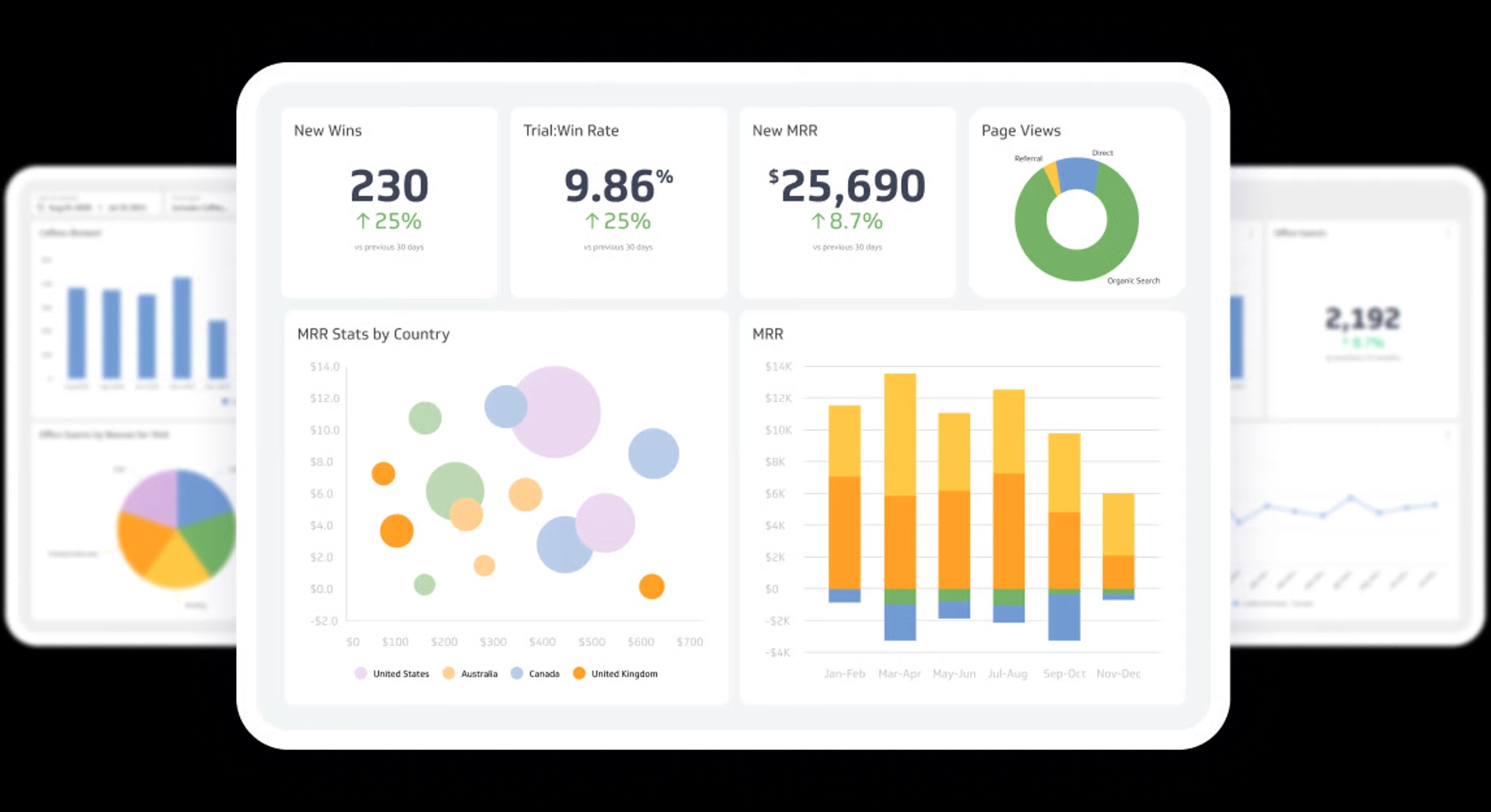
You have many numbers you can track. But you should only show the most important ones. Too many numbers will confuse your clients.
Let’s look at the key metrics you must include in your client dashboards.
Organic Traffic and User Engagement
Organic traffic is the number of people who find the site through a search engine. It is the most basic sign of good SEO performance. You must show this number clearly. But traffic alone is not enough. You also need to show user behavior. How long do people stay on the site?
Do they look at many pages? This is where you look at website performance and bounce rate. A high bounce rate means people leave right away. Tracking landing pages helps you see which pages get the most love. You can get all this info from google analytics.
Keyword Rankings and Visibility
Clients love to see their website at the top of google search. You need to show them their keyword rankings. This tells them which words bring people to their site. You should track keyword rankings to see if your work is paying off.
Show them their average position in the search results.
Also, show the search volume for those keywords. High search volume means many people are looking for those words. Tools like google search console help you find these numbers. Tracking these SEO metrics proves that your search engine optimization is actually working.
Backlink Profile and Domain Authority
Search engines like websites that have good links from other sites. This is exactly what we do at VH Info. Our SaaS link-building services help you get these strong links. You should always show your backlink numbers on your SEO dashboard.
Show how many new links the site got this month.
Show the domain authority of the sites giving those links. Good links mean better search visibility. When you share this data, you show the client that their site is becoming more popular and trusted. We know firsthand how powerful this is for a good SEO strategy.
Conversions, Leads, and ROI
Traffic and links are great, but clients really care about money. They want to see business goals met. Your dashboard must show conversion rates. A conversion happens when a visitor buys a product or fills out a form. This leads to lead generation.
You need to link your SEO efforts directly to these business outcomes. Show them how much organic search brings in compared to Facebook ads or Google ads. When a client sees that your SEO work brings them real leads and sales, they will love your work.
How to Choose the Best Software For Your SEO Agency Dashboard?
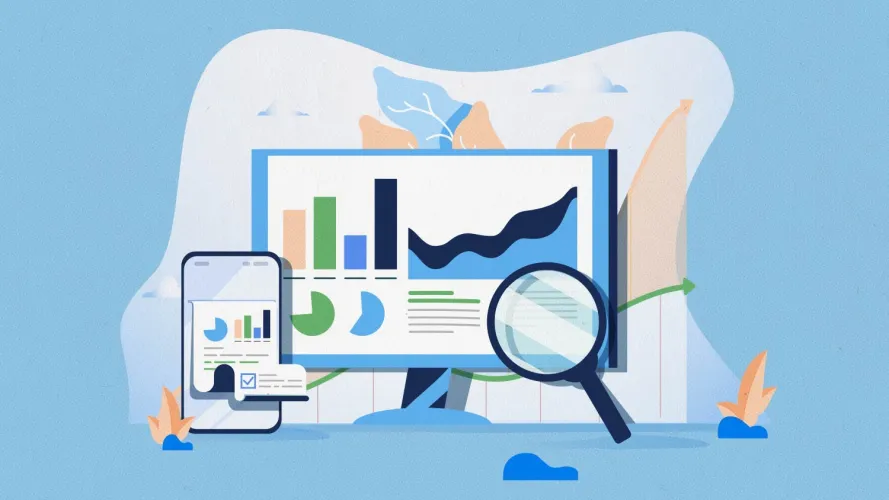
There are many marketing platforms out there. Picking the right one can feel hard. You need a tool that handles complex data but looks very simple. Here is what to look for when picking the software to build your dashboard.
Important Data Integrations (Google Analytics, Search Console, Ahrefs, etc.)
Your dashboard software must talk to other tools. It needs to pull data points from everywhere. At the bare minimum, it must connect to Google Analytics and Google Search Console. It should also connect to your favorite SEO tools to pull keyword and backlink data.
If you run local SEO campaigns, it needs to connect to Google Business Profile (formerly Google Business). If you also run ads, it should connect to Facebook Ads and Google Ads. Good integrations mean less manual work for your team members.
Everything stays in one neat place.
White-Labeling Capabilities
When you send an SEO report to a client, it should look like it comes from you. This is called white label.
The best software lets you put your own logo and agency colors on the dashboard. You can remove the software company’s name completely. You can even set up a custom link for the agency dashboard login.
This makes your agency look very professional. White label link building service helps build your brand name. Every time the client checks their campaign performance, they see your agency’s logo staring back at them.
Ease of Use and Customization
The software must be easy to use. You do not want to spend weeks learning how to build a chart. Look for software that offers a simple SEO dashboard template. A good template gives you a head start. You should also be able to change things easily.
If a client cares more about local SEO, you should be able to move those charts to the top. If another client cares about content performance, you can highlight their top blog posts. The tool should make data visualization fun and easy, not a headache.
Pricing and Scalability
Software costs money. You have to find a tool that fits your budget. Some tools charge you a flat fee.
Others charge you for every client you add. Think about your long-term business goals. If you plan to add fifty new clients this year, a per-client fee might get too expensive.
Many marketing agencies start with free tools like Google Data Studio (now Looker Studio). It is free and handles SEO data very well. As you grow, you might switch to paid software that offers better white-label options and faster customer support.
Step-by-Step Guide to Setting Up Your SEO Agency Dashboard
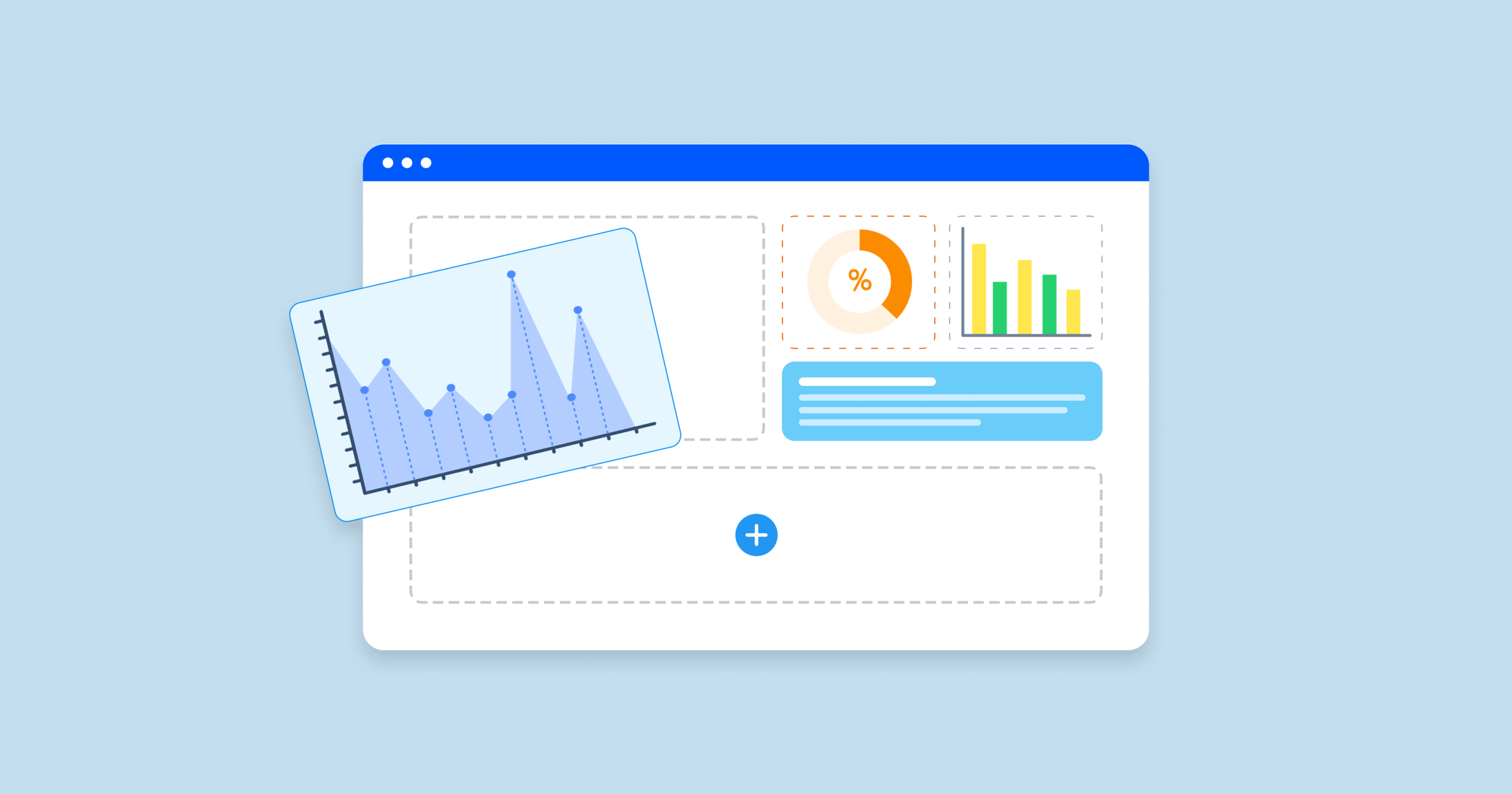
Now you know what to look for. It is time to build. Setting up your SEO dashboard does not have to be hard.
Follow these simple steps to create a layout that works perfectly.
Step 1: Define Client Goals and KPIs
Do not just throw every number on the screen.
First, talk to your client. Ask them what matters most to their business. Do they want more phone calls? Do they want to sell more shirts online? Once you know their business goals, you can pick the right key metrics.
If they want to sell shirts, focus on conversion rates and website traffic. If they want local visits, focus on google business profile clicks. Picking the right goals makes your SEO reporting much sharper and more useful.
Step 2: Connect Your Data Sources
Next, you need to plug in the data. Open your dashboard software. Look for the connections page. Link your Google Analytics account. Then, link your google search console. If you track competitor analysis or backlinks, connect your other SEO tools.
If you use looker studio, you just authorize Google to share the info. Make sure all the data sources are pulling correctly. Check a few numbers on the dashboard to see if they match the numbers in your actual tools. This step makes sure your SEO analytics are correct.
Step 3: Design For Readability
A good SEO agency dashboard is easy to read. Put the most important numbers at the very top.
Usually, these are organic traffic, total leads, and conversion rates. Below that, add colorful charts showing traffic over time. Use green arrows to show numbers going up. Use clear labels. Do not use confusing words.
Instead of saying “SERP features,” say “Search Results Appearance.” The data visualization should guide the client’s eyes naturally down the page. Remember, simple is always better. A fifth-grader should be able to look at it and say, “Oh, the numbers are going up!”
Step 4: Automate the Delivery Schedule
The last step is to automate the sending of the report. You should not have to email the client manually every month.
Most dashboard tools have a schedule button. You can tell the system to send an email with the new SEO report on the first day of every month. You can also give the client an agency dashboard login so they can check it whenever they want.
Automating the delivery saves you time and ensures the client always gets their updates on time.
FAQ’s:
What is an SEO Agency Dashboard?
It is a visual screen or report used by marketing agencies. It gathers complex data from different places and shows it in simple charts. This helps agencies easily show their clients how well their website is performing.
Which Tools Are Best For Building an SEO Agency Dashboard?
Many agencies love using looker studio because it is free and connects easily to Google tools. Other paid platforms are great too because they offer complete white label features. The best tool is one that connects to all your data sources easily.
Should I Share the Live SEO Agency Dashboard With My Clients?
Yes, sharing a live view is a very good idea. Giving clients an agency dashboard login builds trust because they can see the data anytime. Just make sure the live view only shows the simple, big-picture metrics they care about.
How Often Should Data on the Dashboard Be Updated?
Most good dashboards update their numbers every single day automatically. However, you only really need to talk to your clients about the numbers once a month. Daily updates just ensure the data is always fresh when they look.
Can I Customize Or White-Label an SEO Agency Dashboard?
Yes, almost all good dashboard tools let you do this. You can add your agency logo and change the colors to match your brand. This makes the report look like it was built entirely by your own company.
What Are the Differences Between A Custom Dashboard and A Ready-Made Template For Agencies?
A ready-made dashboard template is very fast to set up and includes standard metrics like traffic and rankings. A custom dashboard takes more time to build. But, a custom one lets you pick exact data points for very specific client needs.
How Do I Set Up Agency Dashboard Login Access For Multiple Users?
Inside your dashboard software, go to the settings or team members page. You can type in the email address of your client or team member. The system will then send them a special link and password to log in.
Are There Any Free SEO Dashboard Solutions Suitable For Small Agencies?
Yes, google data studio (which is now called looker studio) is totally free. You can connect it to google search console and google analytics for free. It is the best starting point for a small agency with a tight budget.
Conclusion
Building an SEO agency dashboard is one of the smartest things you can do for your business. It takes away the pain of manual reporting and replaces it with beautiful data visualization. By sharing key metrics clearly, you prove your value every single month. Your clients will clearly see the growth in their organic search traffic and keyword rankings. They will trust your work more and stay with you longer.
At VH Info, we know that a great SEO strategy needs solid proof. Our SaaS link-building services help push your clients higher in the search results. When you combine our powerful link building with a clear, honest dashboard, your clients will see massive success.
Start today by grabbing a simple SEO dashboard template. Connect your data sources, set up your layout, and share it with your clients. You will save time and look like a true marketing pro.


 Vishal ambani
  Share
Share

 VH Info