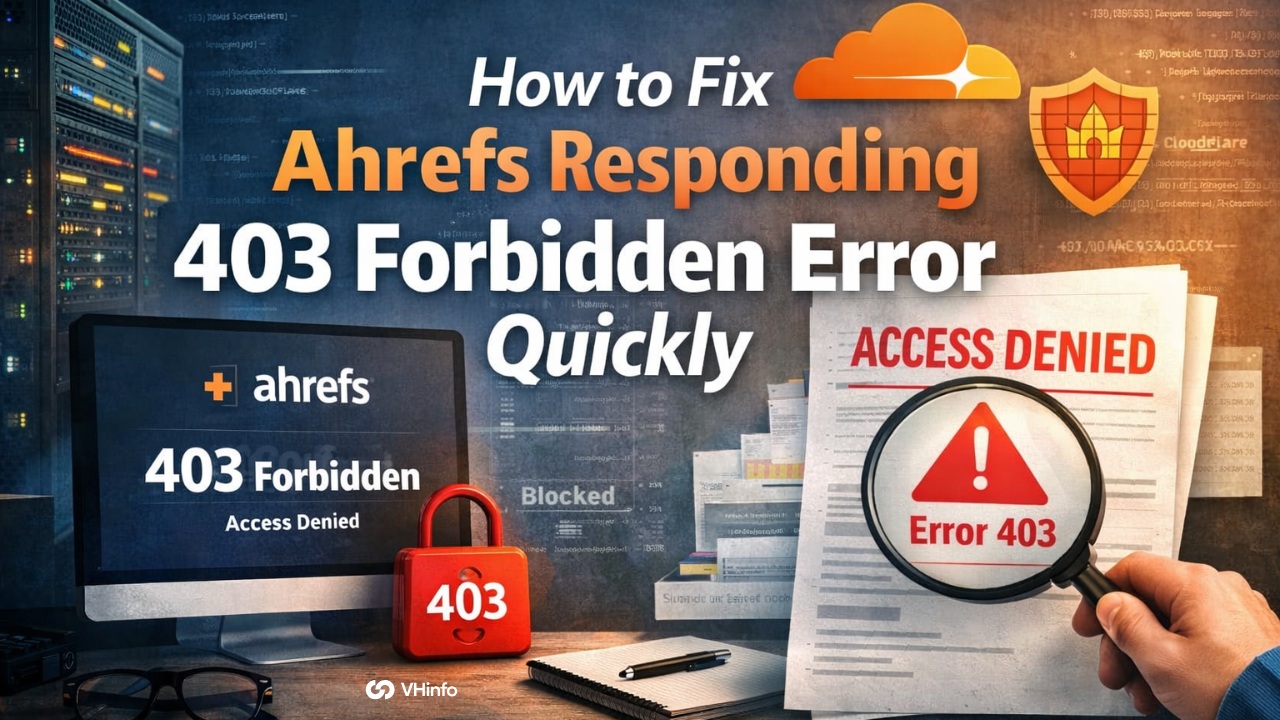
If you are trying to check a web page and see that Ahrefs is responding with 403 forbidden, you might feel stuck. You are not alone. Many people see this error message when they try to look at their website data.
A forbidden error means that a web server is stopping you or Ahrefs from seeing the requested resource. This can cause a very poor user experience for anyone trying to fix their site. It also stops search engines and tools from doing their job.
At VH-Info, we are a SaaS link building agency. We do not build our own software tools. Instead, we run link-building campaigns to help your business grow. We rely heavily on data from platforms like Ahrefs to find the best links for you.
When Ahrefs gets blocked, it slows down the whole process. That is why fixing this problem is a top priority for us and for your own website.
In this guide, we will explain why you see a 403 status code. We will also show you how to fix it step by step. The good news is that you can solve this without being a computer expert. We will use simple words to help you clear this error code fast.
What Does It Mean When Ahrefs is Responding 403 Forbidden?
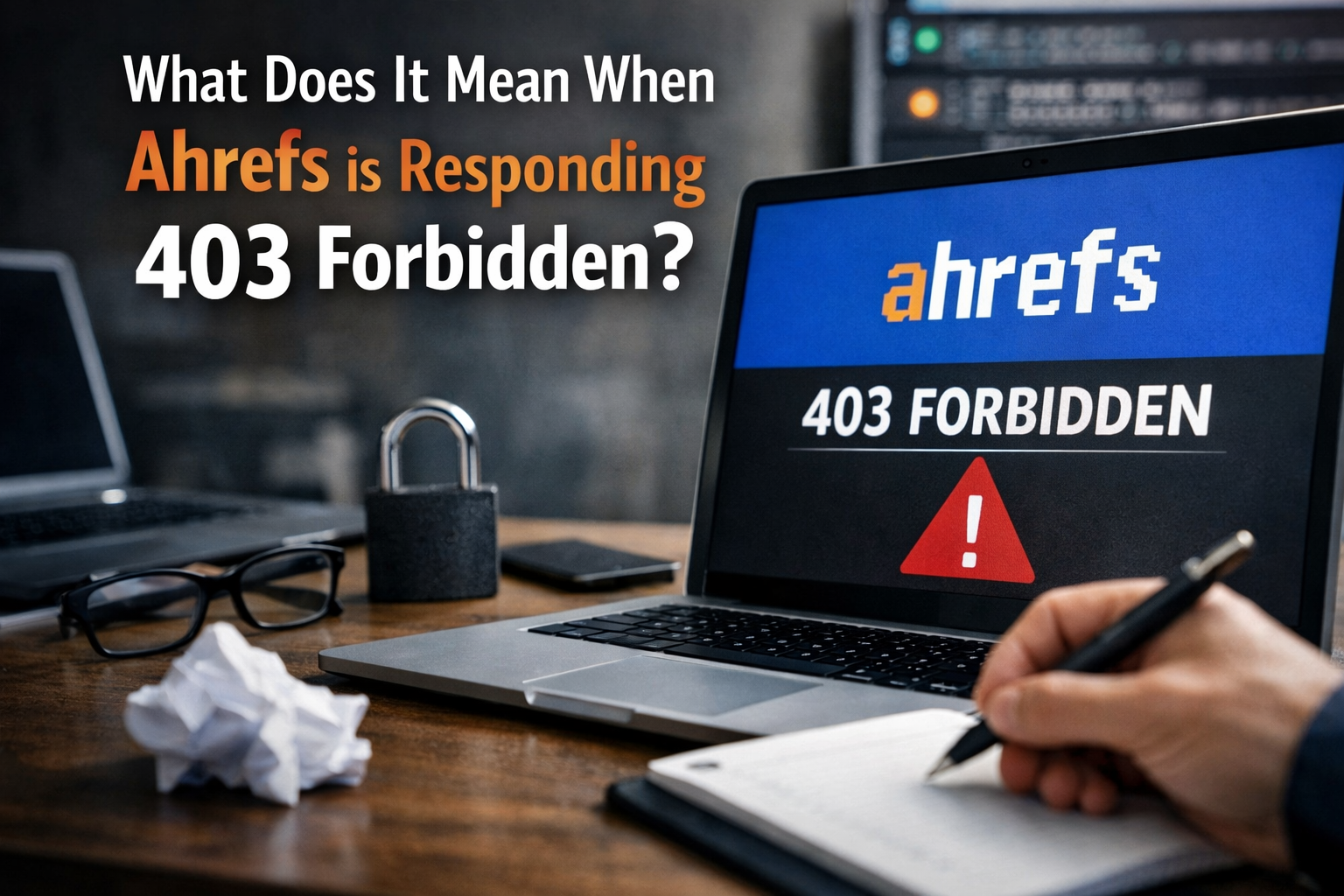
When you get this message, it simply means “No Entry.” The door to your website is locked. Ahrefs is trying to knock, but your server is saying no. This happens for safety reasons, but sometimes the server makes a mistake and blocks safe tools.
Understanding the HTTP 403 Status Code
When you use a web browser to visit a site, it talks to a web server. The server sends back an HTTP status code to say how things went. A normal visit gets a 200 code, which means everything is fine. But a 403 error status code means unauthorized access.
Think of the HTTP error like a strict guard. The guard knows the web page exists, but refuses to let you in.
You might see a blank error page instead of the normal index page. Sometimes, you might think it is a bad request, but a 403 specifically means the server knows what you want, but it will not give you the website files.
Two Main Scenarios: Ahrefs API Vs. AhrefsBot Crawling
There are two common ways you might see this issue. The target page returned 403 forbidden status code happens in two different ways.
First, you might be using the Ahrefs API. An API is a way for two computer programs to talk to each other. If you use the API to pull data, and it fails, you get an error.
Second, Ahrefs uses a website crawler called AhrefsBot. A crawler is a robot that visits your site to do a site audit. It reads your pages to gather information. If your server thinks AhrefsBot is dangerous, it will block it in the first place. Both situations result in the same annoying block.
Why Ahrefs is Responding 403 Forbidden: Common Causes
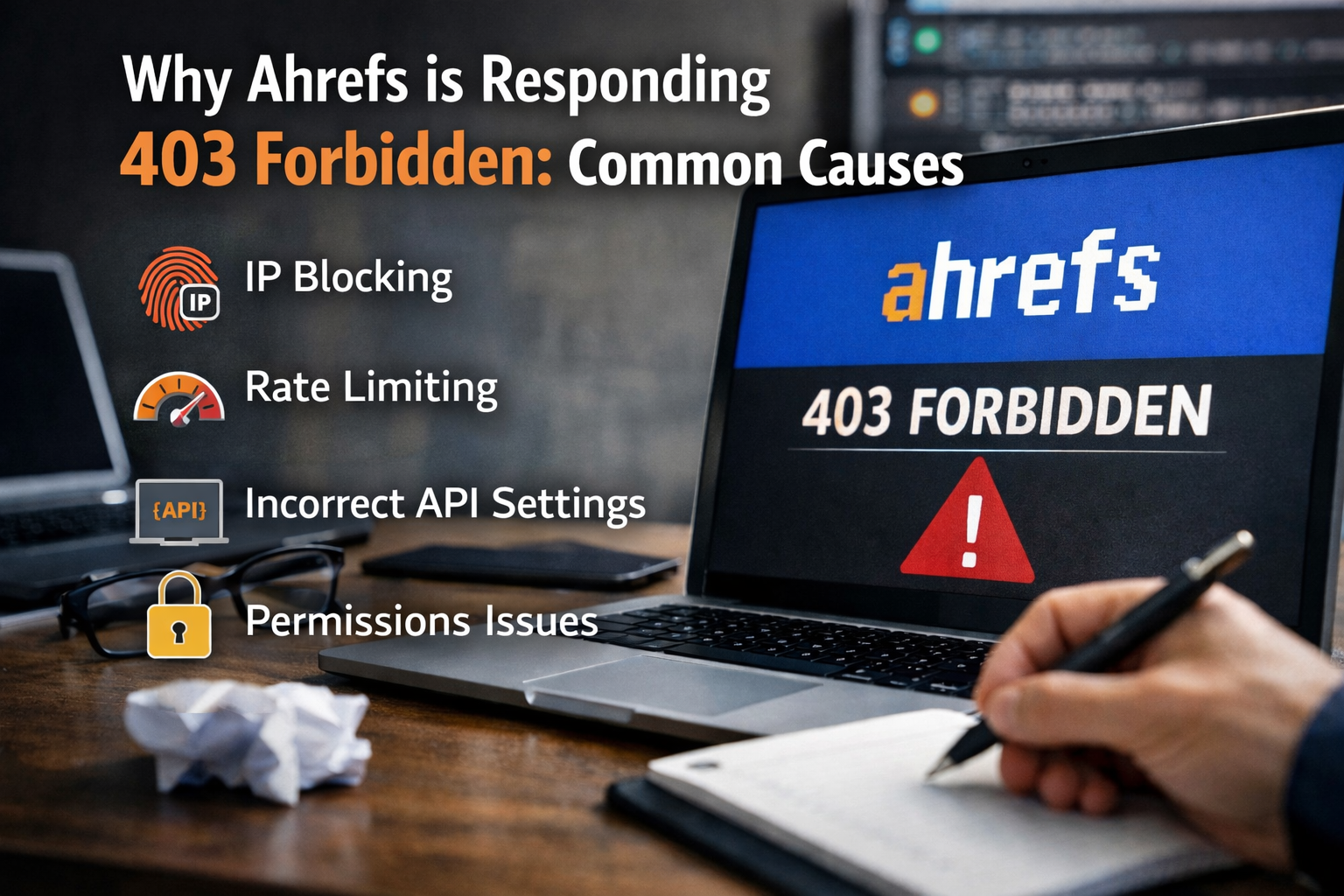
There are several reasons why your server might block Ahrefs. Let us look at the most common causes so you can find the right fix. Most of these involve simple permission issues or over-strict safety rules.
Incorrect API Credentials Or Expired Tokens
If you are using the Ahrefs API, you need a special key. Think of this key like a password. If your key is wrong or too old, Ahrefs will not let you connect. You need valid credentials to prove who you are. Without them, the system assumes you are a stranger and blocks you right away.
Exceeding API Rate Limits (Rate Limiting)
Even with the right key, you can still get blocked. The API has a limit on how many questions you can ask in a minute. If you ask too fast, the system will give you a temporary timeout. This is not a permanent block, but it will throw a forbidden error until you slow down.
Your Server’s Firewall is Blocking AhrefsBot
Your web server likely has a firewall. A firewall is a shield that stops bad traffic. Sometimes, the firewall rules are too strict.
If AhrefsBot visits too many pages too quickly, the firewall might think it is an attack. This leads to IP blocking. IP blocking means the server bans the exact computer address that AhrefsBot is using. When this happens, Ahrefs is completely locked out.
Cloudflare Or Web Application Firewall (WAF) Restrictions
Many people use a service like Cloudflare to speed up their site. Cloudflare also acts as a giant firewall. It checks every visitor before they reach your site. If Cloudflare has strict security reasons, it might block AhrefsBot.
Also, if you run a WordPress website, you might use security plugins. Sometimes, a faulty plugin can act like a wall. A malware scanner might flag AhrefsBot by mistake, thinking it is searching for malicious files or directory browsing.
Hotlink protection can also cause blocks if it is not set up properly.
How to Fix the “Ahrefs is Responding 403 Forbidden” Error?
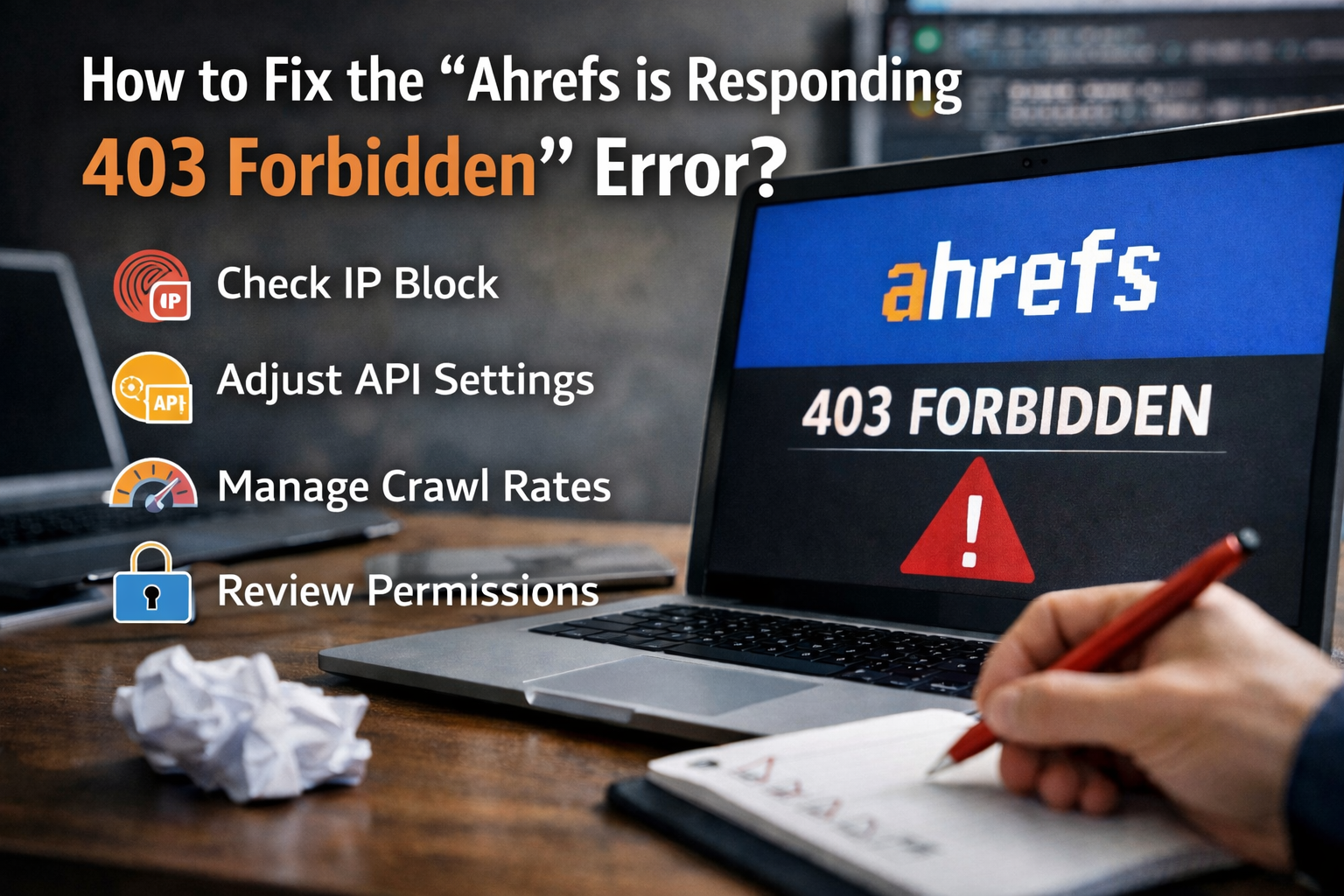
Now that we know why this happens, let us fix it. You just need to follow a few clear steps to open the door for Ahrefs. At VH-Info, our SaaS link building team always checks these settings to make sure campaigns run smoothly.
Fixing API-Related 403 Errors
If your problem is with the API, the fix is quick.
First, log into your Ahrefs account. Check your API keys. If your key is old, make a new one. Copy the new key and paste it into your software. Make sure you use valid credentials. If you are hitting rate limits, just wait a few minutes and try asking the API slower next time.
Whitelisting AhrefsBot IP Addresses on Your Server
If your server firewall is blocking the bot, you need to “whitelist” it. Whitelisting tells the server that Ahrefs is a friend.
Ahrefs provides a list of its safe addresses. You need to add this IP address list to your server. If you use an Apache web server, you can do this by changing the .htaccess file. The htaccess file is a server configuration file that controls who gets in. If you are not sure how to do this, contact your hosting provider. The hosting provider’s support team can easily add the safe list to your server configuration for you.
Adjusting Cloudflare and Security Plugin Settings
If you use Cloudflare, log into your Cloudflare account. Go to the security tab. You can add a set of rules to let AhrefsBot bypass the firewall.
If you have a WordPress website, log into your WordPress dashboard.
Look at your security plugins. Sometimes, a WordPress plugin has a setting to block fake bots. Make sure it is not blocking the real AhrefsBot. If you find a setting that blocks bots, turn it off, scroll to the bottom of the page, and click the save changes button.
You also need to check for incorrect file permissions. If your website files have the wrong locks, no one can see them. You can use an FTP client or your web host’s file manager to check directory permissions.
Folders usually need a setting of 755, and files need 644. Proper permissions and correct file ownership ensure the bot can read the pages.
If there are file permission issues, fixing them will clear the 403 status code.
Modifying Your robots.txt File
Your website has a file called robots.txt. This file tells bots what they are allowed to read. Check your robots.txt file using your file manager. Make sure you do not have a rule that says “Disallow: /” for AhrefsBot. If you do, delete that line. Then, save the file.
This simple change can often fix the problem.
How to Test if the 403 Forbidden Error is Resolved?
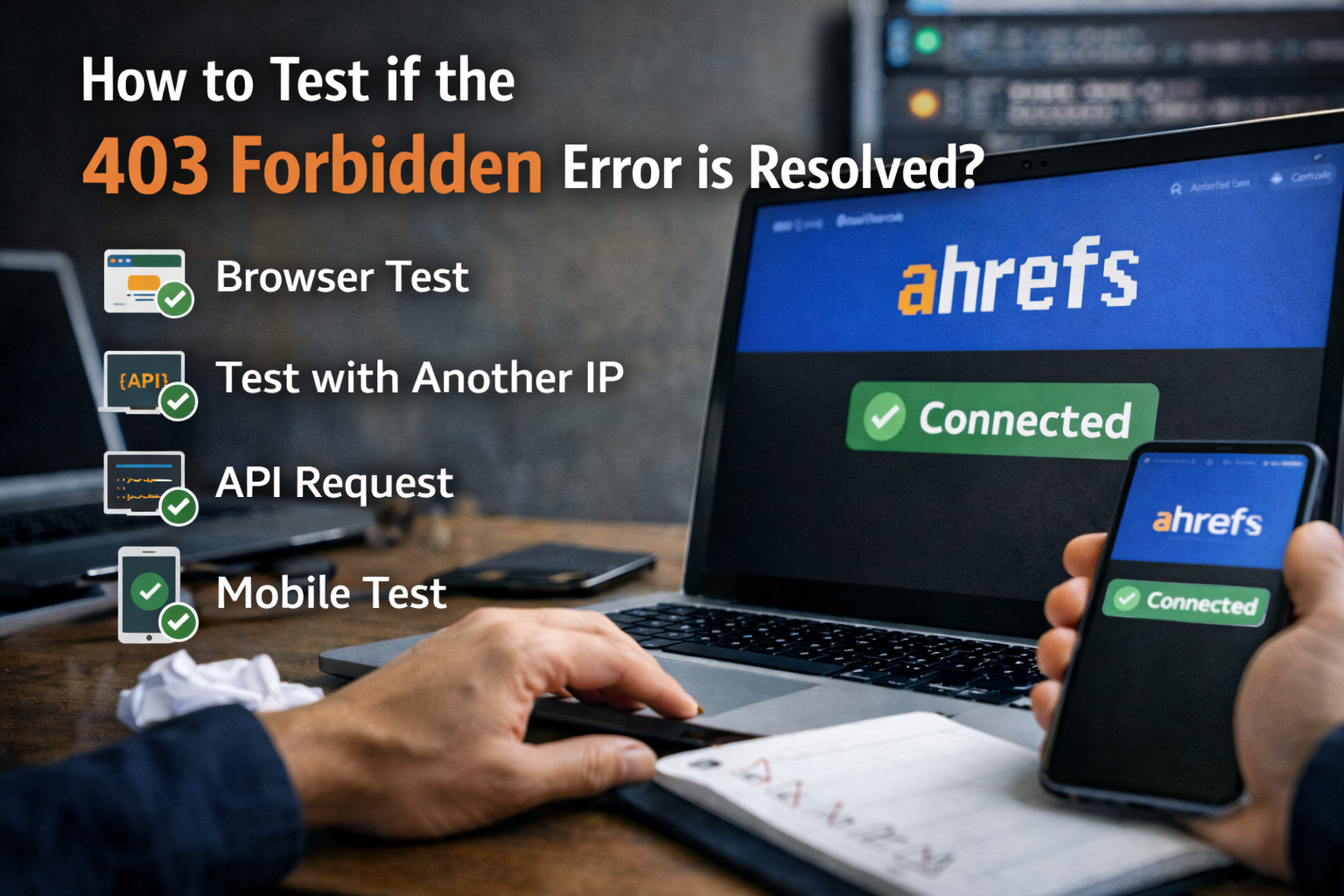
After you try the fixes, you need to test them. You want to make sure the error message is gone and the target page returned a good 200 code instead.
Using Server Logs to Verify Access
The best way to check is to look at your server logs. Logs are like a diary for your hosting account. Every time someone visits, the server writes it down. If you have SSH access, you can run an SSH command to read the logs.
Check if AhrefsBot visited recently. If the logs show a 200 code next to AhrefsBot, you fixed it! If it still shows an incorrect IP address or a 403, you need to double-check your new server configuration file.
Testing Endpoints with Postman or cURL
You can also test the link yourself. Open your web browser, like Google Chrome.
Before you test, clear your browser cache and delete your browser cookies. This ensures you see the newest version of the page, not an old saved copy. You can also use a VPN server to pretend you are visiting from a different country.
If you use tools like Postman, you can send a test request. If you see the content instead of unauthorized access, the issue is solved. You can also check Google Analytics or Google Search Console to see if regular traffic is flowing normally.
If Google search can see your page, usually Ahrefs can too.
FAQ’s:
Why is my Website Blocking AhrefsBot with a 403 Forbidden Error?
Your web server is blocking the bot for security reasons. The server’s firewall or security plugins might think the bot is visiting too fast. It acts like a strict guard and throws an error status code. You need to tell the server that AhrefsBot is a safe website crawler to let it in.
Can Web Scraping Activities Cause 403 Forbidden Errors?
Yes, scraping takes a lot of data very fast. If a server sees a bot pulling too many website files at once, it assumes it is a bad request. The server will use IP blocking to stop the activity. This results in a forbidden error to protect the site from crashing.
Why Does Ahrefs Show Random 403 Errors For My Site?
Random errors usually happen because of a temporary firewall rule or a faulty plugin.
Sometimes, your server is too busy and blocks new connections. It might also be caused by temporary file permission issues. You should contact your support team to look at your server configuration file.
I’m Using the Ahrefs API and Getting A 403 Error. What Should I Do?
First, check your API key to ensure you have valid credentials. If your key is correct, you might be asking for data too fast, which causes rate limiting. Wait a few minutes and try your request again. If it still fails, you may need to generate a new key.
Are 403 Errors Always Related to Server Issues, Or Can They Be Temporary?
They can definitely be temporary. Sometimes a server gets overwhelmed and blocks traffic briefly. Other times, a browser cache issue might show you an old error page. Clearing your browser cookies and cache can sometimes solve the problem if it was just a temporary glitch.
Does A 403 Error to AhrefsBot Hurt My SEO?
A 403 error to AhrefsBot does not directly hurt your rankings in Google Search. However, it stops Ahrefs from doing a proper site audit. If we cannot see your data at VH-Info, we cannot plan a good SaaS link building strategy. It creates a poor user experience for your marketing team.
How Do I Whitelist Ahrefs IP Addresses?
You need to add the Ahrefs IP address list to your server’s allowlist. You can do this by editing your htaccess file using an FTP client or file manager. If you do not know how to write the correct set of rules, ask your hosting provider’s support team to do it for you.
What is the Difference Between A 401 and A 403 Error with Ahrefs?
A 401 error means you are missing the right password or login details entirely. A 403 status code means the server knows who you are, but still refuses to give you the requested resource. Both give you an error message, but a 403 means you lack proper permissions even if you are logged in.
Conclusion
Seeing ahrefs is responding 403 forbidden response from Ahrefs can be frustrating, but it is easy to fix. The issue usually comes down to strict firewall rules, incorrect API keys, or simple permission issues on your web server.
By whitelisting the bot, checking your htaccess file, and verifying your settings, you can clear this error code quickly. Always remember to clear your browser cache and check your server logs to ensure the fix worked.
At VH-Info, we know how important clean data is for your growth. We are a dedicated SaaS link building agency. While we do not sell tools, we rely on clear access to platforms like Ahrefs to secure the best links for your business.
When your site runs smoothly, and Ahrefs can crawl it, our link-building campaigns perform much better. If you fix these small tech issues, you pave the way for a stronger online presence and a much better user experience for everyone.

 Share
Share