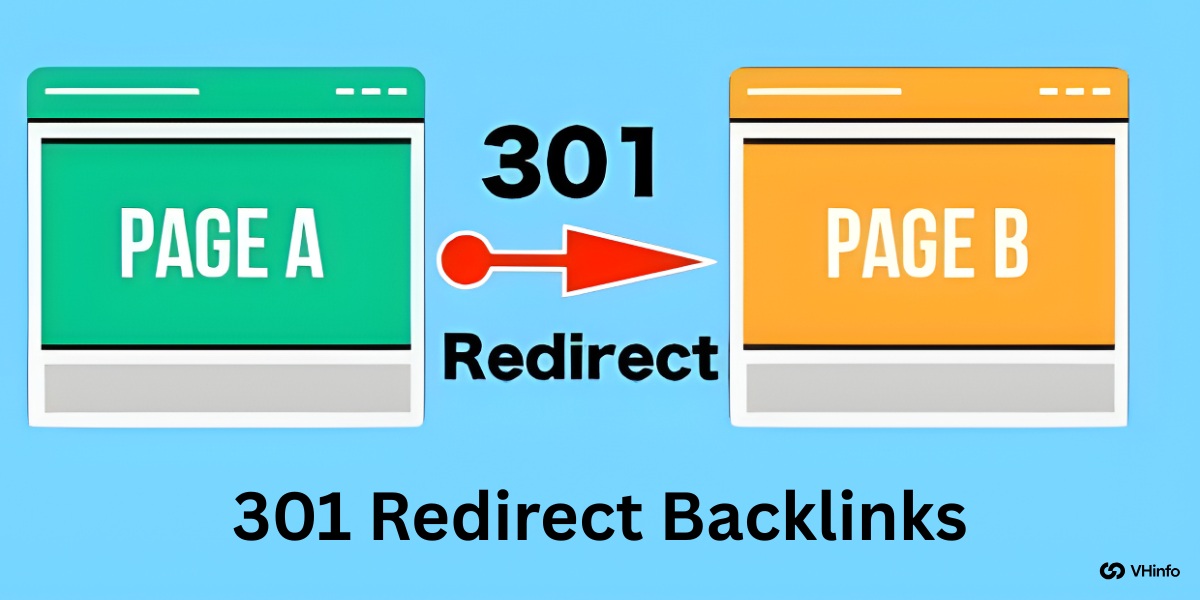
Imagine you move to a new house. If you don’t tell the post office your new address, you will lose all your mail. Your friends won’t know where to find you. A 301 redirect works the same way for websites.
It is a permanent sign that tells search engines and visitors, “I have moved to a new location.”
When you move a web page or a whole site, you want to keep the good reputation you built. This reputation is often referred to as link equity or link juice. If you change your URL without a plan, you lose that value. This can hurt your organic traffic and your business.
At VH-info, we help SaaS companies grow through link building. We know that getting links is hard work. You do not want to waste that effort by breaking them. This guide will teach you how to handle 301 redirect backlinks the right way. We will explain everything in simple words so you can protect your site’s SEO. Whether you are fixing broken links or moving to a new domain, this guide is for you.
Understanding 301 Redirect Backlinks and Their Impact on SEO
To fix SEO problems related to moving pages, you must understand what is happening behind the scenes.
What Is A 301 Redirect? (Permanent Vs. Temporary)
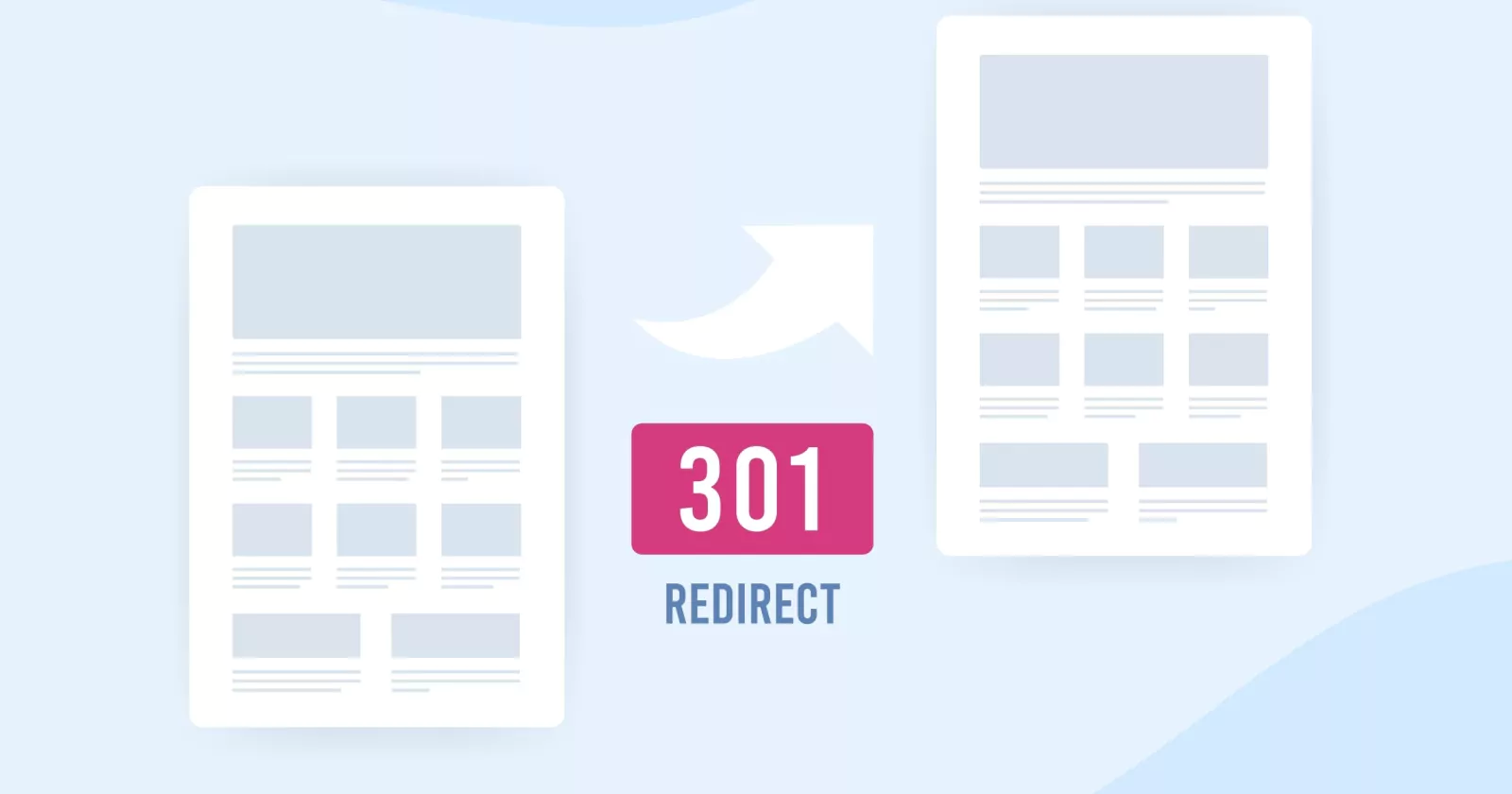
A 301 redirect is a specific HTTP status code. When a browser or a search engine tries to visit an old URL, the web server checks its list. If it sees a 301 code, it sends the visitor to the new URL immediately. The number “301” stands for “Moved Permanently.”
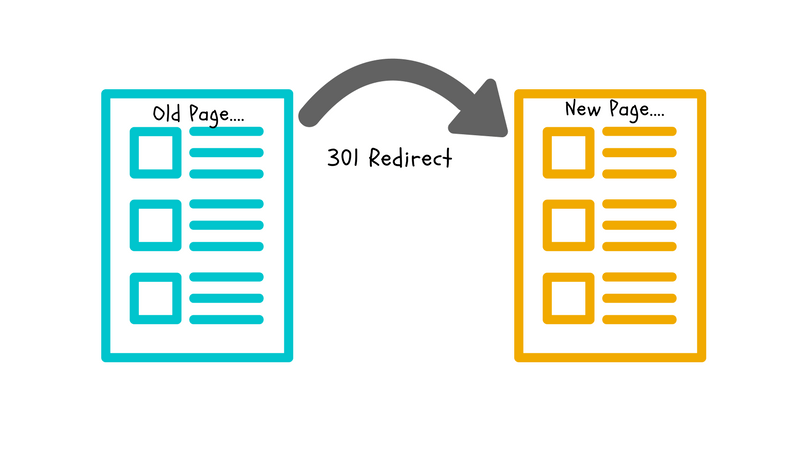
This is a permanent redirect or permanent redirection. It tells Google that the old page is gone forever and will not come back. Because it is permanent, Google knows to update its index. It stops showing the old address and starts showing the new page in search results.
This is different from a temporary move. A permanent move passes the credit to the new spot. It ensures that the user experience remains smooth. No one likes clicking a link and seeing an error.
What Are Backlinks and Why Do They Matter?
External links pointing from other websites to your site are called backlinks. Think of them as votes. When a high-quality site links to you, it tells Google that your content is good. This helps your search engine rankings.
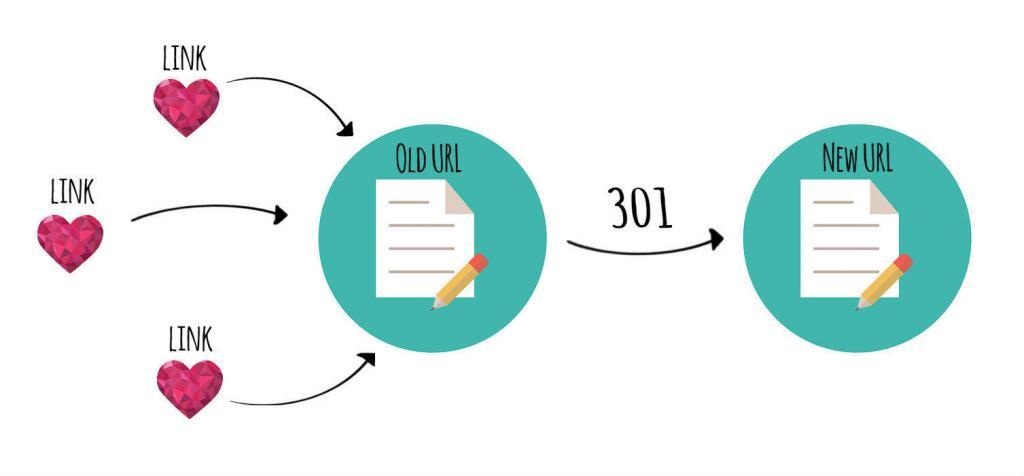
However, these votes are tied to a specific URL. If you change that URL without a redirect, the vote counts for nothing. It hits a dead end.
By using 301 redirect backlinks, you make sure those votes count for the new location.
How Do 301 Redirects Pass Link Equity (PageRank)?
Link equity, also known as link juice, is the value that a backlink passes to your site. In the past, people worried that redirects caused you to lose some of this value. Today, Google has stated that a 301 redirect passes 100% of the link equity.
This is great news for website owners. It means if you have a page with great authority, and you move it to a new URL, you keep that power. The SEO benefits transfer over. This helps maintain your SEO performance even after big changes.
301 Vs. 302 Redirects: The Critical Difference For Backlinks
It is very important to choose the right type of redirect. The two most common types are 301 and 302.
- 301 Redirect: This is a permanent move. It passes link authority and tells Google to index the new page.
- 302 Redirect: This is a temporary redirect. It tells Google, “I am using a different page for a short time, but I will go back to the old one soon.”
A 302 redirect does not pass link equity effectively. If you use a 302 by mistake, your SEO efforts will suffer. The search engines will keep the old URL in their index, and your new page won’t get the boost it needs.
Always use a 301 for permanent changes to keep your backlinks valuable.
When to Use 301 Redirects For Backlink Management?
You don’t need to use redirects all the time. Here are specific times when business owners should use them.
During A Full Website Migration (e.g., HTTP to HTTPS)
Security is a best practice for every website. Moving from HTTP to HTTPS makes your site secure. This is a type of website migration. Even though the content is the same, http://vh-info.com and https://vh-info.com are seen as different URLs by search engines.
You must redirect every HTTP page to its HTTPS version. This ensures all your backlinks pointing to the insecure version count toward your secure site. It also protects your search rankings.
When Changing Domain Names
Sometimes a company changes its name. You might move from old-business.com to new-business.com. This is a huge change. If you just launch the new domain without redirects, you start from zero. All your domain authority stays on the old site.
You must set up redirects from every page on the old domain to the corresponding page on the new domain. This tells Google that the original page has moved to a new home. It transfers the reputation to the new brand.
Consolidating Or Merging Similar Content Pages
Sometimes you might have two blog posts that talk about the same thing. This causes keyword cannibalization. This means your own pages compete against each other in google search.
To fix this, you should choose the best page. This is your “winner.” Then, take the duplicate content or weaker page and redirect it to the winner. This combines the link juice of both pages into one strong page. It creates a better resource for readers and usually ranks higher.
Handling 404 “Page Not Found” Errors With High-Value Backlinks
An error page or 404 code happens when a page is broken or deleted. If a page has zero backlinks, it is okay to let it be a 404.
But if that page has external links pointing to it, you are wasting SEO value.
You should redirect that broken URL to a relevant page. Do not just redirect every 404 to your homepage. That is bad for user experience. If the old page was about “blue shoes,” redirect it to the category page for “shoes,” not the homepage. This saves the link value.
After Acquiring A New Website Or Domain
Some companies buy other websites to grow. This is a smart strategy.
If you buy a competitor, you can redirect their site to yours. This passes their domain authority to you.
At VH-info, we often see this happen in the SaaS world. When you redirect an acquired site, make sure you map the pages correctly. The content should match. This helps your online presence grow much faster than starting from scratch.
How to Implement 301 Redirects to Consolidate Backlinks (A Step-by-Step Guide)
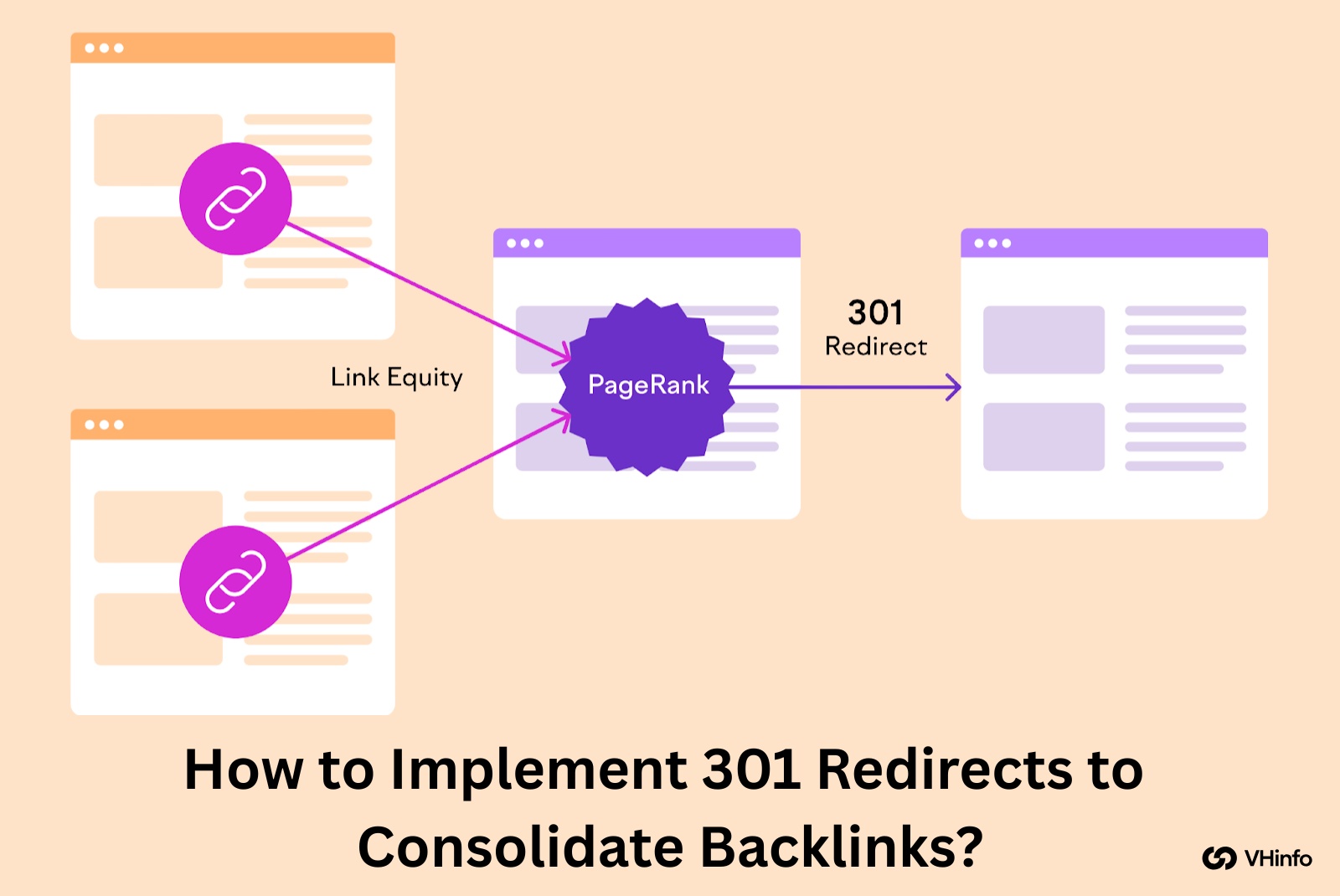
Setting up redirects might sound technical, but it is a standard process. Here is a comprehensive guide on how to do it.
Step 1: Identify All Backlinks to Your Old URLs (Using SEO Tools)
First, you need to know which pages have links.
You can use tools like Ahrefs, Semrush, or Google Search Console. Look for the “Links” report. This will show you which pages on your site are getting traffic and votes from other sites. Make a list of your old URLs that have backlinks.
These are the most important ones to save. Losing these would hurt your site’s SEO performance.
Step 2: Map Old URLs to New, Relevant URLs
Now, create a spreadsheet. In column A, list the old URL. In column B, list the new URL where it should go.
This is called mapping. The rule is relevance. The new page must be very similar to the old page. If the content is totally different, Google might treat it as a “soft 404” and ignore the redirect. The goal is to help the user find what they were looking for.
Step 3: Implementing 301 Redirects Via .htaccess
If your website runs on apache servers, you can use a file called .htaccess. This is a powerful configuration file. You can add rules here to tell the server where to send people. A simple code looks like this: Redirect 301 /old-page.html /new-page.html Be careful. One wrong character can break your site. Always back up your file before changing it. This method is fast and good for the web server performance.
Step 4: Implementing Redirects Via CMS Plugins (e.g., WordPress)
If you use WordPress, you don’t need to touch code. You can use plugins. A popular choice is the Redirection plugin or the premium version of Yoast SEO. These tools make the redirect process easy. You just paste the original URL in one box and the target URL in the other.
The plugin handles the http status for you. This is the best method for beginners.
Step 5: Testing and Verifying Your Redirects Are Working
After you set them up, you must test them. Click on the old link. Does it take you to the correct new location? You can also use a browser extension or a tool like “httpstatus.io” to check the status code. It should say “301 Moved Permanently.”
If it says 302 or 404, you need to fix it. Checking ensures your link building efforts are preserved.
Advanced Strategies Using 301 Redirect Backlinks
Once you know the basics, you can use redirects to boost your SEO strategy.
The “Merger Method”: Acquiring Expired Domains For Their Backlinks
This is a powerful technique. Sometimes, good websites expire. The owner stops paying for the domain name.
These domains might still have thousands of great backlinks. You can buy this old website and redirect it to your site. This is called the Merger Method. However, the topics must be related. If you are a SaaS company and you buy a cooking blog, Google will see this as spam.
But if you buy a smaller software blog, the link authority will help you.
Broken Link Building and 301 Redirects
Broken links are annoying for the web. They lead to dead ends. You can find broken links on other websites that relate to your industry. Reach out to the site owner. Tell them, “Hey, you have a broken link here. I have a similar article on my site.”
Sometimes, you can recreate the missing content on your own site. This helps you gain a new backlink. While this isn’t a direct 301 on your site, it fixes the web’s broken 301s and 404s to your advantage.
Consolidating Multiple Domains Into One Authority Site
If you own three small websites about similar topics, it is hard to rank all of them. It splits your SEO efforts.
It is often better to merge them into one big “Authority Site.” Use 301 redirect backlinks to point everything to one main domain. This combines all the traffic and link power. A single strong site usually ranks better than three weak ones.
This improves your online presence and makes management easier.
Common Mistakes to Avoid with 301 Redirects and Backlinks

Even experts make mistakes. Here are things you should not do.
Creating Redirect Chains or Loops
A redirect chain happens when Page A goes to Page B, and then Page B goes to Page C. This makes the browser work harder. It slows down your site. Speed is important for user experience. A redirect loop is even worse. Page A goes to Page B, and Page B goes back to Page A.
The browser gets stuck and shows an error. Always redirect A directly to C. Avoid the middle steps.
Redirecting to Irrelevant Pages (Losing Relevancy)
Do not redirect a deleted page to a random page just to save the link.
If the original URL was about “Link Building” and you redirect it to “Email Marketing,” the user is confused. Google is smart. If the content is not similar, it may stop passing the link equity. It treats the redirect as a mistake.
If you don’t have a relevant page, it is sometimes better to let it be a 404 or create a new single page that explains the content is gone.
Forgetting to Update Internal Links to the New URL
301 redirects handle external links from other sites. But you also have links on your own site. These are internal links.
If you redirect Page A to Page B, go through your website and change your internal links to point directly to Page B. If you rely only on the redirect, you create unnecessary load on your server. Keeping your URL structure clean is a best practice.
Using 302s (Temporary) by Mistake
We mentioned this before, but it is the most common error. Many servers default to a 302. You must verify that you are using a permanent redirect. A 302 tells Google to wait. It does not pass the SEO value you want. Always double-check your settings.
FAQ’s:
Do 301 Redirects Pass 100% of Link Juice (PageRank)?
Yes. Google has confirmed that 301 redirects pass full link juice. There is no longer a penalty or “tax” for redirecting. It is the best way to move a page.
How Long Should I Keep A 301 Redirect in Place?
You should keep it for at least one year. This gives Google enough time to update its index entirely. However, for important pages with many backlinks, it is best to keep the redirect forever.
What’s the Difference Between A 301 Redirect and A Canonical Tag For Backlinks?
A 301 redirect forces the user to a new page. A canonical tag is a suggestion. It tells Google, “This page is a copy, please give credit to the other one,” but the user stays on the page. For moving sites, a 301 is better.
Can 301 Redirect Backlinks Hurt My SEO?
Only if done poorly. If you buy spammy domains and redirect them, or if you redirect to irrelevant content, it can look manipulative. But if you use them to help the user find the right content, they are very good for SEO.
How Can I Check If My 301 Redirects Are Working Correctly?
You can use google search console. Look at the “Coverage” or “Pages” report. You can also use simple online tools where you paste the URL and it shows the http status.
Conclusion
Mastering 301 redirect backlinks is essential for any SEO strategy. They act as the bridge between your old hard work and your new success.
Proper implementation guarantees that all the trust your site has gained remains secure; it safeguards your link equity, enhances user experience, and assists search engines in comprehending any updates or changes to your site.
The steps remain consistent no matter if you’re simply repairing several broken links or handling a large-scale website migration—stay cautious, ensure relevance, and consistently verify your work.
At VH-info, we understand how technical and time-consuming this can be. Our mission is to make link building easier for SaaS businesses. While we don’t sell tools, our team of experts knows exactly how to build and protect your links.
If you want to focus on your product while we handle the complex world of backlinks and SEO, we are here to help. A strong redirect strategy is just one part of building a powerful online presence. Let’s build something great together.

 Share
Share